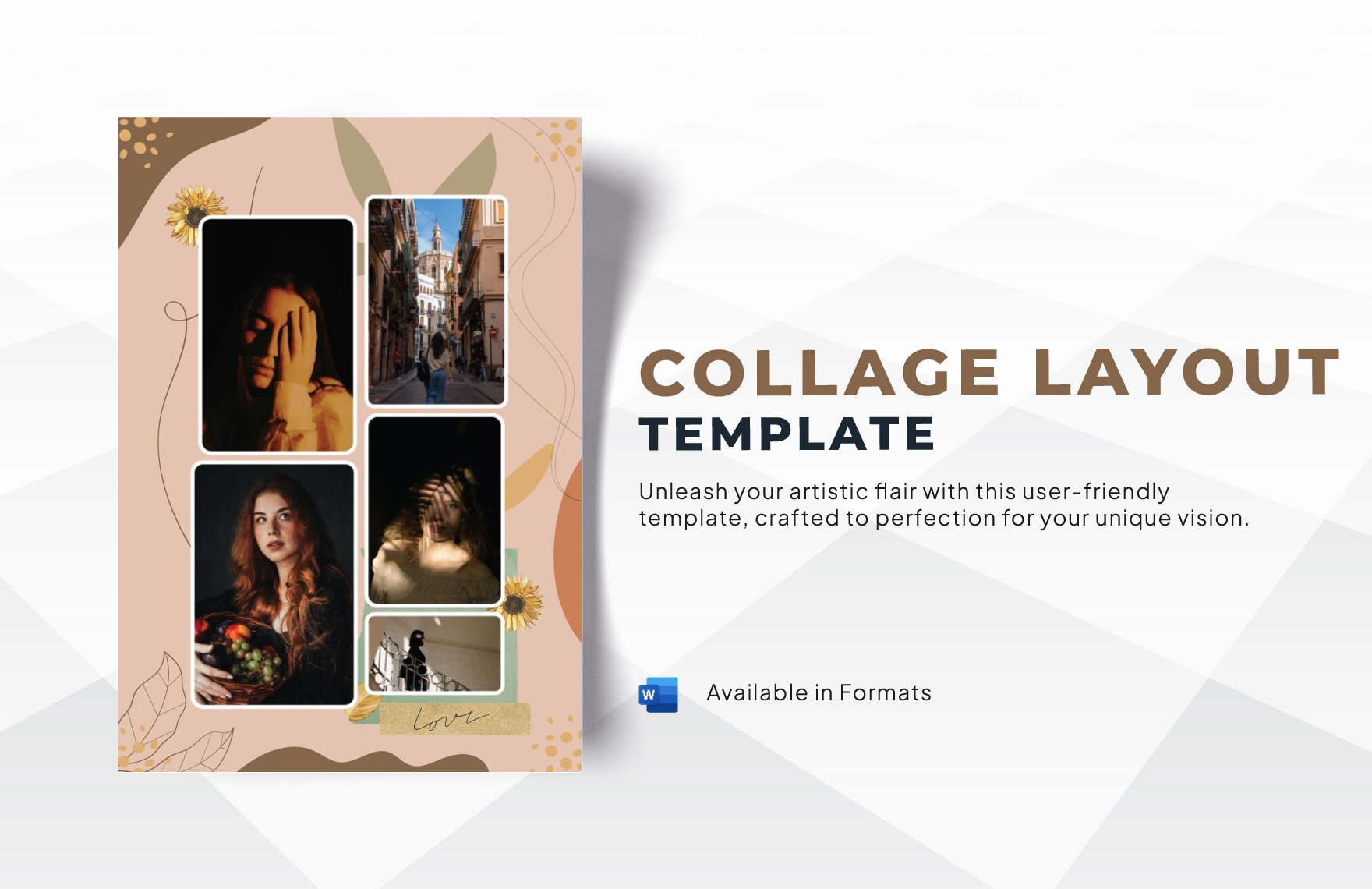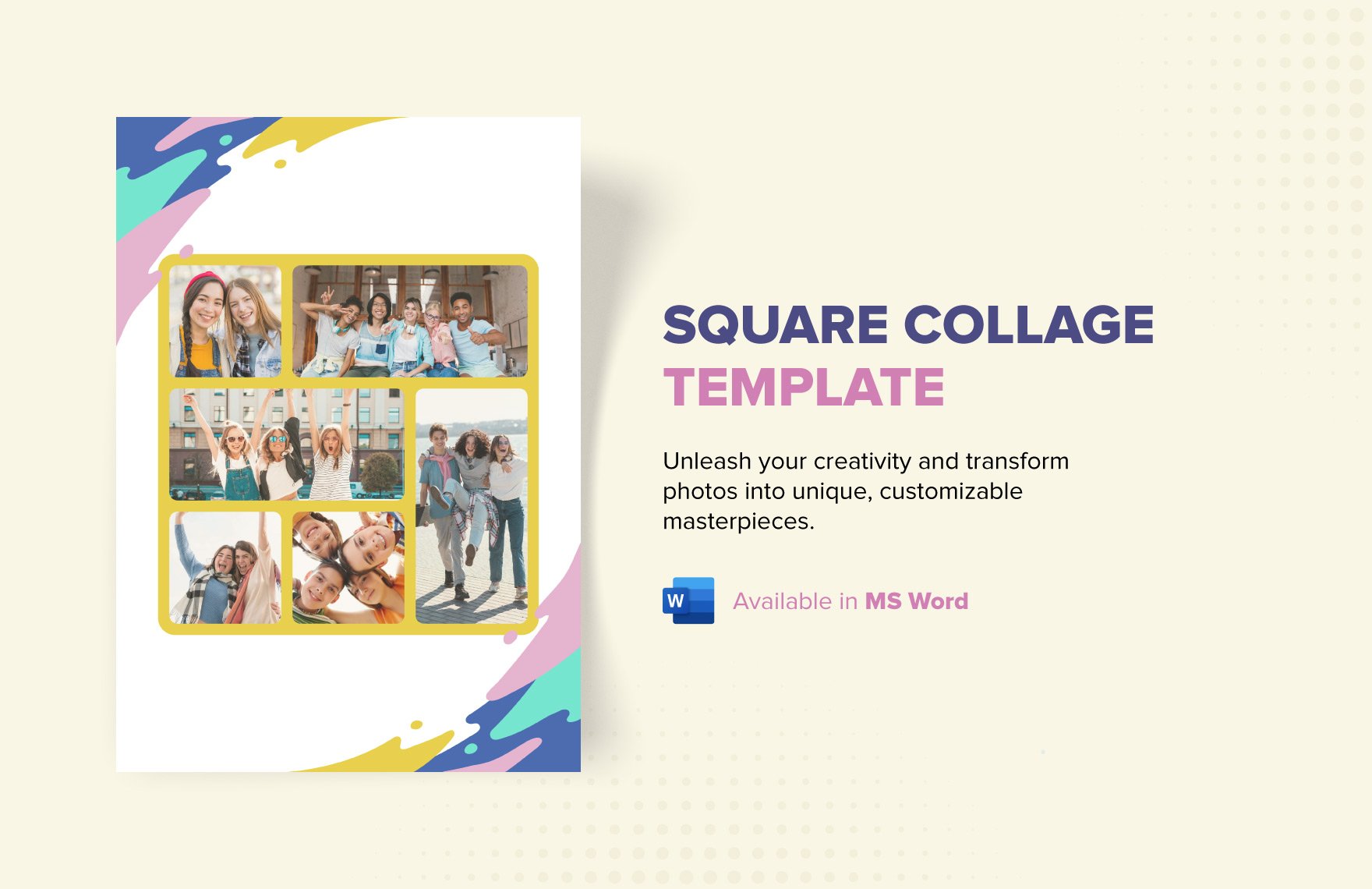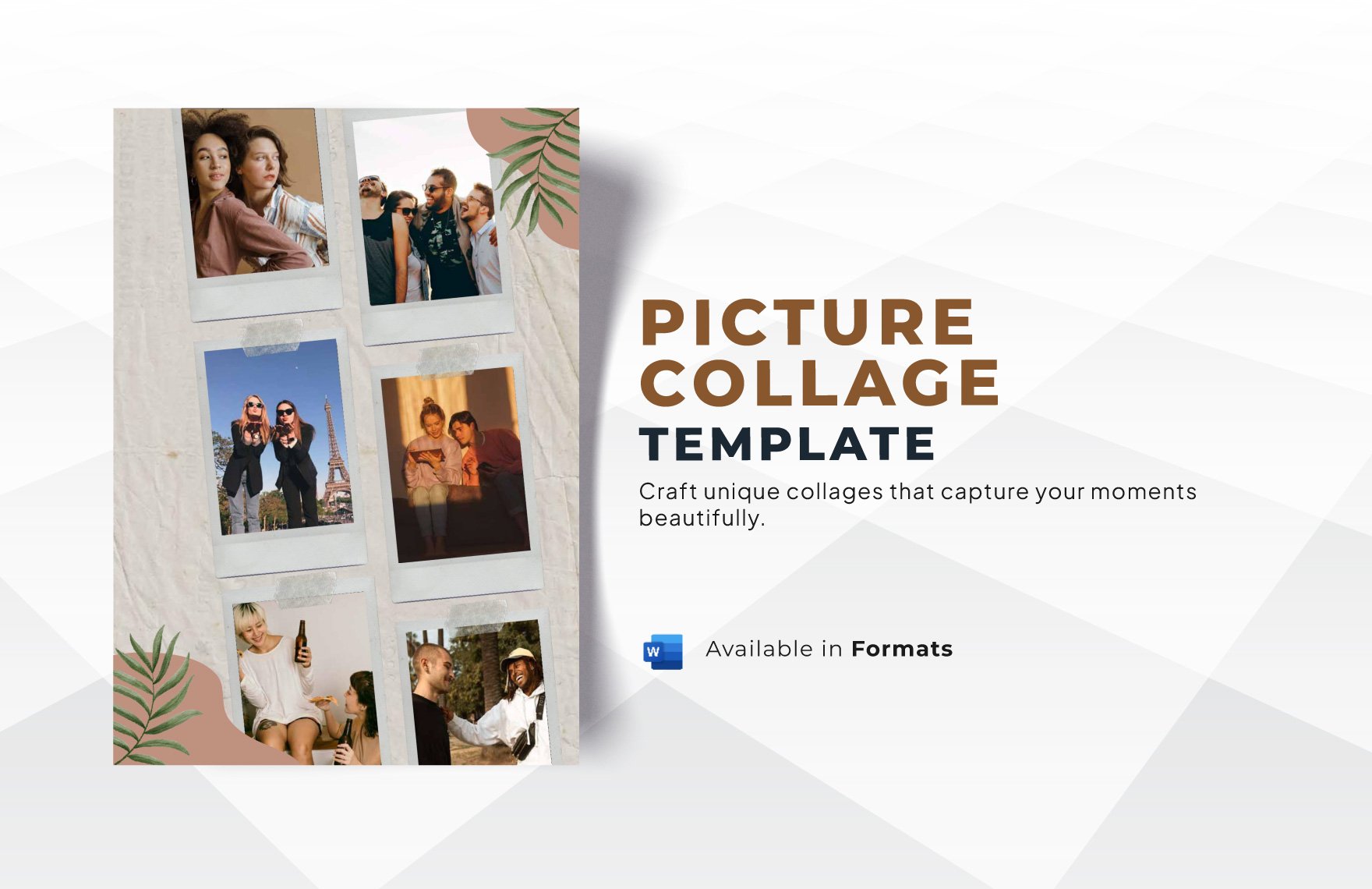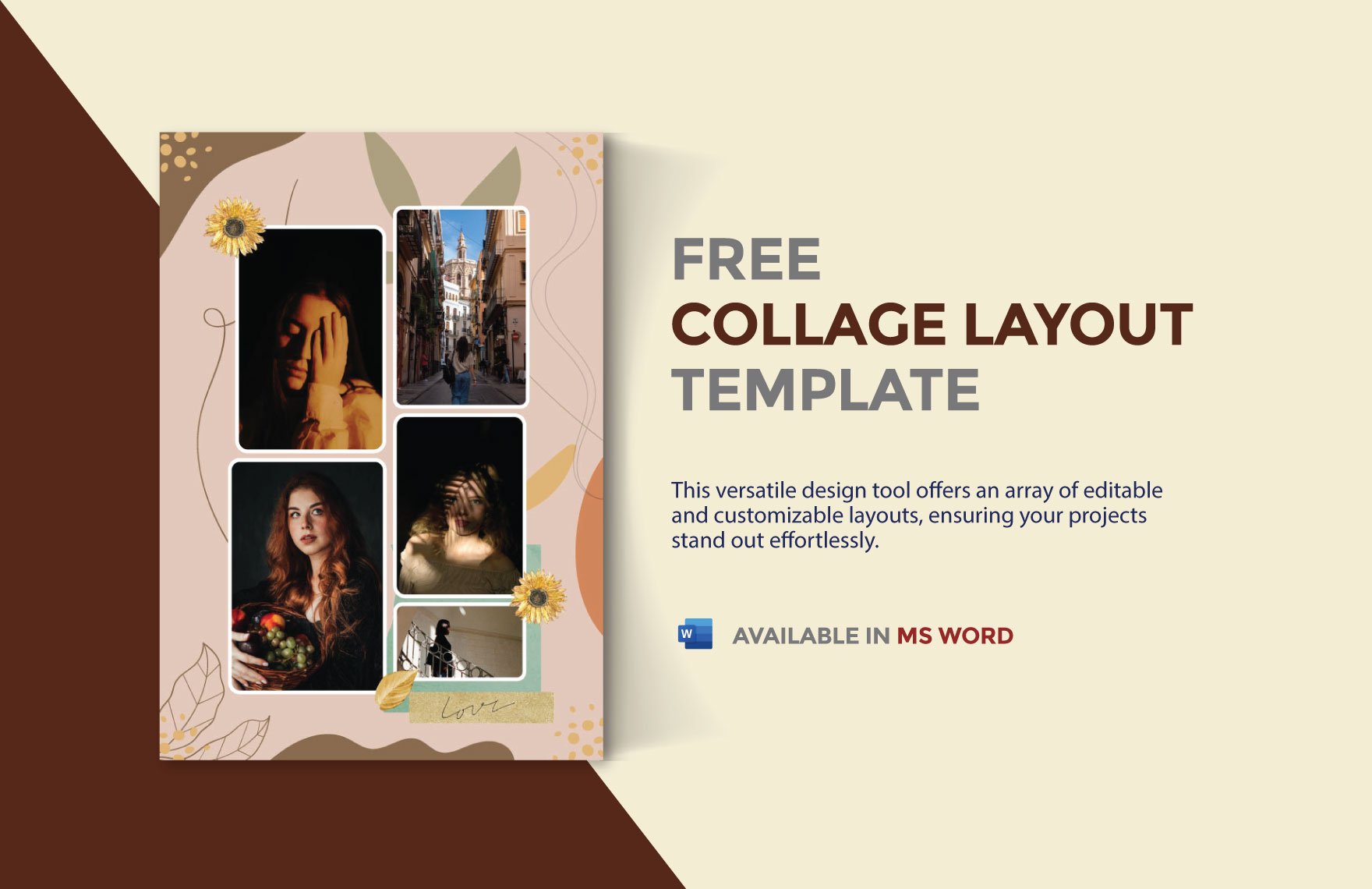
Free Word Collage Template is more than just a design tool—it’s a versatile canvas that lets you turn ideas, slogans, and imagery into a vibrant, word‑rich visual masterpiece. Whether you’re a graphic designer, a small business owner, or a student looking to add flair to a presentation, this resource can elevate your projects without breaking the bank.
What Is a Word Collage Template?
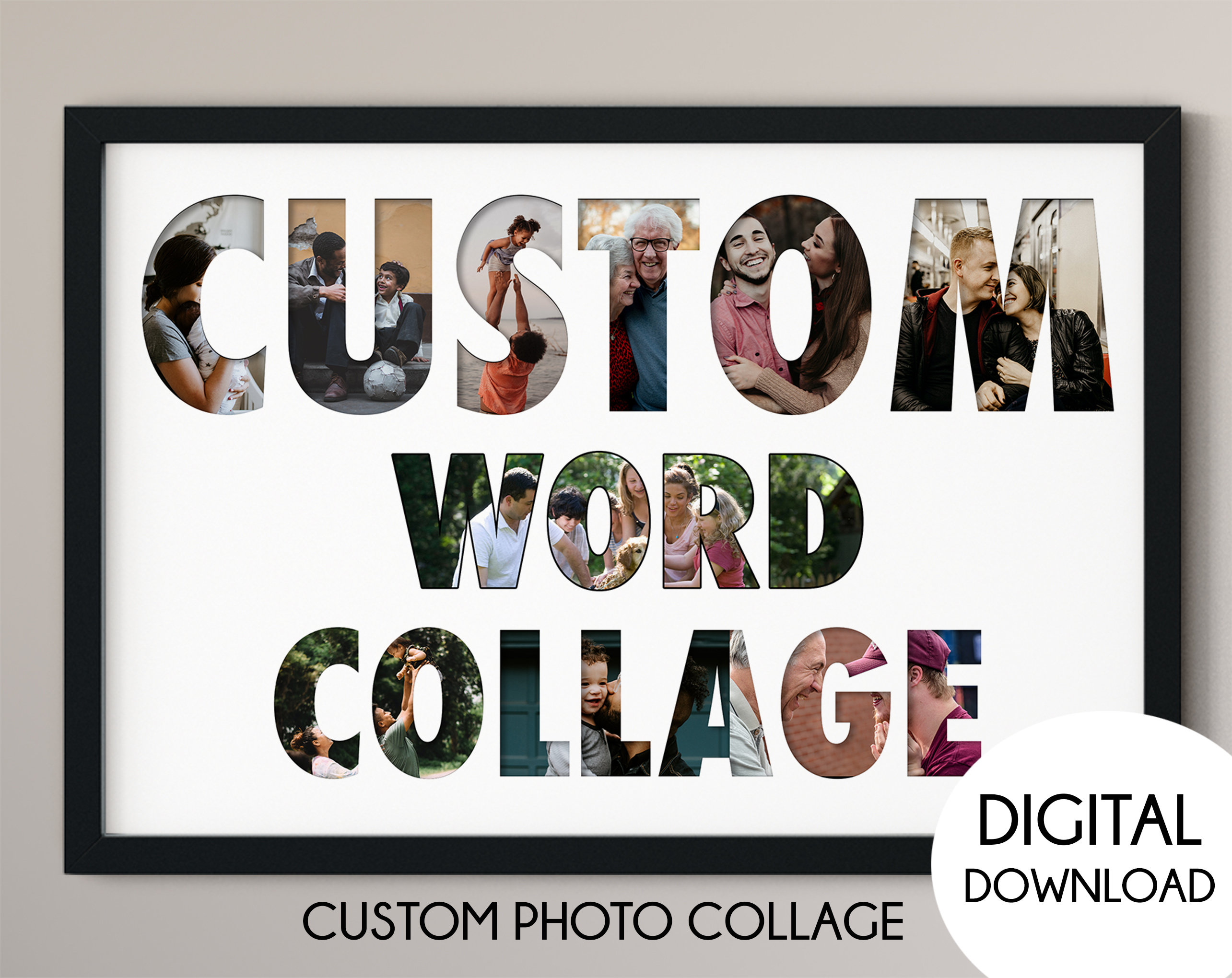
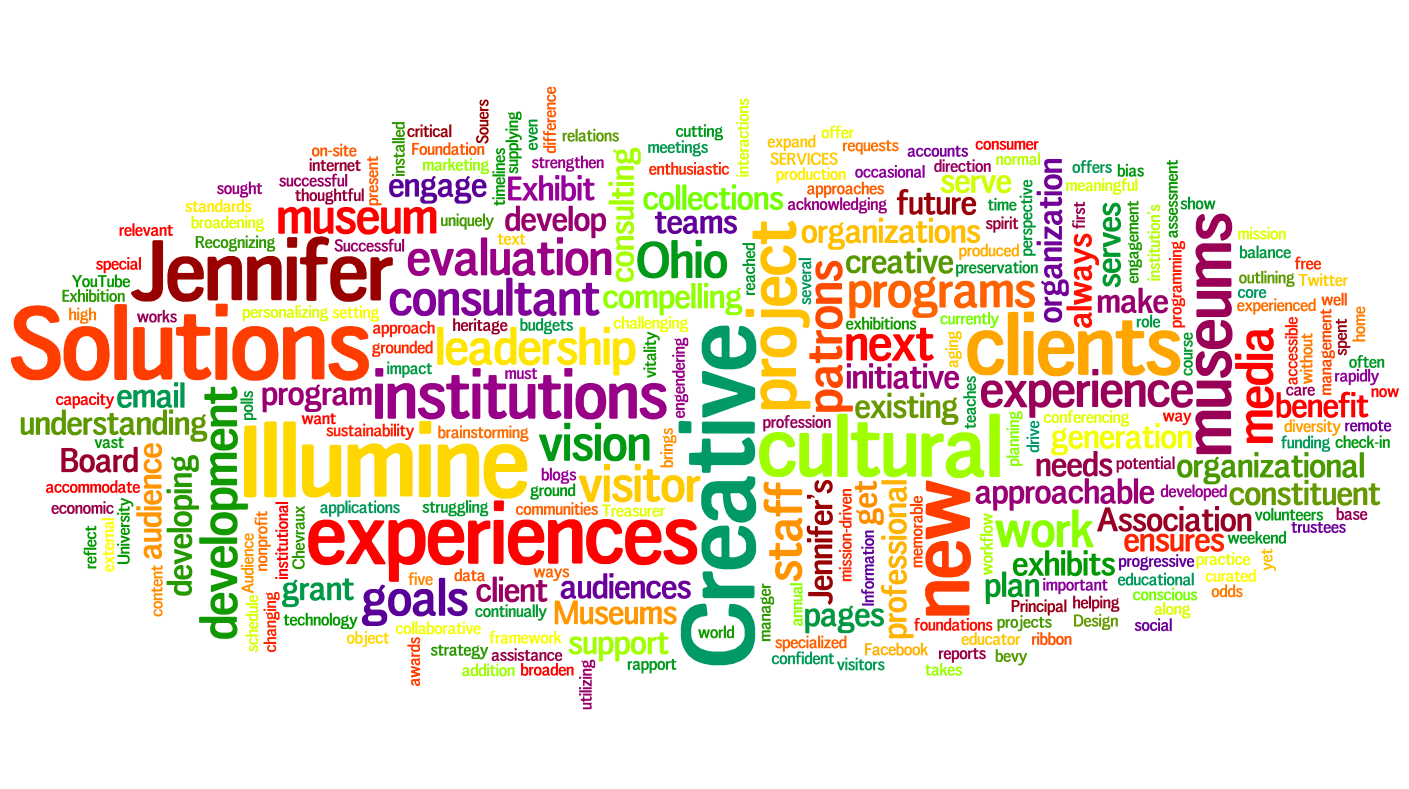
A word collage, also known as a word cloud or tag cloud, arranges text snippets—often keywords, phrases, or headlines—into an eye‑catching composition. Unlike a traditional document, a word collage emphasizes visual hierarchy and typography to convey meaning at a glance. A template provides the ready-made layout: preset fonts, color schemes, shapes, and spacing, so you can focus on content rather than design.
Core Features of a Good Template
- Responsive Layouts: Adaptable to desktop, tablet, and mobile sizes.
- Typography Options: Multiple font families and weights that work together.
- Color Palettes: Pre‑selected color sets that enhance readability.
- Shape Flexibility: Circular, rectangular, or custom shapes to frame your words.
- Layering Tools: Easy to add background images or graphic elements.
Why Use Free Word Collage Templates?

Free options remove financial barriers while delivering professional polish. They speed up the creative process, especially for non‑designers. Here are some tangible benefits:
1. Time Efficiency
Instead of starting from scratch, you can upload your text and instantly see a polished visual. This is ideal for social media graphics, event posters, and marketing collateral where deadlines are tight.
2. Consistent Brand Identity
Templates often come with customizable color schemes that align with brand guidelines. You can tweak a template to reflect your logo’s palette, ensuring visual consistency across platforms.
3. Creative Inspiration
Seeing words arranged in creative ways can spark new ideas. A collage template might suggest unusual typographic arrangements that you hadn’t considered, opening doors to fresh visual storytelling.
4. Accessibility & Shareability
Many free templates are compatible with popular software like Adobe Illustrator, Canva, or Microsoft Word. This compatibility guarantees that your final output can be easily shared in PDF, PNG, or JPEG formats.
Choosing the Right Free Word Collage Template

With countless templates available, narrowing your options can feel overwhelming. Use these criteria to make an informed decision:
Design Alignment with Purpose
Consider whether the template suits formal or informal contexts. A sleek, minimal design works for corporate reports, whereas a playful, hand‑drawn style might be better for a creative portfolio.
Font Pairing Quality
Look for templates that use complementary fonts—typically one bold, one light—to create contrast. Poor font pairing can make a collage feel cluttered and hard to read.
Color Harmony
Choose templates with colors that align with your brand or the emotional tone you want to set. A muted palette might convey sophistication; bright, saturated hues can energize a youthful audience.
Ease of Customization
Check if the template allows you to modify text size, weight, and placement without losing grid integrity. Templates that support layers and masks provide more flexibility.
Step‑by‑Step: Creating a Word Collage with a Free Template

Follow these steps to transform a simple text list into a striking visual narrative.
1. Gather Your Text
- Compile the core words or phrases you want to feature. Think about keywords that represent your topic or theme.
- Assign a frequency score or weight to each word if you plan to emphasize certain terms.
2. Select and Download a Template
- Browse trusted sources for free templates—many platforms offer high‑resolution, editable files.
- Download in a format compatible with your design software.
3. Import the Template into Your Editing Tool
- If using Canva, drag the template file into your workspace.
- For Adobe Illustrator, open the AI or PSD file and unlock layers.
- Microsoft Word users can import the template as a background image and use text boxes for each word.
4. Replace Placeholder Text
- Select each text placeholder and replace it with your own words.
- Adjust font size or weight to reflect word importance.
5. Adjust Layout for Readability
- Ensure high contrast between text and background.
- Spacing is crucial—avoid overcrowding that obscures meaning.
6. Add Visual Elements (Optional)
- Incorporate icons or small images that complement the words.
- Use subtle shadows or outlines to enhance legibility.
7. Export and Share
- Save the final design as a PNG or JPEG for online use, or PDF for print.
- Adjust resolution settings based on the medium—300 DPI for print, 72 DPI for web.
Tools and Resources to Enhance Your Collage

While a template provides structure, additional tools can elevate the outcome:
Typography Tools
Software like FontForge or Google Fonts lets you experiment with font families that complement your template.
Color Management
Adobe Color or Coolors can help generate harmonized palettes that match template guidelines.
Image Libraries
Unsplash and Pixabay offer royalty‑free images that can serve as background textures or accent visuals.
Collaboration Platforms
Figma or Miro allow multiple users to edit a template in real time, which is invaluable for team projects.
Real‑World Applications of Free Word Collage Templates

Word collages are not just for aesthetics; they solve real problems in various domains.
Marketing Campaigns
Use collages to showcase product features, customer testimonials, or brand slogans in a single visual that grabs attention on social media.
Educational Materials
Teachers can create engaging lesson overviews by collaging key terms, helping students visualize concepts.
Event Promotion
Conference organizers can highlight speaker names, session titles, and hashtags to build excitement and create shareable graphics.
Personal Branding
Individuals can showcase their skill sets, portfolio highlights, or mission statements in a memorable format that stands out on LinkedIn or personal websites.
Customizing Templates to Match Your Brand
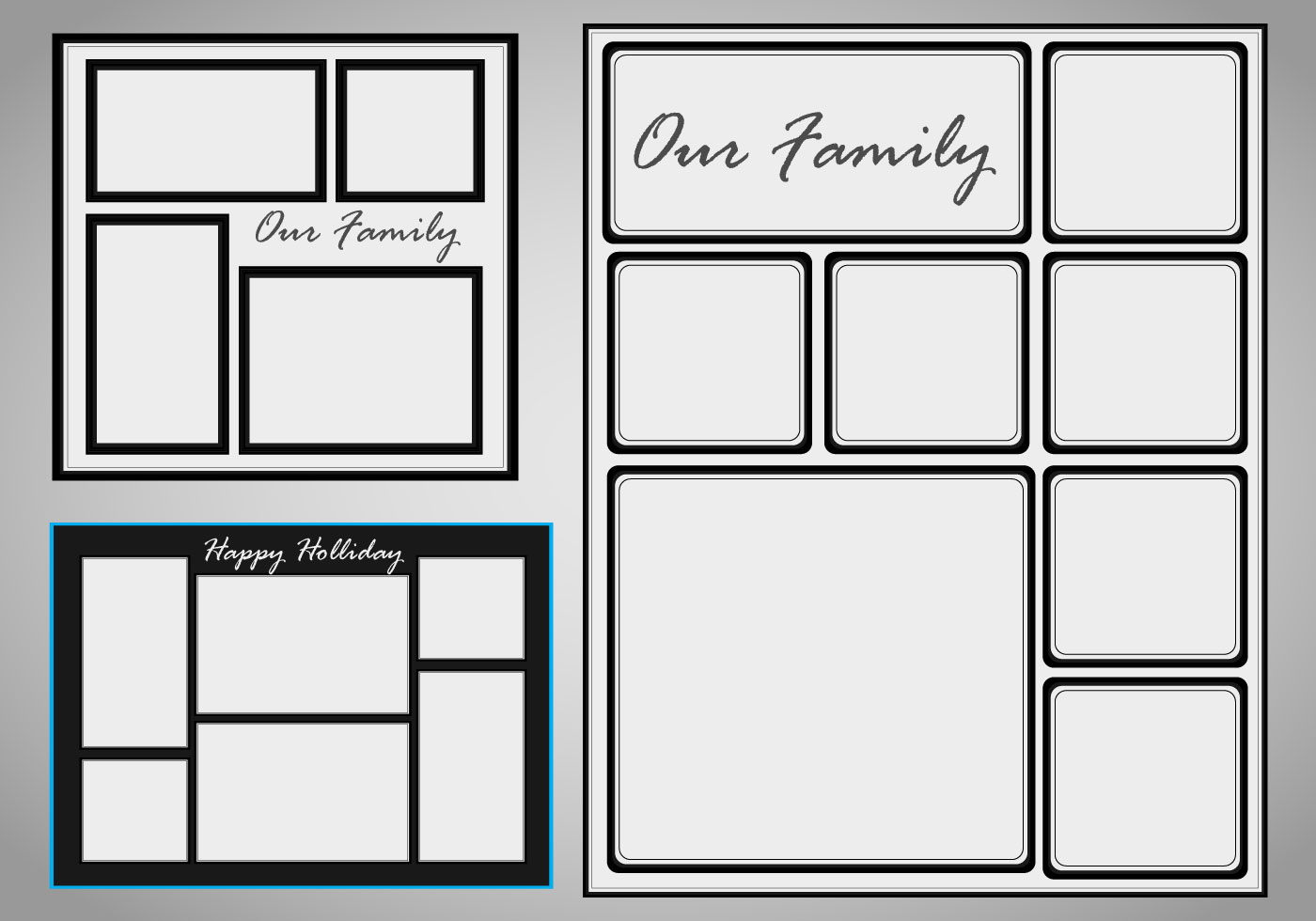
Personalization turns a generic template into a unique asset. Follow these steps to align the collage with brand identity.
Update Color Schemes
Replace default colors with your brand’s primary and secondary palettes. Ensure accessibility by maintaining sufficient contrast ratios.
Integrate Logos
Add your logo in a corner or as a background watermark. Use transparency to keep the focus on the text while still reinforcing brand visibility.
Adjust Font Choices
Swap template fonts with your brand fonts. Keep readability in mind—avoid overly decorative fonts for body text.
Incorporate Visual Motifs
Add subtle patterns or icons that reflect your industry, such as tech symbols or nature imagery.
Tips for Printing and Sharing Word Collage Graphics
Whether you’re distributing a printed handout or a digital post, the final output matters.
Resolution Settings
For print, aim for at least 300 DPI. For web, 72 DPI is adequate, but using 150 DPI can provide sharper visuals on high‑resolution screens.
File Formats
Export PNGs for web with transparent backgrounds. PDFs are preferred for print to preserve vector integrity.
Color Profiles
Convert colors to CMYK for print jobs to avoid unexpected shifts. For digital, stick with RGB.
Captioning and Accessibility
Include alt text describing the collage for screen readers. This improves SEO and ensures inclusive design.
Common Mistakes and How to Avoid Them
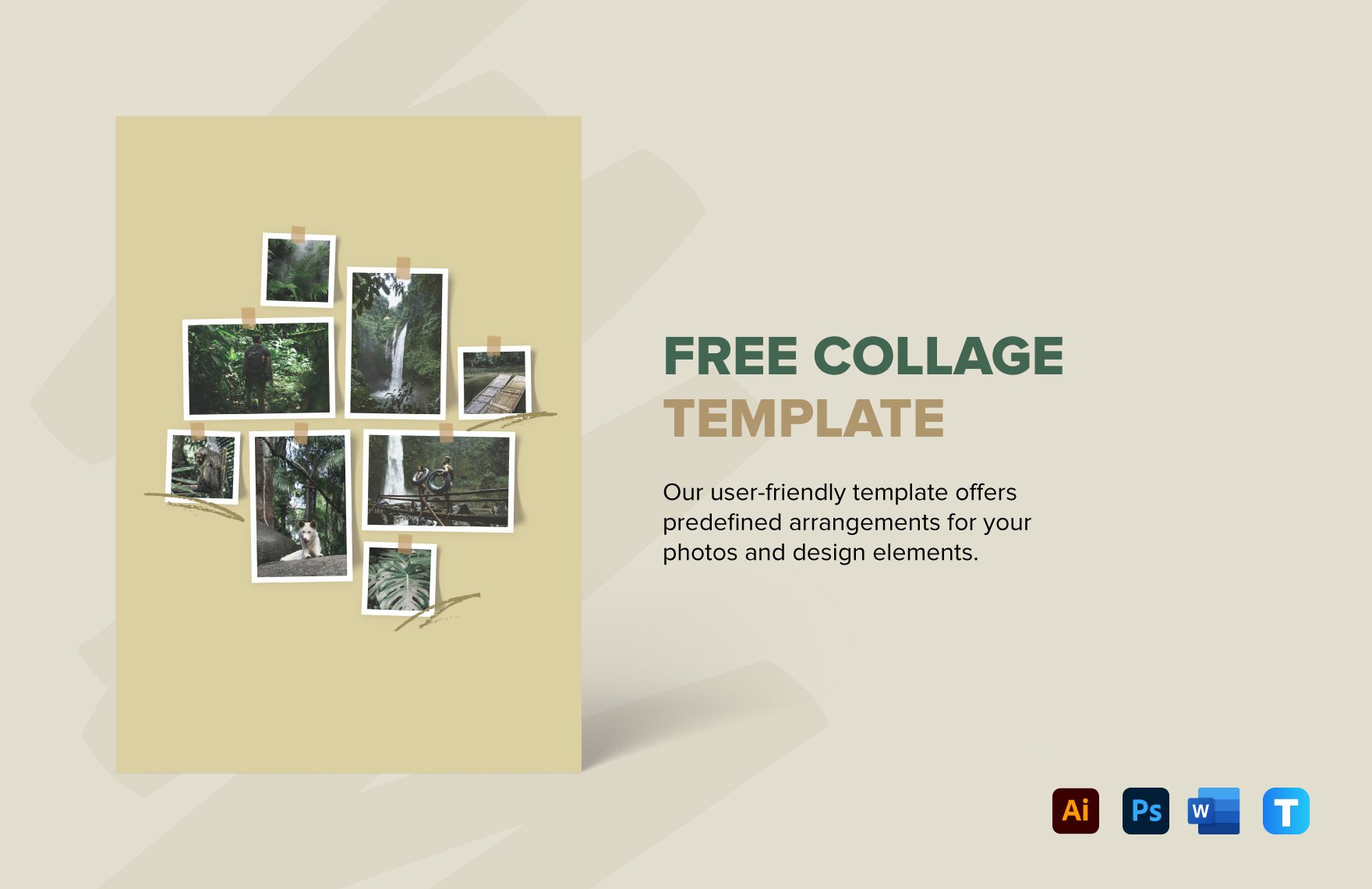
Even seasoned creators can fall into pitfalls that dilute impact.
Overcrowding the Canvas
Too many words create visual noise. Stick to a core set of 10-20 key terms for clarity.
Ignoring Hierarchy
All words in a collage should have a visual order—larger or bolder fonts for higher importance.
Using Low‑Contrast Colors
Ensure text stands out against the background. Test readability on multiple devices.
Neglecting Export Settings
Saving at low resolution or incorrect color mode can compromise quality. Double‑check before finalizing.
Conclusion

Free Word Collage Templates provide a powerful, low‑cost pathway to compelling visual communication. By understanding what makes a template effective—responsive layout, versatile typography, and color harmony—you can select the right one for your project. The step‑by‑step creation process, coupled with customization techniques and best practices for printing and sharing, equips you to produce polished, brand‑aligned collages that capture attention and convey messages instantly. Embrace these templates as a starting point, and let your creativity shape them into a distinctive asset that elevates every presentation, marketing piece, or personal showcase.