
Free Printable Funny Certificate Templates offer a delightful way to recognize achievements, add a splash of humor to events, or simply bring a smile to anyone’s face. These ready‑made designs combine the charm of traditional certificates with witty text, quirky graphics, and playful fonts that instantly make the occasion memorable. Whether you’re a teacher, a corporate trainer, a parent, or a club organizer, having a collection of laugh‑out‑loud certificates can elevate any celebration.
Why Choose Free Printable Funny Certificates?
In today’s digital‑first world, a touch of personalization can set an event apart. Funny certificates add an element of surprise, keep people engaged, and provide a tangible memento. They also save time and money—no need to hire a designer or spend hours on a spreadsheet. The templates are customizable, printable at home or in a local print shop, and instantly shareable via email or social media.
Cost Efficiency
Commercial award certificates often cost between $10 and $50 for a basic pack. Free printable options eliminate these expenses while offering comparable aesthetics. Many sites provide high‑resolution PDFs that can be printed on any paper size, from A4 to 8.5″ × 11″.
Time Savings
Instead of starting from scratch, templates provide a complete layout. With a few clicks, you can adjust titles, names, dates, and personalized messages. This means you spend minutes on editing rather than hours on layout design.
Instant Gratification
Printing a funny certificate right after a workshop or a team meeting offers instant acknowledgment. The recipient can keep it as a keepsake, display it, or share it online—boosting engagement and brand visibility.
Popular Themes and Styles

Funny certificates come in many flavors. Below are the most popular categories and how they can fit different occasions.
School & Classroom Fun
These certificates celebrate academic milestones with humorous titles like “Best Napper” or “Master of Homework.” They’re great for after‑school clubs, spelling bees, or class competitions. Teachers can add a short joke or a meme‑style border for added appeal.
Corporate Recognition
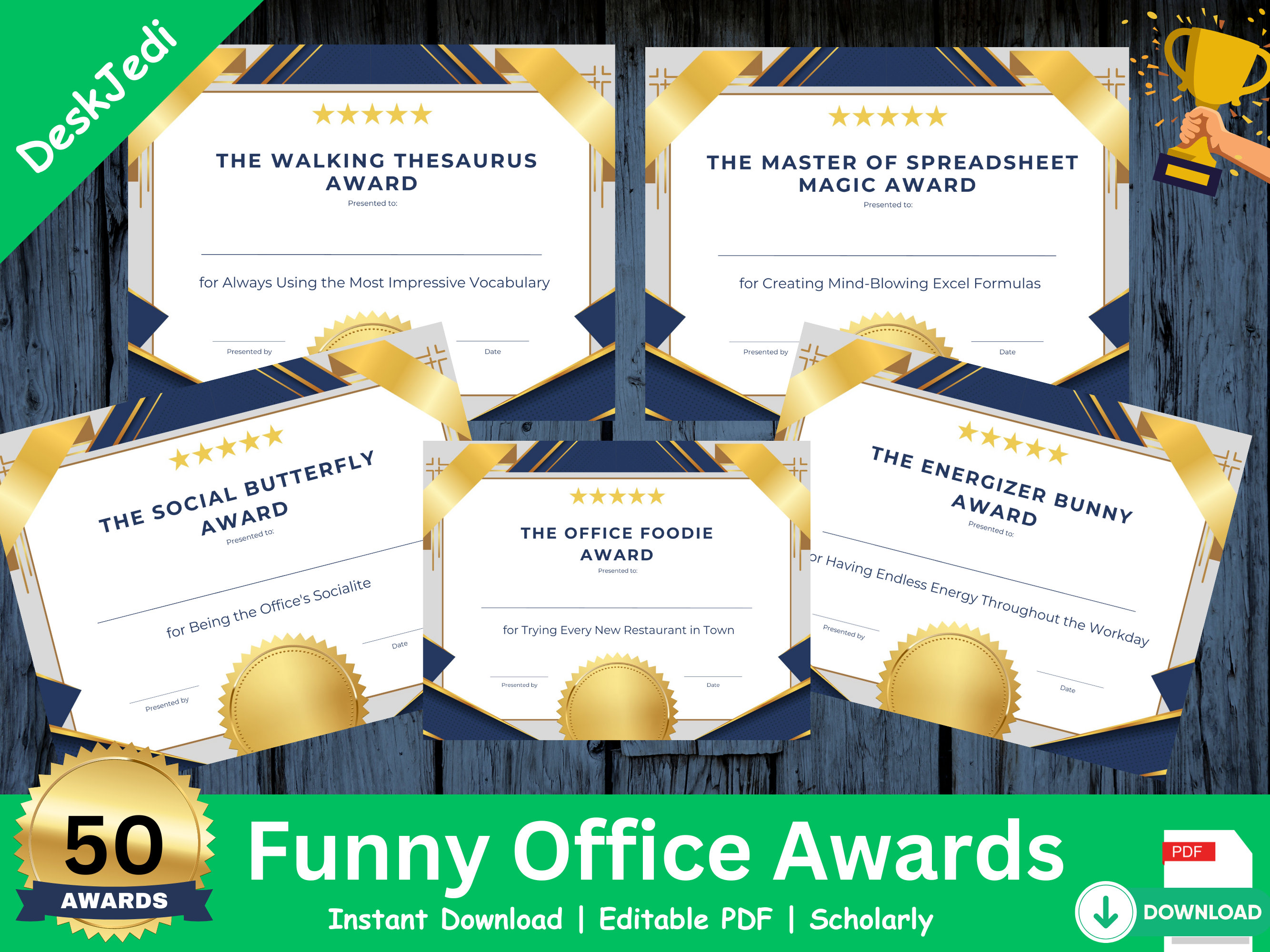
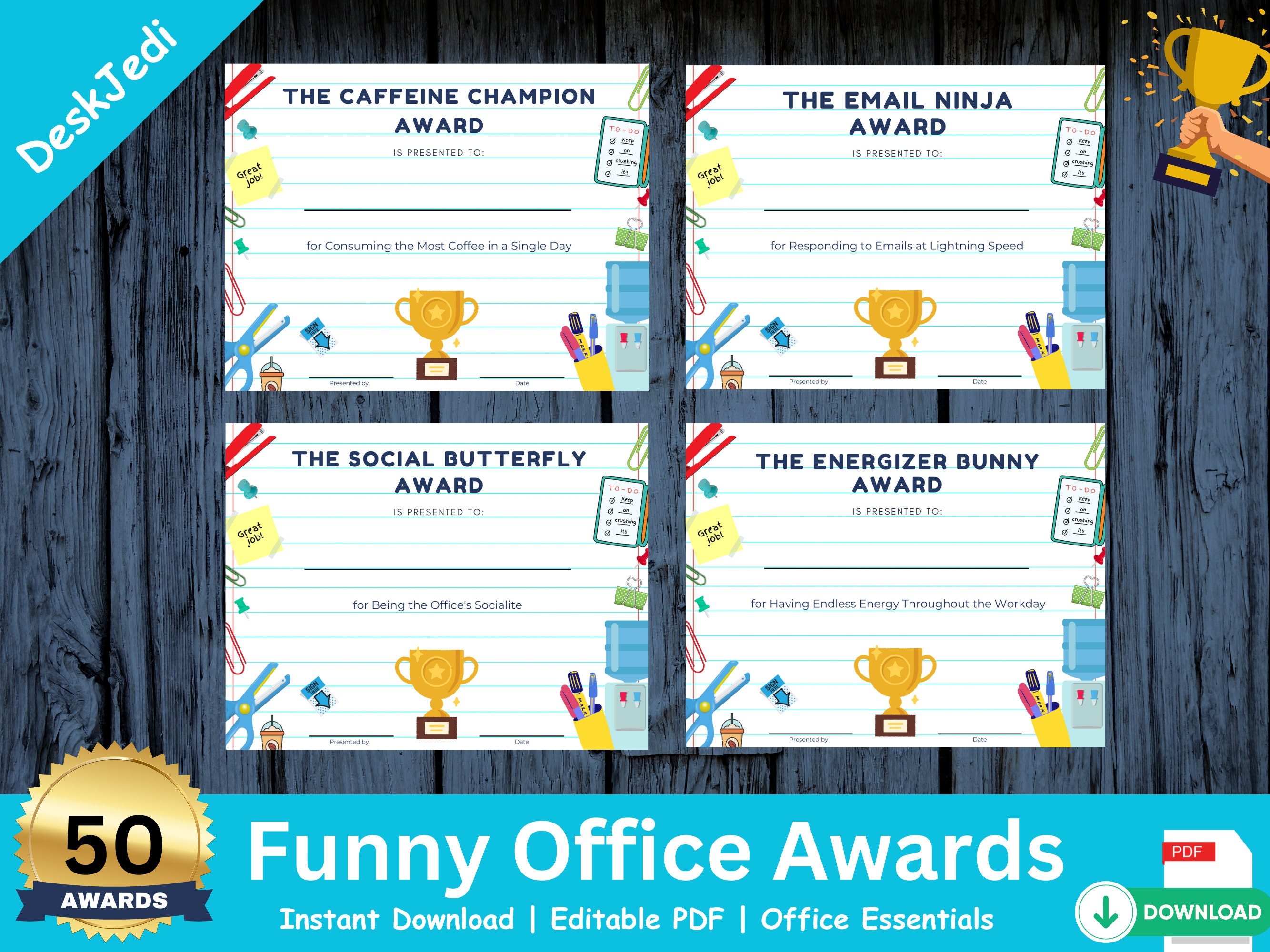
In the workplace, humor can lighten a serious award ceremony. Titles such as “Best Email Reply Time” or “Office Plant Caretaker” keep morale high. A subtle corporate logo on the header ensures brand consistency while the playful text brings a human touch.
Community & Volunteer Awards
Neighborhood groups or nonprofit events often appreciate lighthearted recognition. “Volunteer of the Year – for actually showing up” or “Neighborhood Superhero” encourages participation and spreads positivity within the community.
Family & Birthday Parties
Parents can create funny certificates for milestones like “First Year of Living in the House” or “Best Cookie Baker.” These can be printed as part of a gift or displayed in a photo album.
Sports & Fitness
From “Fastest in the Hallway” to “Gym Time Guru,” fitness clubs can award members with amusing titles that motivate them to keep exercising while enjoying a good laugh.
How to Customize a Funny Certificate

Most templates allow for straightforward editing. Below is a step‑by‑step guide that applies to PDFs, Word documents, and online editors.
Choosing the Right Software
- Adobe Acrobat Reader DC: Open the PDF, click “Edit PDF,” and modify text fields.
- Microsoft Word: If the template is in DOCX, simply replace placeholder text and adjust formatting.
- Google Docs: Upload the DOCX or PDF (converted to Docs), edit online, and share directly.
- Canva: Upload the PNG or PDF and use drag‑and‑drop features for a visual approach.
Editing Text Fields
Most templates come with bold placeholders. Replace them with the recipient’s name, award title, and date. Keep the tone consistent with the rest of the document. Use a lighthearted font like Comic Sans, Impact, or Lobster for added personality.
Adjusting Colors and Borders
Swap the color scheme to match an event’s theme. For example, a summer camp could use pastel colors and a sun border, while a corporate event may retain a muted palette with a subtle “award” watermark.
Inserting Custom Graphics
To elevate the humor, add small icons like stars, thumbs‑up signs, or cartoon characters. Free icon libraries such as Flaticon or Unsplash provide royalty‑free images that can be inserted without licensing issues.
Proofreading and Final Checks
Before printing, double‑check spelling, punctuation, and the accuracy of the award title. A simple typo could undermine the humor. Use a spell‑check tool or ask a colleague to proofread for a fresh perspective.
Printing Tips for Best Results
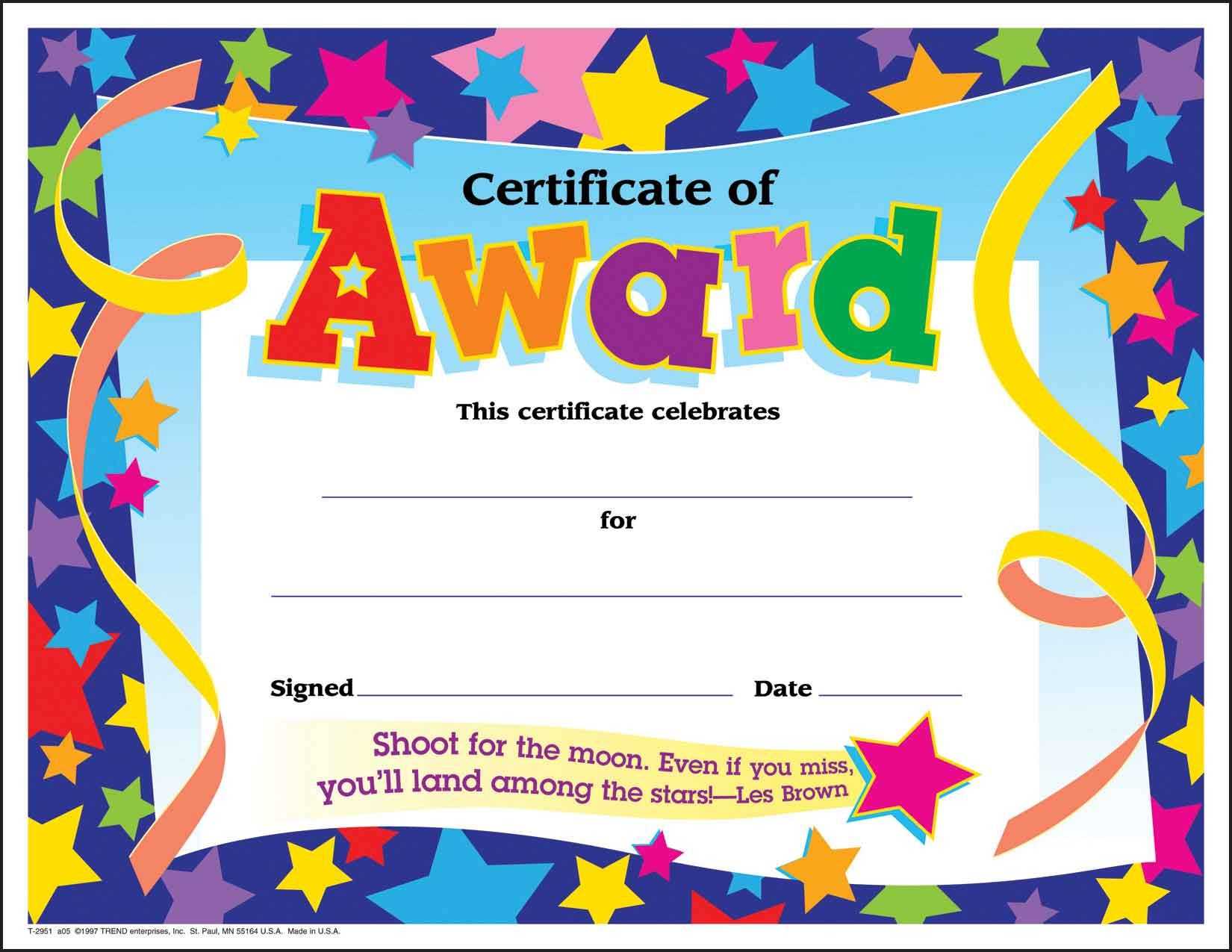
Even a beautiful design can look underwhelming if printed poorly. Follow these practical tips to ensure a professional finish.
Paper Quality
Use thick, matte or semi‑glossy cardstock (120–200 lb). It gives a premium feel and prevents ink bleed.
Printer Settings
- Set the printer to “High‑Quality” or “Best” mode.
- Choose “Color” mode if the design includes colors; otherwise, “Black & White” may suffice.
- Check that the page orientation and margins match the template dimensions.
Test Print
Print a single copy on standard printer paper first. Verify that text aligns correctly and that the overall layout looks balanced. Once satisfied, print the final version on cardstock.
Optional Finishing Touches
Add a ribbon, sticker, or a small envelope to deliver the certificate. For a digital version, convert the finished PDF to a JPEG or PNG for quick sharing.
Real-World Use Cases

Below are a few practical examples that illustrate how different audiences leverage funny certificates.
High School Graduation
Teachers issue certificates like “Most Likely to Win a Nobel Prize (in a Different Field)” to graduates before they head to college. These become cherished mementos that spark conversation and laughter for years.
Corporate Quarterly Awards
A tech company’s HR department distributes certificates such as “Best Bug Fixer” or “Most Creative Use of Slack Memes.” Employees receive a tangible acknowledgment that also enhances team spirit.
Nonprofit Volunteer Recognition
At a local food bank, volunteers are awarded “Hero of the Kitchen” or “Most Generous Donor of Time.” The humor keeps the atmosphere light while emphasizing the importance of volunteer work.
Family Milestone Celebration
Parents craft “First Year of Being a Parent” certificates and display them in a family photo book. These playful acknowledgments capture memories that last a lifetime.
Ensuring Accessibility and Inclusivity
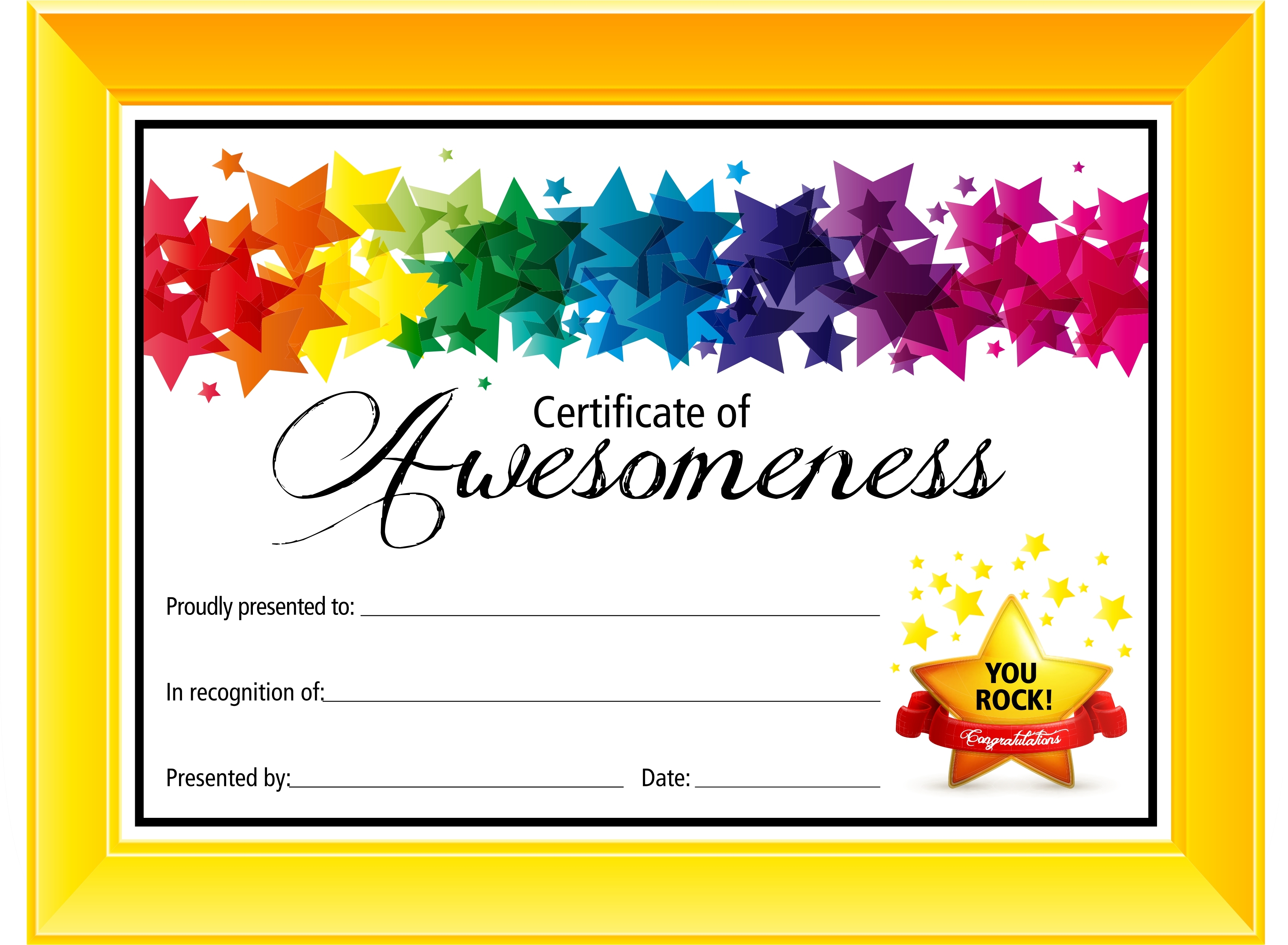
While humor is a powerful tool, it’s essential to ensure that certificates remain respectful and inclusive. Avoid jokes that could be misinterpreted or offensive. When in doubt, opt for universal humor—such as playful puns, light sarcasm, or gentle teasing about common experiences.
Language Considerations
Use simple, clear language. If you’re distributing certificates in a bilingual community, provide translations or choose a universally understood phrase.
Visual Accessibility
Ensure font sizes are at least 14‑point for readability. Contrast colors adequately so that text stands out against the background. Add alt‑text descriptions if certificates will be shared online.
Promoting Your Certificate Collection
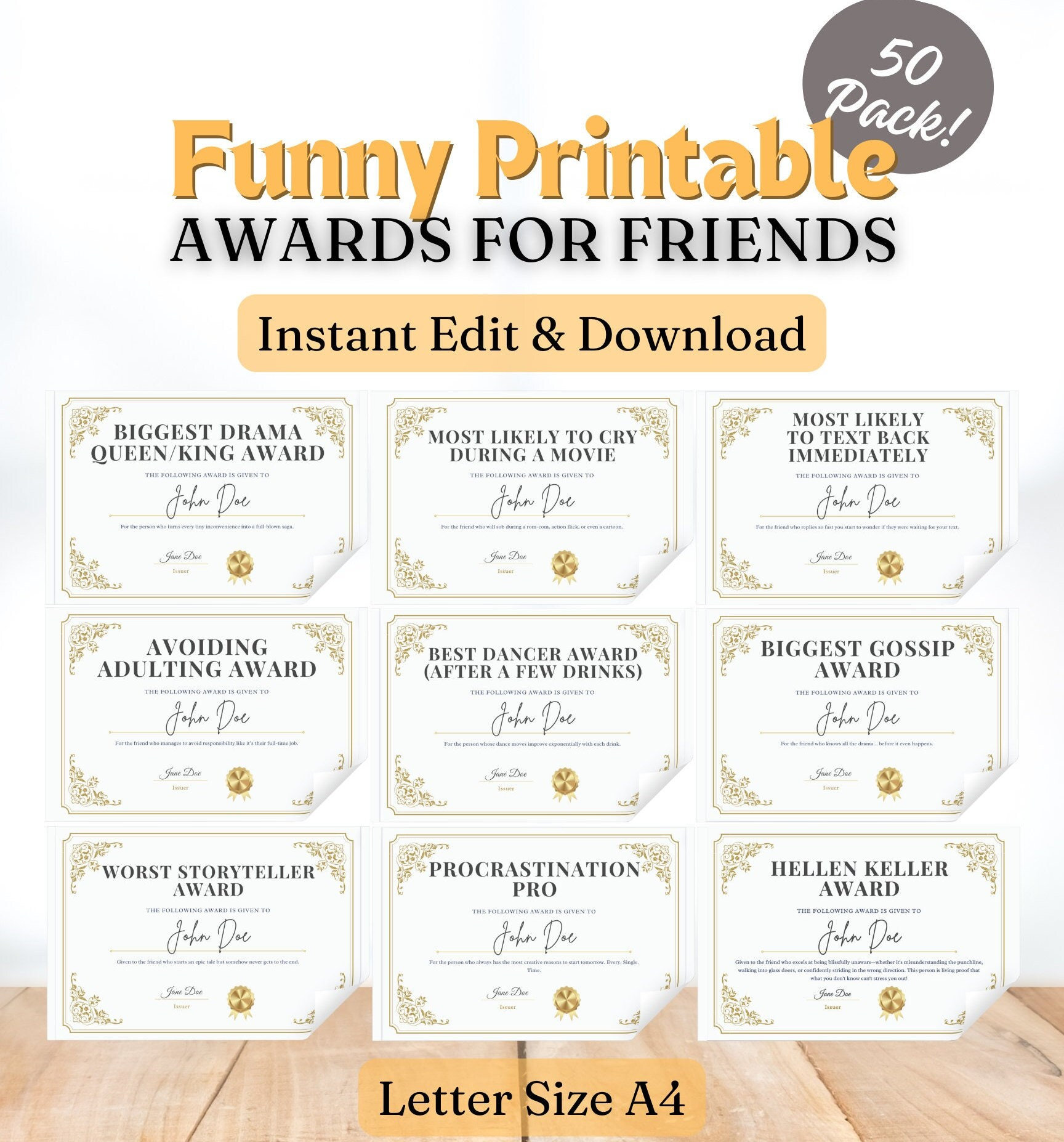
If you’re an educator, event organizer, or small business owner, you can turn funny certificates into a marketing tool. Here are ways to showcase them.
Social Media Sharing
Encourage recipients to post their certificates on Instagram or LinkedIn with a branded hashtag. User‑generated content boosts visibility and creates community engagement.
Digital Badges
Convert the design into a digital badge for online courses. Platforms like Moodle or Canvas allow easy uploading of certificate images that participants can download.
Mail‑Out Campaigns
Send printed certificates as part of a thank‑you package to loyal customers or alumni. A handwritten note inside adds a personal touch.
Frequently Asked Questions

Can I use these templates for commercial purposes?
Most free templates are for personal use. Always check the licensing agreement. Some offer commercial licenses for a small fee or are labeled Creative Commons, allowing broader use.
What file formats are available?
Common formats include PDF, DOCX, and PNG. PDF is ideal for printing; DOCX allows text editing, while PNG is great for online sharing.
Do I need design software?
No. Basic editing tools like Google Docs, Microsoft Word, or even Canva are sufficient for most customization needs.
How do I keep my certificates safe from plagiarism?
Keep the original template files secure and avoid uploading them to public sites. If you share a finished version, watermark or watermark it subtly to discourage unauthorized reuse.
Conclusion
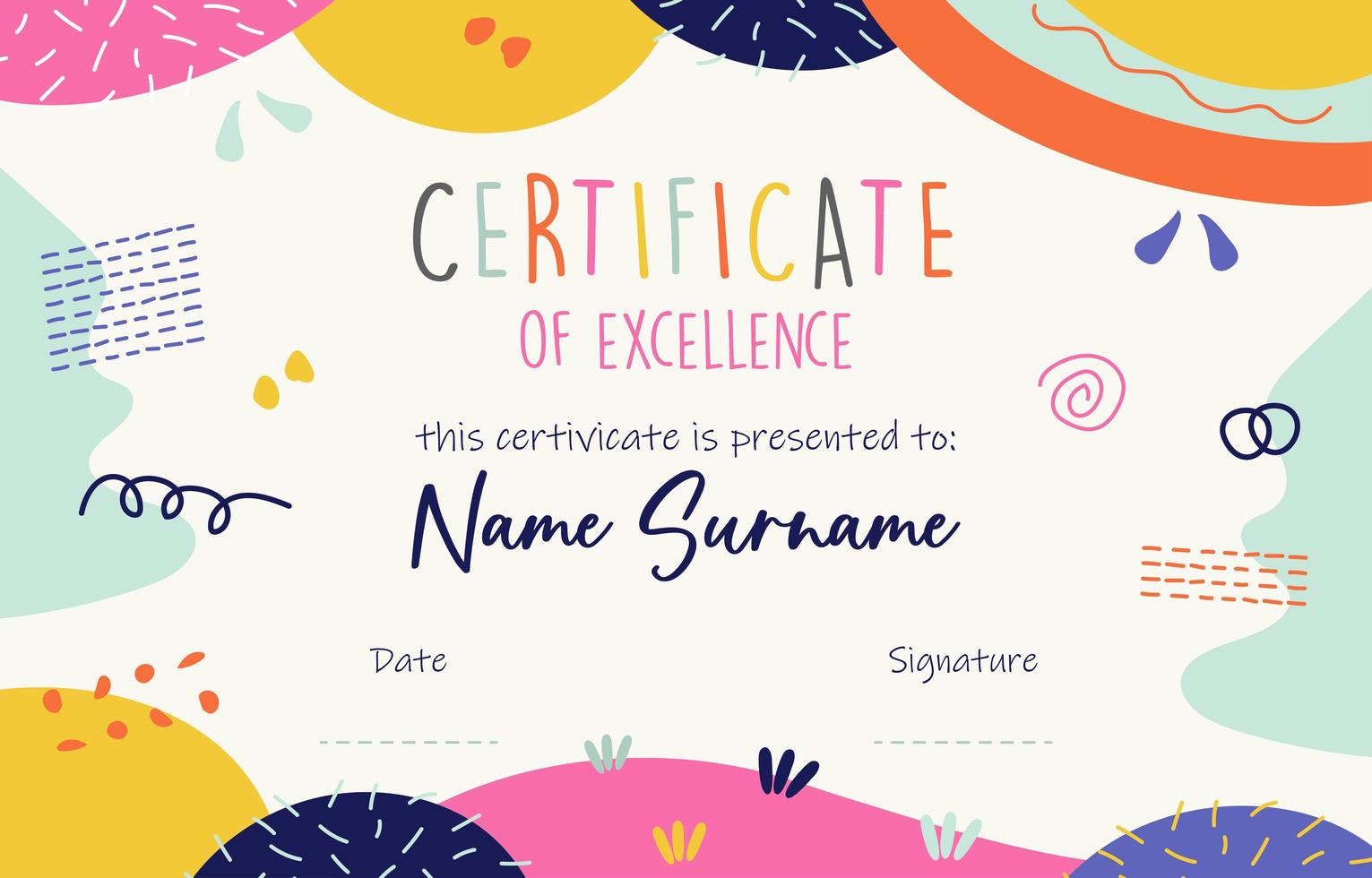
Free printable funny certificate templates provide a quick, cost‑effective, and engaging way to celebrate achievements across a wide spectrum of settings. From classrooms to boardrooms, from community events to family milestones, these lighthearted honors combine visual appeal with heartfelt appreciation. By customizing titles, adjusting colors, and printing on quality cardstock, you can deliver a memorable keepsake that brings smiles, builds camaraderie, and reinforces positive behavior—all while saving time and resources.





Related posts of "Free Printable Funny Certificate Templates"
