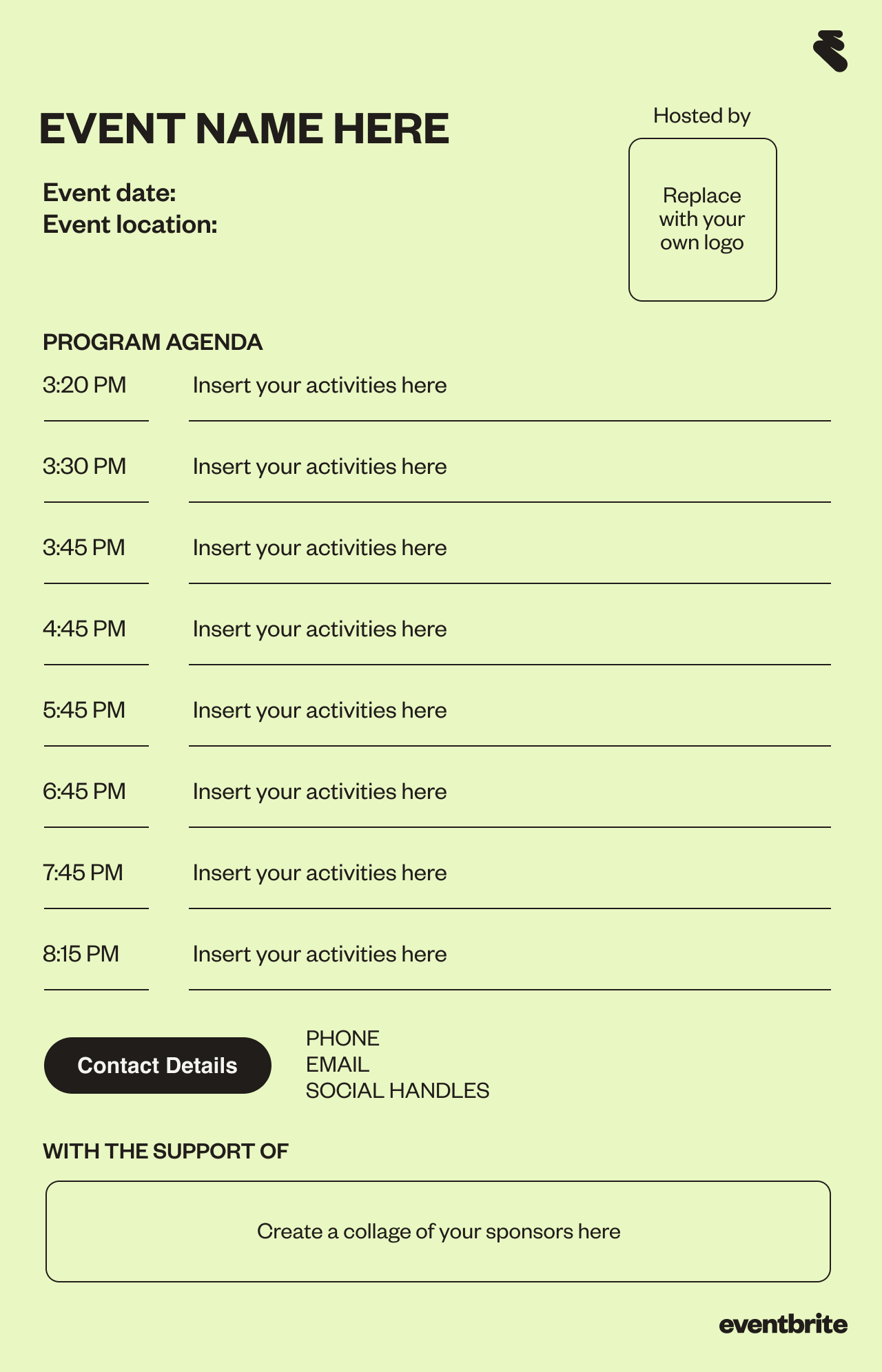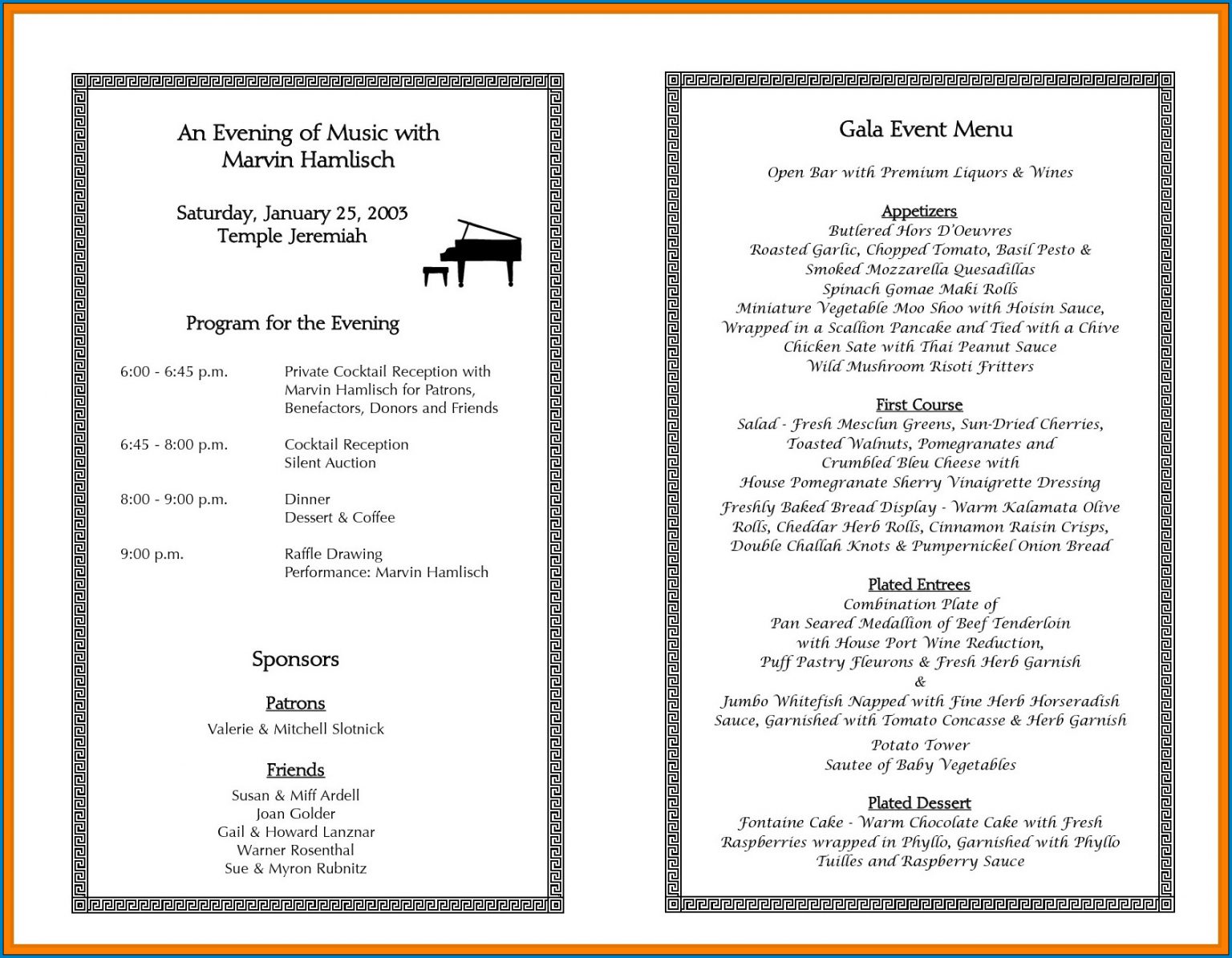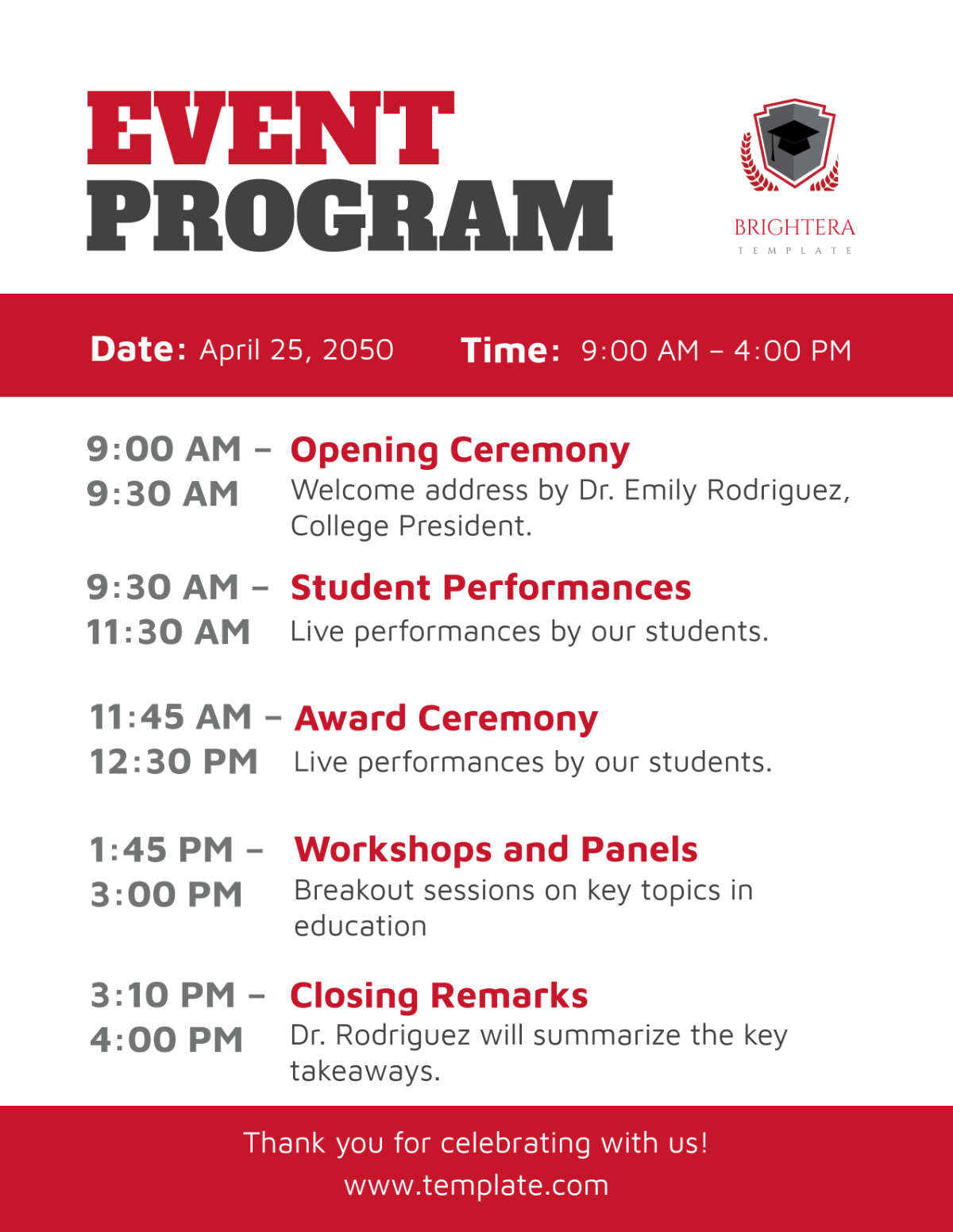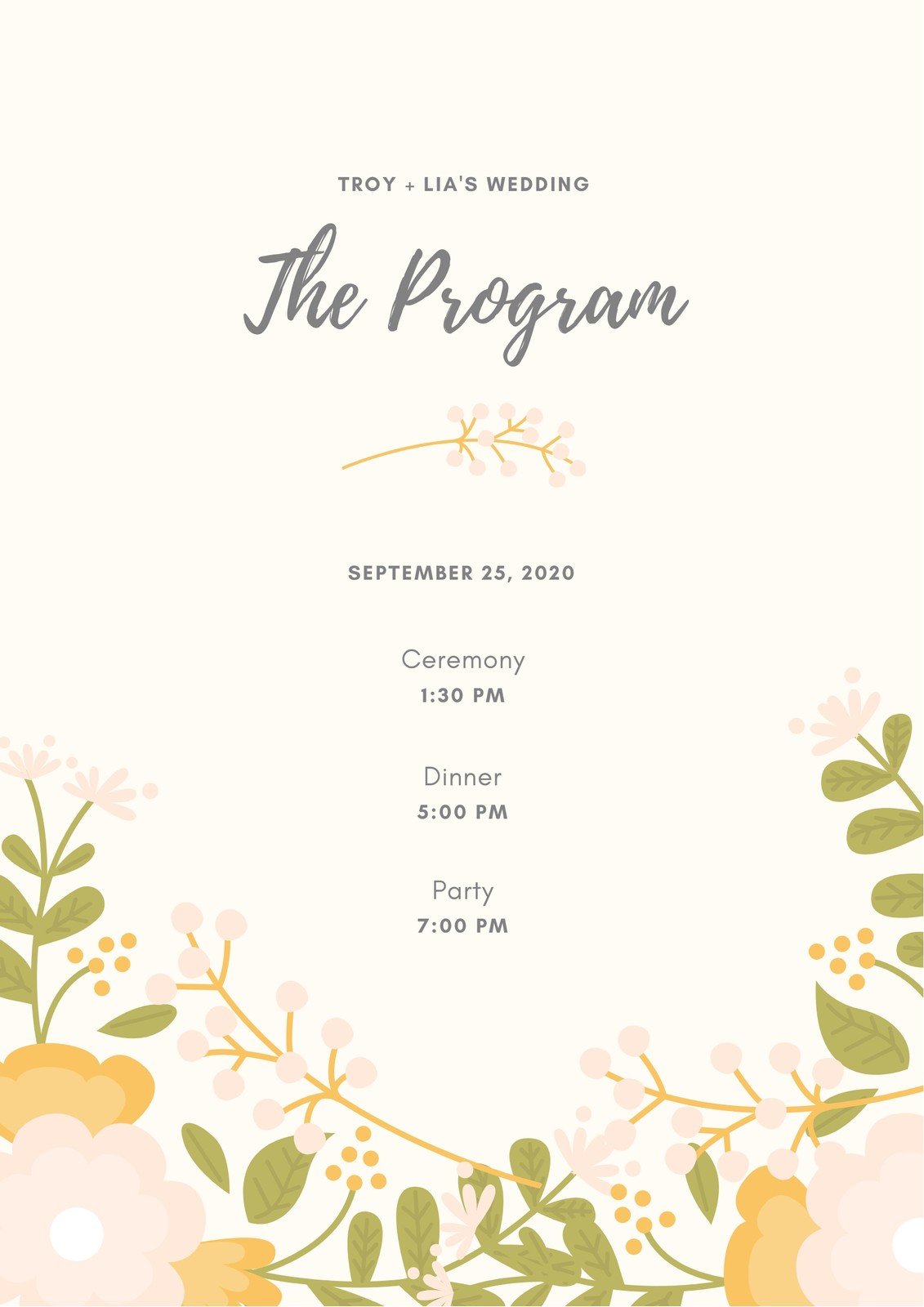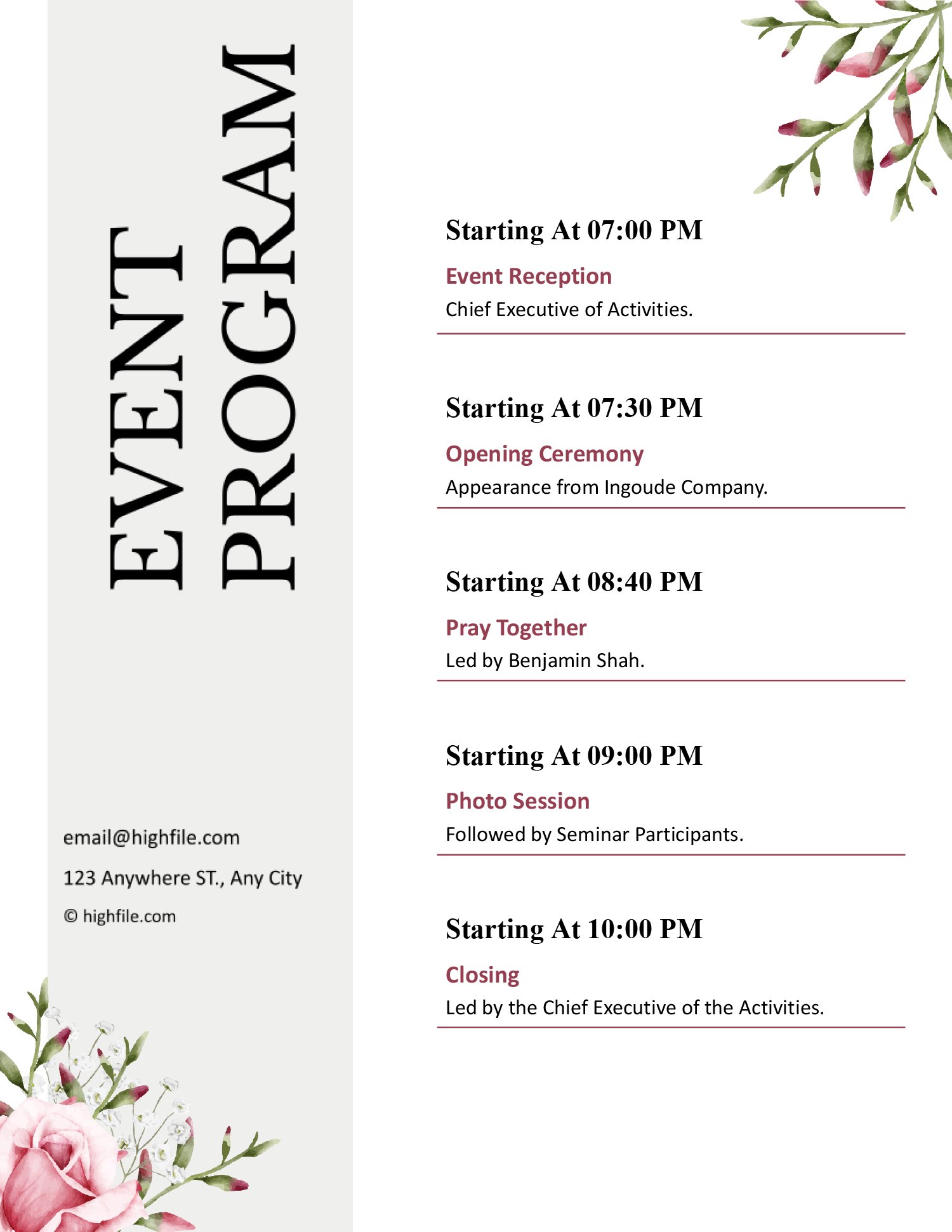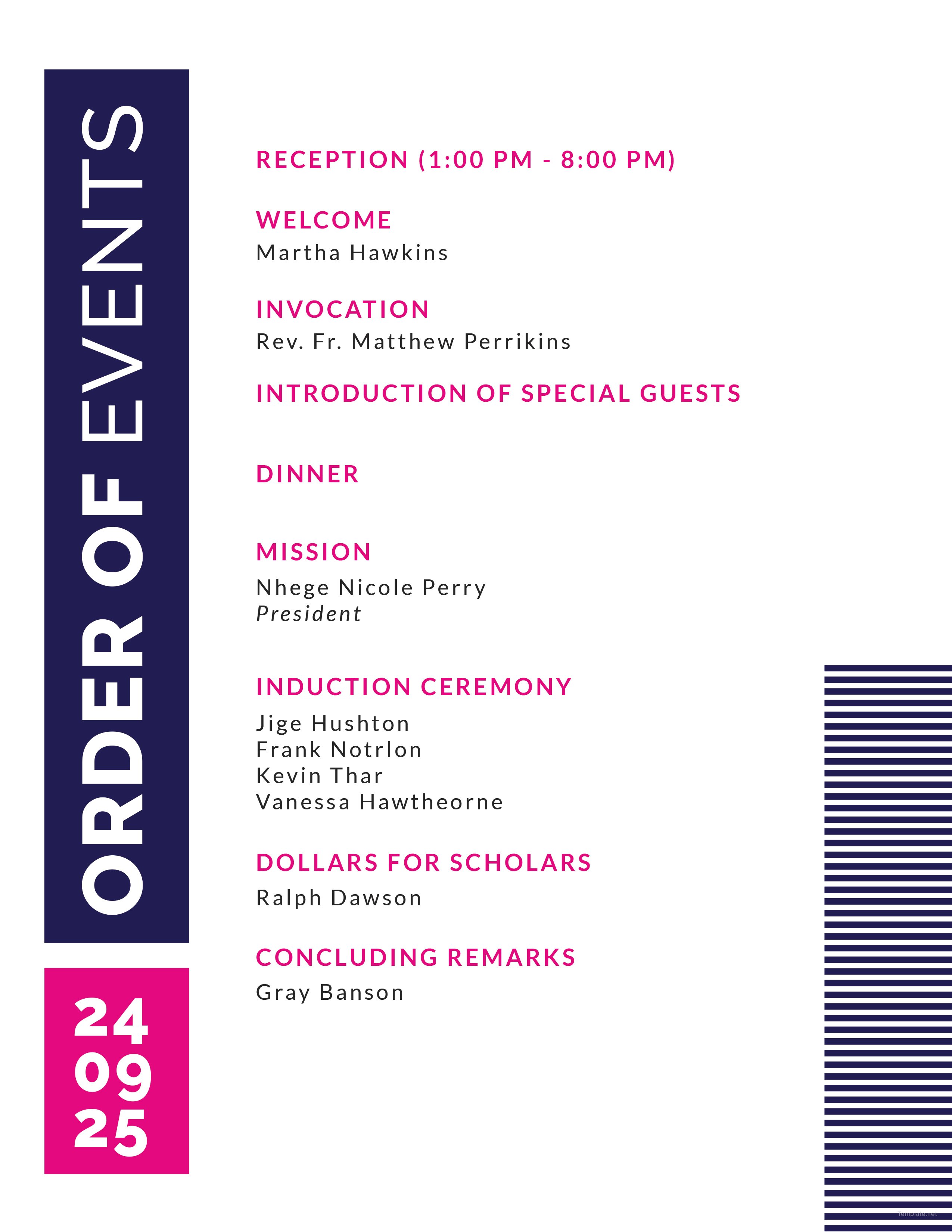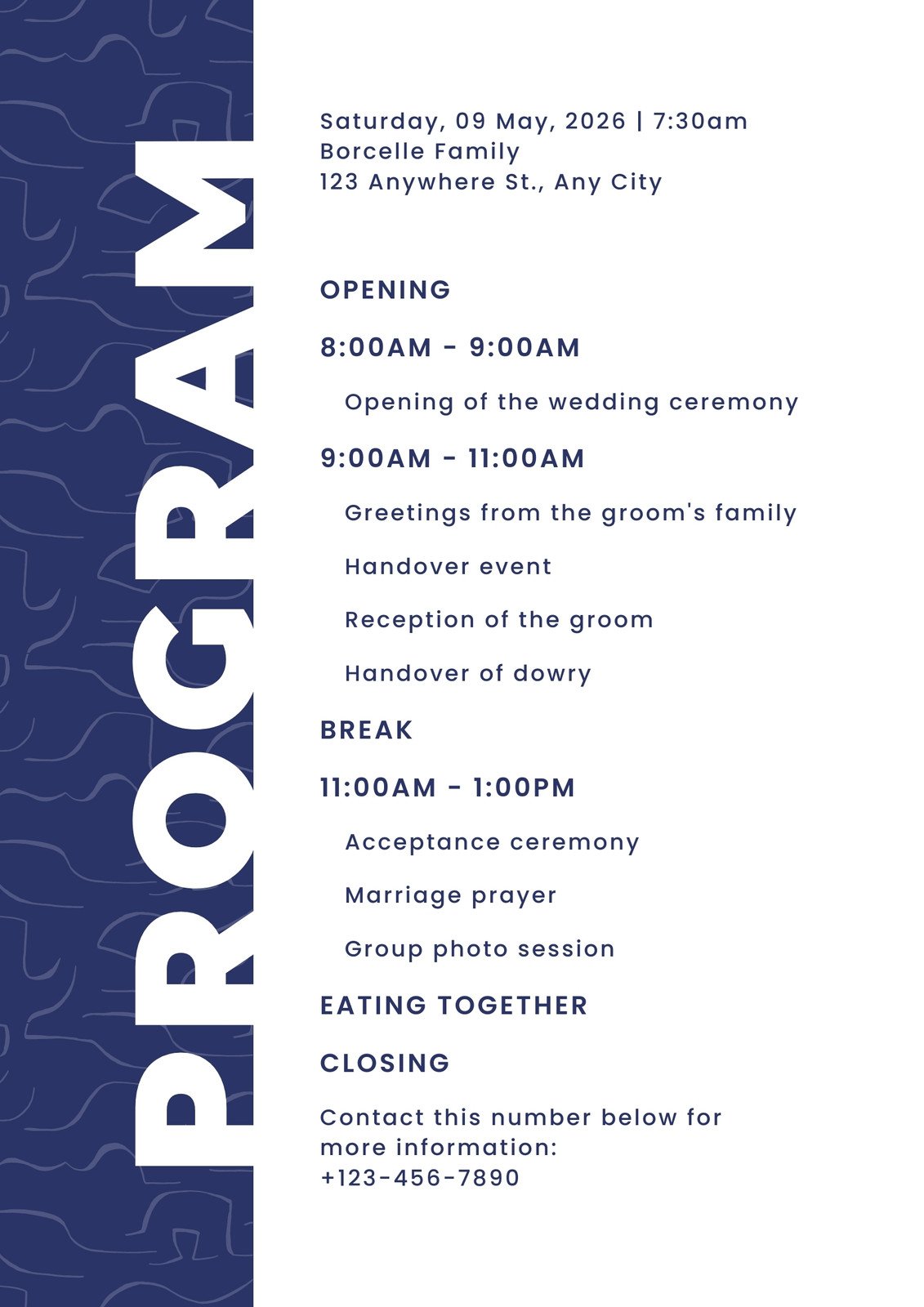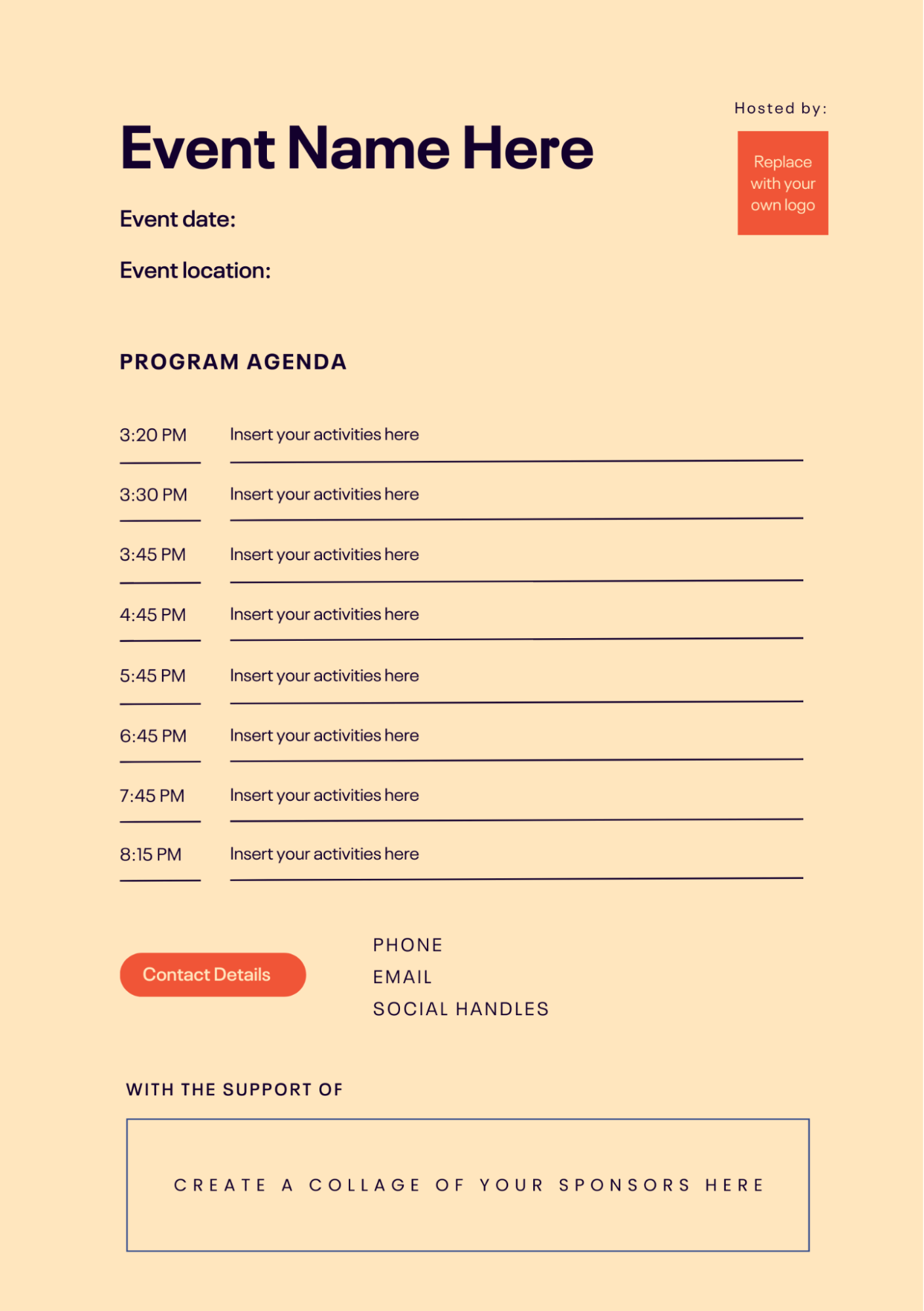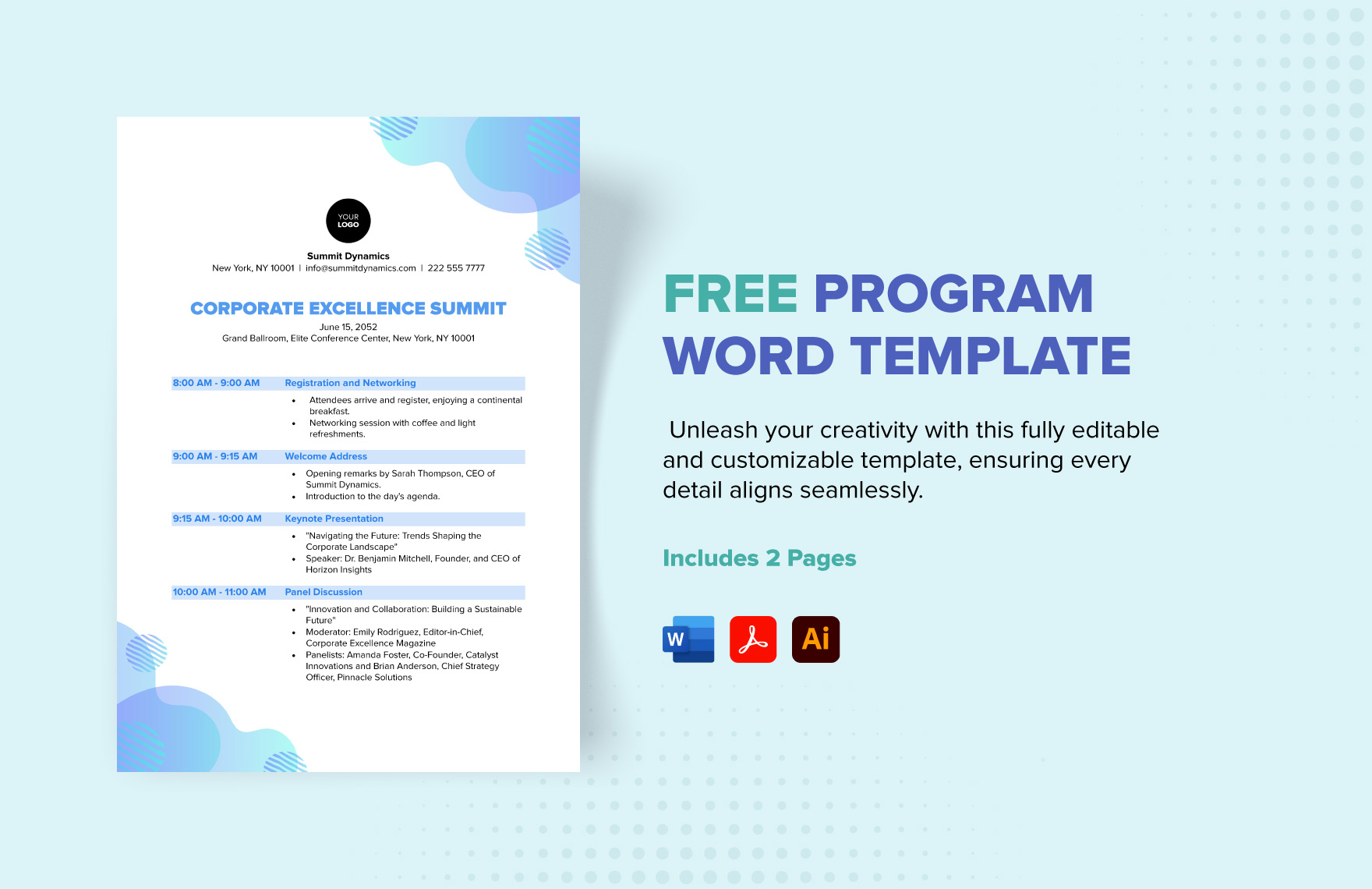
Free Event Program Templates Word offers a versatile and professional starting point for organizers looking to streamline their event planning process, whether you’re hosting a charity gala, a corporate conference, or a community festival. By leveraging ready‑made layouts that are already polished, you can focus more time on content, branding, and audience engagement rather than battling design from scratch.
Understanding the Role of an Event Program

Before diving into the specifics of using Word templates, it’s useful to grasp why an event program matters. A program is more than a schedule; it’s a communication tool that sets the tone, highlights key moments, and showcases sponsors. It provides attendees with a sense of order and can even influence the pacing of the event itself. A well‑crafted program also serves as a lasting memento for guests, strengthening brand recall long after the final applause.
Why Choose Word Over Other Formats?
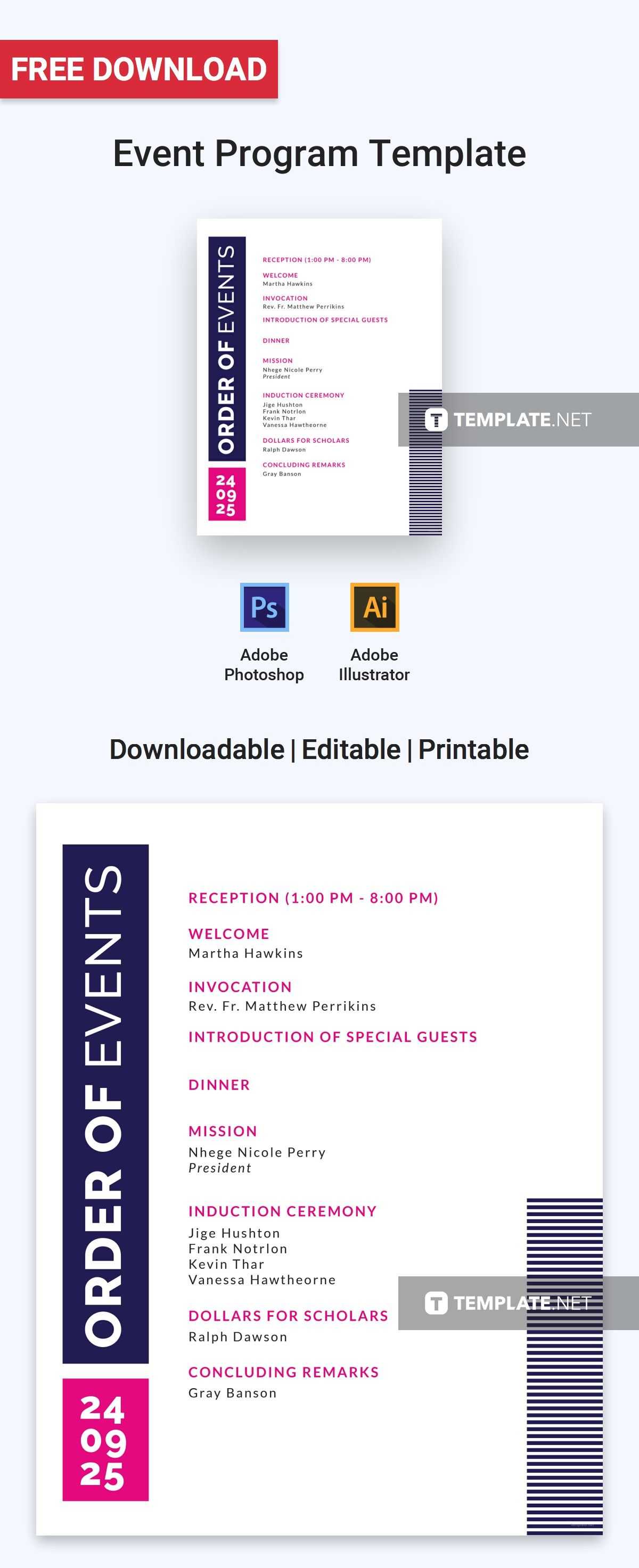
Microsoft Word remains the most widely used desktop publishing tool for small‑ to medium‑sized events. Its familiarity means team members can easily edit, merge, and print documents without learning new software. Word also integrates seamlessly with other Office apps—Excel for scheduling, PowerPoint for visuals, and Outlook for distribution—making it the practical choice for many event coordinators.
Compatibility Across Devices
Word documents can be shared as PDFs, ensuring consistent formatting across Windows, Mac, iOS, and Android. Additionally, Word’s built‑in “Print Layout” view gives a clear preview of how the finished program will look on paper or screen.
Customizability and Templates
From pre‑designed themes to blank canvas templates, Word offers a range of options. Free templates eliminate the need for costly design services, especially when you can adapt color palettes, fonts, and layouts to match your event’s brand identity.
Getting Started: Selecting the Right Template
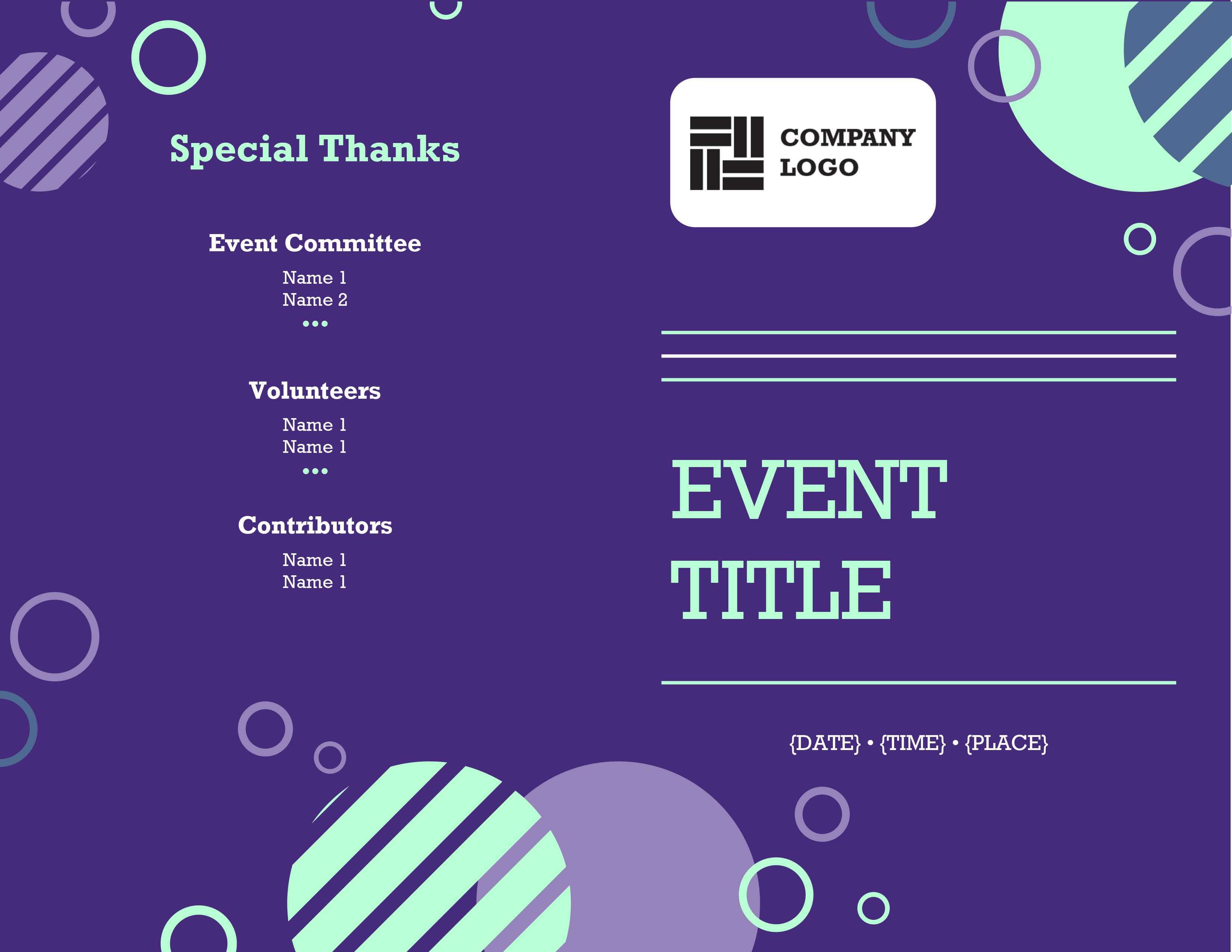
Choosing a template that aligns with your event’s theme and structure can save hours of formatting. Here’s how to evaluate options before you begin.
Assess Layout Flexibility
- Single‑page vs. multi‑page layouts – For small meetings, a single page may suffice; larger conferences often require multi‑page programs with session lists.
- Grid and column options – Templates with adjustable column widths let you balance text and graphics efficiently.
- Space for branding elements – Look for placeholders for logos, background images, and sponsor acknowledgments.
Consider Visual Appeal
- Color palettes – Match your event’s color scheme or choose a neutral background for readability.
- Typography hierarchy – Titles, subheadings, and body text should have distinct font styles and sizes.
- Images and icons – Some templates provide built‑in image placeholders or icon sets to enhance visual storytelling.
File Format and Licensing
Verify that the template is offered in an .dotx or .dotm format to allow easy customization. Free templates are usually royalty‑free, but double‑check the license to ensure you can modify and distribute the final program without restrictions.
Step‑by‑Step: Customizing Your Program in Word
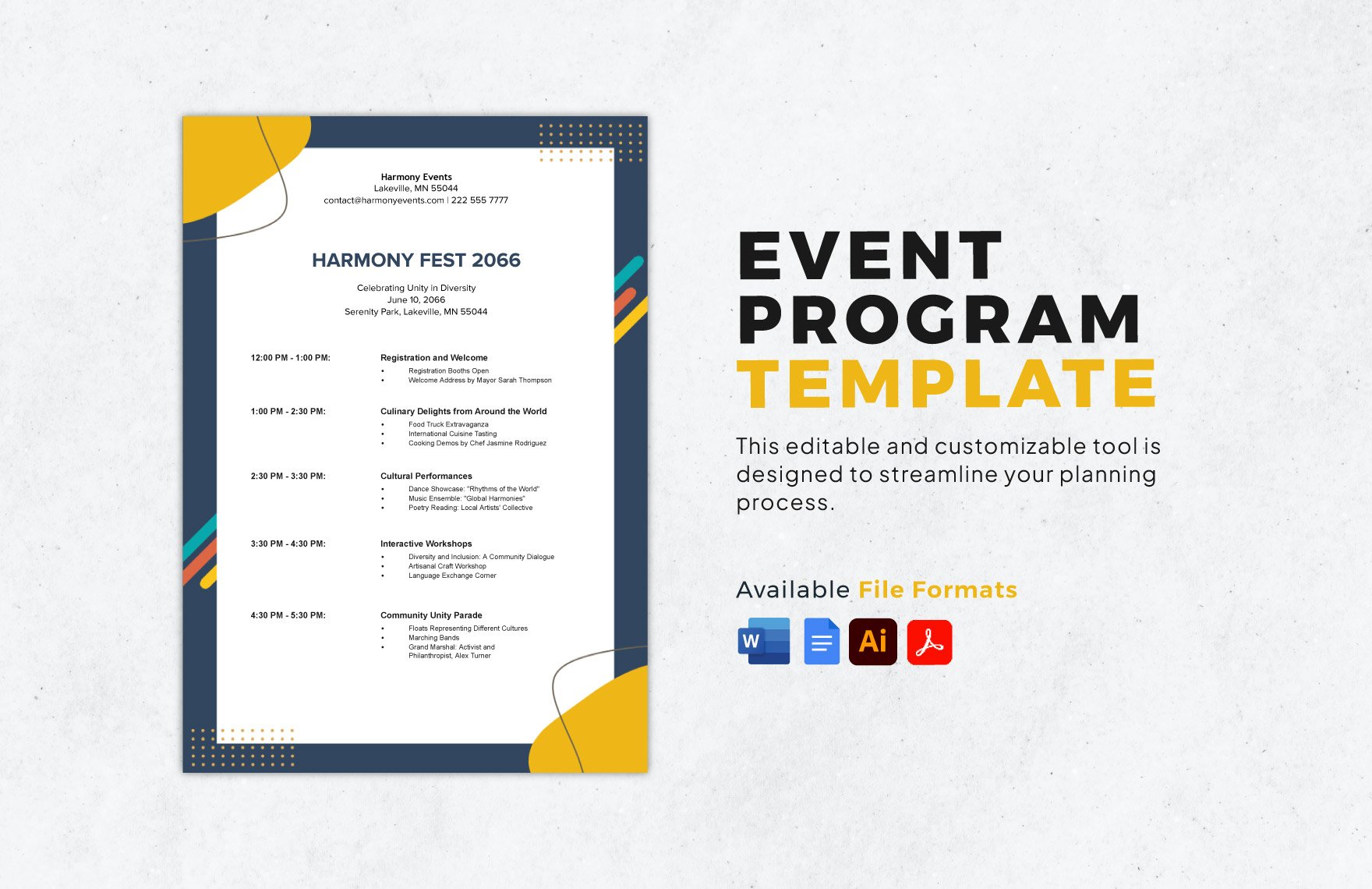
Once you have a template, tailoring it to your specific event details involves a series of systematic edits. Follow these steps for a polished outcome.
1. Open the Template and Save as a New Document
Always work on a copy to preserve the original file. Go to File > Save As, name your project, and select the Word Document format.
2. Update the Header and Footer
- Insert the event’s title, date, and location in the header.
- In the footer, add page numbers, disclaimer statements, or sponsor logos.
3. Replace Placeholder Text with Your Content
Use the Find/Replace feature to quickly swap generic placeholders for your own session titles, speaker names, and time slots.
4. Adjust the Timeline or Agenda
Most templates come with a pre‑formatted table or bullet list. Edit each entry to reflect accurate timing, breaks, and keynotes. Consider adding a brief description for each segment if space allows.
5. Insert Visuals and Logos
Drag and drop images into designated placeholders. Resize them proportionally to maintain layout integrity. Ensure image resolution is at least 300 DPI for print quality.
6. Fine‑Tune Typography and Color
- Highlight critical information with bold or italic text.
- Apply a consistent color scheme that aligns with your brand.
- Use the Styles pane to modify heading levels globally, saving time.
7. Proofread and Review
Double‑check spelling, alignment, and page breaks. Have a colleague review for clarity and accuracy. Use Word’s built‑in grammar check but also perform a manual read‑through.
8. Export and Distribute
For printing, choose PDF‑A format to preserve fonts. For digital distribution, embed a clickable table of contents and consider adding a QR code that links to the event’s website.
Design Tips for a Professional Look
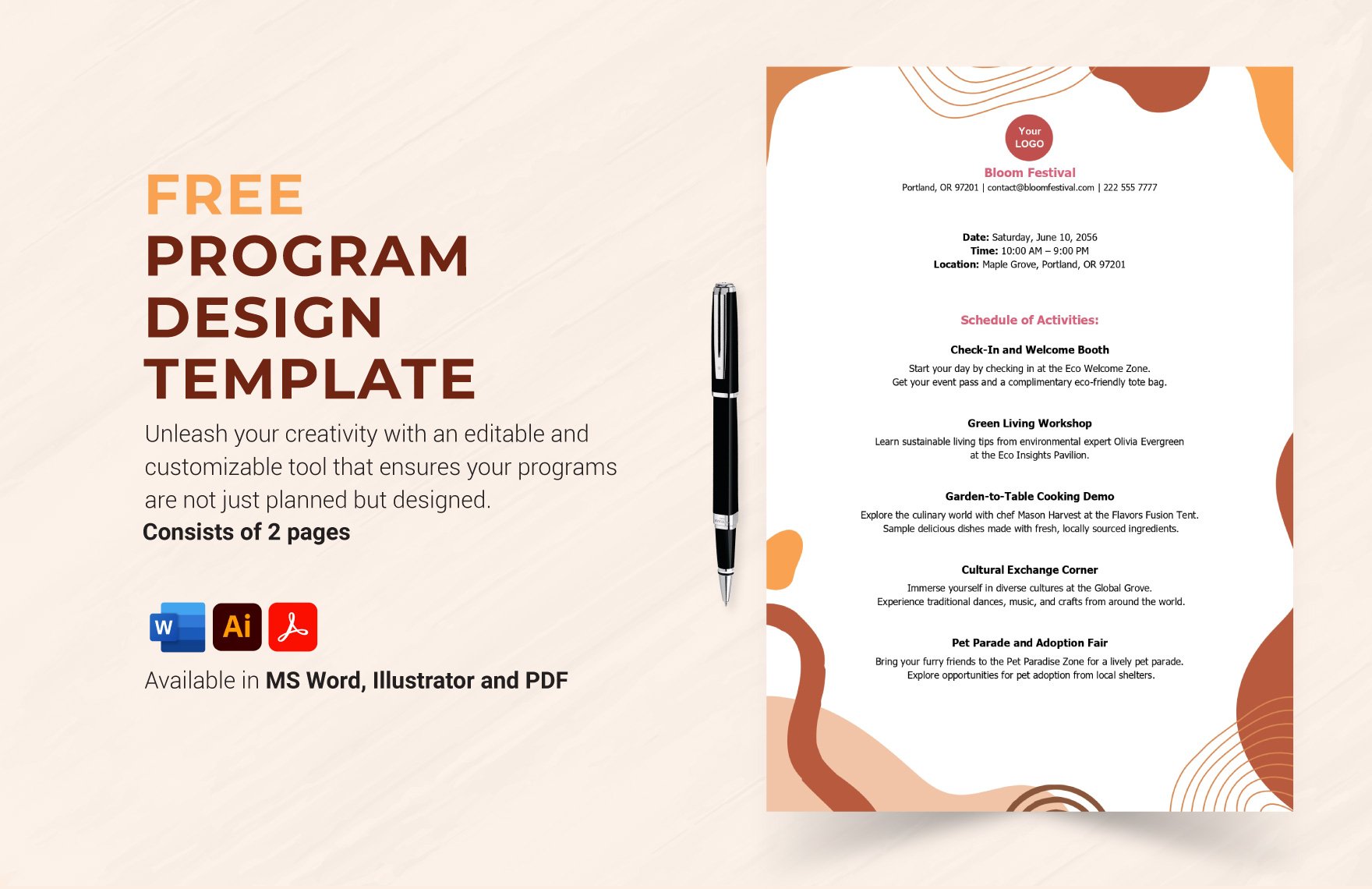
Even with a template, a few design hacks can elevate your program.
Leverage Consistent Branding
Insert your logo at the top of each page and use brand colors for headings. This consistency reinforces recognition.
Use White Space Wisely
A balanced amount of white space prevents clutter and improves readability. Adjust margins and line spacing to create a cleaner layout.
Prioritize Readable Fonts
Sans‑serif fonts like Arial or Helvetica are ideal for body text, while serif fonts add a touch of formality for headings. Avoid using more than two distinct fonts to keep the design cohesive.
Highlight Key Sessions
Apply a background shading or a different font weight to breakout sessions that are especially popular or critical.
Include a Sponsor Section
Dedicate a small space to sponsor logos or acknowledgments, ensuring they are placed without distracting from main content.
Real‑World Examples: Where Templates Shine

Below are scenarios illustrating how event types benefit from customized Word programs.
Charity Gala
A 90‑minute banquet often features a live auction, speeches, and a performance. A Word program can highlight the auction items with small thumbnails and descriptions, while keeping the schedule clear for guests.
Corporate Conference
With dozens of sessions, a multi‑page program allows for room assignments, speaker bios, and sponsor logos. By grouping sessions by track, attendees can navigate the agenda easily.
Community Festival
A single‑page program can list event activities, food vendors, and volunteer roles. Adding a QR code to a live updates page keeps attendees informed about time changes.
Integrating Word Programs with Digital Platforms

In the modern event landscape, a printed program complements digital tools rather than replaces them. Here’s how to synchronize Word programs with your online presence.
Link to Event Apps
Embed a QR code that directs attendees to a mobile app or website for real‑time updates and networking opportunities.
Embed Video Content
In the PDF version, you can add clickable links that open short introduction videos or speaker presentations.
Cross‑Promote on Social Media
Use snippets from the program (e.g., speaker quotes, session highlights) as posts or stories to generate buzz before the event.
Common Pitfalls and How to Avoid Them
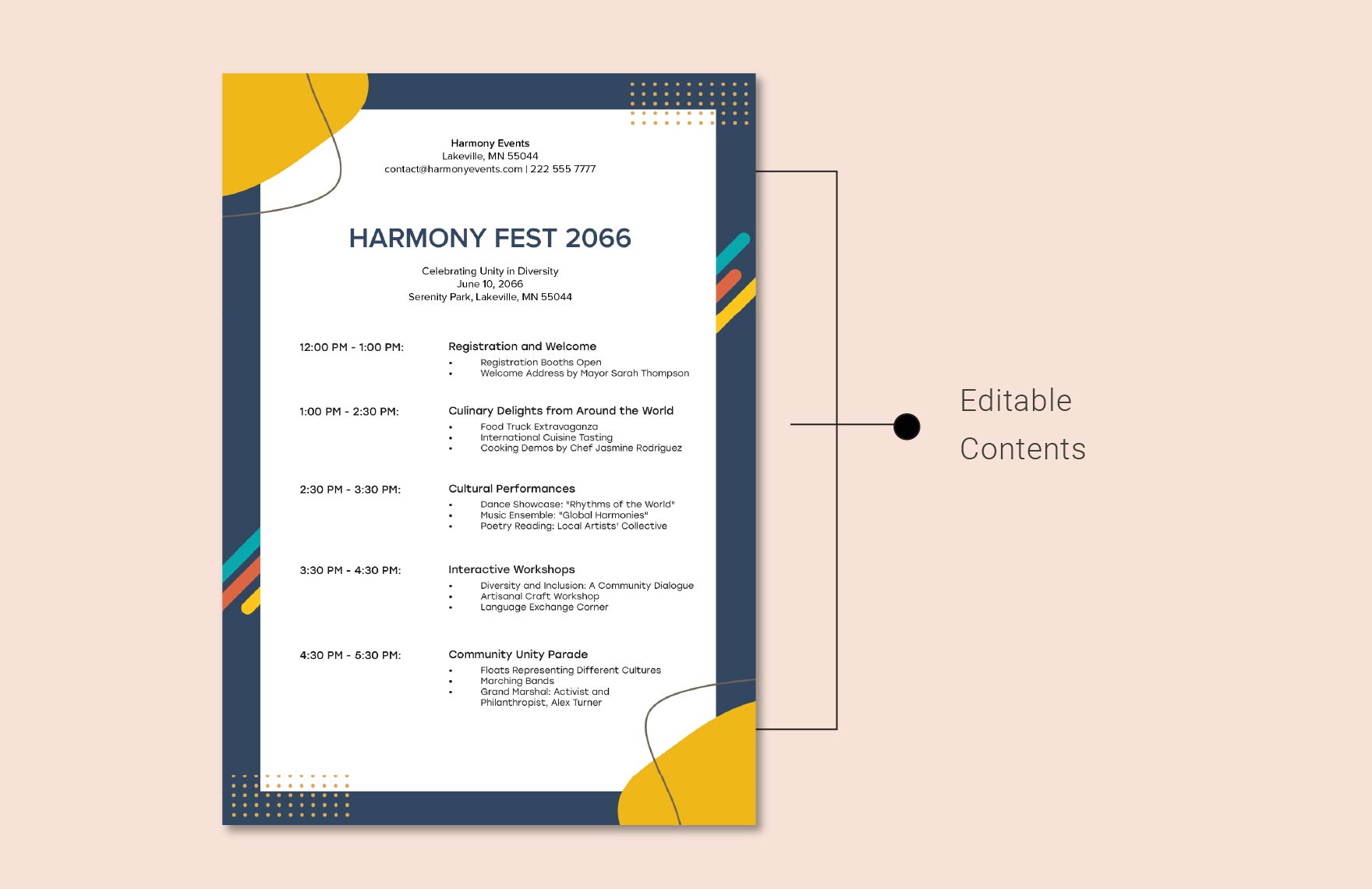
Even seasoned planners can encounter challenges when using free templates. Addressing these early can prevent last‑minute headaches.
Inconsistent Formatting
When merging multiple sources, fonts and paragraph styles may clash. Use Word’s Styles pane to maintain uniformity.
Printing Issues
Always print a test page to confirm that margins, headers, and footers appear correctly. Verify that images are not cut off.
Overloading the Page
Too much information can overwhelm attendees. Prioritize essential details and use a separate appendix if necessary.
Neglecting Accessibility
Ensure the program is readable for everyone. Use high contrast colors, descriptive alt text for images, and a simple layout that screen readers can parse.
Tips for Maintaining the Program After Distribution
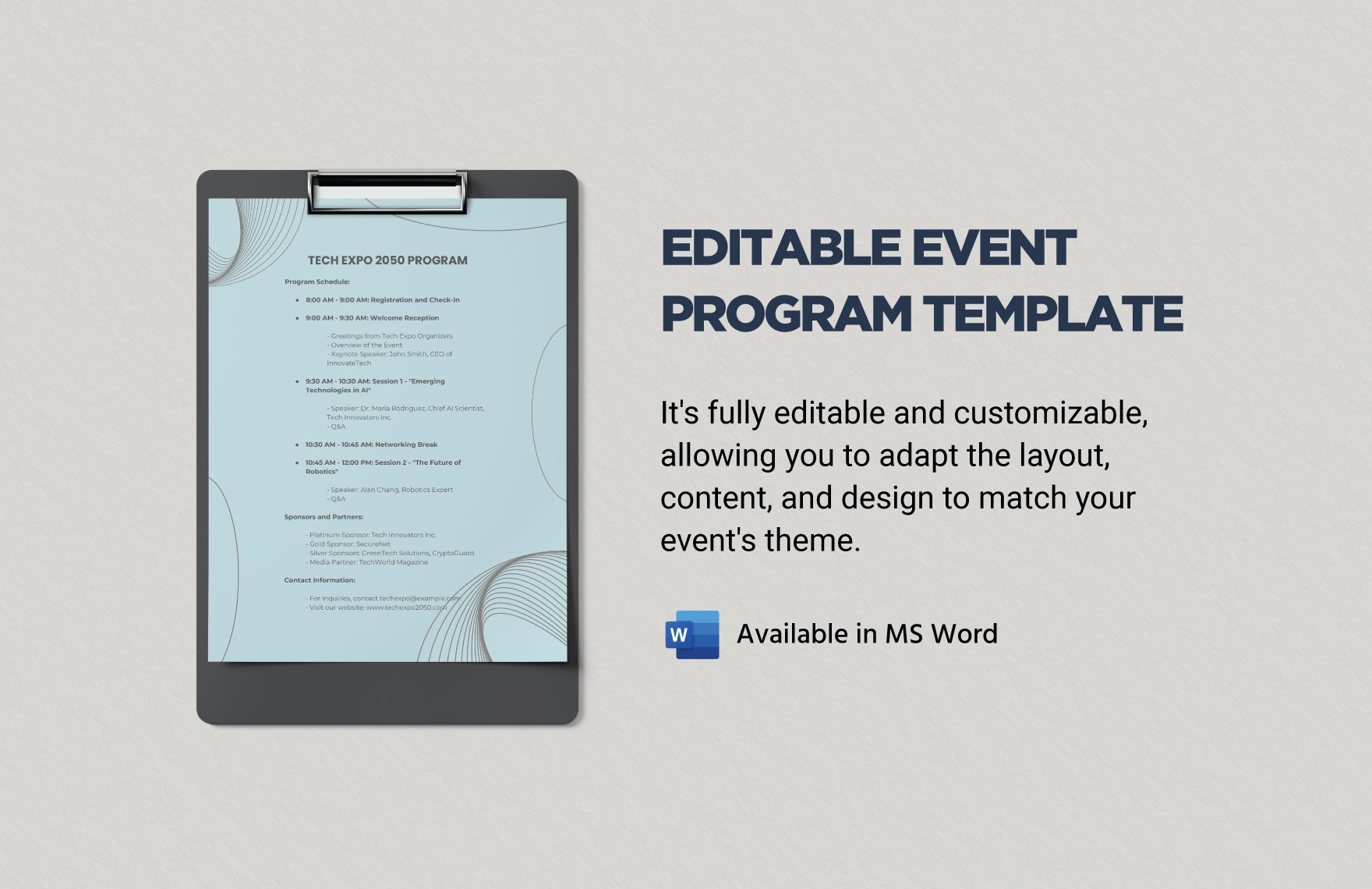
Some events evolve with last‑minute changes. Here’s how to keep your program accurate and up‑to‑date.
Version Control
Name files with dates (e.g., “EventProgram_2024-10-01.docx”) to track edits. Keep a master copy that can be edited as needed.
Digital Updates
If you distribute a PDF, consider hosting the latest version on a secure event portal and send a link to attendees instead of a static copy.
Printed Program Replacements
For printed copies, include a “Last Updated” line so attendees know if they’re viewing the latest version.
Conclusion
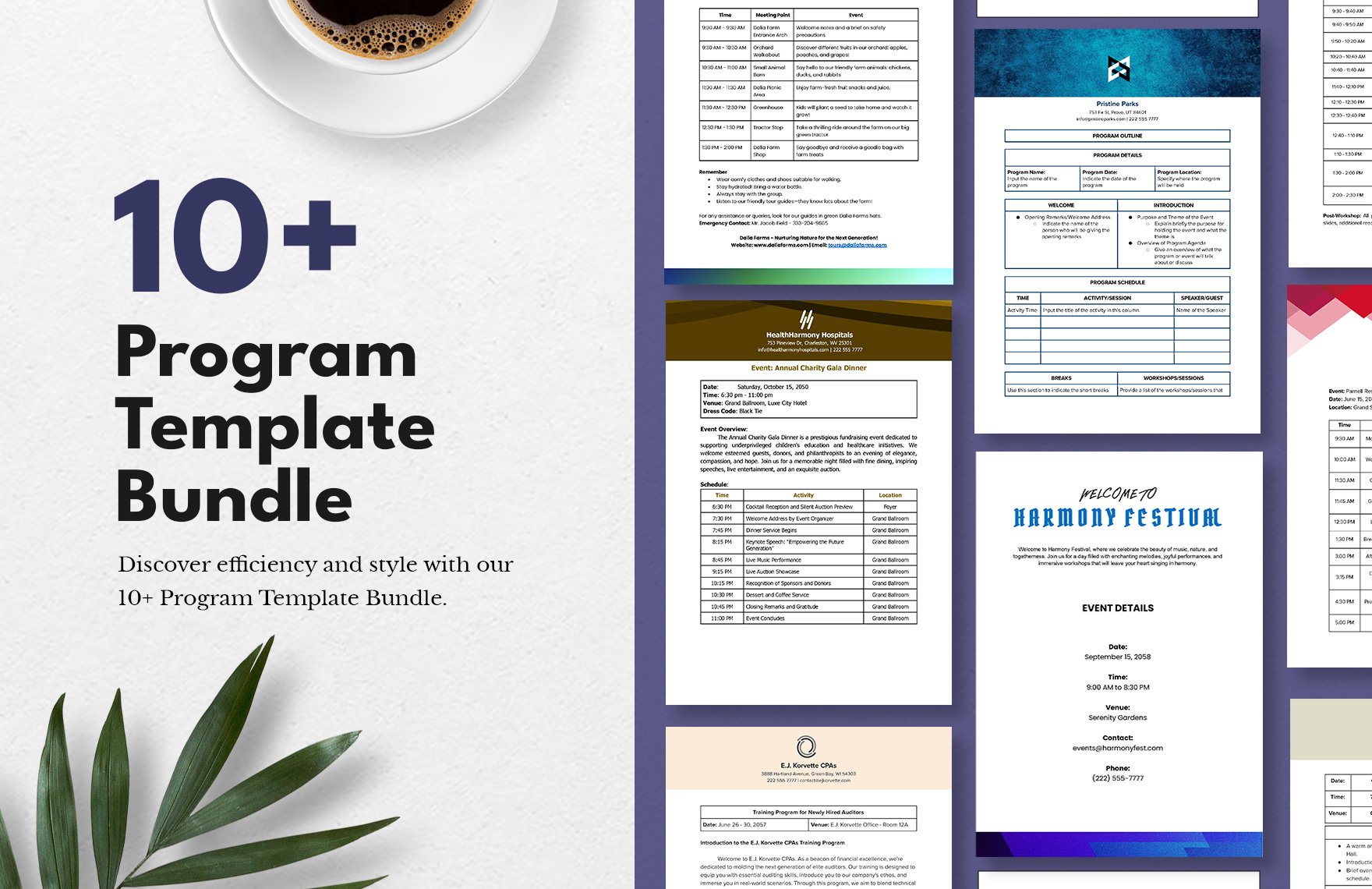
Free Event Program Templates Word combine convenience, professionalism, and customization, making them an excellent tool for any event organizer. By carefully selecting a template that fits your event’s scope, meticulously customizing content, and applying thoughtful design principles, you can produce a program that not only informs but also enhances the overall attendee experience. Whether you’re launching a brand‑new fundraiser, managing a large-scale conference, or hosting a community celebration, a well‑crafted program built in Word will be a cornerstone of your event’s success.