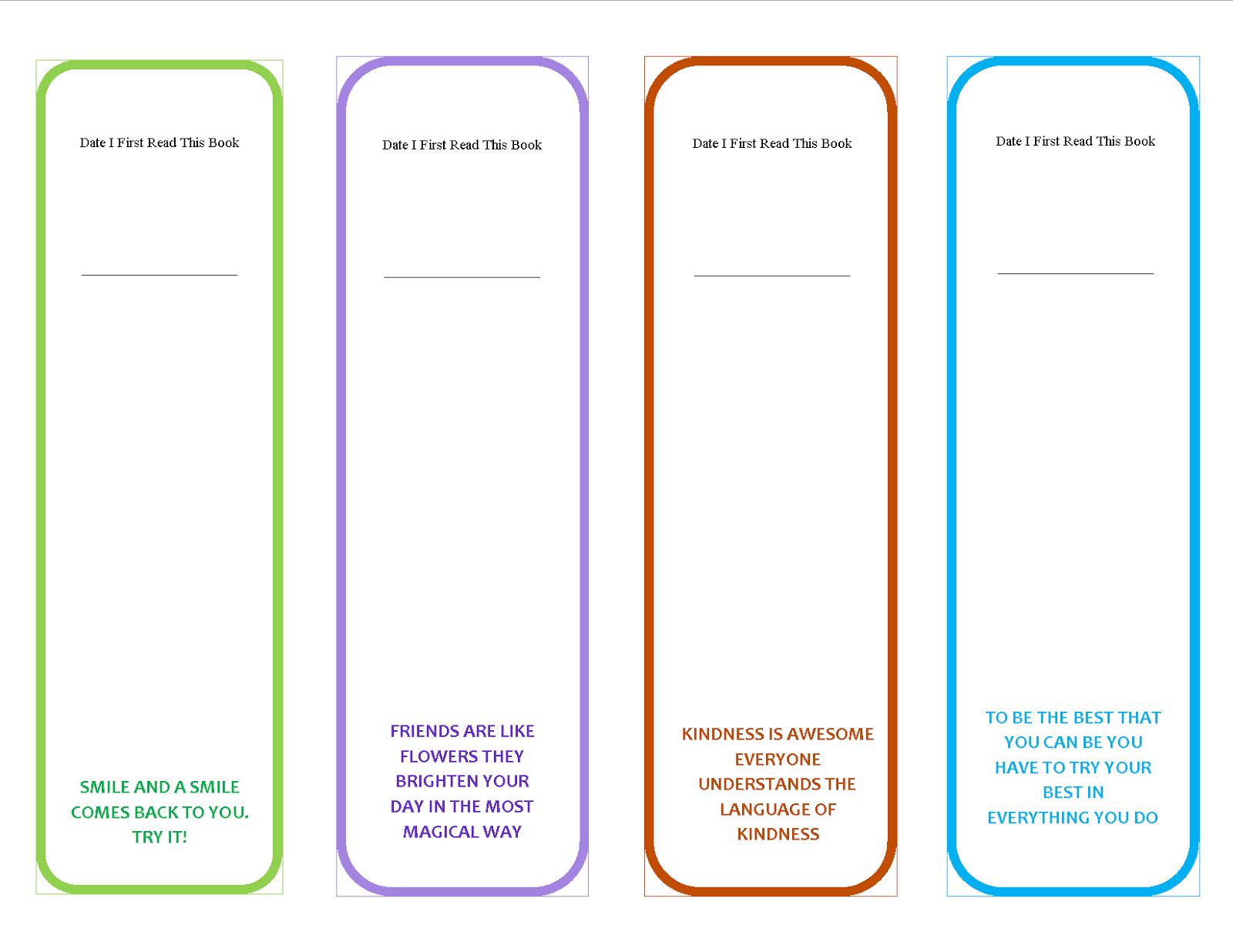
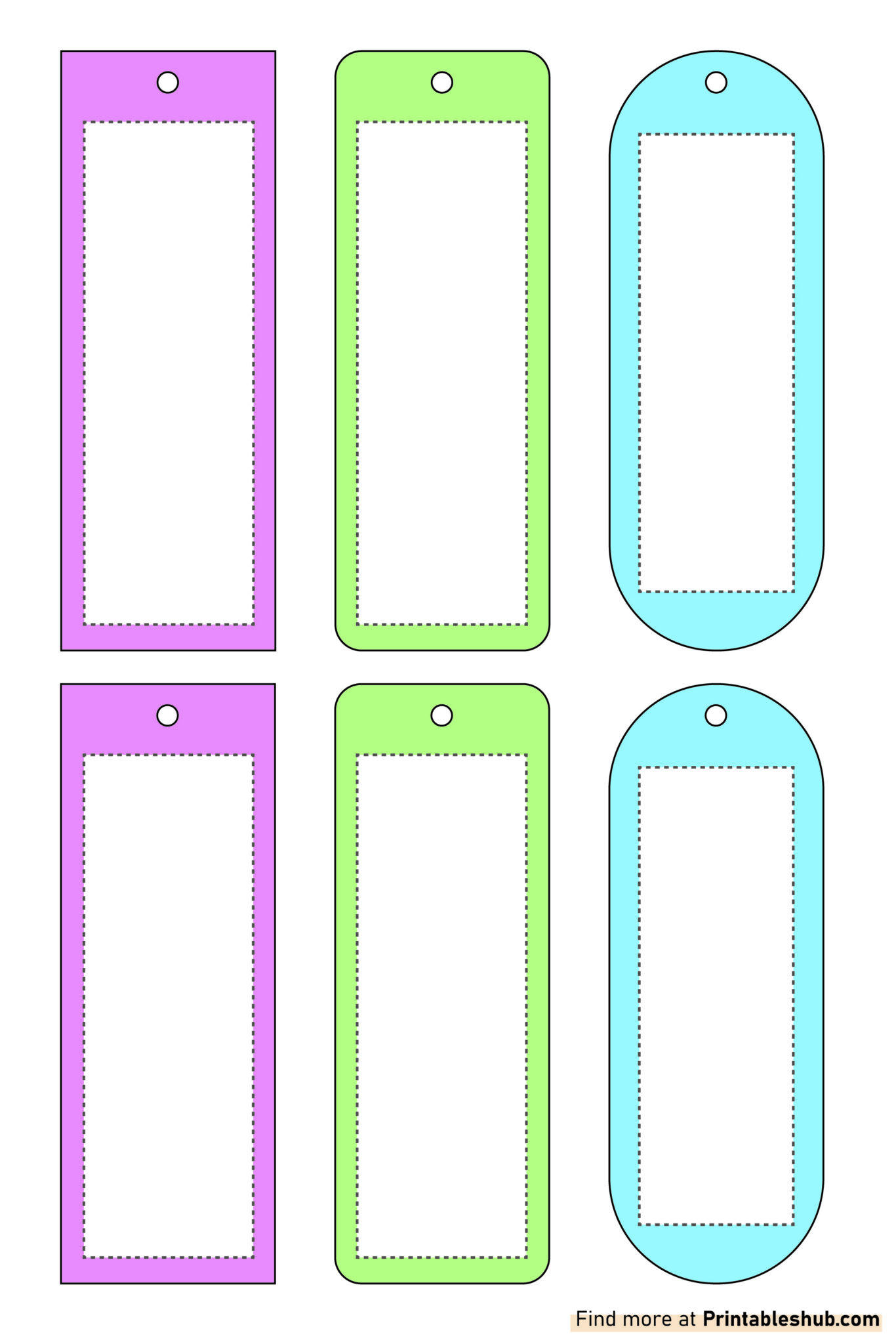
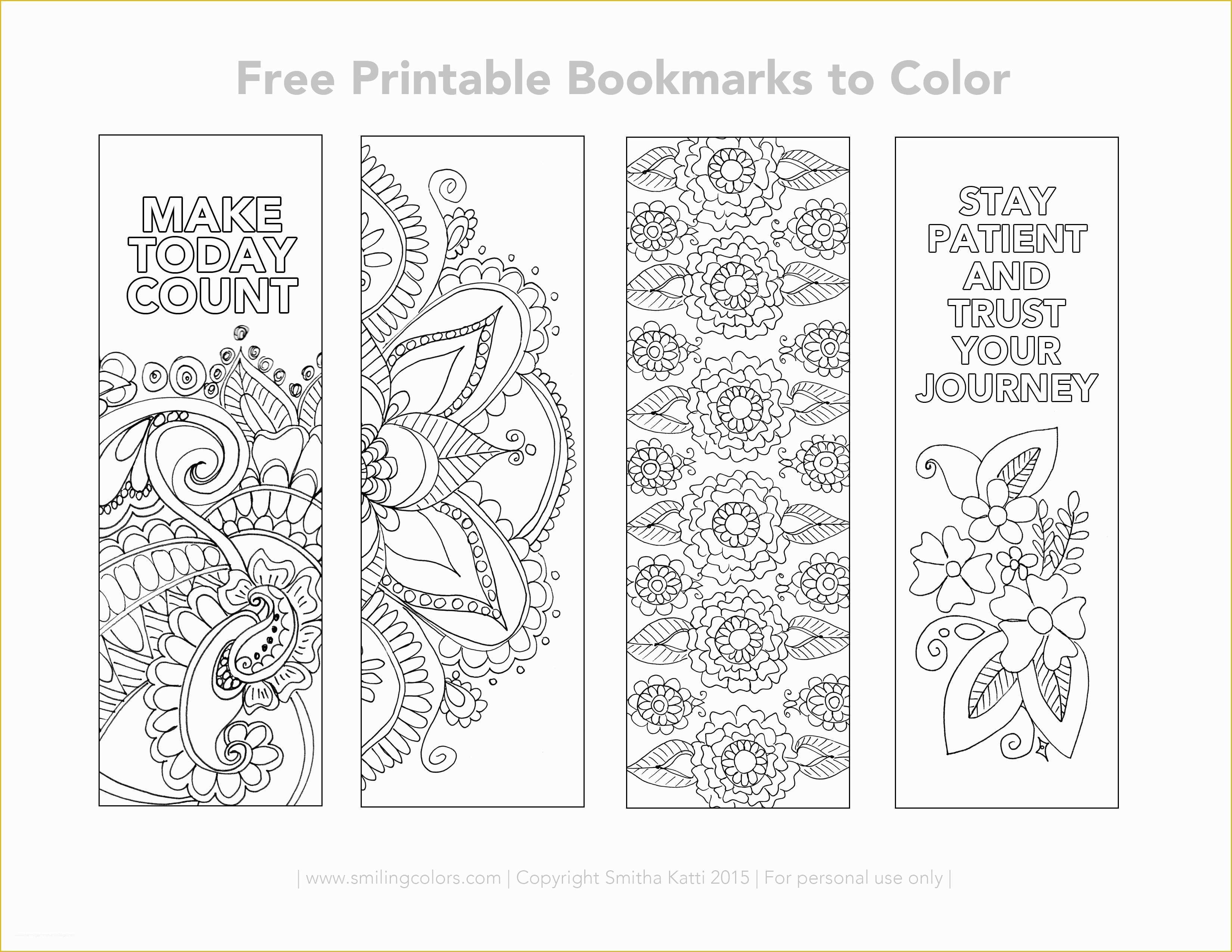
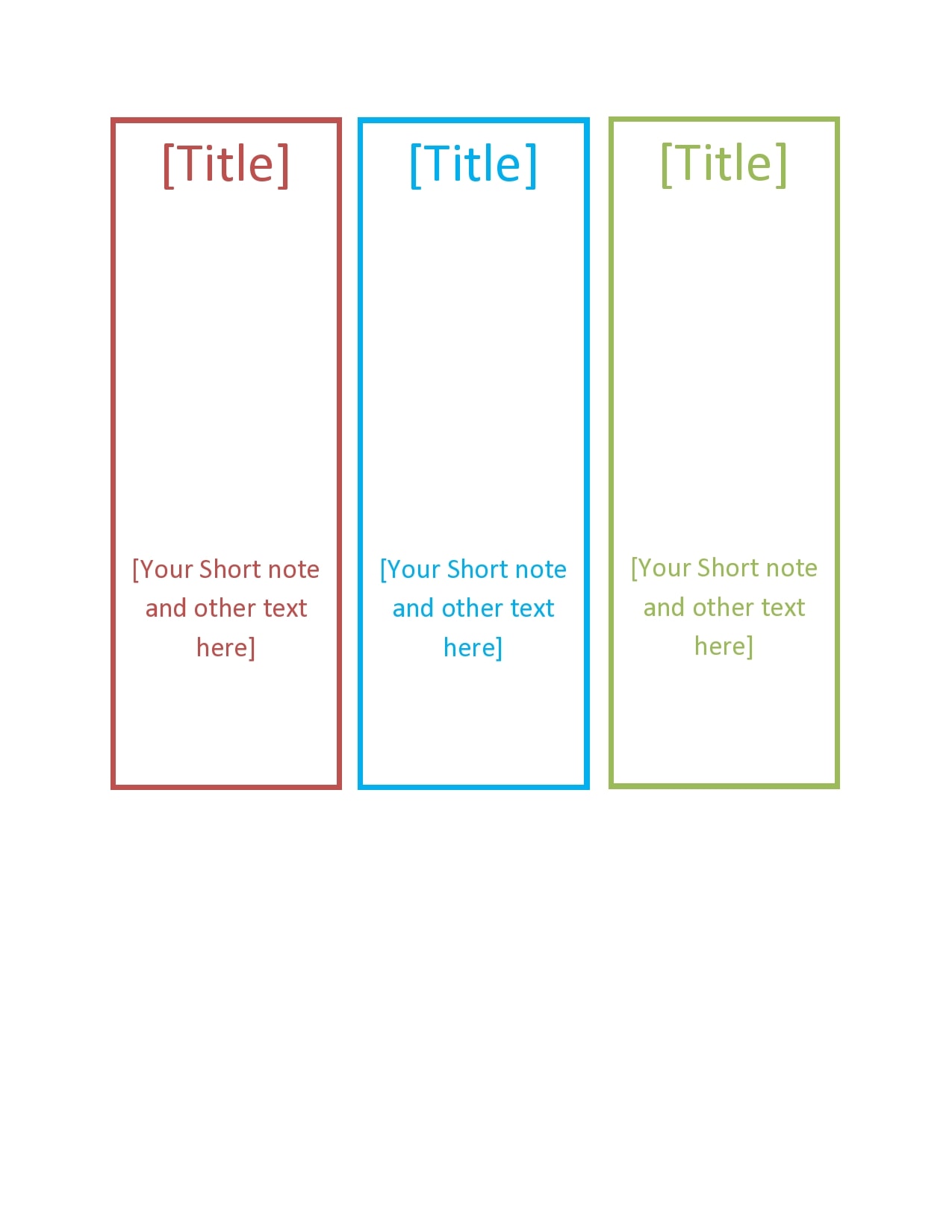
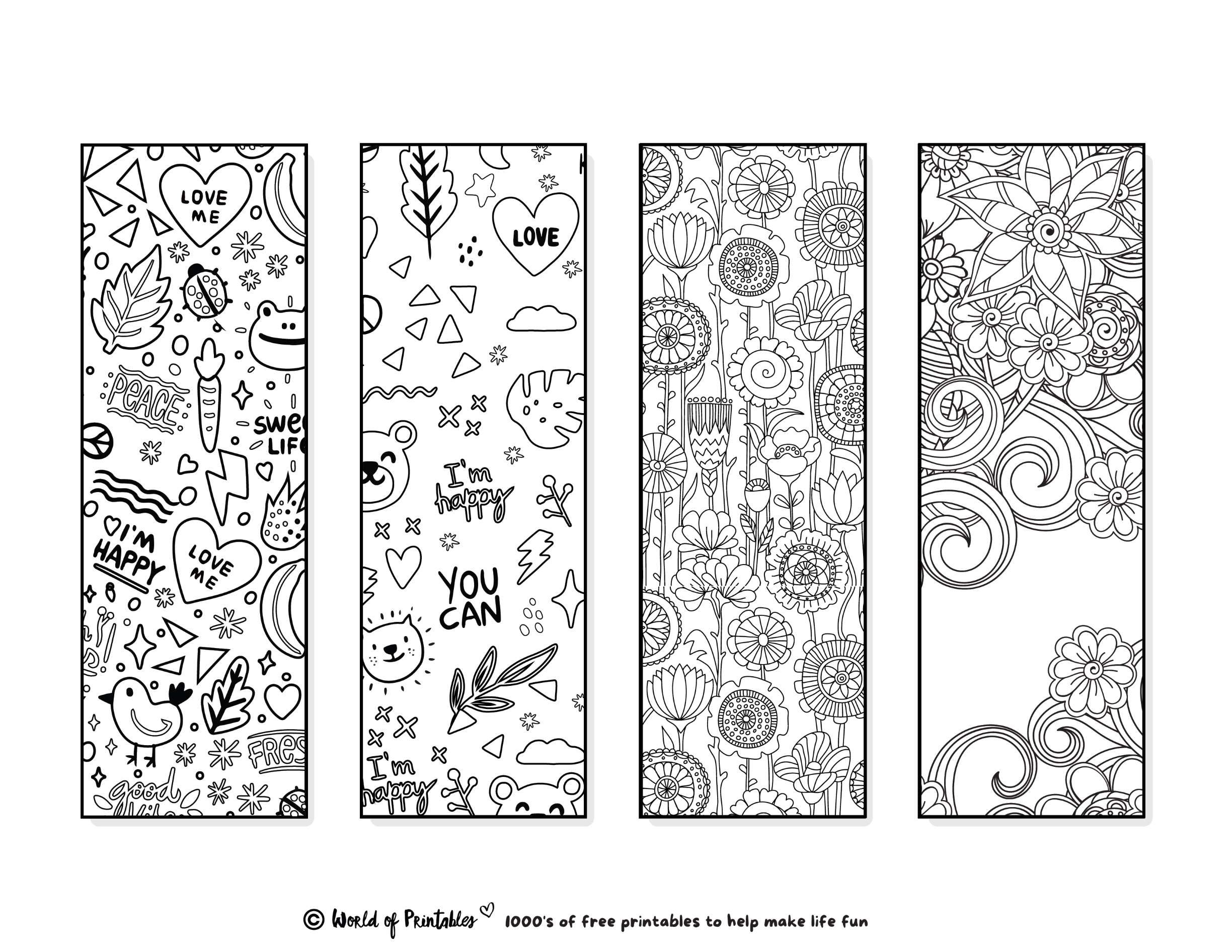
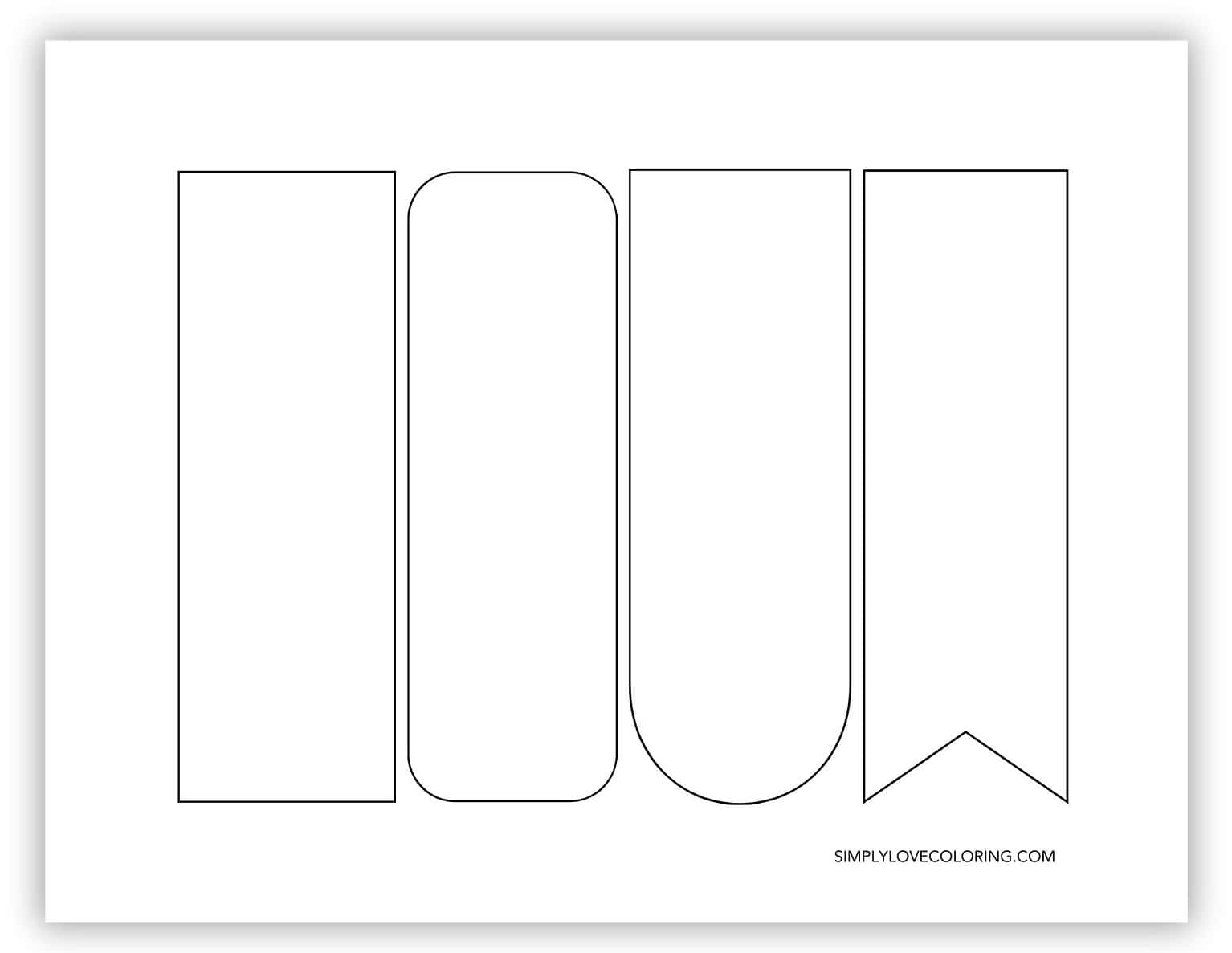
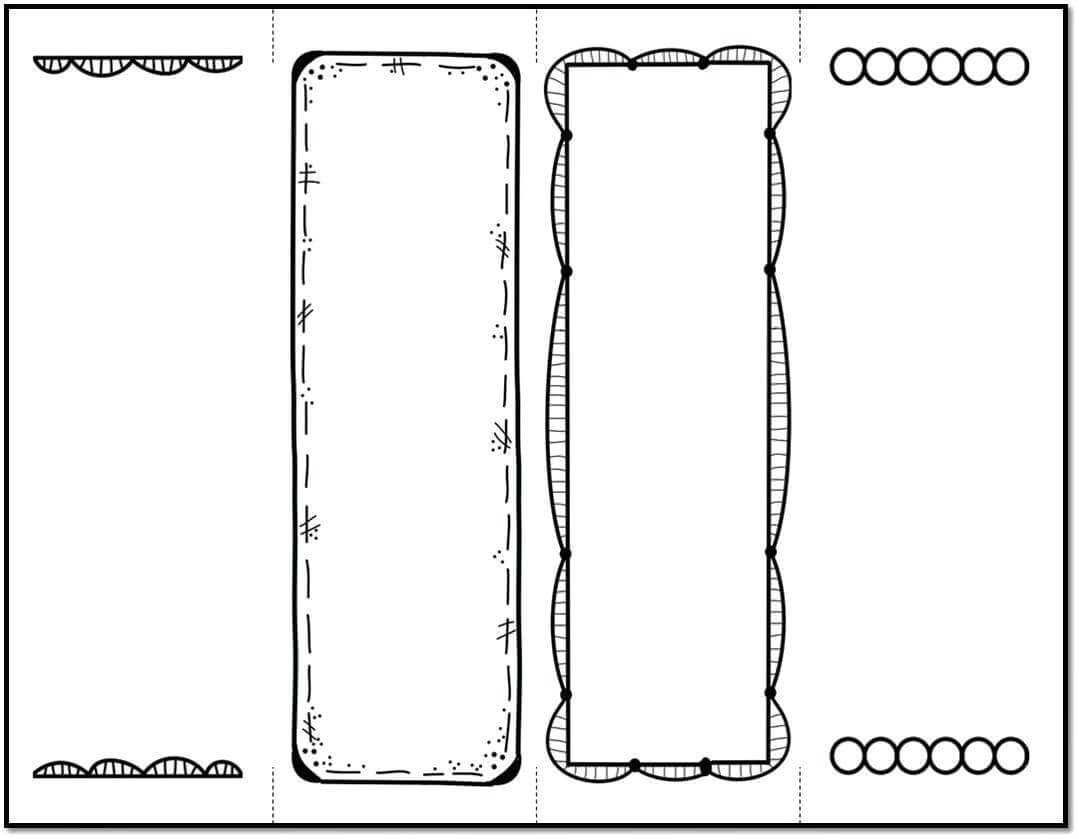
Free Blank Bookmark Templates To Print offer an exciting gateway for book lovers, teachers, parents, and creative hobbyists to bring personalized reading aids into the real world. When you dive into a collection of printable bookmarks, you instantly unlock a palette of design possibilities: from whimsical illustrations to motivational quotes, from minimalist geometric shapes to elaborate hand-lettered scripts. This article walks you through every aspect—from selecting the right template and customizing it to printing, cutting, laminating, and ultimately using your bookmarks to spark enthusiasm for reading.
Why Choose Printable Bookmarks?
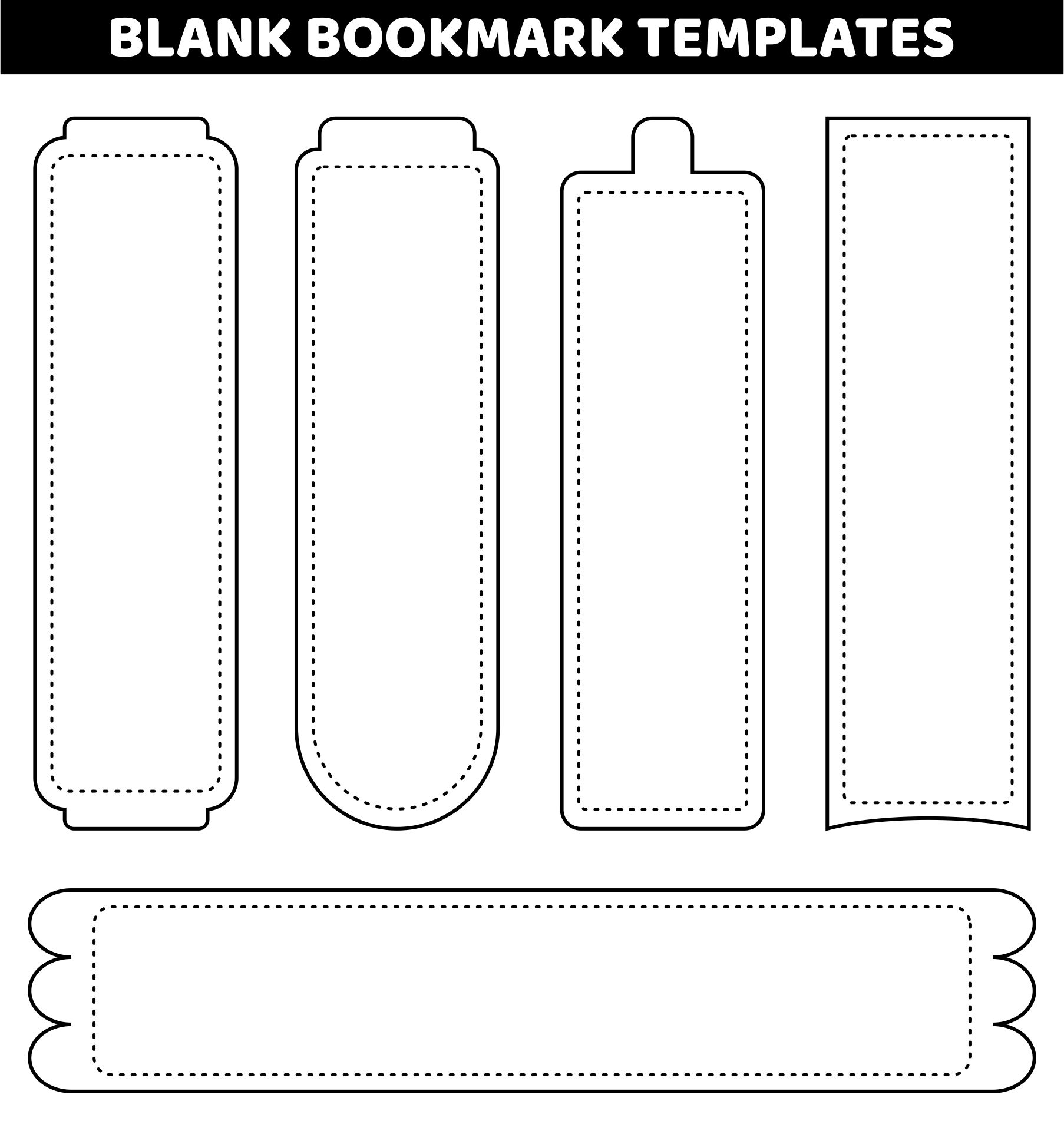
Printable bookmarks are more than just functional tools; they are a canvas for personal expression. They can transform an ordinary reading session into an engaging experience and serve as keepsakes, gifts, or promotional items. The key advantages include:
- Affordability: Free templates eliminate the cost barrier, making high-quality bookmarks accessible to everyone.
- Flexibility: Print on a variety of paper types—cardstock, watercolor paper, or recycled sheets—to match your intended use.
- Speed: With a digital file, you can customize, print, and assemble in a matter of minutes.
- Eco‑friendly options: Many templates are designed for double‑sided printing, reducing paper waste.
- Versatility: Use them in classrooms, libraries, book clubs, or as personalized gifts for friends and family.
Choosing the Right Template

Assess Your Purpose
Start by defining the bookmark’s primary function. Are you creating study aids for students, decorative items for book lovers, or promotional materials for a local author’s launch? The answer dictates the design style, size, and materials.
Educational bookmarks often feature simple layouts with ample space for notes or a small study tip. Decorative bookmarks prioritize aesthetics: vibrant illustrations, textured backgrounds, or intricate borders. Promotional bookmarks include branding elements—logos, social media handles, or event details.
Template Size Matters
Standard bookmark dimensions range from 2” × 6” to 2.5” × 7”. Ensure the template’s scale is compatible with your printer’s printable area. Most free templates specify dimensions in inches; double‑check before downloading.
File Format and Compatibility
High‑resolution PDF files are the most common format for printable templates. They preserve vector graphics and text without distortion. However, some templates also come as PNG or SVG files. If you plan to edit the design, a vector format like SVG allows seamless manipulation of individual elements.
Free Sources and Licensing
While many sites offer free bookmarks, it is important to verify the licensing terms. Look for “royalty‑free” or “public domain” labels if you plan to distribute or sell the finished products. Most personal or educational uses are covered by free licenses, but commercial distribution may require attribution or a purchase of a premium license.
Customization Techniques
Adding Personal Touches
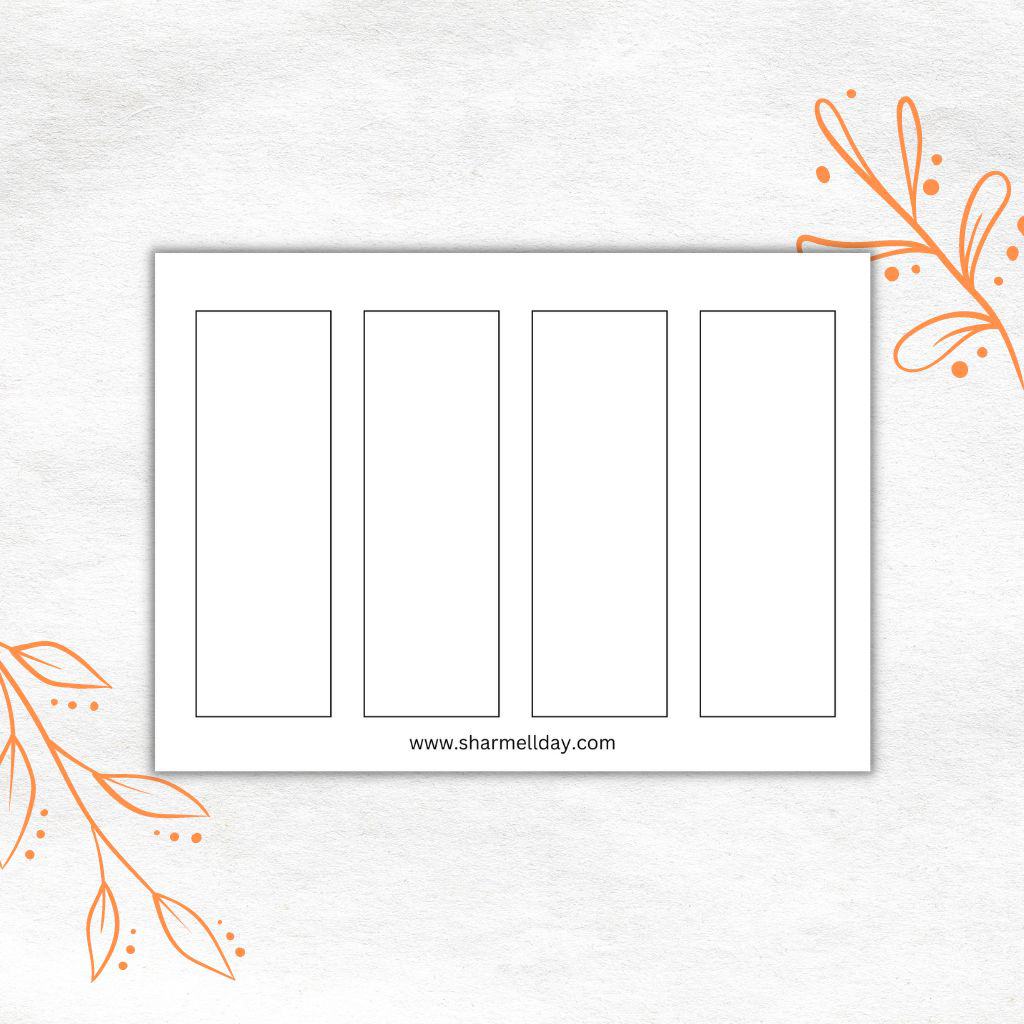
Once you have selected a template, you can customize it to suit your style or audience. Use graphic design software such as Canva, Adobe Illustrator, or free editors like GIMP and Inkscape. The following steps outline a typical customization workflow:
- Open the template file in your chosen editor.
- Modify colors by selecting elements and applying your color palette. Use tools like the color picker or swatches to maintain brand consistency.
- Insert text such as motivational quotes, reading tips, or event information. Choose fonts that reflect the intended tone—elegant script for formal events, bold sans‑serif for children’s books.
- Incorporate images or illustrations. Many templates come with placeholders; replace them with your own photographs or clip art.
- Adjust layout if needed. Move or resize components to ensure balanced visual hierarchy and avoid clutter.
- Preview in full‑bleed mode to check that no essential elements are too close to the edge; a margin of at least 0.125” helps prevent accidental trimming.
Enhancing with Layered Effects
Adding depth can elevate a simple bookmark into a collectible. Consider these techniques:
- Gradient backgrounds create a subtle visual flow.
- Shadow or glow effects on text make it stand out against busy backgrounds.
- Embossed or engraved patterns simulated via 3D effects can give a tactile impression.
- Use transparent overlays with watermarks or faint decorative motifs that appear only when held up to light.
Creating Reusable Templates
If you anticipate printing multiple bookmarks, save a master copy in an editable format. This allows quick adjustments for different projects without starting from scratch each time. Keep a library of color schemes, font pairs, and icon sets to streamline future designs.
Printing Your Bookmark Collection

Selecting the Right Paper
The paper choice directly impacts durability, weight, and finish. Here are common options:
- Cardstock (80–120 lb): Ideal for everyday use; offers a sturdy feel.
- Matte or gloss photo paper: Adds a professional sheen, especially for photographic or richly colored designs.
- Textured paper: For a tactile experience; good for handmade or artisanal bookmarks.
- Recycled paper: Eco‑friendly choice; ensures sustainability without compromising quality.
Printer Settings
To ensure color fidelity and crisp lines:
- Paper type: Set to “Cardstock” or “Photo” to accommodate heavier sheets.
- Print quality: Select “High” or “Best” mode for sharp detail.
- Borderless printing: If your template includes bleed areas, enable borderless options. If not, leave a 0.125” margin.
- Use the two‑sided (duplex) printing feature for double‑sided bookmarks to reduce paper usage.
Proofing Before the Final Print Run
Print a single test page on regular paper. Verify color balance, alignment, and text legibility. Adjust settings accordingly before proceeding to the full stack.
Cutting and Finishing Techniques

Precision Cutting
Use a paper trimmer for clean, straight edges. Align the template’s borders with the cutting guide to maintain uniformity across all bookmarks. For a curved or rounded corner, a craft knife and a ruler can create a subtle aesthetic touch.
Lamination for Longevity
Laminating bookmarks protects them from moisture, tears, and general wear. Choose between:
- Self‑adhesive laminating sheets that can be applied at home with a household iron.
- Professional laminating film for thicker, more durable protection, often available at office supply stores.
- For a matte finish, select a matte laminate; for a shiny look, opt for gloss.
Edge Treatments
Adding a border or edge reinforcement can enhance durability:
- Rubber bands or elastic for a flexible edge.
- Use paper tape along the corners to prevent fraying.
- For a premium look, consider metal or plastic clips that attach to the bookmark’s edge.
Creative Uses and Distribution Ideas

In the Classroom
Teachers can integrate bookmarks into lesson plans: students personalize bookmarks with study goals, and then use them to track progress. It also encourages reading habits and provides a tangible reward for completion of reading assignments.
Library and Book Club Promotions
Libraries often distribute bookmarks featuring local authors or upcoming events. Book clubs can create themed bookmarks—perhaps a bookmark with a quote from the current read—and distribute them during meetings.
Personal Gifts and Keepsakes
Customized bookmarks make heartfelt gifts for birthdays, graduations, or anniversary celebrations. Adding a personal message or the recipient’s name turns an ordinary bookmark into a treasured memento.
Event Souvenirs and Marketing
Authors and publishers can use bookmarks as promotional tools at book signings, festivals, or book launches. Include a QR code that links to a website or a special discount code to drive engagement.
Tips for Long‑Term Sustainability
To ensure your bookmarks remain useful and attractive over time, follow these practices:
- Use high‑quality ink or PDF files with CMYK color profiles to avoid fading.
- Store bookmarks in a book sleeve or folder to protect them from bending.
- Encourage hand‑washing rather than using a dishwasher when cleaning laminated bookmarks.
- Periodically refresh the design with new quotes or colors to keep them engaging.
Conclusion

Free Blank Bookmark Templates To Print serve as a versatile starting point for anyone looking to blend creativity, practicality, and affordability in the realm of reading accessories. By thoughtfully selecting a template, customizing it with meaningful details, printing on suitable paper, and finishing with care, you can produce bookmarks that are not only functional but also expressive and memorable. Whether you’re a teacher aiming to inspire students, a parent creating a unique gift, or a marketer looking to promote an event, these printable bookmarks offer a simple yet powerful medium to connect with audiences and enrich the reading experience. Embrace the possibilities, experiment with design choices, and let your bookmarks become a reflection of your style and passion for books. Happy printing!