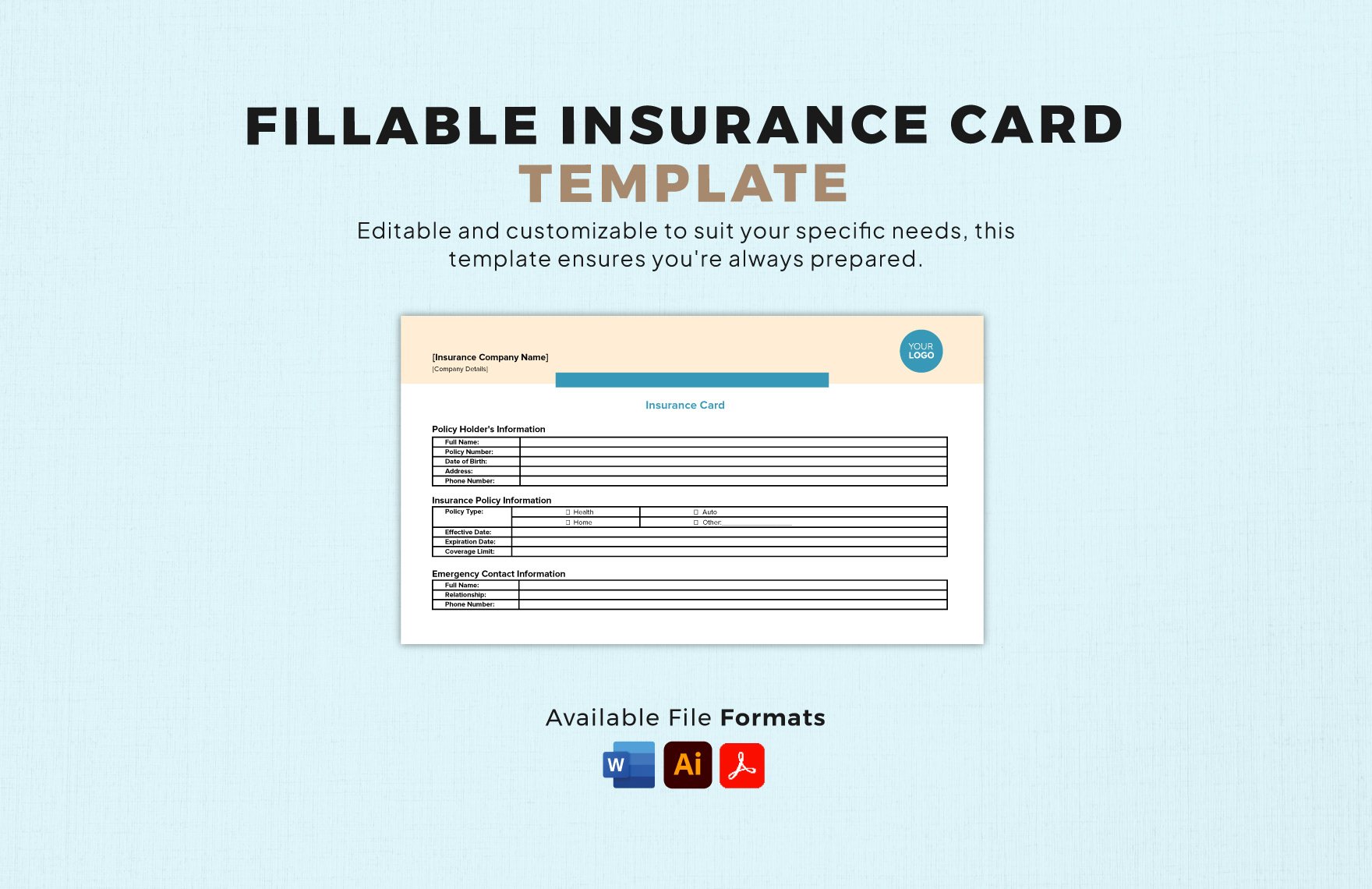
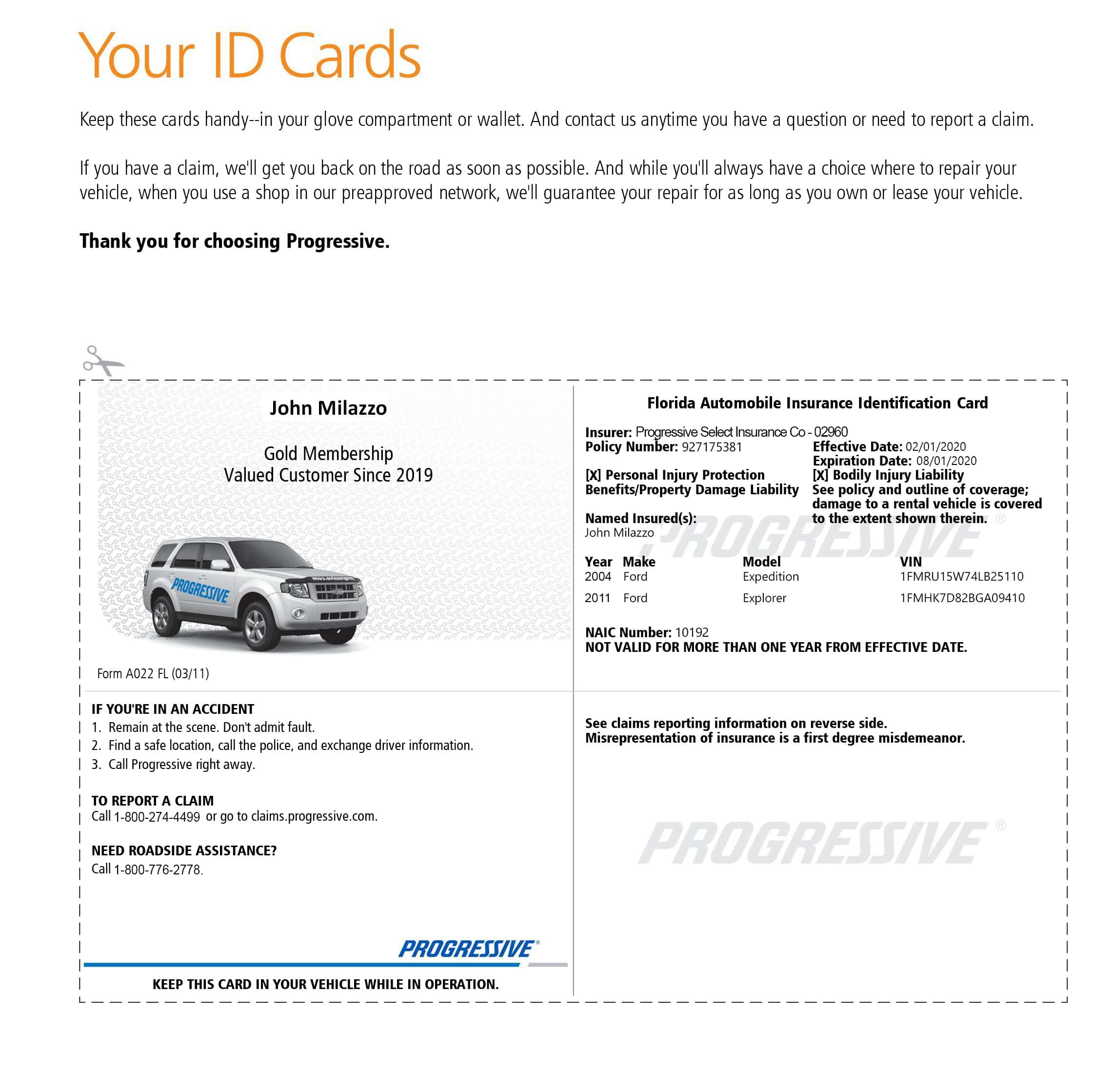
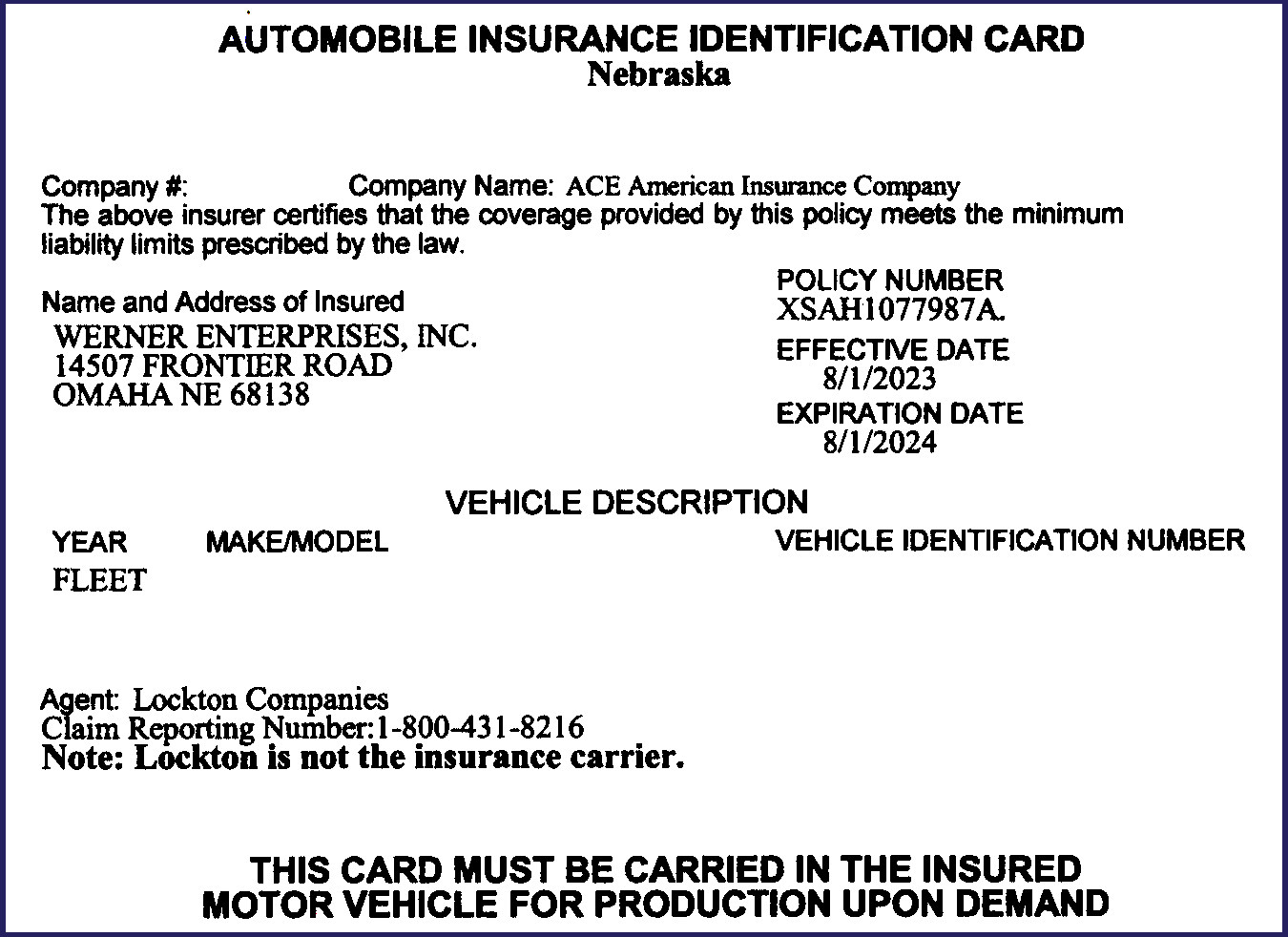
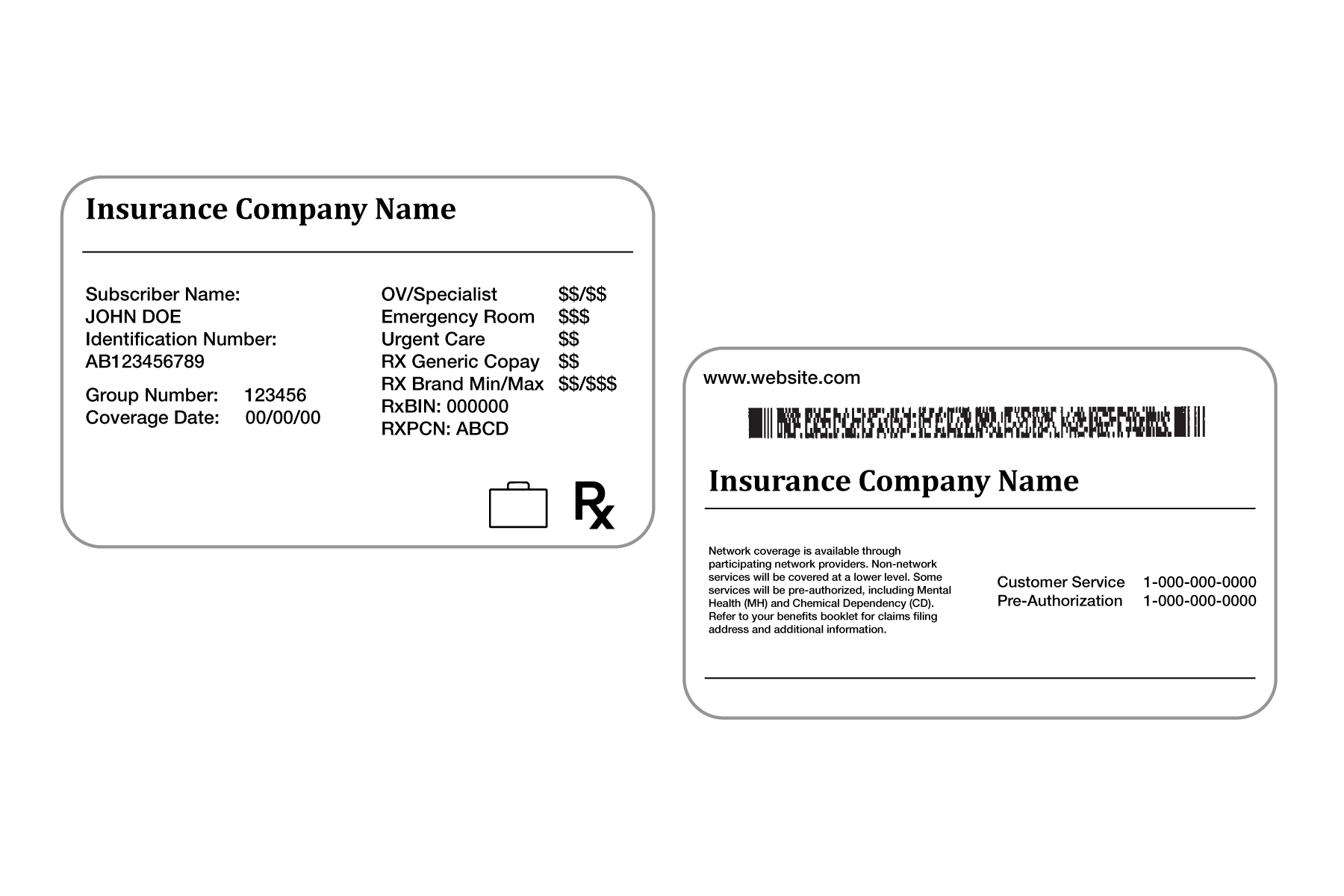
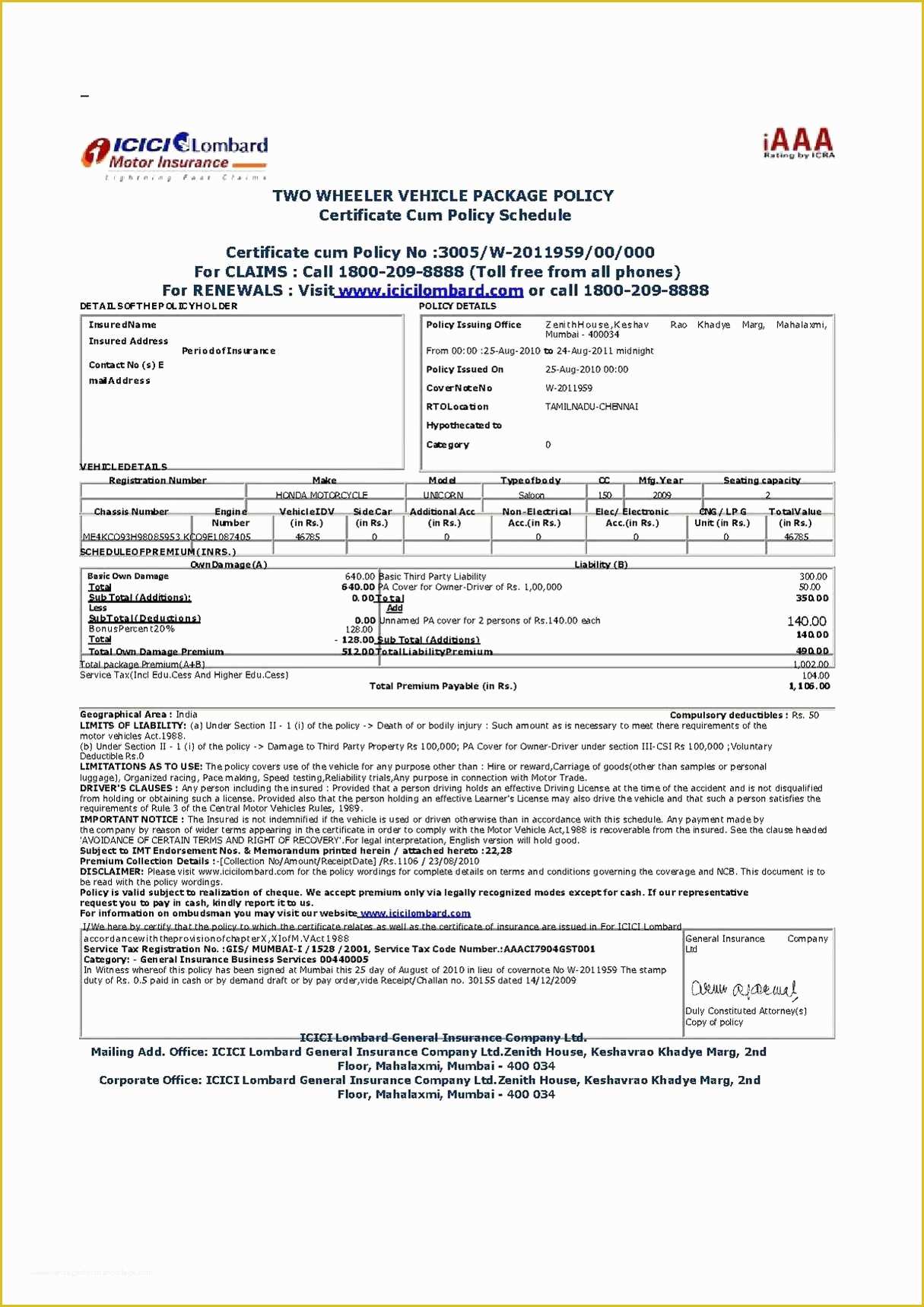
Fake Auto Insurance Card Template Download can be a surprisingly useful resource for filmmakers, event planners, and even hobbyists who need a realistic but non‑functional document for creative projects. It’s not about fraud or deception; it’s about creating believable scenes or props that look authentic on screen or on paper, while still keeping everything legal and safe. In this post, I’ll walk you through why these templates matter, how to pick the right one, and step‑by‑step instructions for customizing it to suit your needs, all while staying within the bounds of law and ethics.
Why Authenticity Matters in Creative Projects

When a character is driving a car, a police officer pulls them over, or a car rental company checks an ID, the audience expects everything to look real. A flimsy, hand‑drawn card can break immersion, leaving viewers distracted or even questioning the credibility of the entire scene. By using a high‑quality Fake Auto Insurance Card Template, you can maintain that visual authenticity without risking legal trouble.
Understanding the Legal Landscape

What Is Allowed?
In most jurisdictions, creating and using a counterfeit document for personal use in a controlled environment—such as a film set—does not constitute fraud if it is clearly marked as a prop and is never presented as real. However, you must ensure that the template does not include any official logos, registration numbers, or unique identifiers that could be mistaken for authentic documentation.
When to Avoid Using a Fake Card
If your project requires a document to be shown to a real insurance company or used in a legal context, a fake card is obviously inappropriate. Likewise, passing a fake card to a third party as genuine is illegal. Always keep the intended use in mind and verify local regulations if you are unsure.
Common Use Cases for Fake Insurance Card Templates
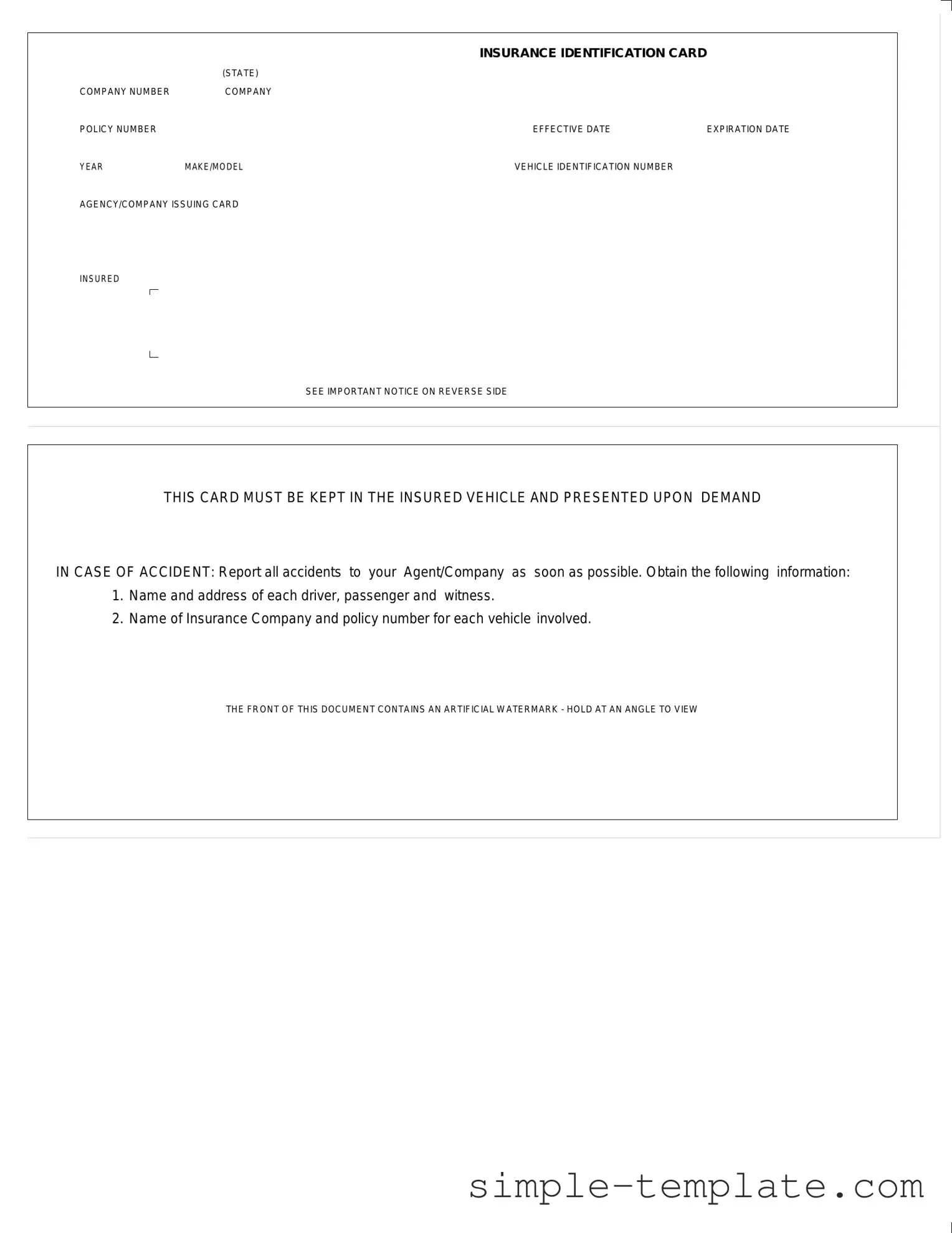
Film and Television Production
Set designers and prop masters routinely need convincing insurance cards for cars on set. A template provides a quick, cost‑effective way to generate multiple copies with varying details.
Live Events and Themed Parties
Events like car shows, themed galas, or escape rooms may request participants to present an insurance card for authenticity. A fake template can be printed and handed out without compromising any real policies.
Role‑Playing Games and Tabletop Adventures
Gamers often create immersive worlds where vehicles and drivers require insurance. Using a printable template allows players to carry “real” cards that enhance role‑playing experience.
Educational Demonstrations
Insurance companies, law schools, or driving schools may use fake cards in training scenarios to illustrate the importance of documentation while avoiding any real policy exposure.
Choosing the Right Template

Design Quality
Look for templates with clean layouts, legible fonts, and realistic visual cues like embossed logos, watermarks, or background textures that mimic official paper.
File Format Flexibility
Templates should come in editable formats such as PSD, AI, DOCX, or Google Docs, allowing you to adjust colors, text, and branding without losing quality. Vector files (AI, EPS) are ideal for resizing.
Ease of Customization
Check that the layers or sections are clearly labeled—this speeds up editing. For instance, the policy number, expiration date, and insurance company name should be isolated to make updates quick.
Free vs. Paid Options
Free templates often suffice for basic needs, but paid ones may offer higher resolution, more realistic details, or additional variants. Consider your budget versus the level of realism required.
Step‑by‑Step Guide to Download and Customize

1. Download the Template
Choose a reputable source that offers the template in a commonly used format. Save the file to a folder where you’ll keep all project assets.
2. Open the File in Your Preferred Editing Software
For PSD files, use Adobe Photoshop; for AI files, Adobe Illustrator; for DOCX, Microsoft Word; for Google Docs, the web interface. Ensure you have the necessary permissions to edit.
3. Identify Editable Layers or Fields
Most well‑made templates label layers like “Policy Number,” “Insurer Name,” and “Expiration Date.” Click each layer to modify the text.
4. Update Personal or Project Details
Enter a fictional policy number that follows the usual formatting style (e.g., “ABC-123-456”). Choose a believable insurer name—avoid real company names that could be trademarked. Set a realistic expiration date, typically a year or two from the current date.
5. Adjust Visual Elements (Optional)
- Background Color: Change to match the aesthetic of your project.
- Watermark or Logo: Add a generic icon that suggests authenticity without infringing trademarks.
- Paper Texture: Overlay a subtle texture layer to mimic official paper.
6. Proofread for Accuracy
Double‑check that no real company names, logos, or official regulatory identifiers appear. Verify that all placeholders are replaced with your custom data.
7. Export the Final Version
Save the finished card in a high‑resolution format such as PDF, PNG, or JPEG, depending on your printing needs. If you plan to use the card digitally (e.g., in a video), export it at 300 dpi to ensure sharpness.
8. Print or Digitally Deploy
For physical use, print on cardstock or heavy paper and laminate if durability is required. For virtual use, embed the image in your video or digital storyboard.
Tools and Software Recommendations

Graphic Design
Adobe Photoshop, Illustrator, or free alternatives like GIMP and Inkscape allow detailed editing. For web‑based editing, Canva offers user‑friendly templates that can be customized quickly.
Document Editing
Microsoft Word, Google Docs, or LibreOffice Writer support text editing and basic design tweaks. They’re ideal for simpler templates that don’t require advanced graphic manipulation.
Printing and Finishing
Use a local print shop for high‑quality, colored prints. For small runs, a good inkjet printer and heavy paper stock suffice. Laminating the card enhances longevity, especially for props that will be handled frequently.
Real‑World Example Scenarios
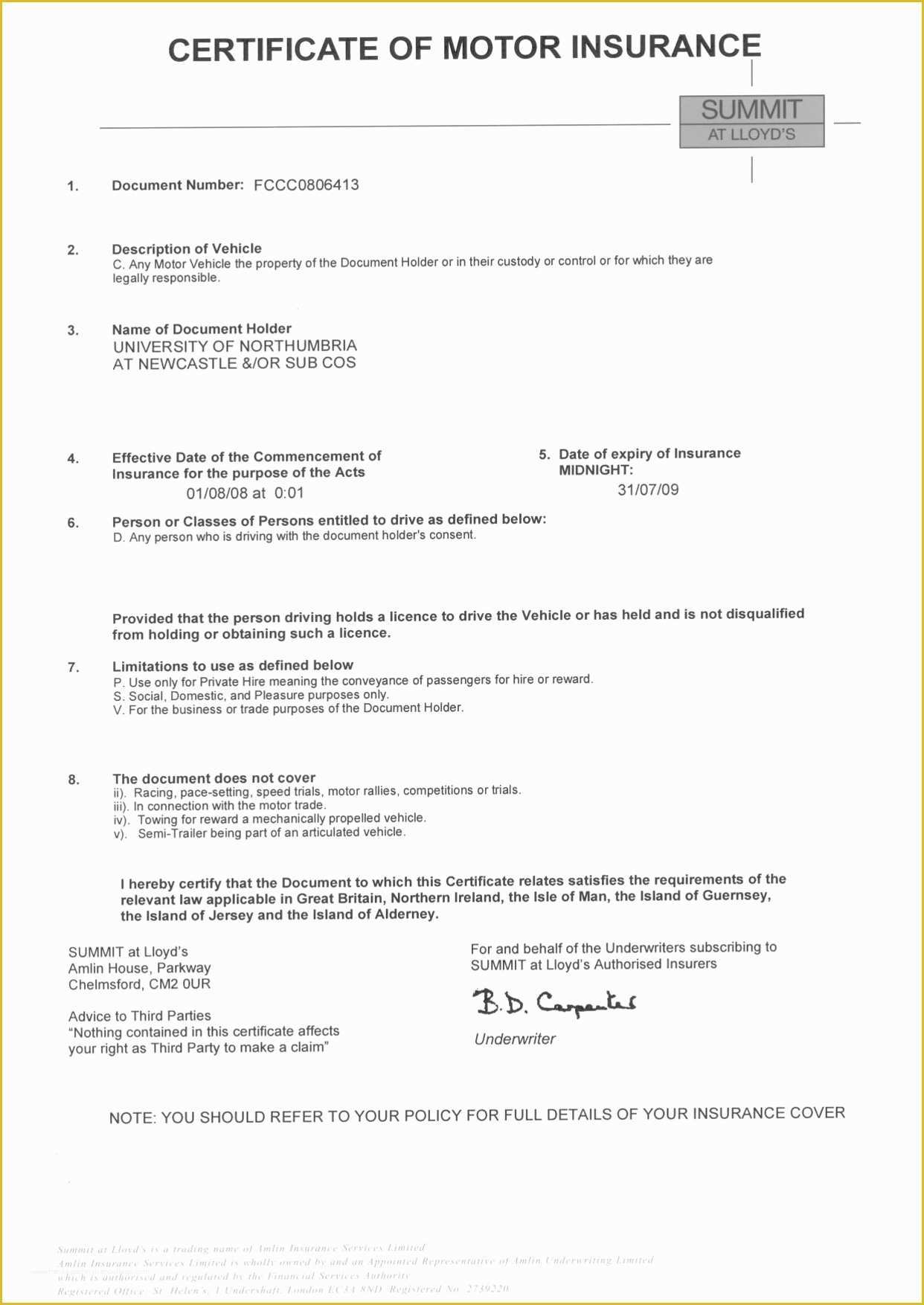
Film Set: “Road Racer” Scene
During a high‑speed chase, a police officer needs to pull over a driver. The prop department provides a custom insurance card with a fictional policy number that matches the car’s registration. The actor’s briefcase includes the card, making the scene believable in the final cut.
Live Car Show: “Vintage Ride Expo”
Each exhibitor receives a “proof of insurance” card generated from a template. The cards list a generic insurance provider and a year‑long expiration, ensuring safety compliance without revealing real policies.
Escape Room: “The Insurance Heist”
Players must locate a hidden insurance card within a locked drawer. The card’s design uses realistic paper texture and faux embossed details, increasing immersion while being safe for a game environment.
Driving School Demonstration
During a lesson on documentation, instructors present a fake card to illustrate the information required on a real policy. Students learn what to look for without needing actual insurance documents.
Frequently Asked Questions

Can I use a fake insurance card for real transactions?
No. Using a counterfeit document for any real-world transaction, such as insurance claims or legal agreements, is illegal and can result in prosecution.
Will using a fake card ever lead to legal trouble on a film set?
Generally not, as long as the card is clearly marked as a prop and never presented to a real insurance company or law enforcement as genuine. Always consult legal counsel if you’re unsure.
Can I change the insurer’s logo to a real company?
Only if you have explicit permission from the trademark holder. Otherwise, use a generic or fictional logo to avoid infringement.
What file format is best for printing large quantities?
PDFs at 300 dpi are the industry standard, ensuring crisp text and images regardless of print size.
Do I need to sign the template before customizing?
No. Templates are pre‑designed and typically do not require a signature. However, if you plan to use the card as part of a role‑play or game, you can add a placeholder signature line for authenticity.
Conclusion
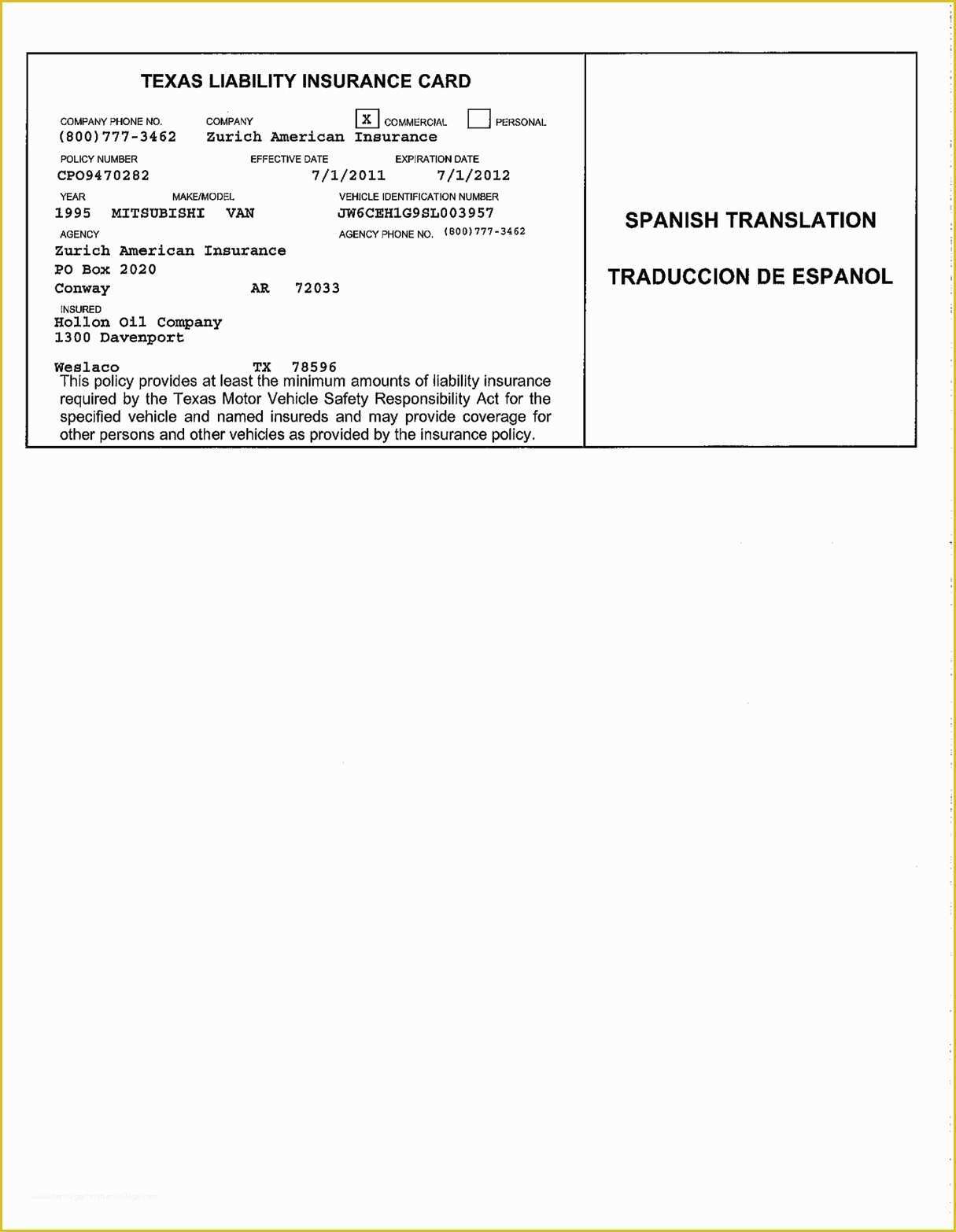
Creating a believable Fake Auto Insurance Card Template Download is a simple yet powerful way to enhance the realism of your creative projects while staying firmly within legal boundaries. By selecting a high‑quality template, customizing it with care, and using it appropriately—whether in film, events, or games—you can provide authentic visual cues that keep your audience engaged. Remember to avoid real logos, keep the card clearly a prop, and always double‑check local laws before using a counterfeit document in any real‑world scenario. With these guidelines, you’ll be able to produce professional‑looking insurance cards that serve your narrative without compromising safety or legality.