
Employee Recognition Certificates Templates Free have become a cornerstone of modern workplace culture, offering a simple yet powerful way to celebrate achievements, boost morale, and reinforce company values without breaking the budget. In an era where talent retention hinges on authentic appreciation, these ready‑made designs give HR professionals, managers, and team leaders the flexibility to acknowledge outstanding work instantly, whether it’s for hitting a sales target, completing a major project, or simply embodying the company’s core principles. This guide walks you through everything you need to know about selecting, customizing, and deploying free certificate templates so you can turn everyday successes into memorable moments that inspire continued excellence.
Understanding the Value of Employee Recognition

Recognition is more than a nice‑to‑have perk; it’s a strategic driver of performance. Studies consistently show that employees who feel valued are up to 31% more productive and are significantly less likely to seek new opportunities. Certificates serve as tangible proof of appreciation, creating a lasting visual reminder that can be displayed at a workstation or shared on social media. By formalizing praise in a physical or digital format, organizations reinforce a culture of acknowledgment that aligns individual effort with broader business goals.
When recognition is delivered thoughtfully, it also strengthens psychological safety. Employees who see peers celebrated are more inclined to take calculated risks, share ideas, and collaborate across departments. Free templates lower the barrier to entry, ensuring that small businesses and startups can participate in this high‑impact practice without the expense of custom design work.
Key Elements of an Effective Recognition Certificate

Design Basics
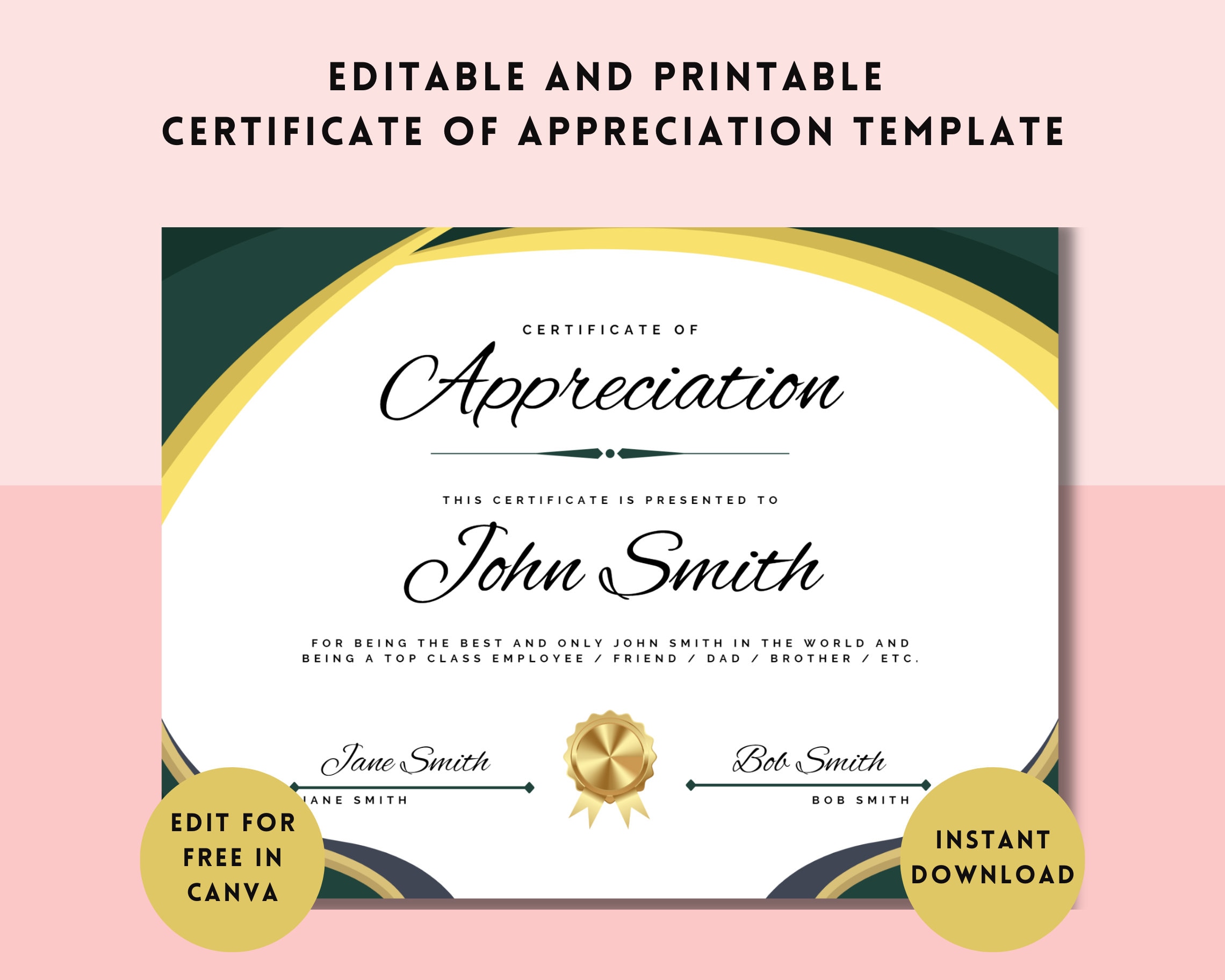
A well‑designed certificate balances professionalism with visual appeal. Core design elements include:
- Clear hierarchy: The recipient’s name should dominate the layout, followed by the award title, date, and issuer’s signature.
- Balanced whitespace: Adequate margins prevent the page from feeling cluttered and guide the eye toward the most important information.
- Consistent typography: Use no more than two complementary fonts—one for headings (often a serif or script for elegance) and one for body text (a clean sans‑serif).
- Subtle color palette: While corporate colors reinforce brand identity, a muted background or soft accent can add sophistication without overwhelming the text.
Content Essentials
The wording on a certificate should be concise, specific, and heartfelt. Essential components are:
- Award title: Clearly state the nature of the recognition (e.g., “Employee of the Month,” “Outstanding Customer Service Award”).
- Recipient’s name: Spell the name exactly as the employee prefers, using proper capitalization.
- Reason for award: Include a brief description of the achievement, highlighting measurable results or core values demonstrated.
- Issuer’s signature: A handwritten or digital signature from a senior leader adds authenticity.
- Date and location: These details anchor the recognition in a specific moment, making it more memorable.
Where to Find Free Templates

Online Template Libraries
Many websites host extensive collections of free certificate templates that can be downloaded in editable formats such as PSD, AI, DOCX, or Google Slides. These libraries typically categorize templates by occasion (e.g., “Employee Appreciation,” “Year‑End Awards”) and allow you to filter by style, orientation, and file type. By browsing a curated selection, you can quickly locate a design that matches your brand aesthetic and download it without creating an account.
Customizable Platforms
Beyond static libraries, cloud‑based design tools like Canva, Adobe Express, and Visme provide free certificate templates that are fully customizable within the browser. These platforms enable you to drag‑and‑drop logos, adjust colors, and replace placeholder text with your own content in real time. The advantage of using such tools is the ability to collaborate with team members, maintain version control, and export the final certificate as a high‑resolution PDF or image ready for printing or digital distribution.
How to Customize Your Template for Maximum Impact
Choosing the Right Layout
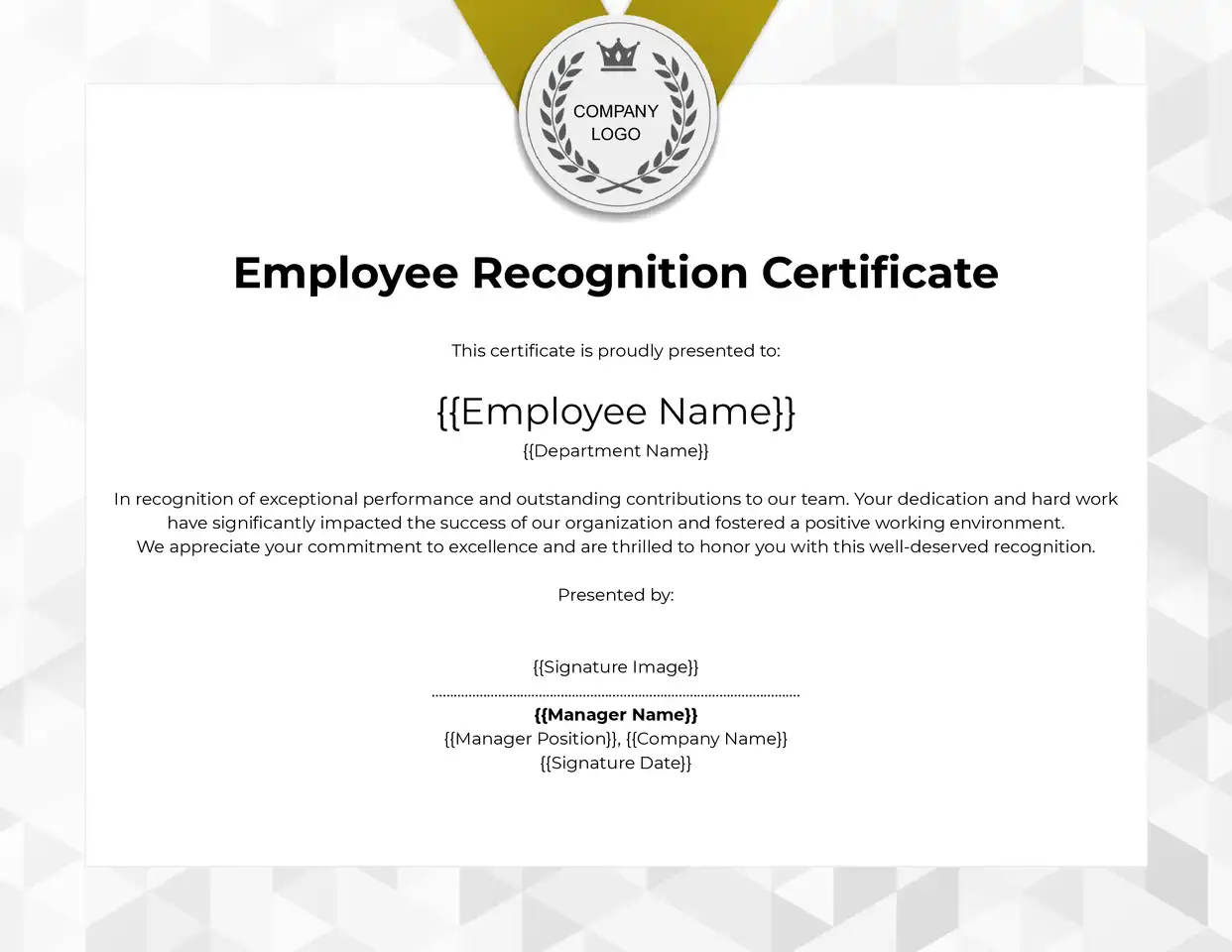
Start by assessing the context of the award. For formal recognitions like “Outstanding Leadership,” a portrait layout with decorative borders and a classic serif font may convey gravitas. For more casual milestones, such as “Team Player of the Quarter,” a landscape orientation with bold headings and bright accent colors can feel energetic and contemporary. Align the layout with the tone of the occasion to ensure the certificate feels appropriate.
Incorporating Brand Identity
Embedding your company’s visual identity reinforces the link between individual achievement and organizational mission. Include the corporate logo in the top‑left or top‑center position, and match the template’s color scheme to your brand palette. If your brand guidelines specify a particular font family, replace the default typefaces accordingly. Consistency across all recognition materials creates a cohesive employee experience and strengthens brand recall.
Personalizing the Message
While templates provide a solid foundation, the real power lies in the personalized narrative. Replace generic phrases with specifics that reflect the employee’s contribution. Instead of “Excellent performance,” try “Exceeded Q2 sales targets by 27% while mentoring three new hires.” Mentioning quantifiable results demonstrates that the award is earned, not arbitrary, and encourages peers to emulate the behavior.
Consider adding a short, handwritten note scanned and inserted into the design. The personal touch of a manager’s or CEO’s signature, coupled with a brief comment, adds emotional weight and differentiates the certificate from a mass‑produced document.
Best Practices for Distributing Certificates

Timing and Presentation
Timing is crucial. Present certificates promptly after the achievement to capitalize on the momentum of the employee’s success. Align the presentation with a visible platform—team meetings, company town halls, or virtual webinars—so that peers can witness the acknowledgment. A well‑orchestrated reveal, such as a short video montage or a slide featuring the certificate, amplifies the celebratory atmosphere.
Digital vs. Print
Both formats have distinct advantages. Digital certificates are instantly shareable, can be added to LinkedIn profiles, and reduce printing costs. However, a high‑quality printed version can be framed and displayed in an office, offering a physical reminder of accomplishment. Consider offering a hybrid approach: send a digital copy for immediate recognition and follow up with a printed version for the employee’s personal workspace.
When distributing digitally, ensure the file is PDF‑optimized for clarity and that the resolution remains crisp on both screens and mobile devices. For printed copies, select a sturdy cardstock (typically 80‑100 lb) and consider embossing or foil stamping for an added premium feel.
Measuring the Effectiveness of Recognition Programs

Feedback Loops
After implementing a certificate program, gather feedback from recipients and observers. Use short surveys or pulse polls to ask employees how the recognition made them feel, whether it motivated future performance, and what improvements they suggest. Incorporate qualitative comments into quarterly HR reviews to refine the program.
Metrics to Track
Quantitative data can demonstrate ROI. Track metrics such as:
- Engagement scores: Compare employee engagement survey results before and after introducing certificates.
- Retention rates: Monitor turnover among recognized employees versus those without formal acknowledgment.
- Productivity indicators: Measure changes in output, sales, or project completion rates following recognition events.
- Referral activity: Recognized employees often become brand ambassadors, leading to higher referral hires.
Analyzing these figures helps justify the program’s value to leadership and highlights areas for further investment.
Common Mistakes to Avoid

Over‑generic Language
Generic wording like “Great job” diminishes impact. Employees can spot vague praise, which may feel insincere. Always tie the recognition to specific actions or results, using numbers or concrete examples wherever possible.
Inconsistent Branding
If certificates vary wildly in style, color, or typography, the program can appear disjointed. Establish a style guide for all recognition materials, outlining logo placement, font families, and color codes. Consistency reinforces professionalism and makes each award instantly recognizable as part of the company’s official program.
Neglecting Follow‑Up
Issuing a certificate is only the first step. Without follow‑up, the gesture may fade quickly. Encourage managers to discuss the achievement in one‑on‑one meetings, set new goals, and publicly celebrate the award on internal communication channels. This reinforces the behavior and signals that recognition is part of an ongoing development conversation.
Conclusion
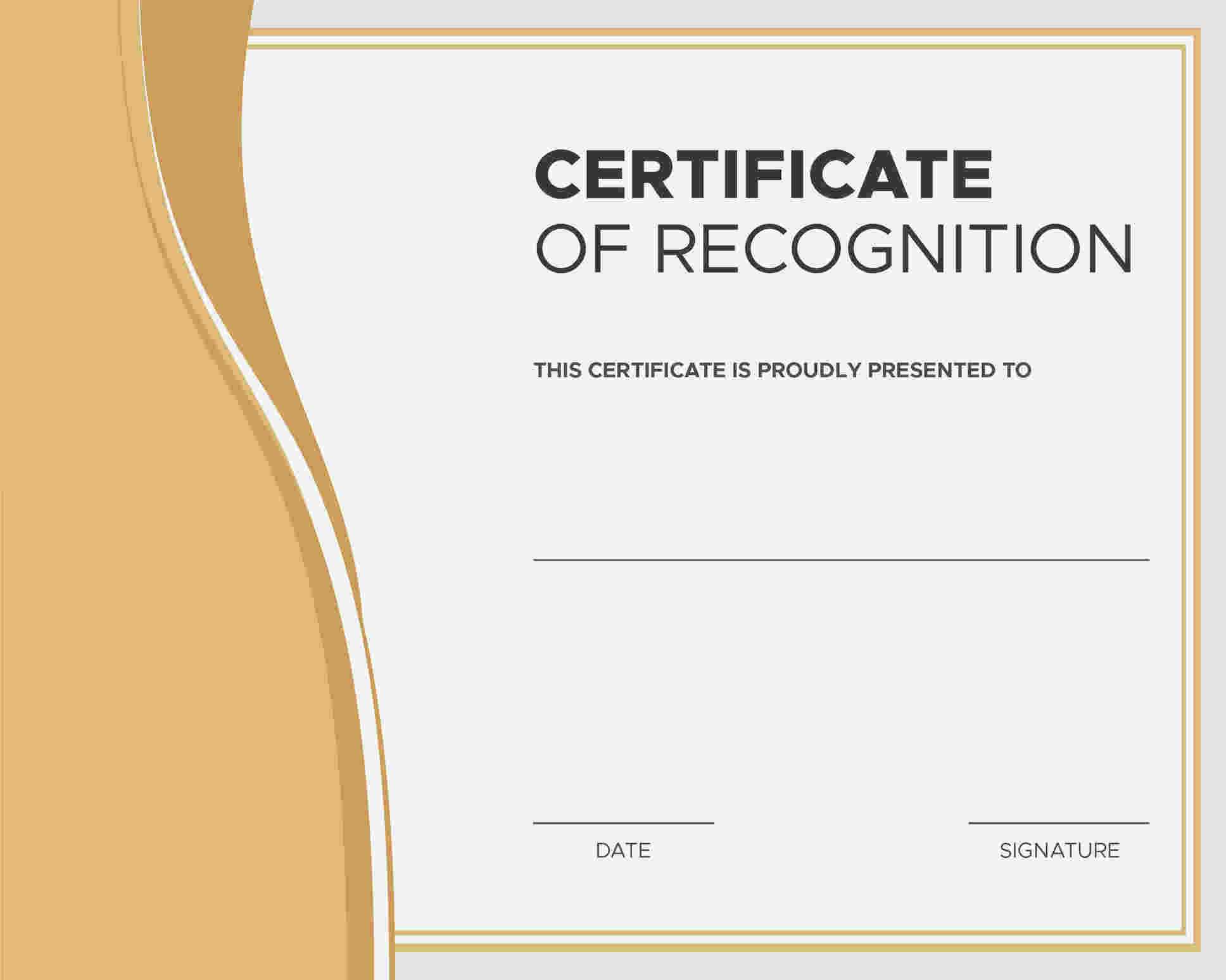
Free employee recognition certificate templates empower organizations of any size to celebrate talent in a way that feels both personal and professional. By selecting designs that align with brand identity, customizing content to spotlight concrete achievements, and delivering the awards at the right moment, you create a recognition loop that fuels motivation, strengthens culture, and ultimately drives business results. Remember to measure impact, gather feedback, and refine the process continuously. When executed thoughtfully, a simple certificate becomes a catalyst for sustained excellence, turning everyday wins into lasting symbols of pride and purpose.



Related posts of "Employee Recognition Certificates Templates Free"
