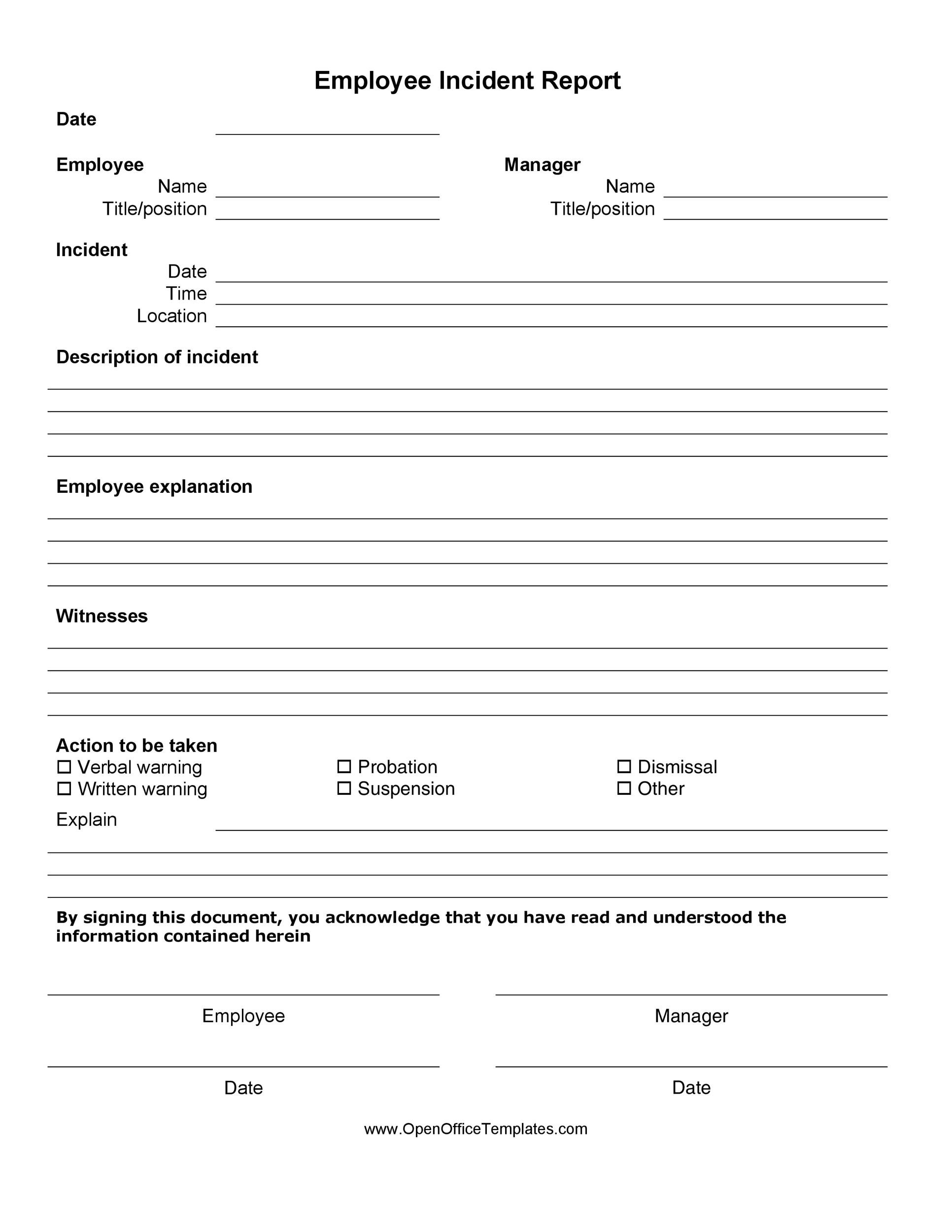
Employee Incident Report Templates are the unsung heroes of any office that wants to keep its chaos under control. Picture this: a janitor slips on a rogue banana peel while the boss is mid-presentation, the copier explodes like a cheap fireworks show, or the office cat somehow manages to escape its enclosure and wreak havoc. In every scenario, an incident report is the golden ticket to turning a mishap into a lesson, and a template is the secret sauce that makes the ticket deliciously easy to fill out.
Why Incident Reports Matter in the Workplace

First off, incident reports aren’t just paperwork; they’re the forensic evidence that tells us what went wrong, why it went wrong, and how we can make sure it never happens again. When a mishap occurs, the immediate priority is safety, followed by documentation. A well‑structured report gives managers the data needed to investigate, respond, and ultimately prevent future incidents. It also protects the company legally by demonstrating compliance with occupational safety regulations.
From a human perspective, incident reports can be the bridge between an employee’s frustration and a company’s empathy. By acknowledging the problem in a transparent and systematic way, employers show that they care about their staff’s well‑being. And let’s be honest: nothing says “we’ve got your back” louder than a neatly organized, bullet‑proof template that says, “We know what happened, we’re on it, and we’ll do better.”
What Makes a Great Employee Incident Report Template?

Clarity and Simplicity
Complex forms that read like a tax code are a recipe for errors. The best templates are clear, concise, and free of jargon. Think of the form as a conversation with a very organized friend: you ask a few questions, the friend gives straight answers, and you’re done before you realize you’ve spent less time on the form than on your actual work.
Legal Compliance and Accuracy
Regulatory bodies (like OSHA in the U.S.) have specific data they want: date and time, location, people involved, cause of the incident, and any immediate actions taken. A template that automatically prompts for these items is not only a lifesaver for compliance officers but also saves the company from potential fines. Accuracy is key; a slip of a comma can change the meaning of a whole paragraph.
User-Friendly Design
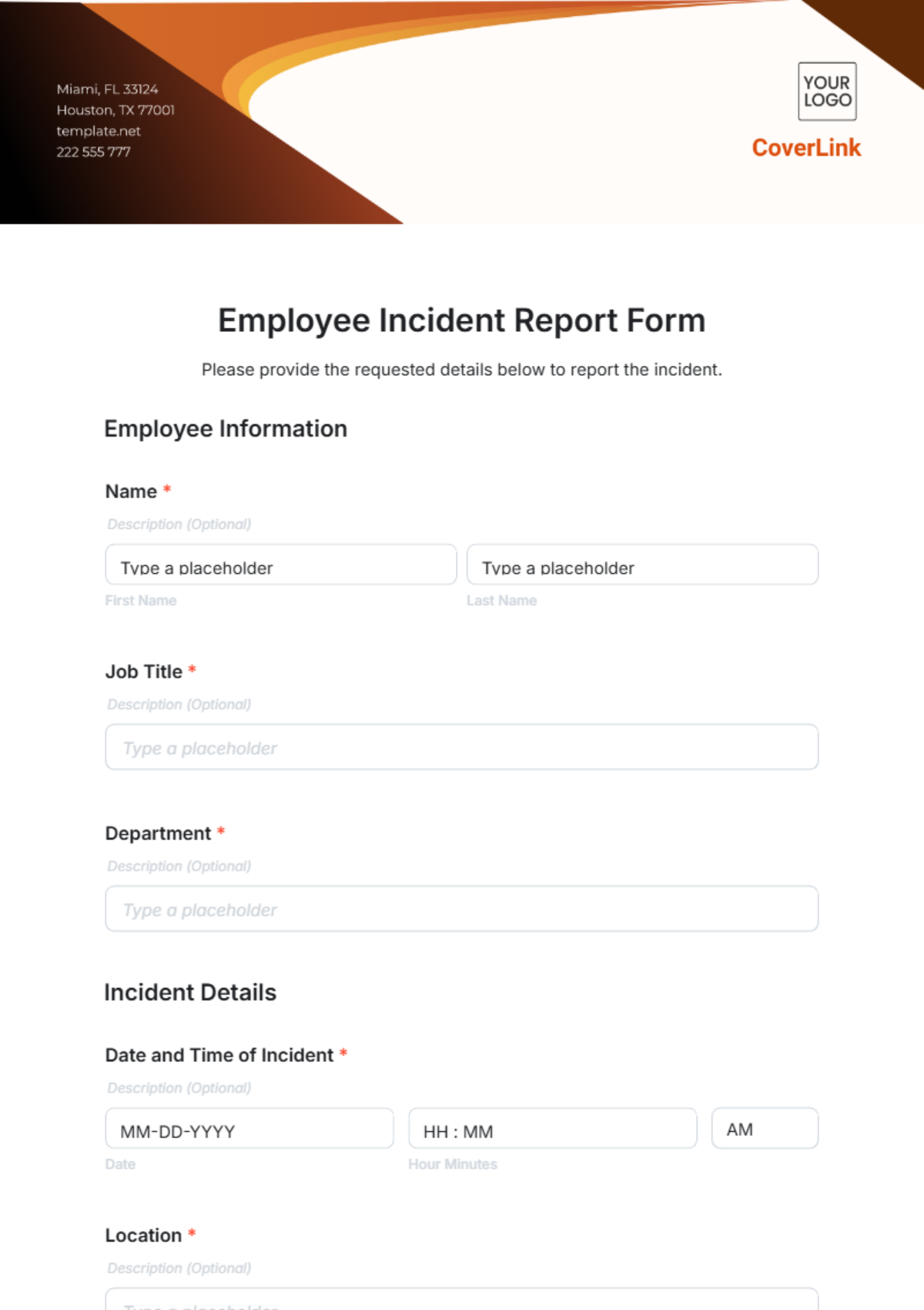
Users should be able to complete the form without a Ph.D. in UI/UX. Large fonts, ample spacing, and intuitive navigation (for digital forms, dropdowns and checkboxes) reduce the risk of misentries. Adding a short, witty instruction such as “Fill this out faster than you can say ‘spill of the century’” can keep the mood light while still encouraging thoroughness.
Step-by-Step Guide to Crafting Your Own Template
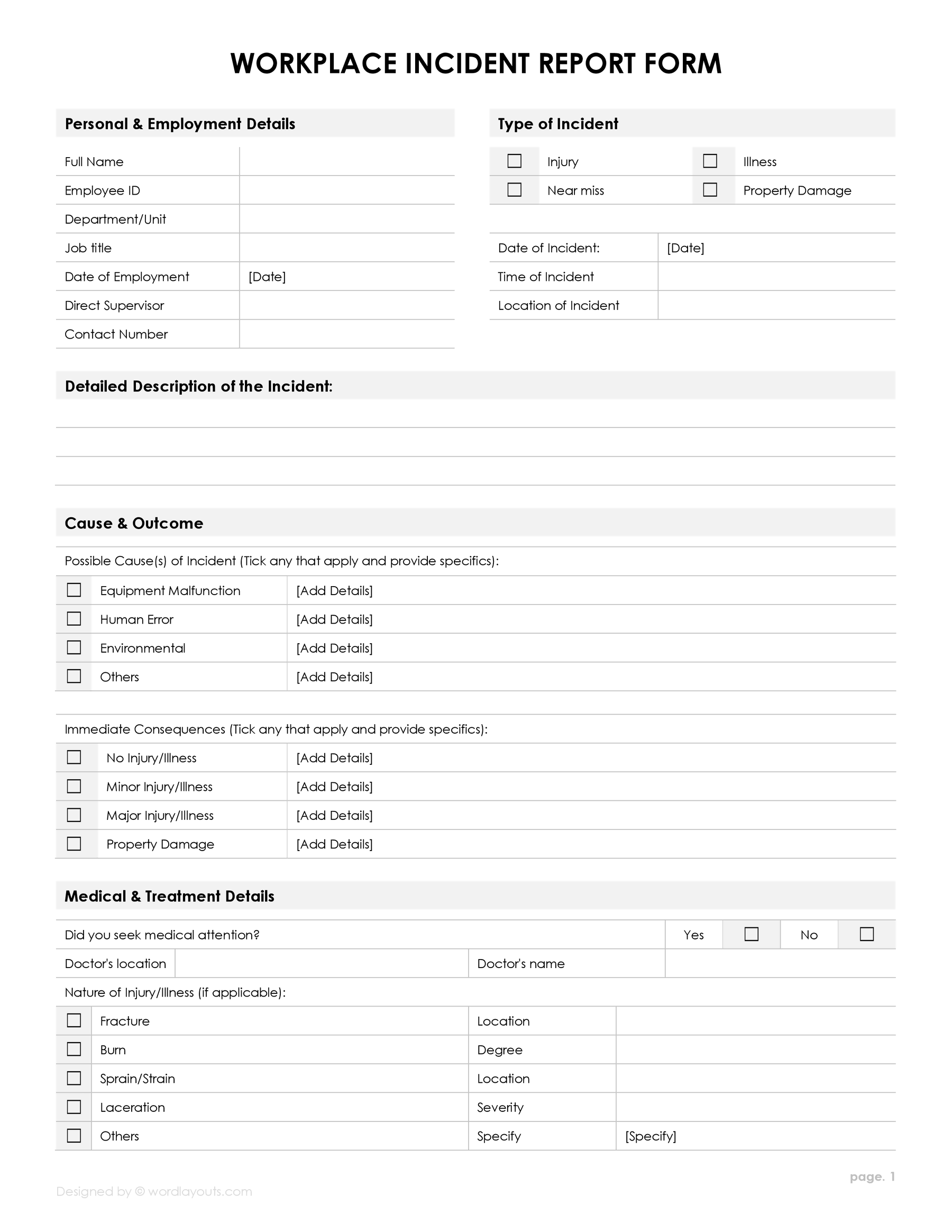
Define the Purpose
Before you write a single word, ask: what do we want to achieve? Is this for workplace accidents only, or does it also cover near‑misses, property damage, and even office drama? Clarifying the scope ensures every field serves a purpose.
Choose the Format (Digital vs Paper)
Digital forms have the advantage of auto‑saving, easy distribution, and instant data aggregation. They can even include mandatory fields that prevent submission unless filled. Paper forms, on the other hand, are useful in situations where digital access is limited or when an immediate physical record is required (for example, in a chemical plant where a spill must be logged on the spot).
Essential Fields to Include
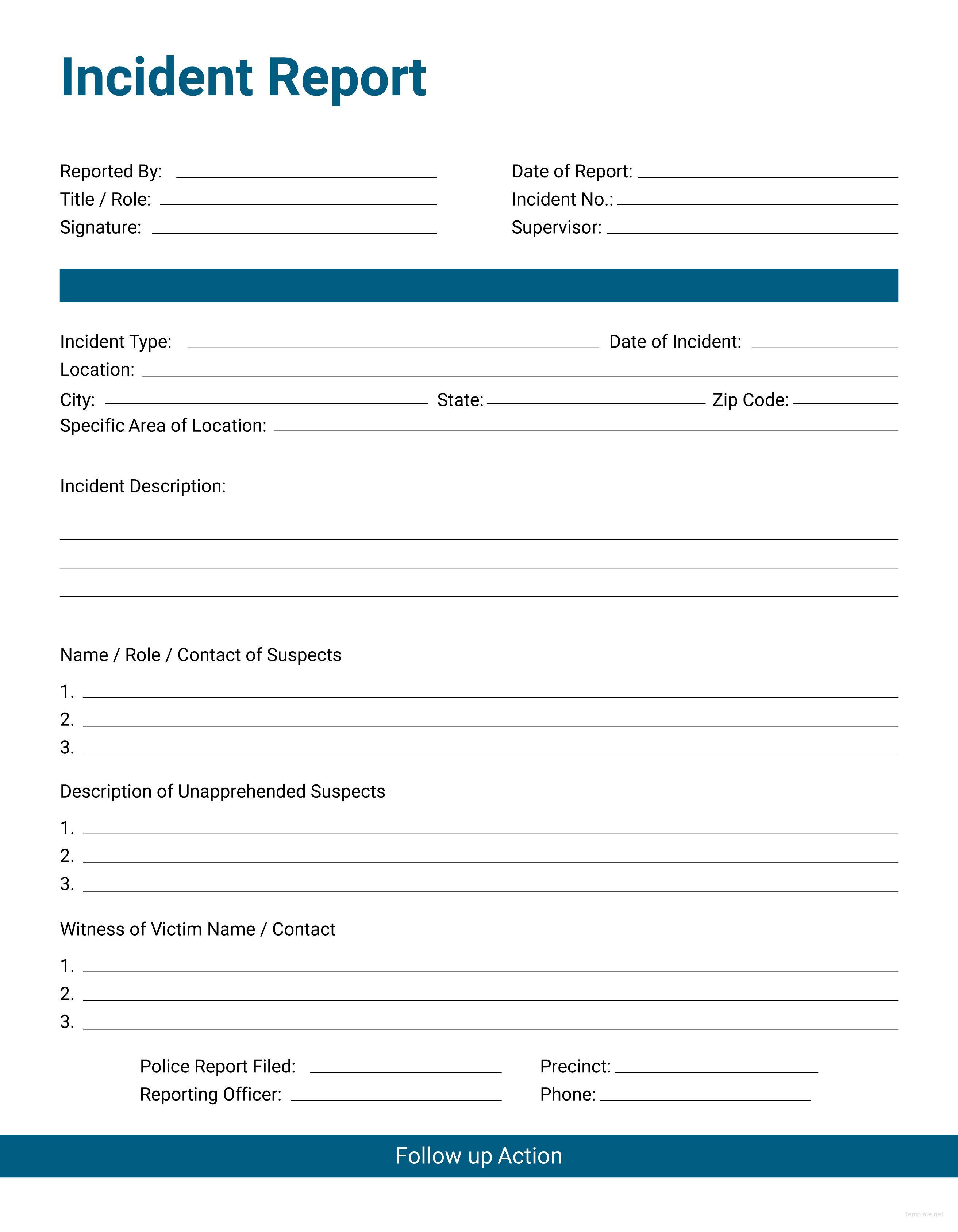
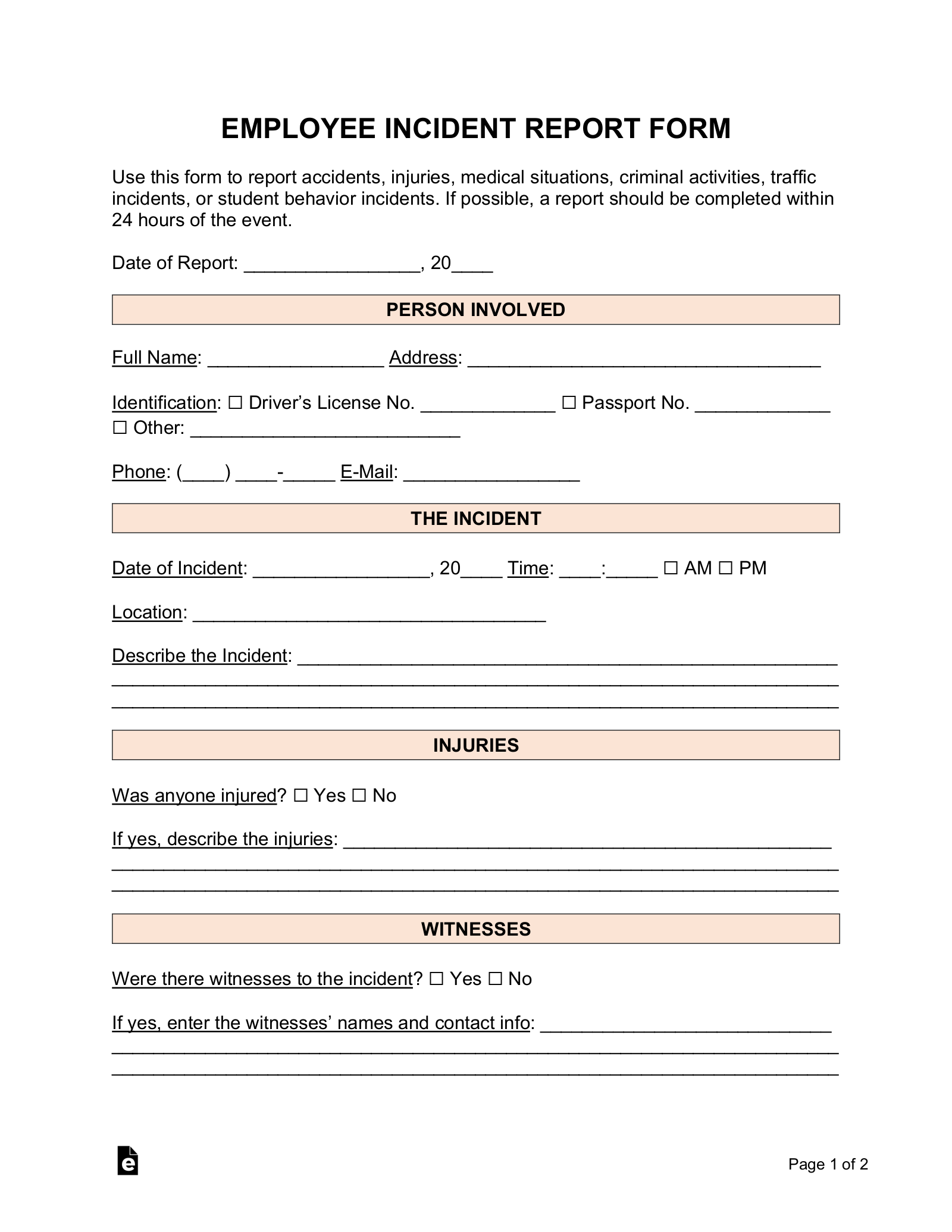
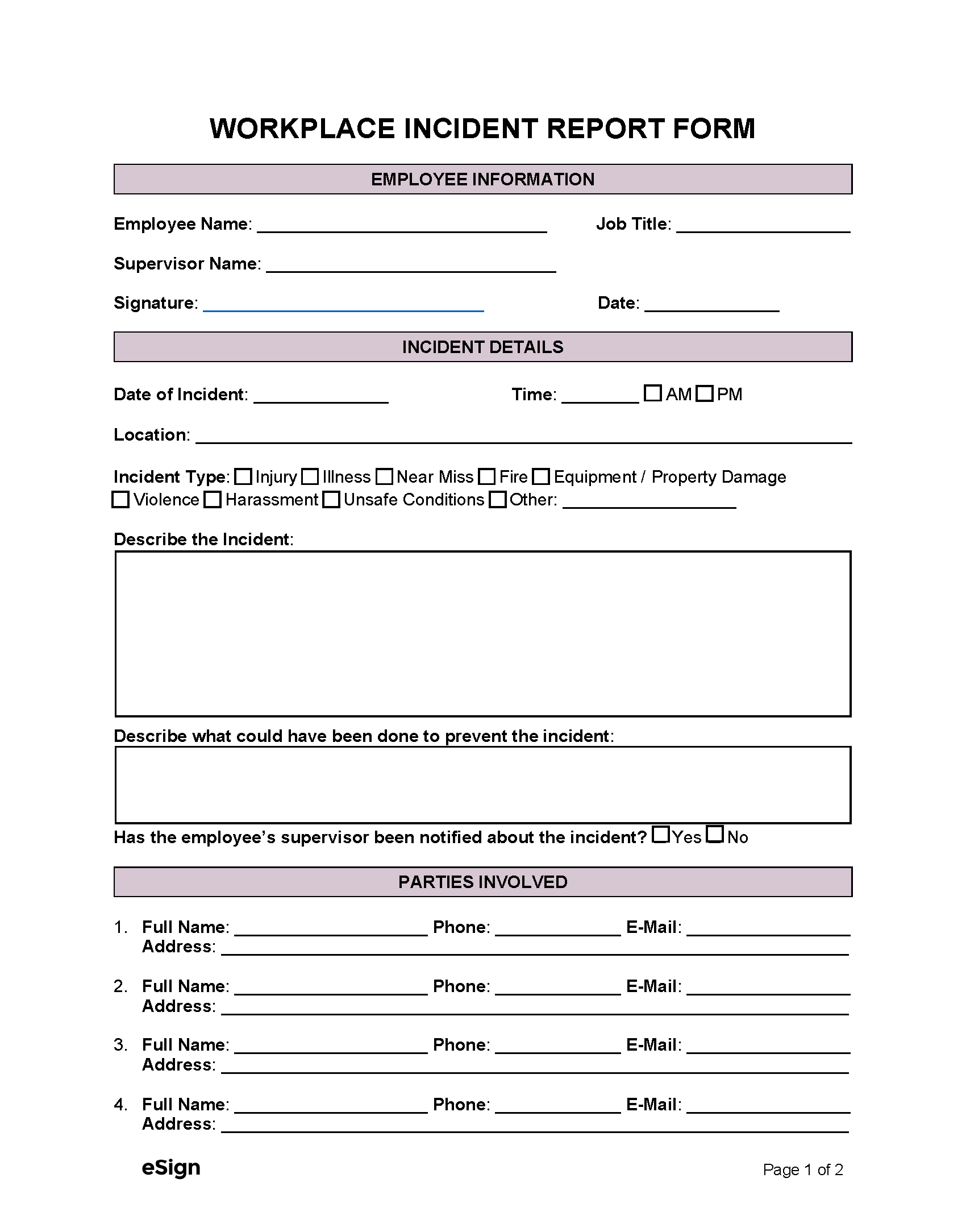
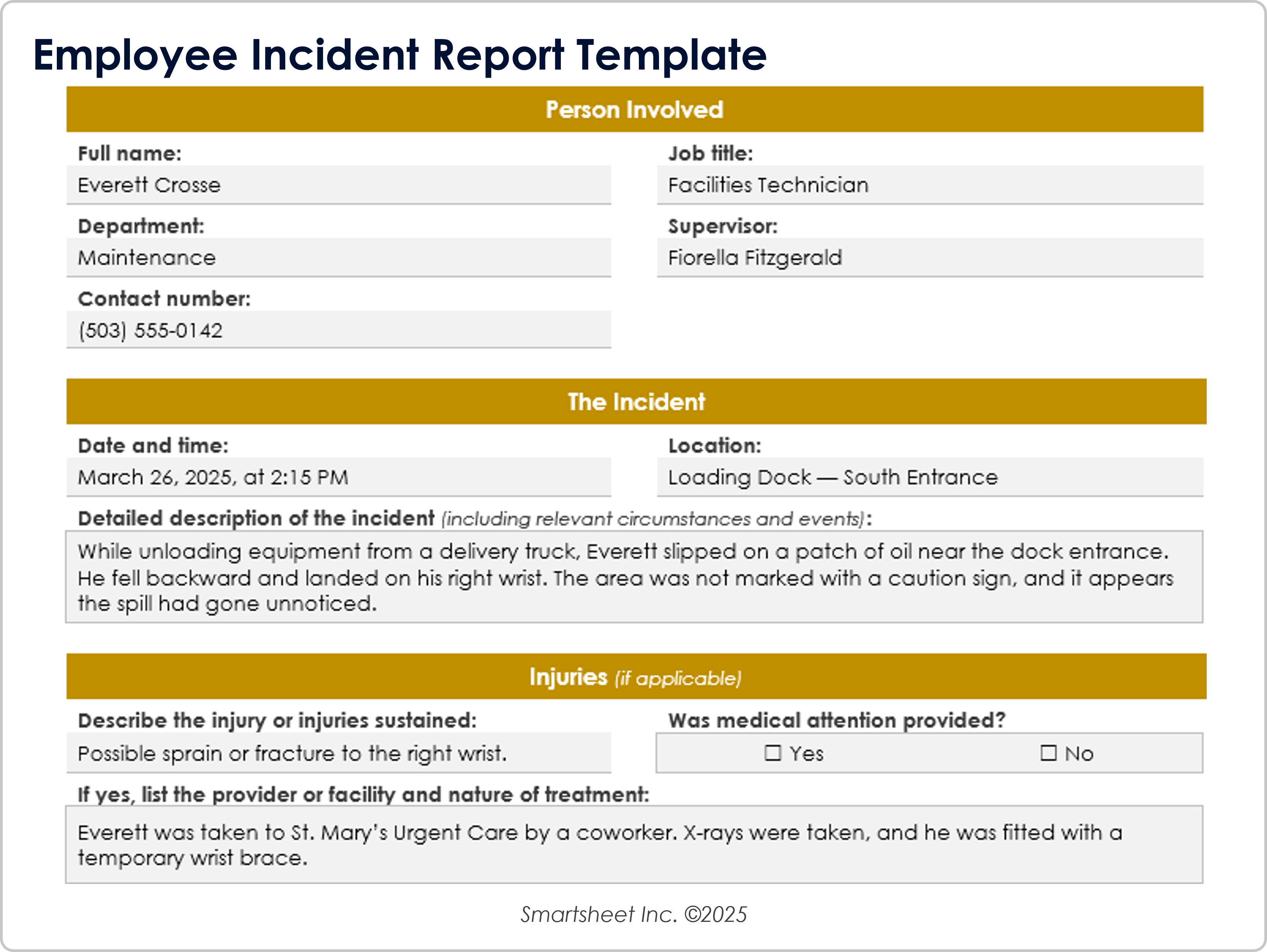
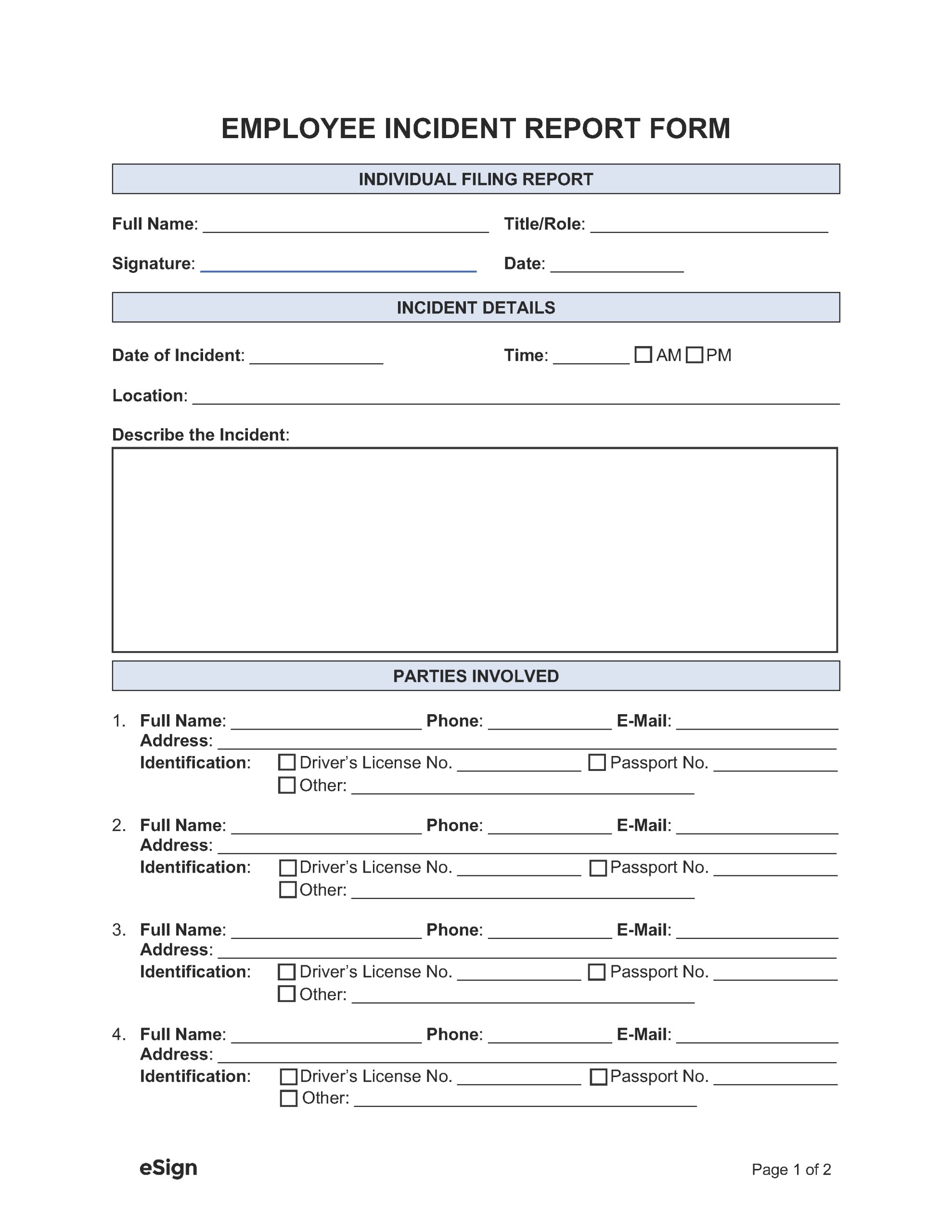
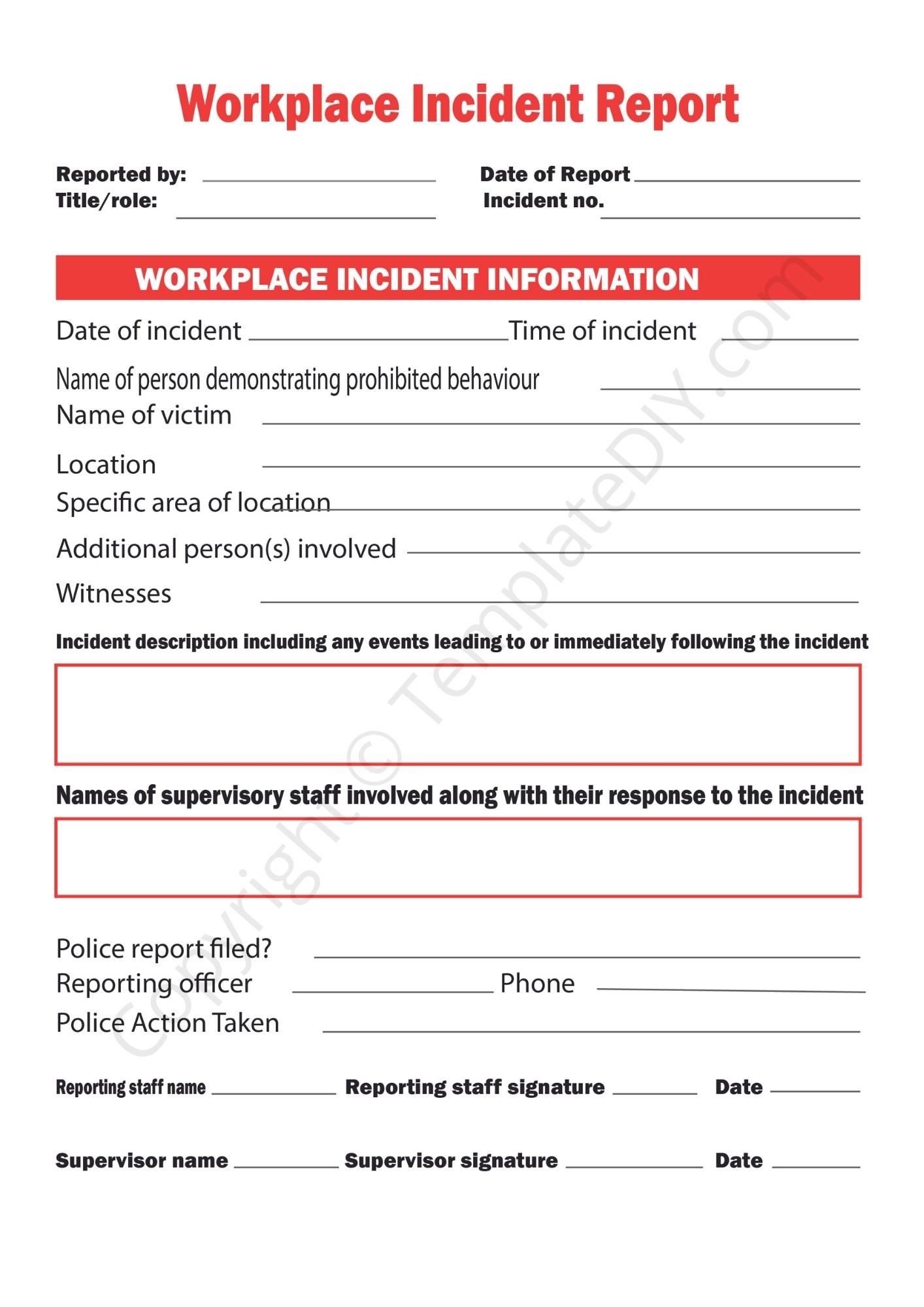
- Incident Details: Date, time, and precise location.
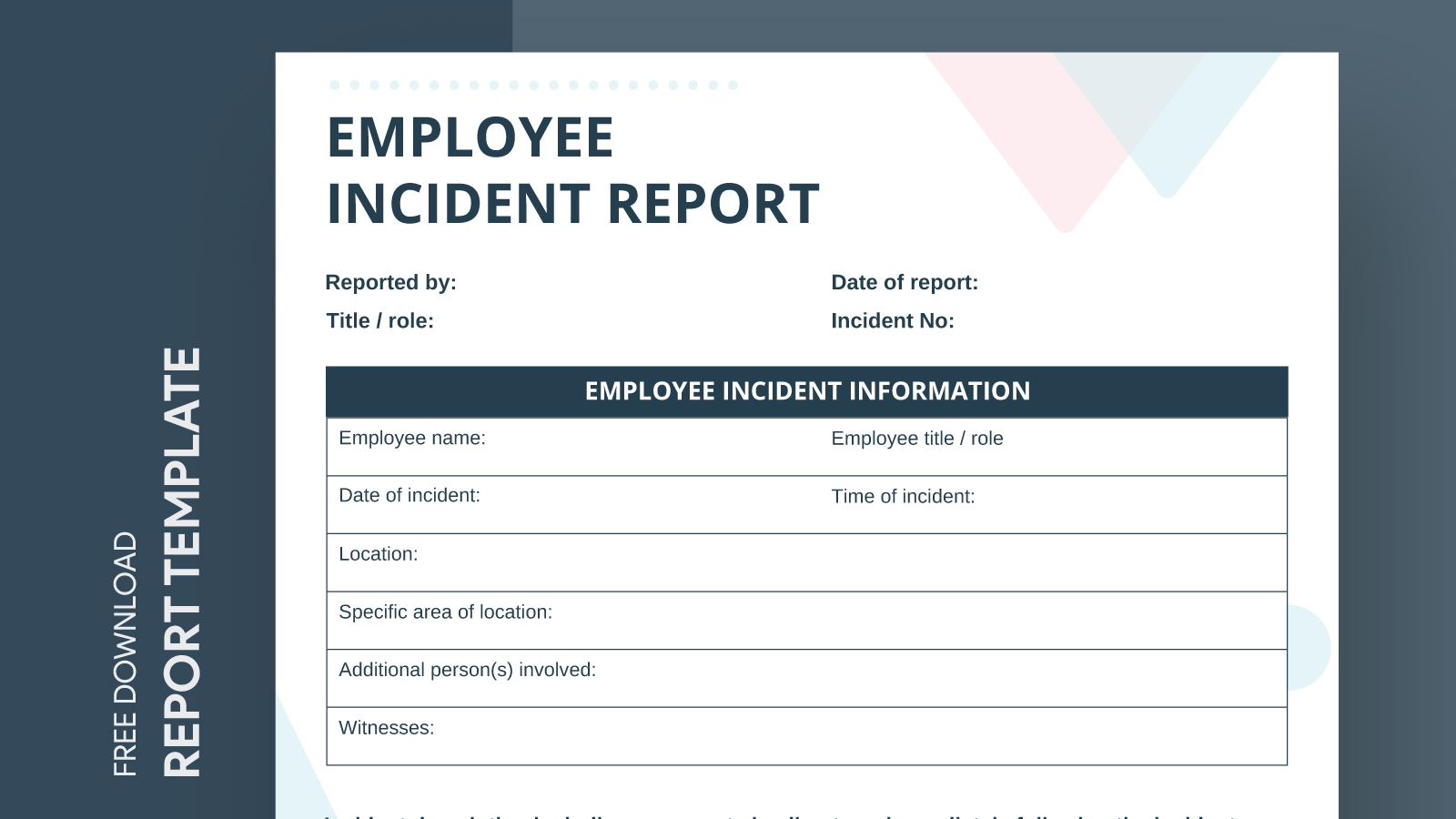
- People Involved: Names, roles, and contact information.
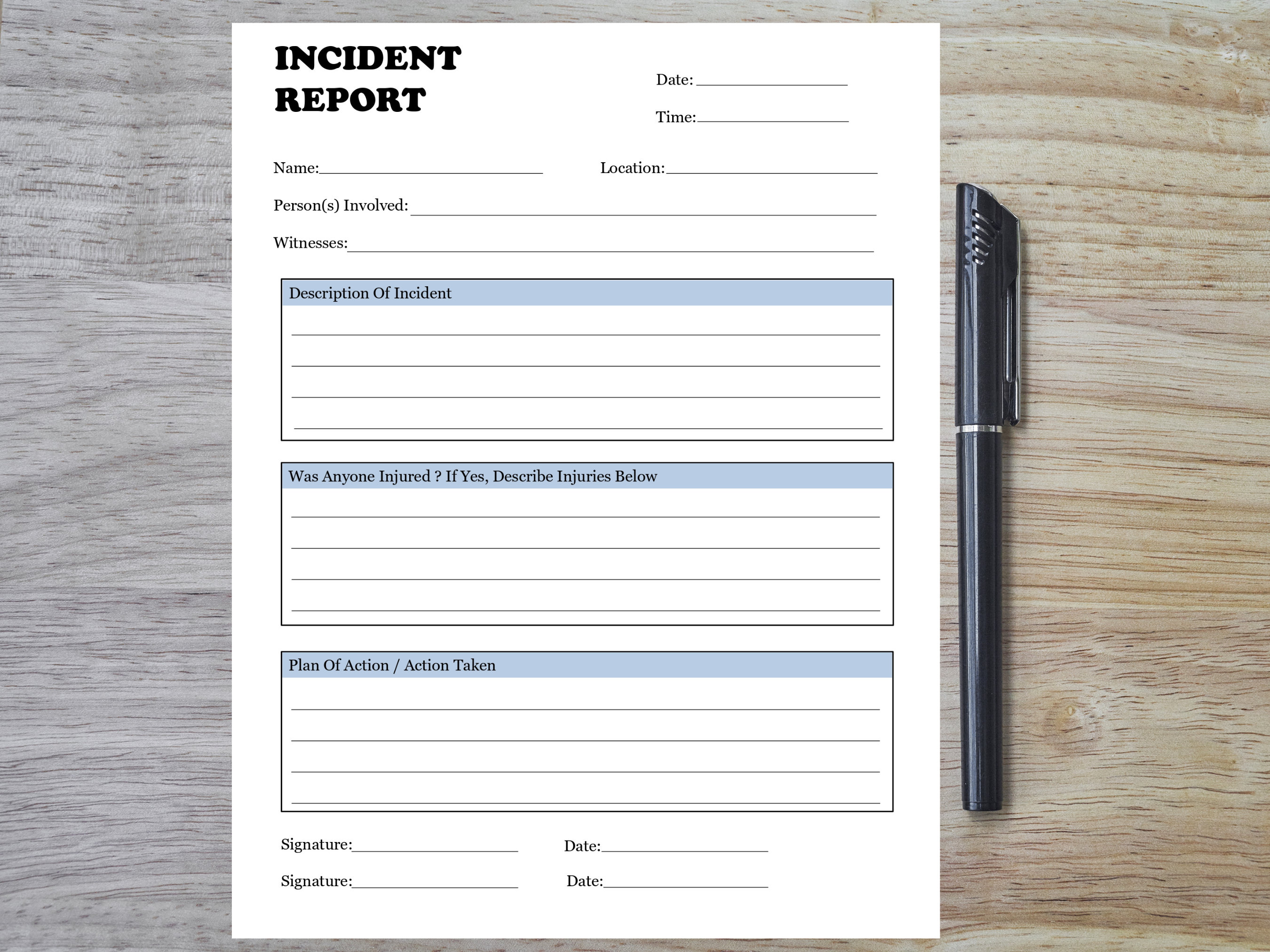
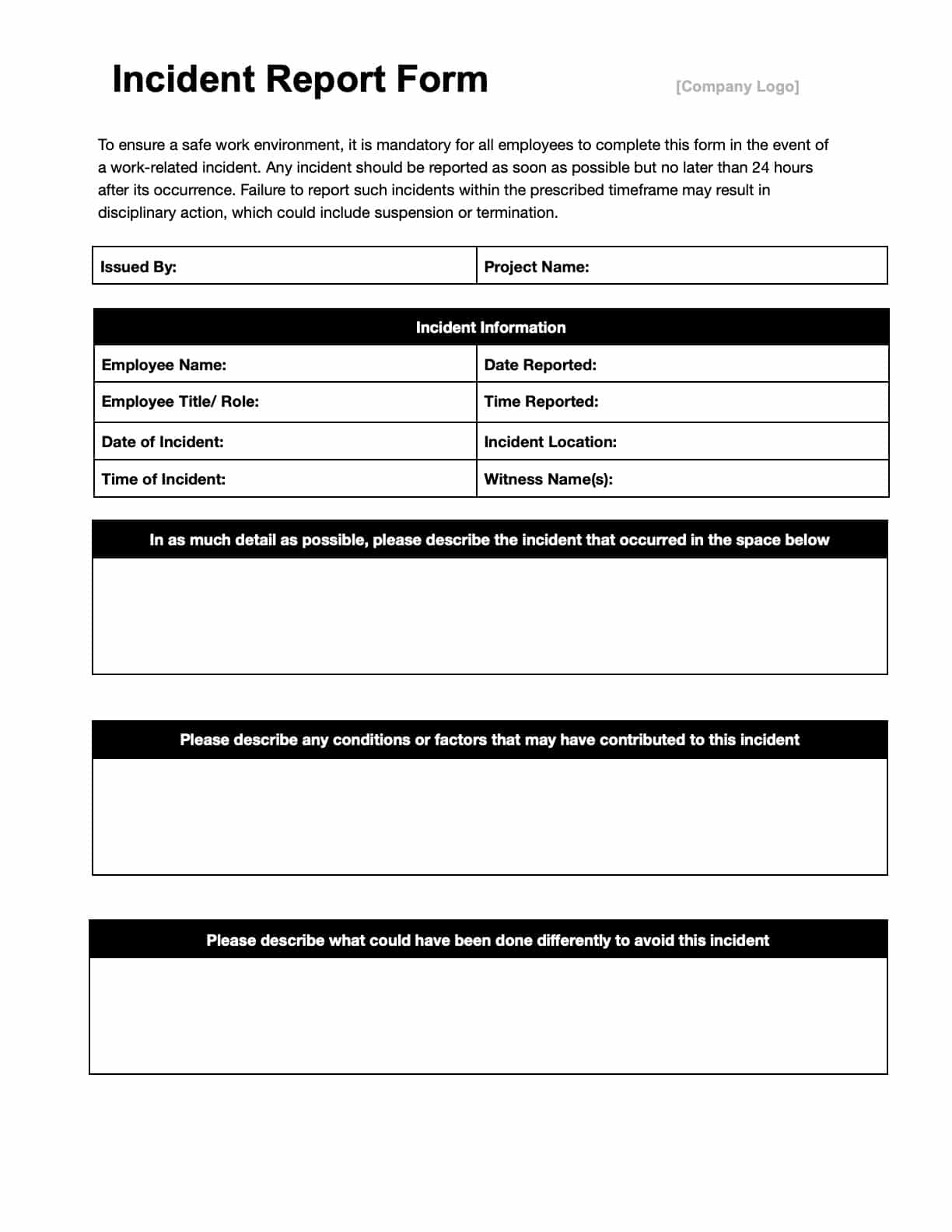
- Event Description: A brief, factual account of what happened.
- Immediate Response: Actions taken right after the incident.
- Injury or Damage Assessment: Severity, affected items, and medical treatment if applicable.
- Root Cause: Preliminary cause or contributing factors.
- Corrective Action Plan: Steps to prevent recurrence.
- Follow‑Up: Dates for review, responsible person, and status updates.
Remember, the fewer the fields that are genuinely necessary, the higher the completion rate. Overloading a form with “optional” fields can lead to incomplete data.
Add a Dash of Personality
Humor is a great equalizer. A field title like “Did a banana peel or a rogue coffee mug cause the disaster?” adds a light touch while still collecting crucial data. Just ensure the humor doesn’t undermine the form’s seriousness or legal value.
Real-World Examples and Templates

Imagine a template that starts with a header that reads, “The Great Slip of 2024.” Below that, a table of fields: Incident Date, Time, Location, Employee(s) Involved, Witness(es), Incident Description, Immediate Actions Taken, Injuries, Damage, Root Cause, and Corrective Actions. Each field is paired with an icon—like a safety helmet for injuries or a magnifying glass for root cause—to make the form visually engaging.
Another example could feature a digital wizard that guides users through steps: “Step 1: Select the Incident Type,” with options such as “Slip, Trip & Fall,” “Equipment Failure,” “Fire Hazard,” and “Personal Injury.” Each selection reveals tailored follow-up questions. This dynamic approach reduces the chance of missing critical information.
Common Mistakes to Avoid

Overloading with Questions
Too many “optional” questions can be a death knell. If an employee thinks they’re filling out a form that could be used against them, they may skip or partially fill sections, jeopardizing the report’s integrity.
Ignoring Legal Requirements
Omitting fields mandated by local regulations (for example, the required injury severity scale in California) can expose the company to penalties. Always cross-check with your legal counsel or a compliance checklist.
Forgetting Follow-Up Steps
A form that ends with “Report submitted” without a clear next step leaves managers wondering what to do next. Include fields for assigning follow-up tasks, setting deadlines, and marking completion.
How to Distribute and Store Incident Reports
Digital Storage Tips
Use a cloud-based document management system with role-based access. Ensure that the system encrypts data at rest and in transit. Tag each report with metadata—incident type, severity, department—to simplify future searches.
Paper Backup Practices
Keep physical copies in a locked, climate-controlled file cabinet for at least 7 years (or as required by your local regulations). Use a color-coded index to quickly locate incidents by type or date.
Leveraging Incident Reports for Continuous Improvement
Data Analysis
Aggregate reports monthly to identify hotspots. A sudden spike in kitchen spill incidents might reveal a need to install anti‑slip mats. Use dashboards to visualize trends—color-coded heat maps can instantly reveal problem areas.
Policy Updates
When a recurring theme emerges—say, the same type of equipment failure—update the safety protocol. Then circulate the new policy through the same incident reporting system, ensuring employees can reference the updated guidelines right when they’re needed.
Conclusion

Employee Incident Report Templates are more than bureaucratic chores; they’re the backbone of workplace safety and continuous improvement. By crafting clear, compliant, and user-friendly forms, you empower your team to document mishaps accurately and efficiently. When the next banana peel incident—or any other workplace mishap—occurs, you’ll have a robust system that not only records the event but also sparks actionable change. So, take the time to design a template that speaks your company’s voice, meets legal standards, and—most importantly—helps keep everyone safe. After all, a little humor, a lot of clarity, and a dash of data will transform a chaotic moment into a constructive learning experience for all involved.



Related posts of "Employee Incident Report Templates"
