
Educational Progress Report Template serves as a vital bridge between teachers, students, and parents, offering a clear snapshot of academic achievement, skill development, and behavioral growth over a specified period. In this guide, we dive deep into what makes these templates essential, how to tailor them for maximum impact, and actionable steps to create and maintain effective reports that support student success.
Understanding the Core Purpose of a Progress Report

Progress reports are more than routine paperwork; they are tools that foster accountability, celebrate achievements, and identify areas needing support. By consolidating grades, attendance, behavior notes, and personalized feedback into one cohesive document, educators can communicate progress in a structured and consistent manner.
Key Functions of a Progress Report Template
- Assessment Consolidation – Aggregates test scores, assignments, projects, and formative assessments.
- Behavioral Tracking – Records classroom engagement, participation, and social-emotional milestones.
- Parent Engagement – Provides actionable insights for parents to support learning at home.
- Data-Driven Decision Making – Supplies educators with evidence to adjust instruction and interventions.
Essential Components of an Effective Template

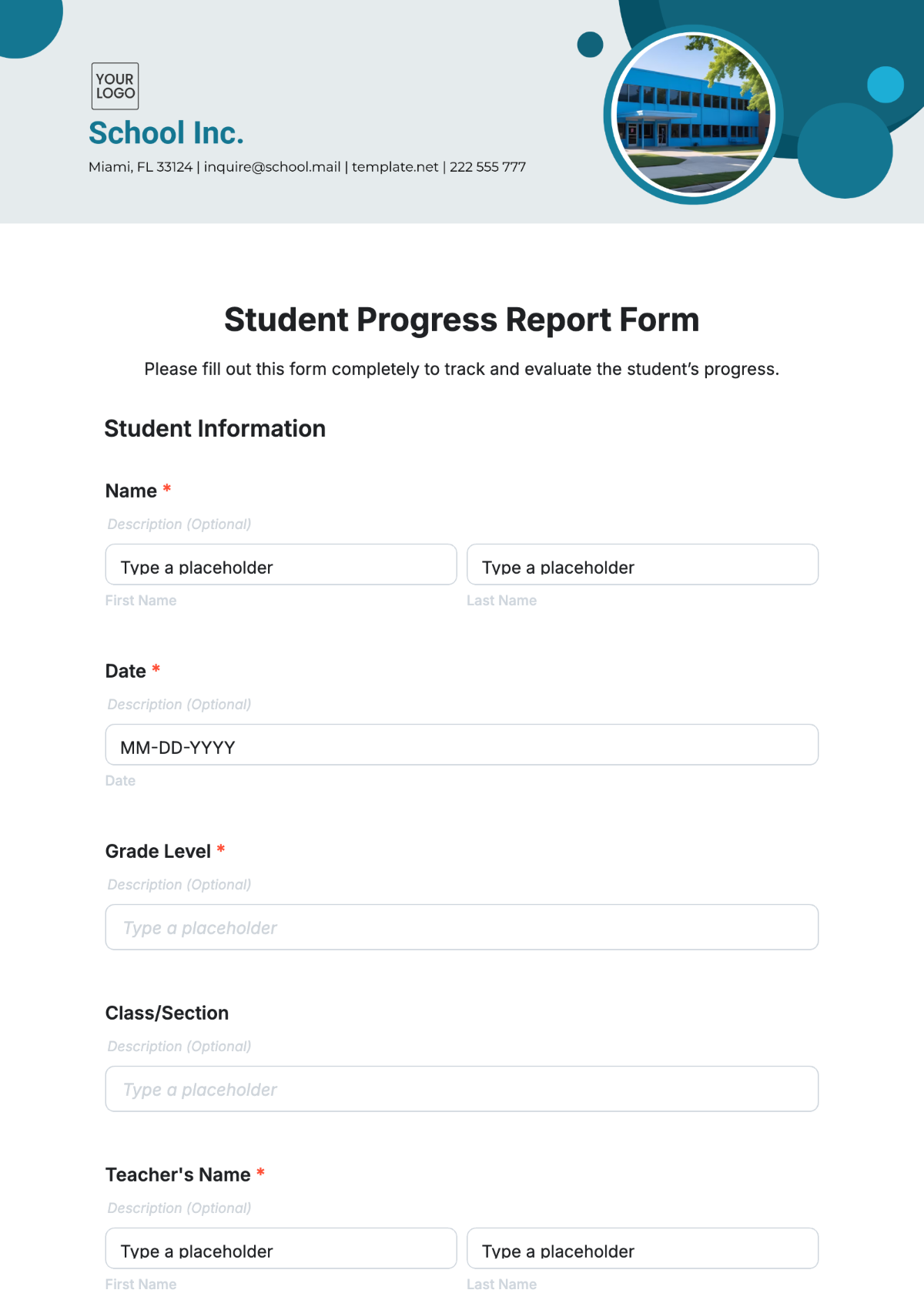
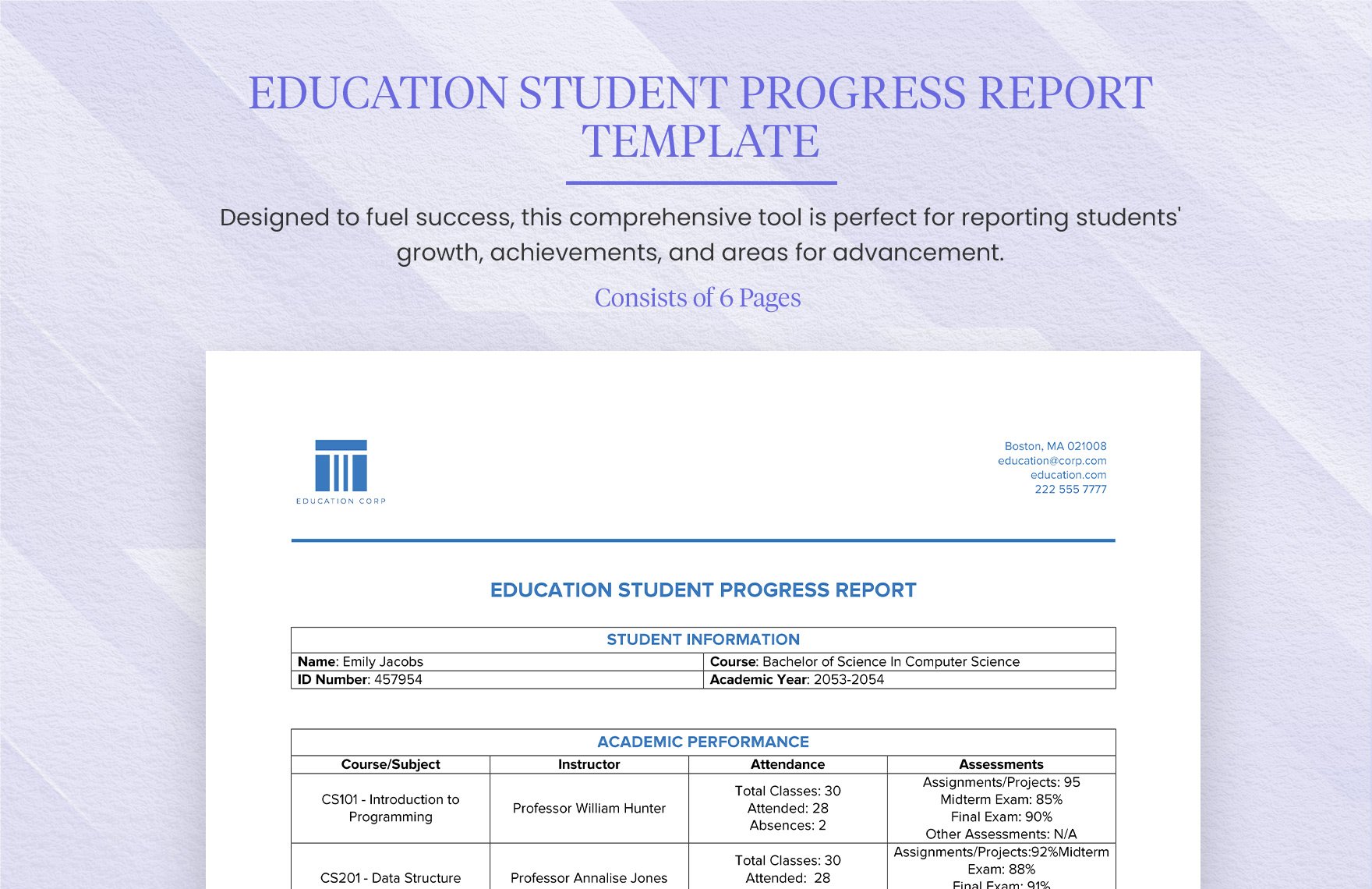
A robust educational progress report includes multiple sections that capture a holistic view of student performance. Below is a breakdown of essential fields and how they contribute to a comprehensive report.
Student Identification and Context
This section establishes the foundational details: full name, grade level, school year, and reporting period. Including a photo or a unique student ID can help avoid confusion, especially in large classes or multi-grade programs.
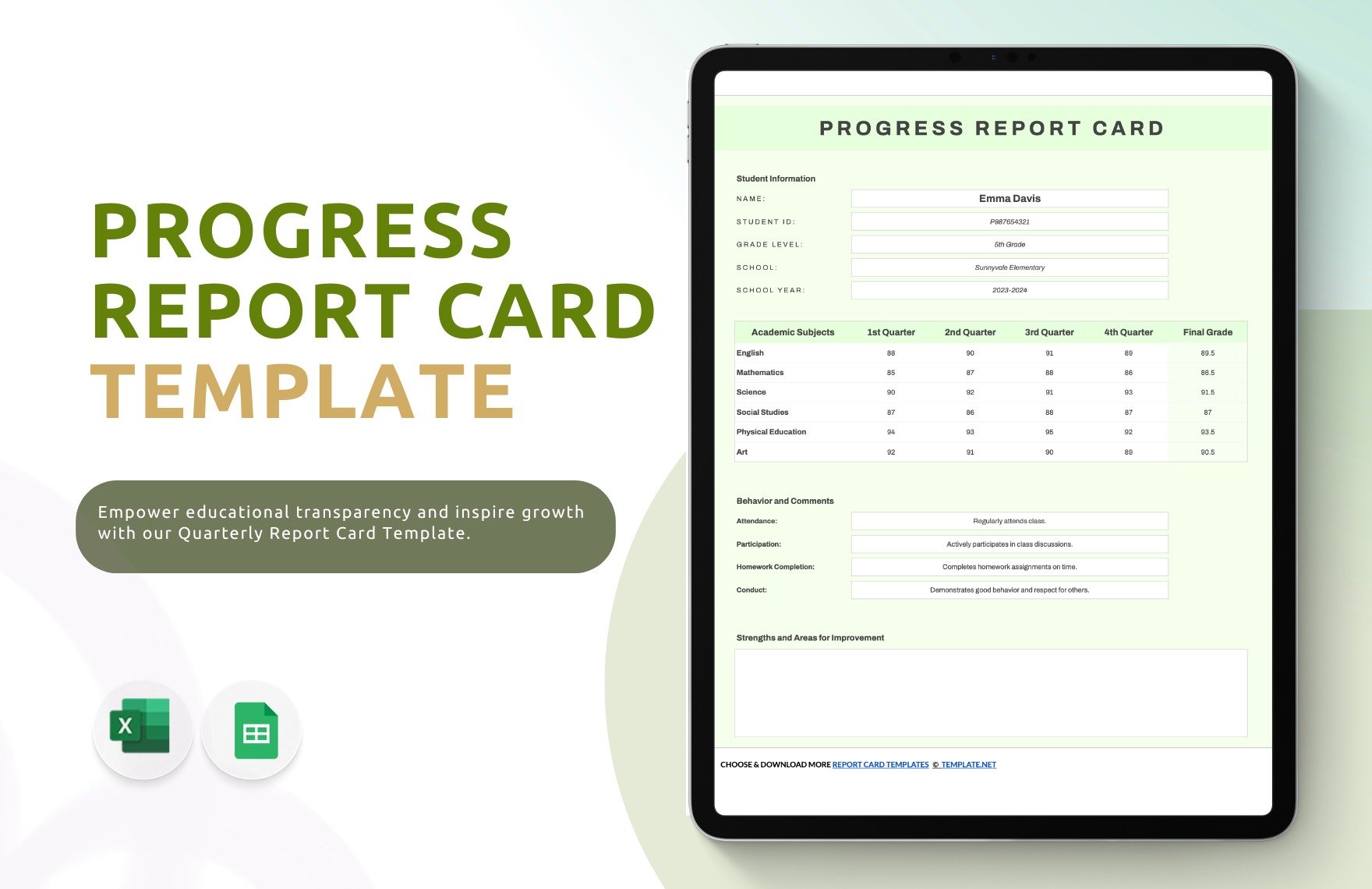
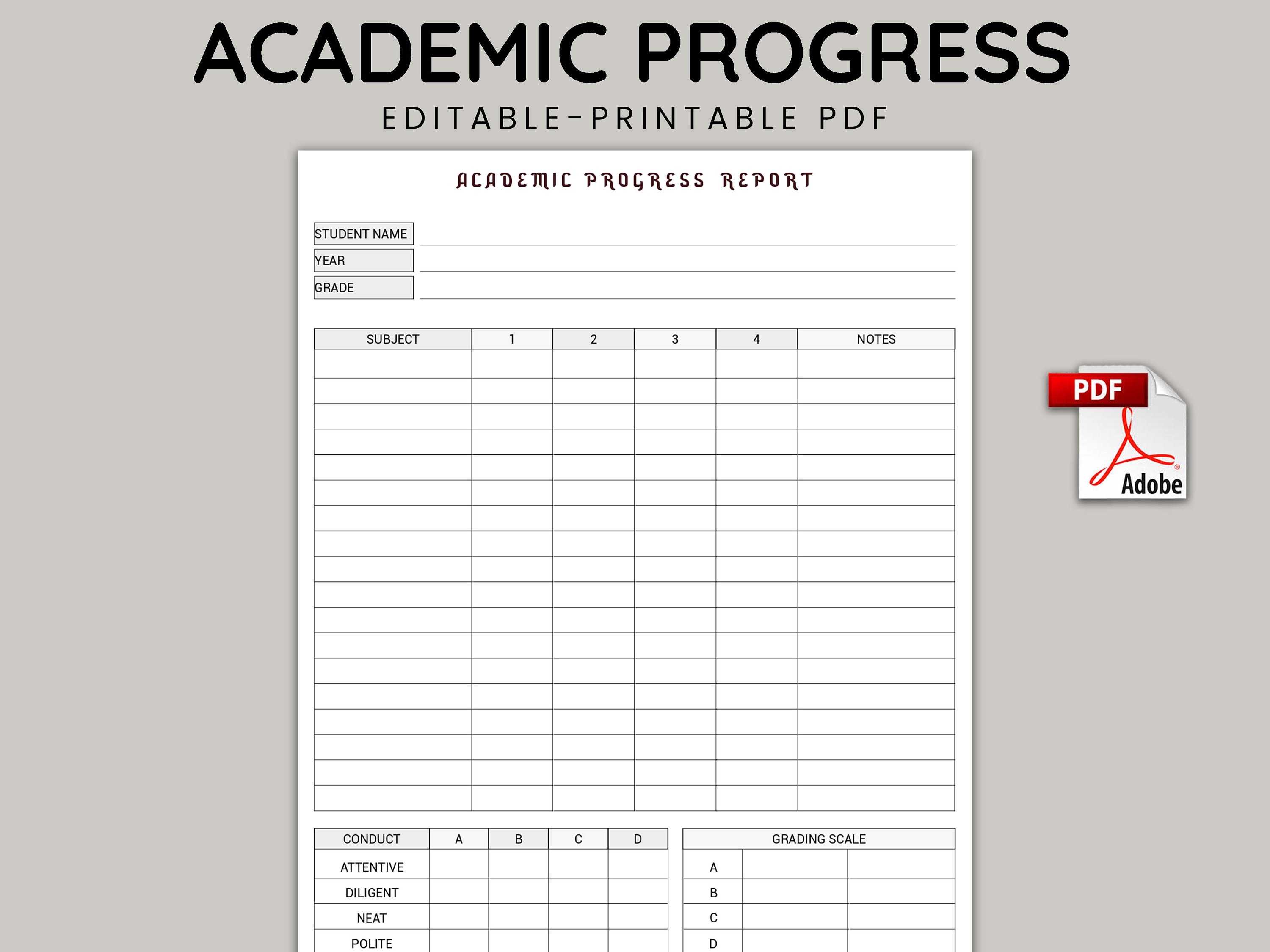
Academic Achievement Tracker
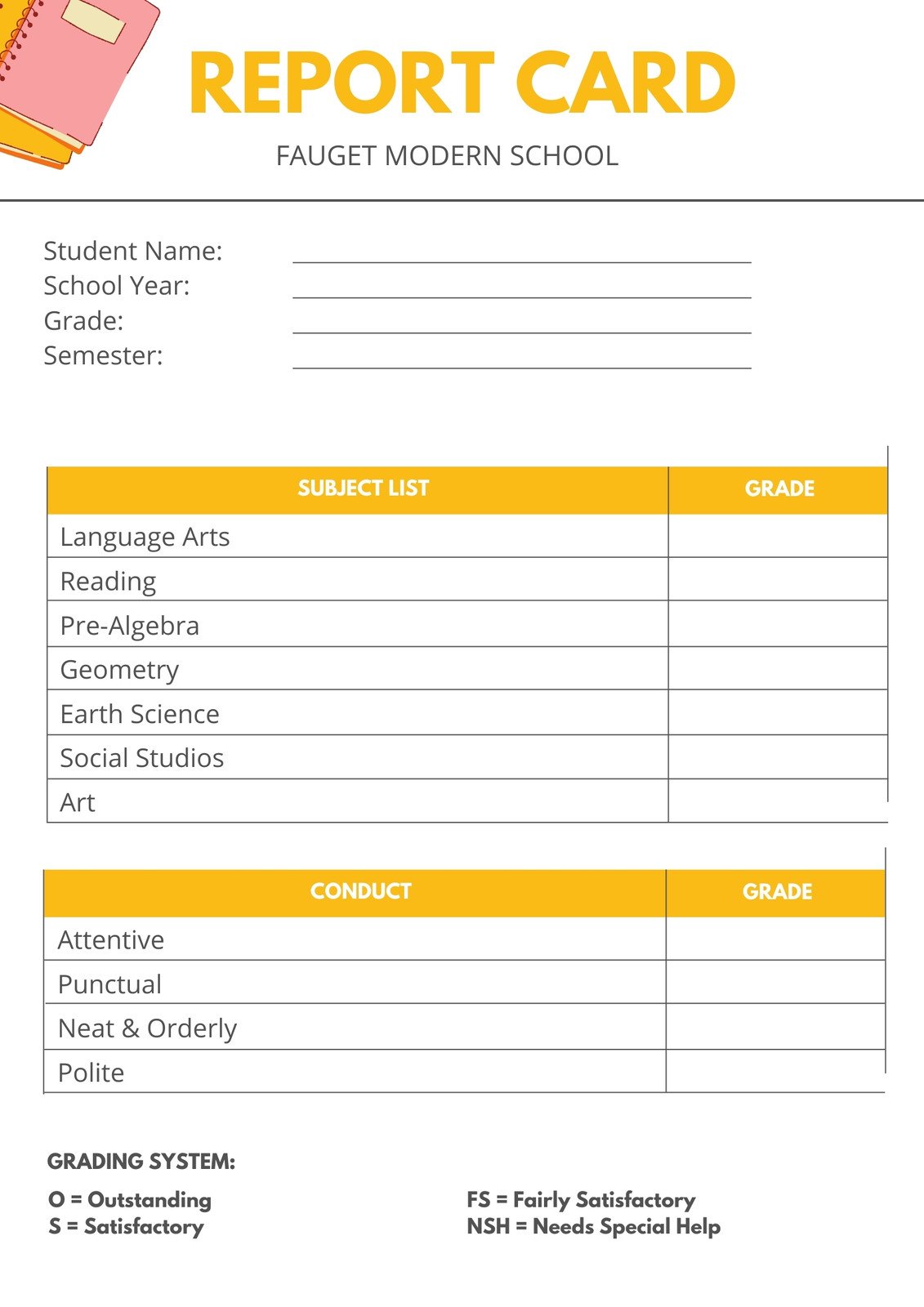
- Subject Breakdown – Separate columns for Math, Science, Language Arts, Social Studies, and any electives.
- Assessment Types – Distinguish between quizzes, midterms, projects, and final exams.
- Score Averages and Benchmarks – Use color-coded cells (green for on target, yellow for emerging, red for at risk) to quickly convey status.
Behavior and Attendance Section
Attendance records highlight patterns that may affect learning. Behavior logs track punctuality, classroom participation, and any disciplinary notes. Parents can see at a glance how attendance correlates with academic performance.
Commentary and Goal Setting
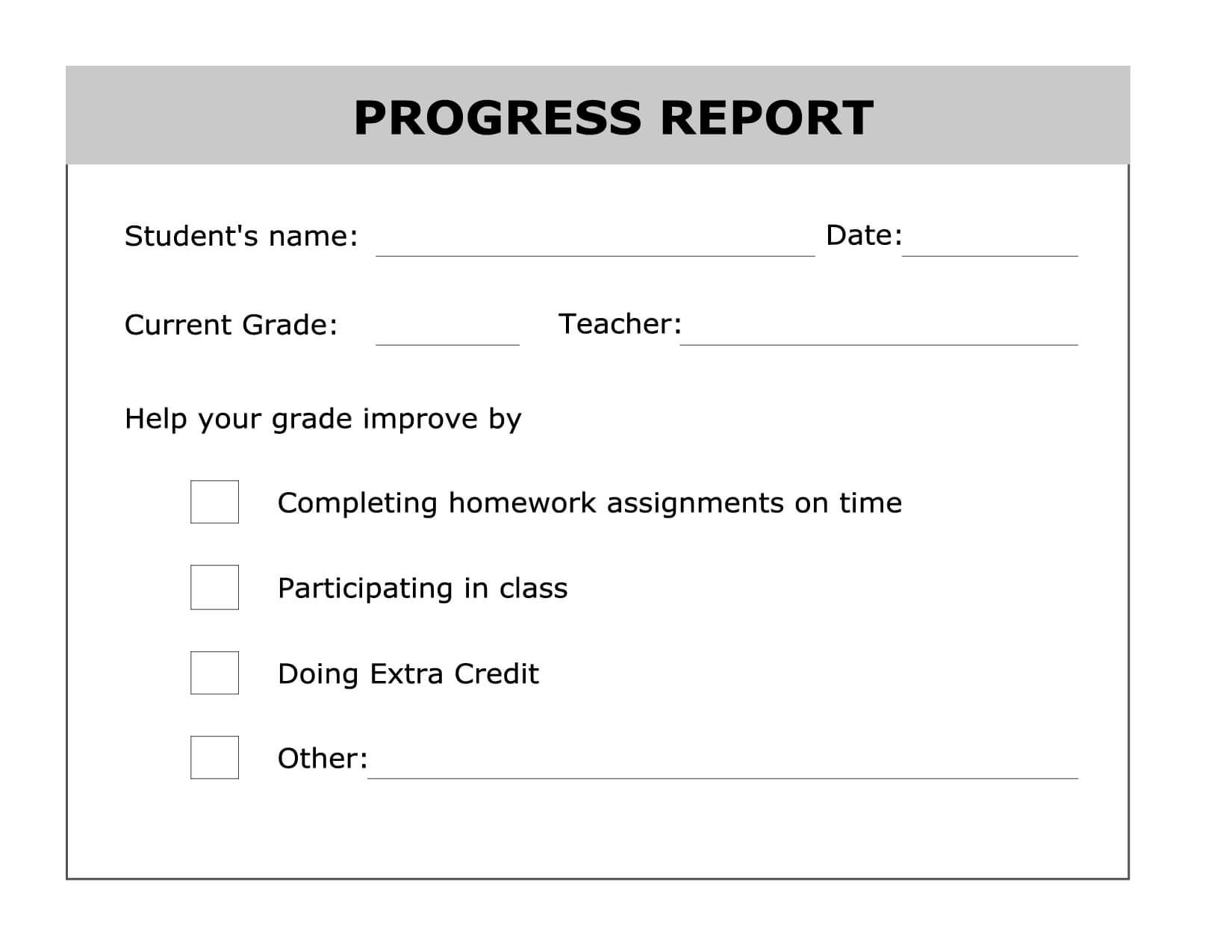
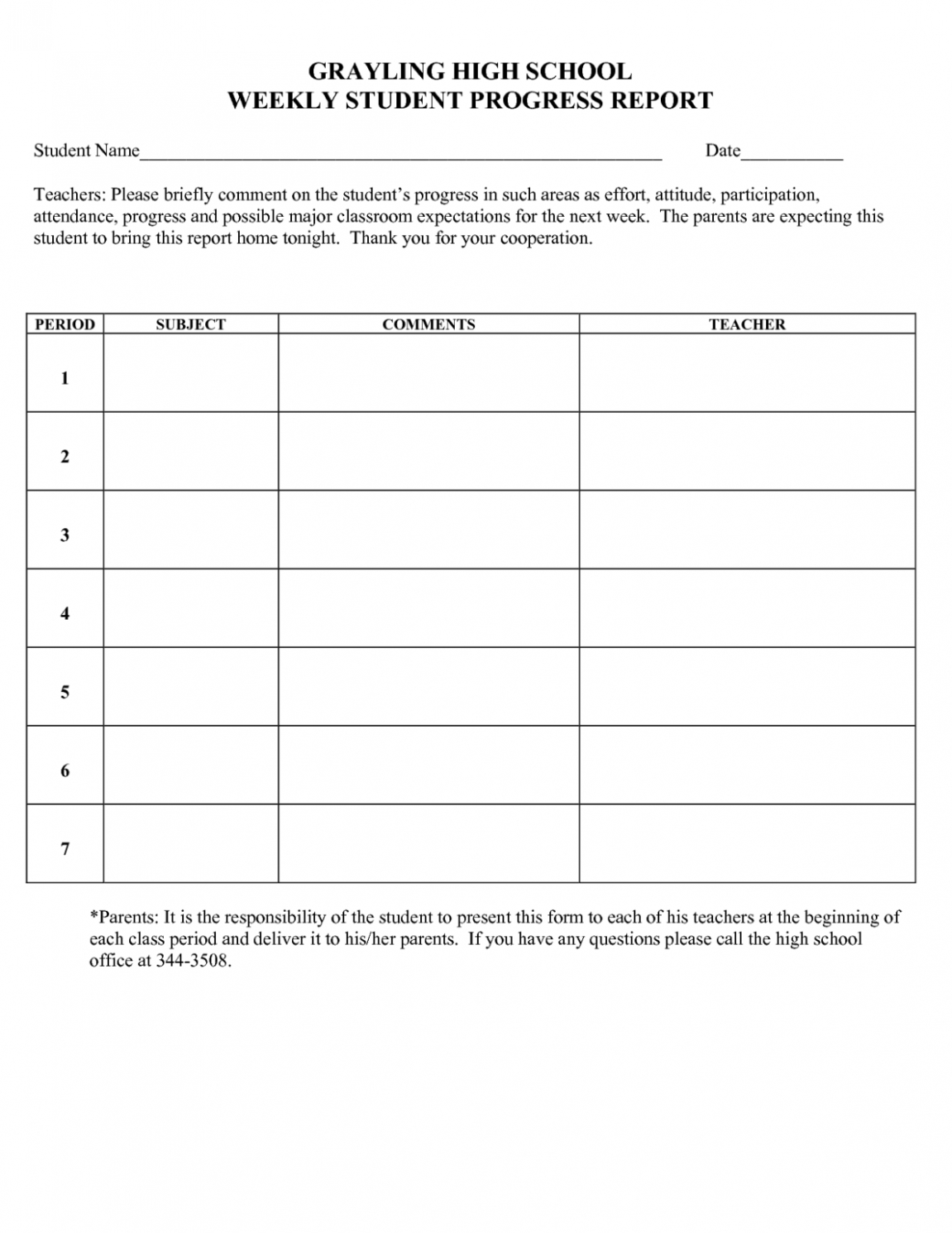
Teacher comments personalize the data, acknowledging strengths and offering targeted improvement strategies. Goal setting—short-term and long-term—creates a roadmap for both students and parents. Example: “Aim to increase reading fluency by 10 words per minute by the end of the term.”
Parent and Student Signatures
Adding a signature line for parents and students confirms receipt and understanding, reinforcing ownership of learning outcomes.
Choosing Between Excel and Google Sheets
Both spreadsheet platforms are powerful for crafting progress reports, but each has unique benefits.
Excel Advantages
- Advanced formatting options and conditional formatting for dynamic color coding.
- Robust data analysis tools such as pivot tables for class-wide insights.
- Offline access and extensive compatibility with school IT infrastructure.
Google Sheets Advantages
- Real-time collaboration—multiple educators can update the same report simultaneously.
- Cloud storage eliminates file versioning issues and simplifies sharing with parents.
- Built-in templates and add-ons (e.g., Gradebook, Formulas) reduce setup time.
Step-by-Step Guide to Customizing a Progress Report Template
Below is a practical workflow that teachers can adapt to fit their curriculum and student needs.
Step 1: Outline the Data Collection Process
Identify the metrics your school prioritizes. For instance, a STEM-focused institution may emphasize project grades and lab reports, while an arts school may track portfolio submissions. Document every data point before building the template.
Step 2: Set Up the Spreadsheet Structure
Create separate tabs for each grade level or subject if you prefer isolation, or keep a single sheet with a drop-down menu for class selection. Begin with headers: Student ID, Name, Teacher, and Date.
Step 3: Incorporate Conditional Formatting
Apply rules to highlight performance thresholds. Example: If a student’s math score falls below 70%, automatically shade the cell in red. This visual cue draws attention to critical issues without sifting through numbers.
Step 4: Add Commentary Fields with Prompted Text
Insert a column labeled “Teacher Commentary.” Use a drop-down list of common phrases (e.g., “Excellent improvement,” “Needs additional support in algebra”) to streamline data entry while maintaining personalized feedback.
Step 5: Build a Goal Tracker
Create a subsection where students can write specific learning targets. Pair these with teacher-approved milestones and a check-box system to track progress.
Step 6: Finalize the Layout for Print and Digital Sharing
Set print area dimensions so each report fits on a single page, and include a header with school logo and contact information. For digital distribution, export as PDF or share directly through Google Classroom or a learning management system (LMS).
Real-World Example: Implementing a Progress Report in a Middle School Setting

Ms. Ramirez, a 7th-grade science teacher, needed a way to monitor student progress across three different project modules. She chose Google Sheets for its collaborative nature, allowing her teaching assistants to input mid-term scores in real time. After each module, she updated the template, using conditional formatting to flag students below the 80% target. She then shared the completed reports with parents through a secure classroom portal, ensuring timely feedback and intervention.
Tips for Effective Reporting and Parent Engagement

- Keep It Concise – Limit the number of columns to core subjects; avoid overwhelming parents with extraneous data.
- Use Visual Aids – Charts and graphs illustrate trends and highlight progress quickly.
- Schedule Regular Check-Ins – Align report release dates with parent-teacher conferences to discuss outcomes.
- Provide Actionable Recommendations – Instead of vague comments, offer concrete study habits or resources.
- Encourage Student Ownership – Include a space for students to reflect on what strategies worked best for them.
Common Pitfalls to Avoid
Even experienced educators may stumble when crafting progress reports. Be mindful of these common errors:
Overcomplicating the Design
A cluttered layout with excessive columns and text can distract from the primary insights. Stick to a clean, readable format.
Inconsistent Data Entry
Without clear guidelines, scores and comments may be entered variably, leading to inaccuracies. Provide a standardized input form or template for all teachers.
Neglecting Digital Accessibility
Not optimizing reports for mobile or screen readers limits parent access. Ensure PDFs are properly tagged and that color choices meet accessibility standards.
Missing Feedback Loops
Publishing a report without follow-up discussion reduces its effectiveness. Pair each release with a brief meeting or digital note to address questions.
Integrating Progress Reports with Learning Management Systems

Most LMS platforms allow for automated grade uploads. By aligning your template with these systems, you can:
- Automatically pull assessment data into the report.
- Trigger email notifications to parents when new reports are ready.
- Archive past reports for longitudinal tracking and compliance.
Conclusion
A well-structured Educational Progress Report Template is more than a form; it is a dynamic instrument that supports student growth, enhances communication, and informs instructional decisions. By selecting the right platform, carefully crafting each section, and embedding actionable feedback, educators can turn data into meaningful conversations that propel learning forward. As schools continue to embrace technology and data-driven practices, mastering these templates will become increasingly essential for fostering transparent, collaborative, and student-centered educational environments.





Related posts of "Educational Progress Report Template"
