
Dining Room Seating Chart Template is the backbone of any well‑organized event, whether it’s a family wedding, corporate gala, or a festive holiday dinner. A carefully crafted seating layout transforms a chaotic room into a harmonious space where guests feel welcomed, conversations flow naturally, and the overall experience elevates beyond the menu.
Understanding the Importance of a Seating Chart
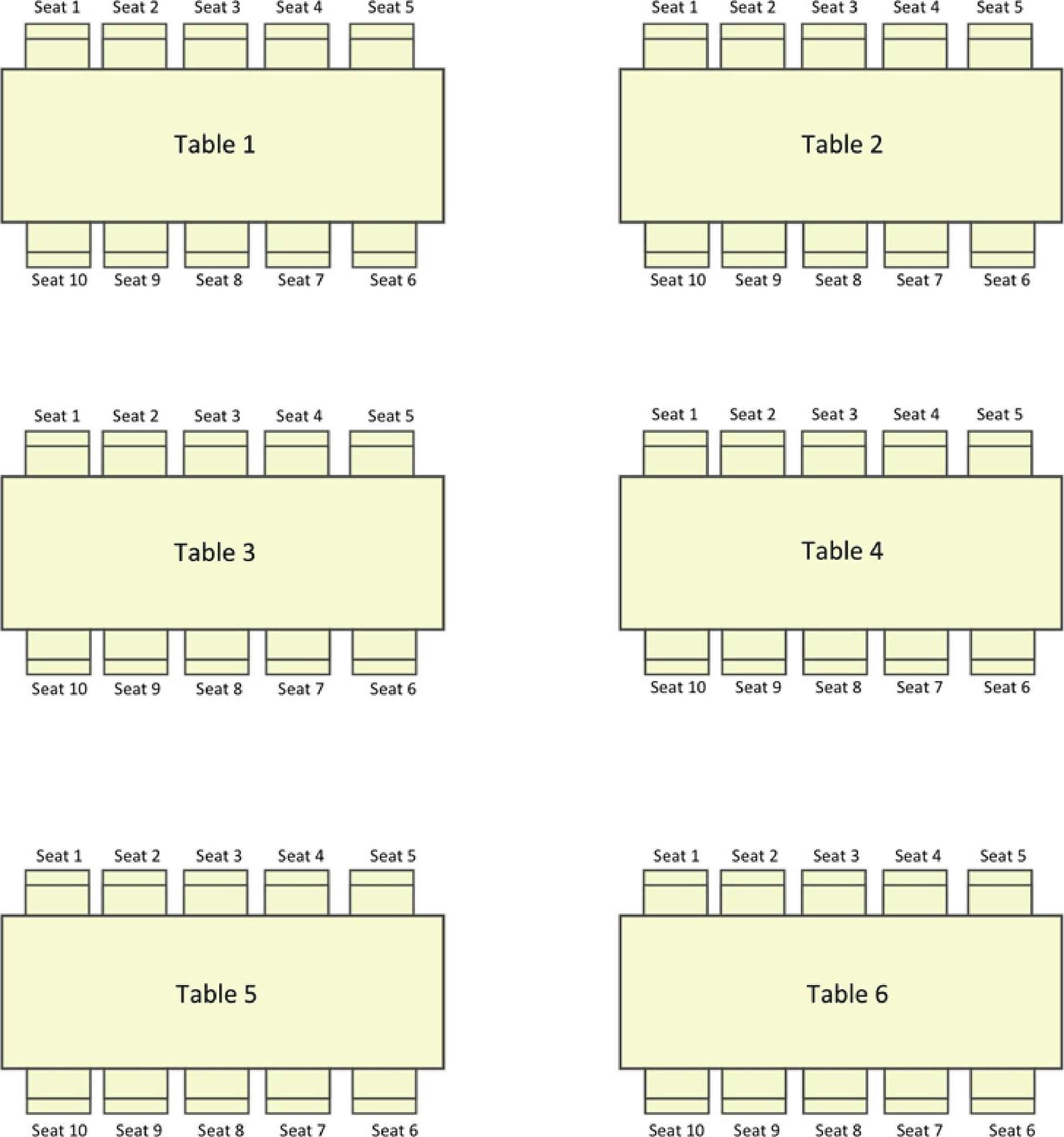
A seating chart is more than a map of where people sit; it’s a strategic tool that balances personalities, honors traditions, and showcases your attention to detail. A well‑thought‑out chart can prevent awkward silences, reduce travel time for guests, and help you manage logistics efficiently.
Planning Space & Flow
Begin by assessing your venue’s dimensions and the available seating options. Measure room width, table placements, and walking paths. A black‑themed template often emphasizes stark contrast and minimalism—perfect for formal events that require a polished aesthetic. By overlaying a seating chart, you can see how the space will be used and identify any bottlenecks that might impede movement.
Accommodating Guest Dynamics
Guests are not just numbers; they are a mosaic of relationships, interests, and expectations. A thoughtful chart considers family ties, business connections, and shared hobbies. It places long‑time friends together, couples near each other, and ensures that a nervous bride has a supportive friend nearby. These subtle placements can dramatically influence the overall vibe of your gathering.
Choosing the Right Template Style

The right template sets the tone for the rest of the event. Black‑themed layouts typically favor clean lines and restrained color palettes, which can complement sophisticated décor or modern, minimalist design trends.
Classic vs Modern Designs
Classic templates often feature ornate borders, serif fonts, and a balanced table arrangement. They’re ideal for traditional weddings or formal dinner parties. Modern templates, on the other hand, use sans‑serif typography, bold geometry, and flexible layouts that can adapt to various table shapes—great for pop‑up events or corporate banquets.
Customizable Features
When selecting a template, look for options that allow you to add table numbers, guest names, and custom graphics. Many online tools provide drag‑and‑drop interfaces, while printable PDFs let you hand‑write details for a personal touch. Ensure the template supports black‑tone aesthetics by offering high‑contrast colors, dark backgrounds, and subtle accents.
Accessibility Considerations
Accessibility should not be an afterthought. Use large, legible fonts and high‑contrast text for guests with visual impairments. Place key seats—such as the host’s table—in prominent locations, and consider providing color‑coded sections that aid in quick navigation during the event.
Steps to Create an Effective Seating Chart

Gather Guest List & Preferences
Start with a comprehensive list of attendees. Capture details such as dietary restrictions, mobility needs, and any special seating requests. This data is essential for allocating spots that accommodate every guest comfortably.
Define Table Layout
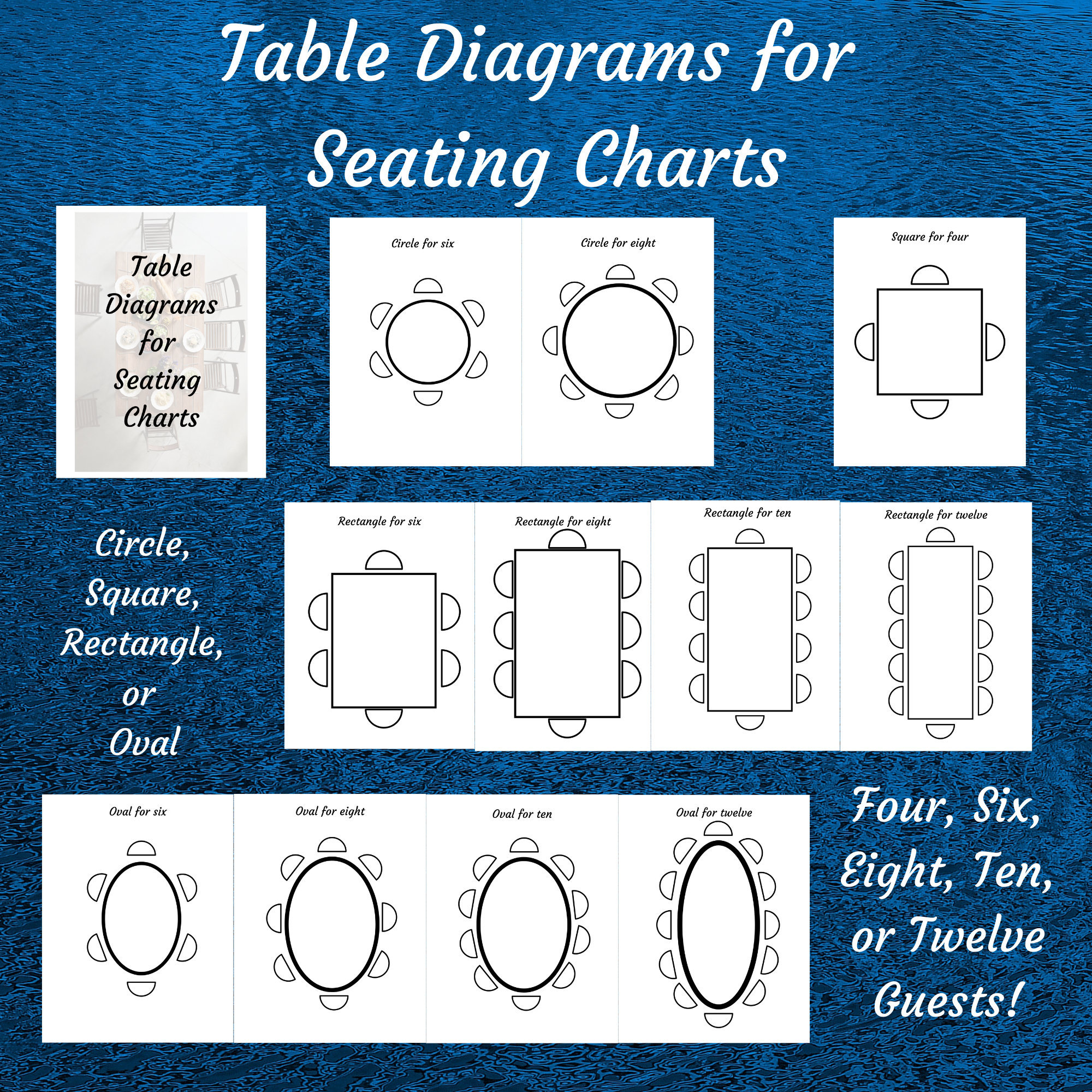
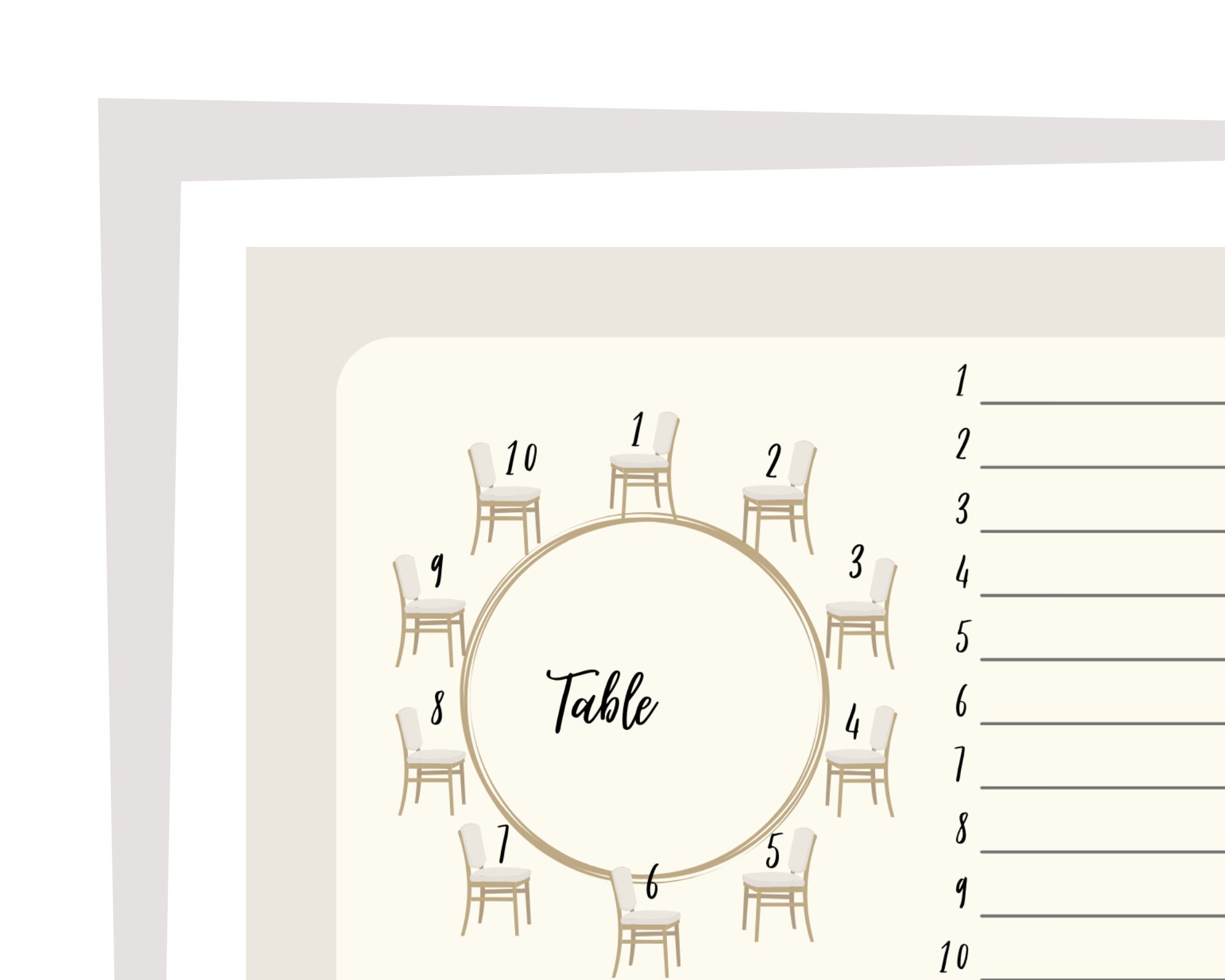
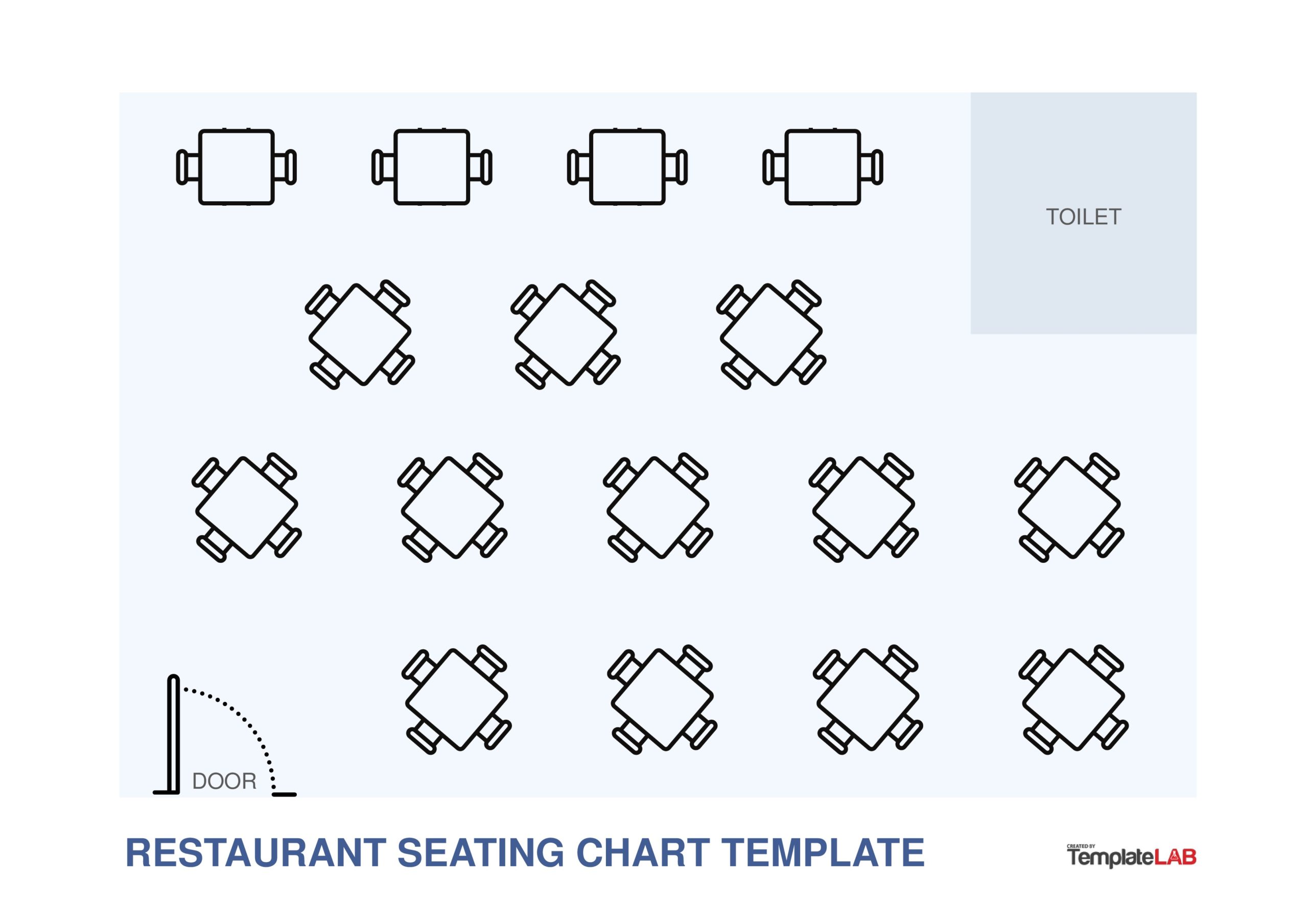
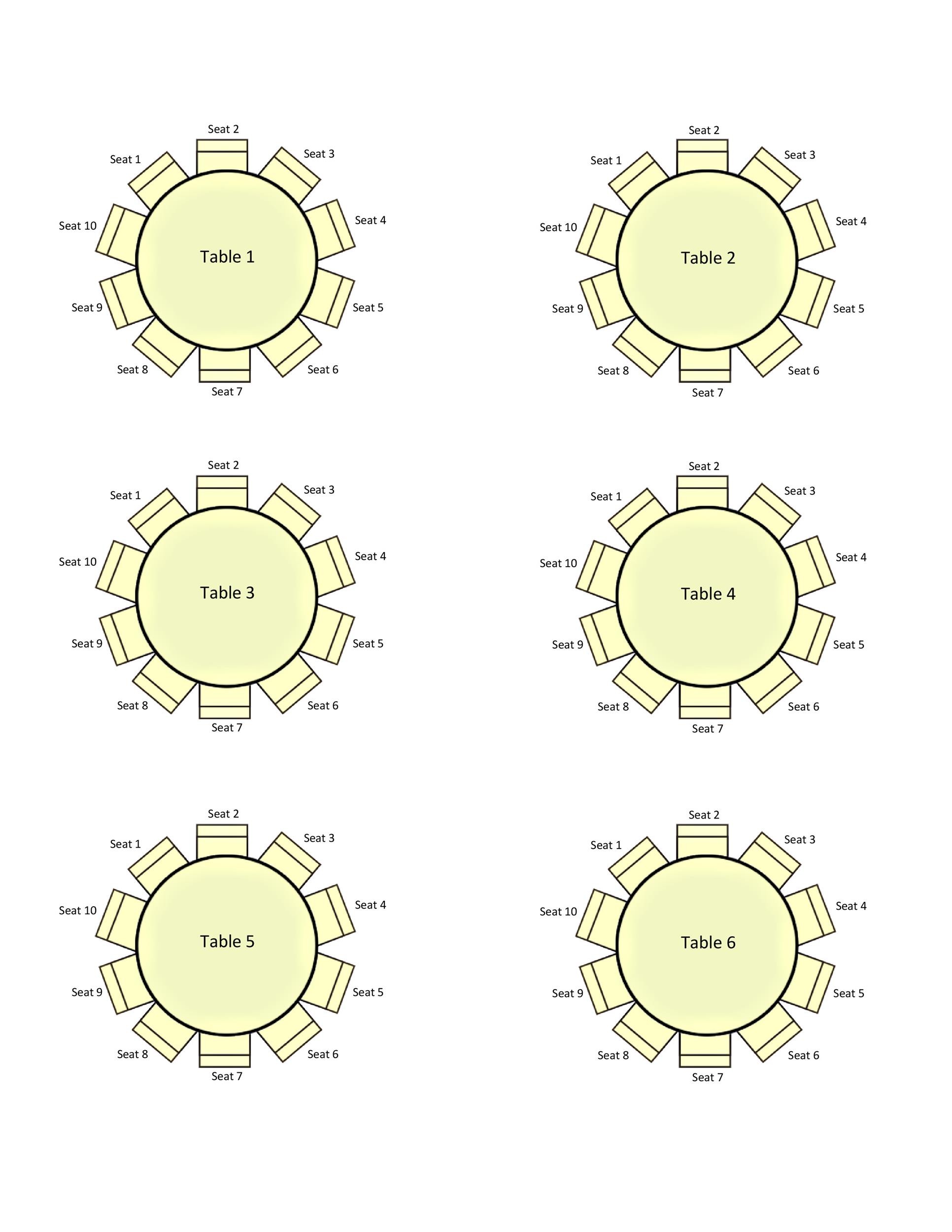
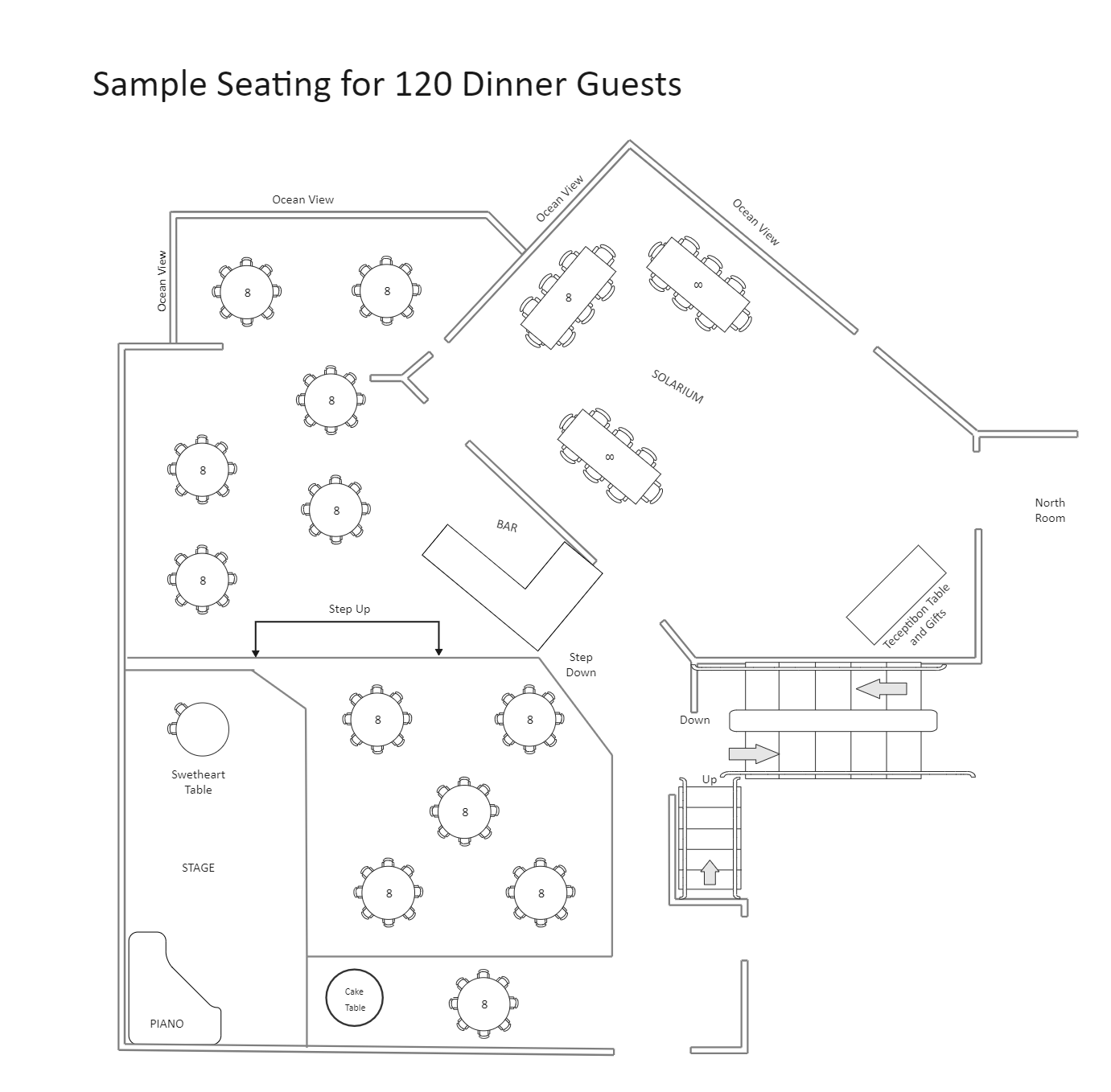
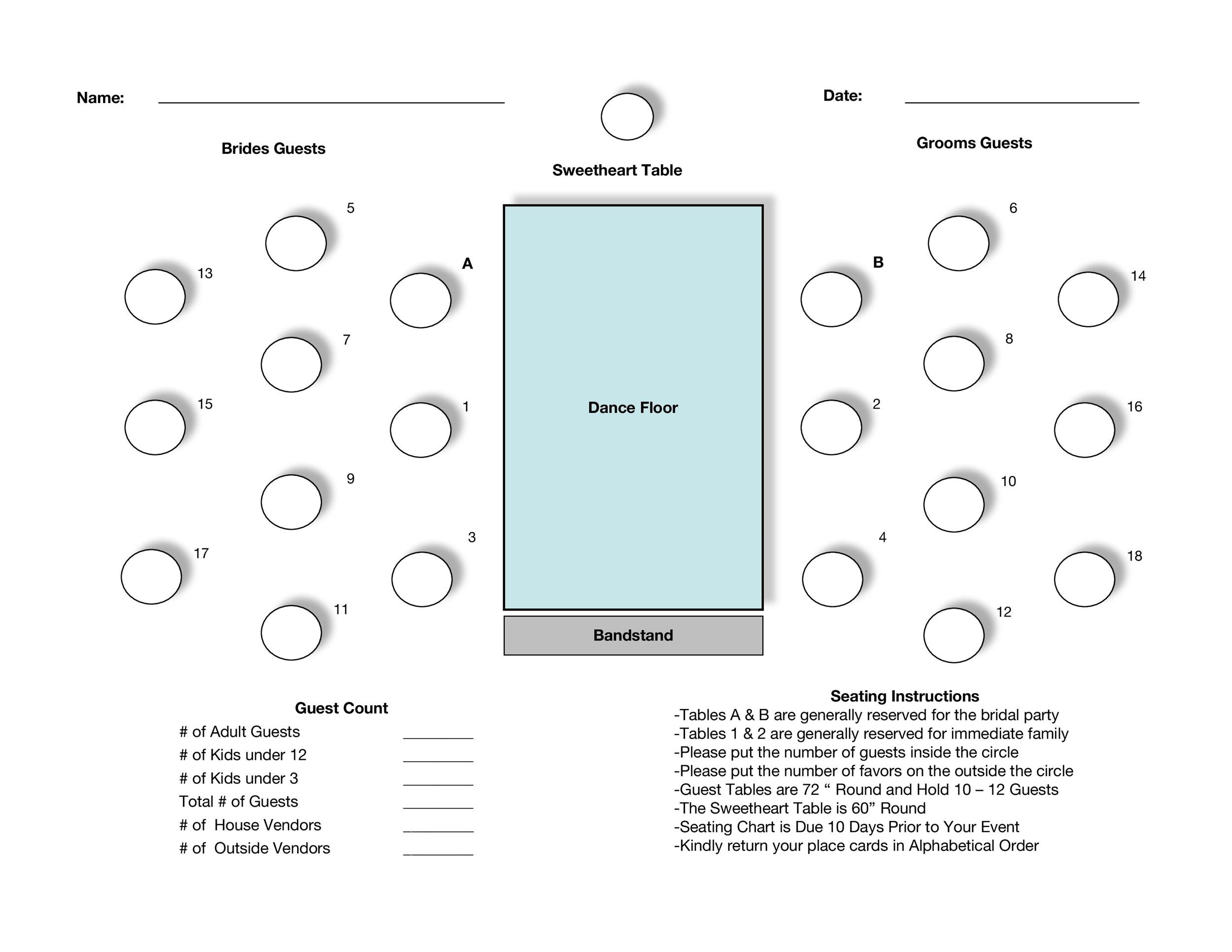
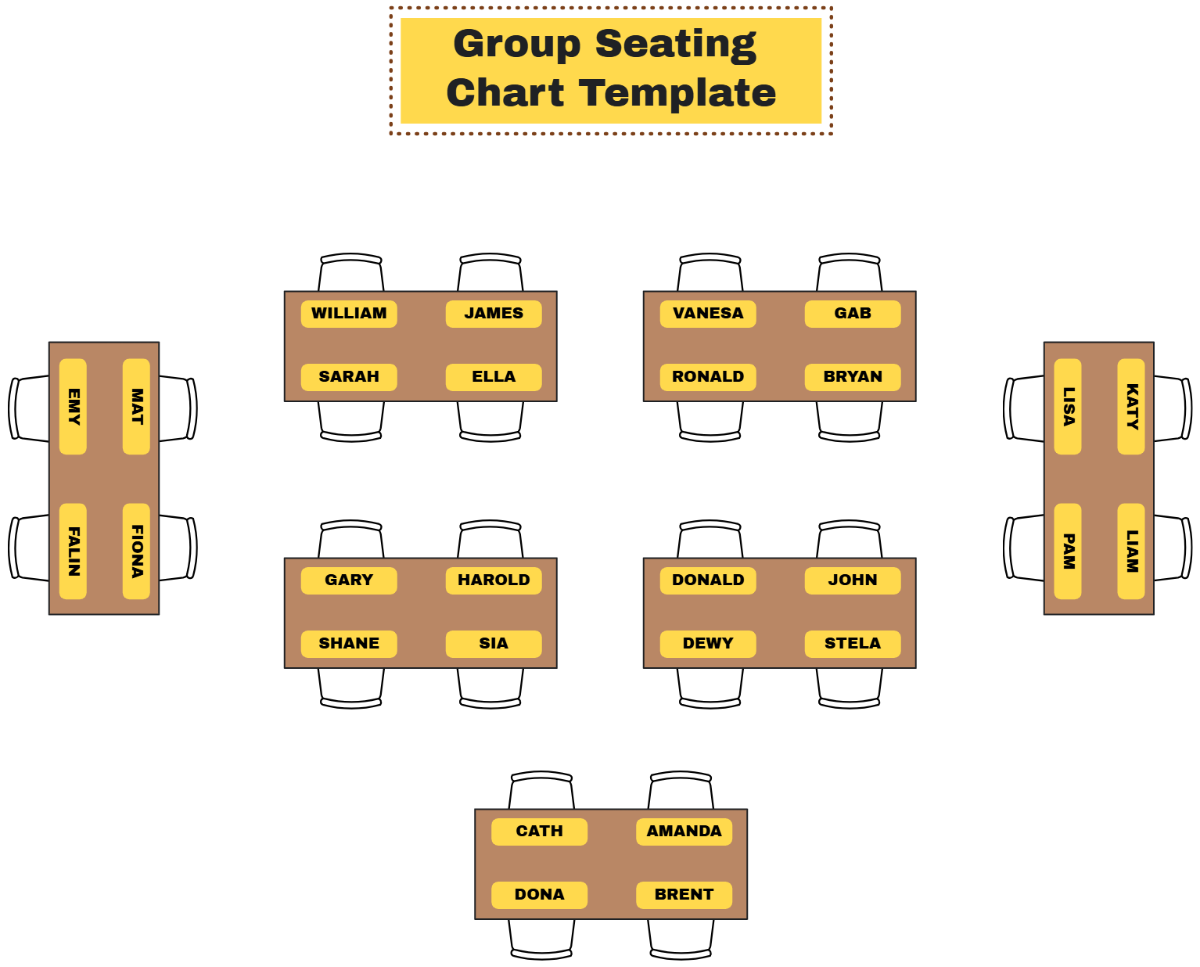
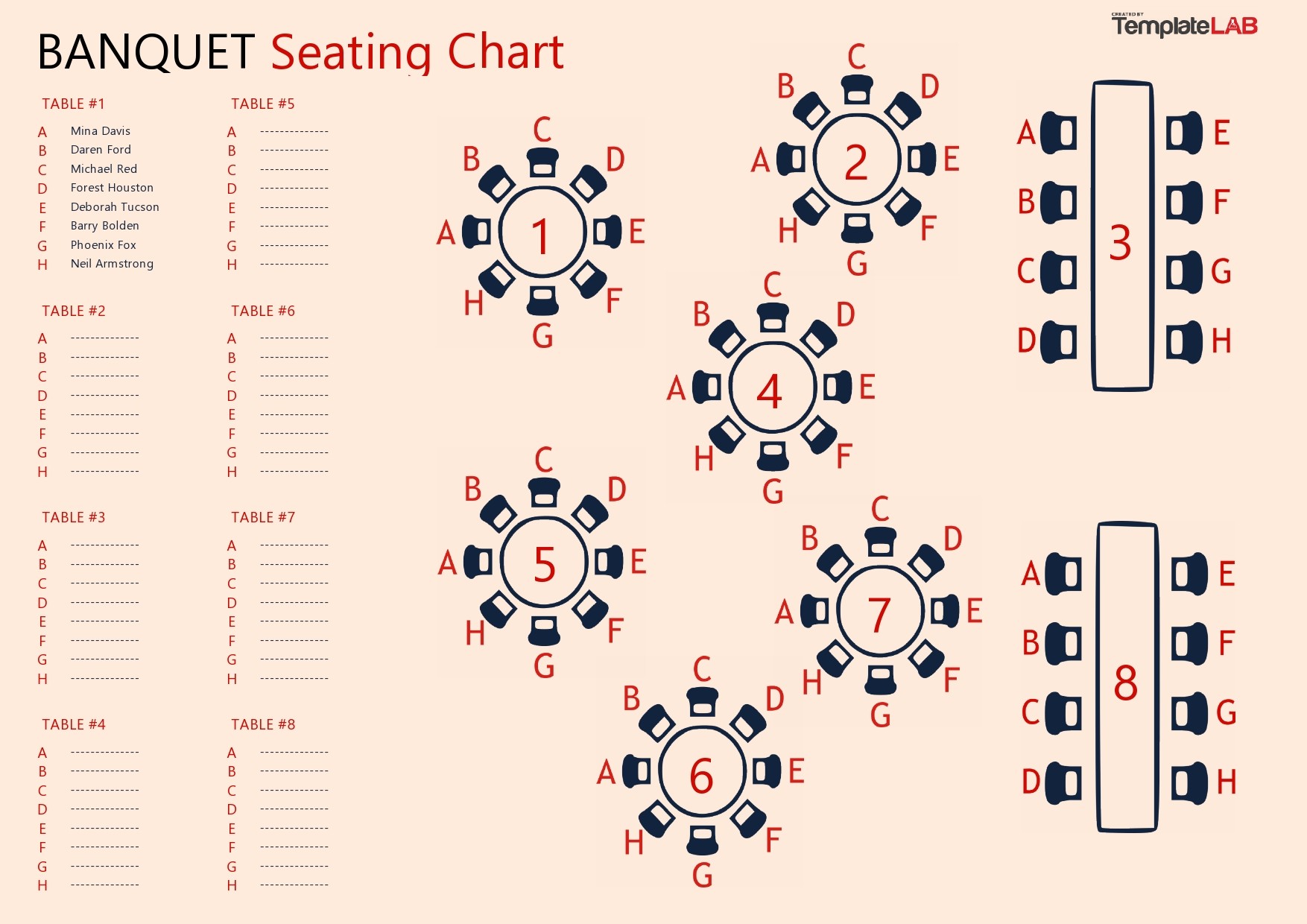
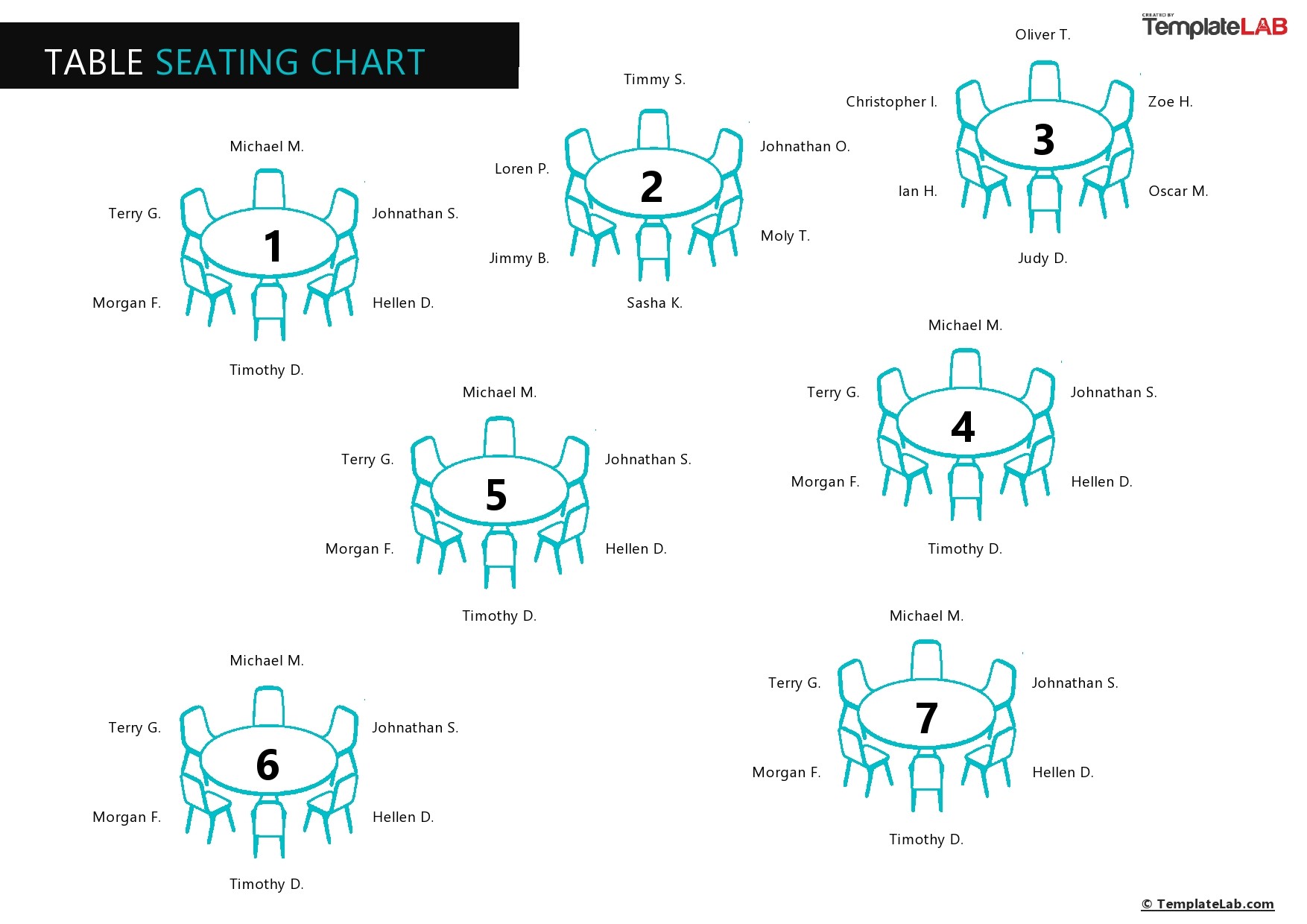
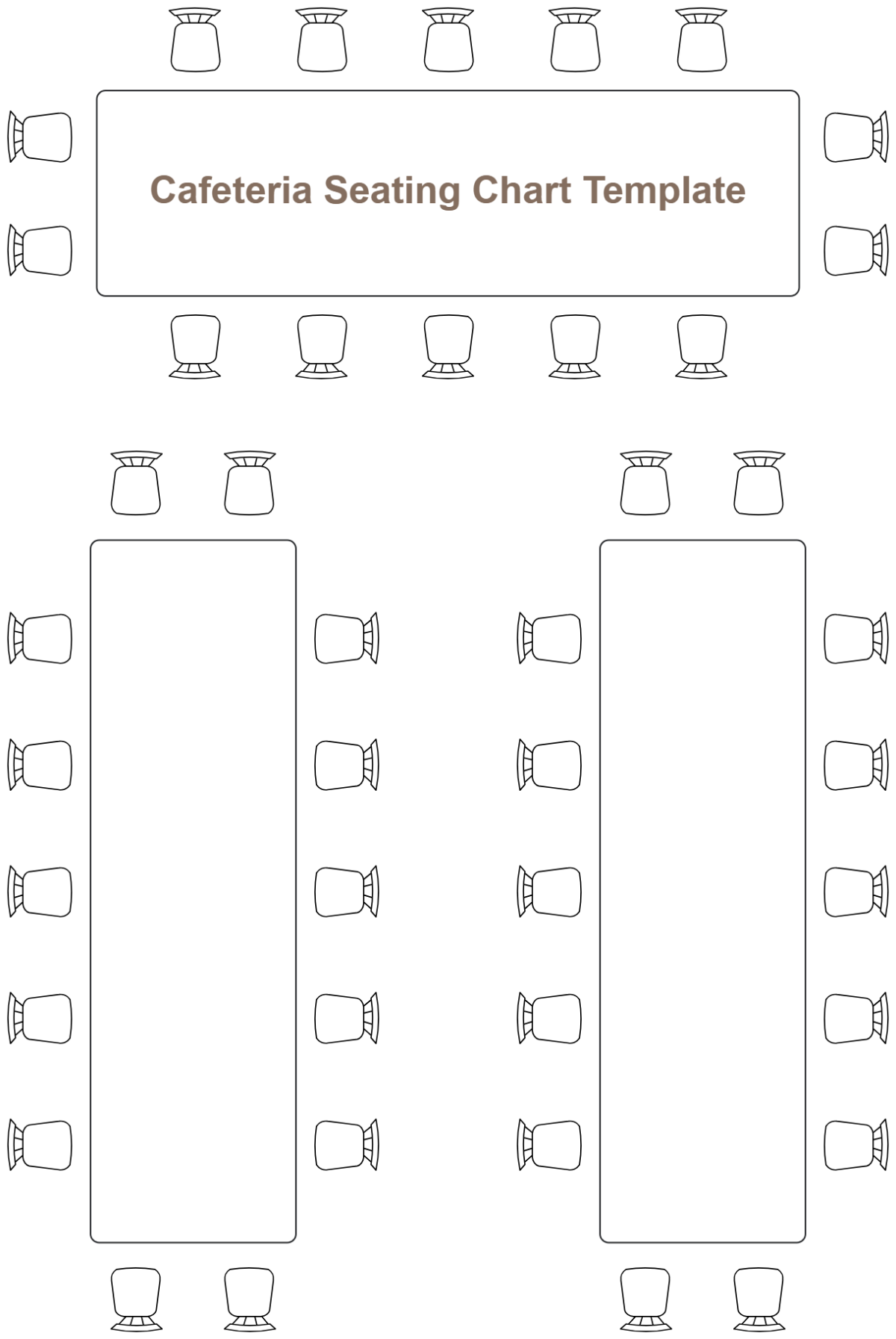
Determine the shape and number of tables: round, rectangular, or a custom layout that matches your venue’s architecture. For a black‑tone theme, consider tables with dark wood or metal finishes, and place them in a layout that maximizes visibility and interaction.
Assign Seats Strategically
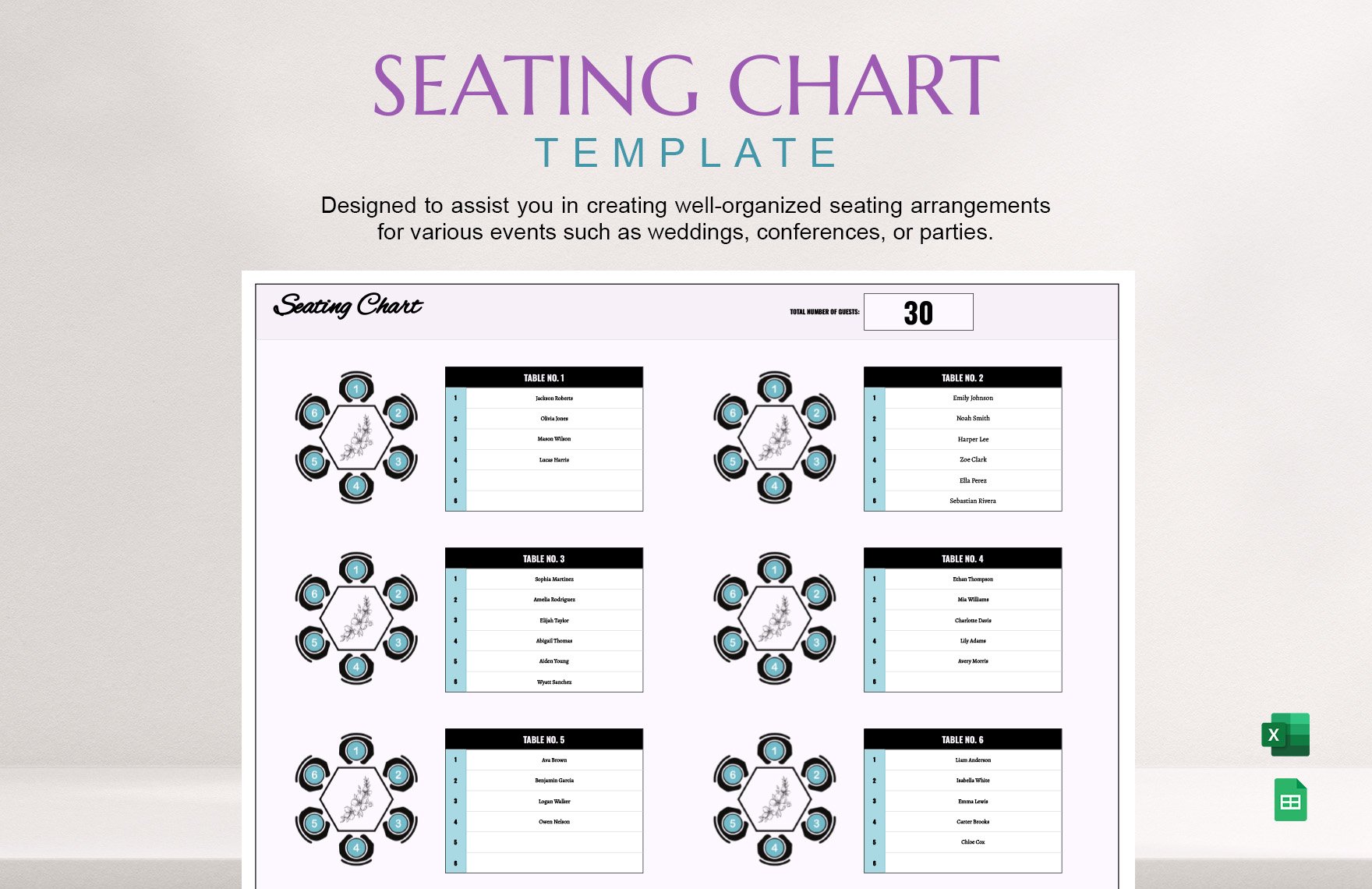
Using a grid or diagram, begin placing guests. Group related individuals—family members, business partners, or friends who share a common interest—into the same table. Place key influencers or hosts near the center or at a side table for easy access to the host.
Incorporate Signage and Table Numbers
Clear signage reduces confusion. Use black‑printed table numbers on contrasting backgrounds or integrate elegant gold or silver accents for a touch of luxury. Ensure that every table has a visible label and that the overall chart is readable from a distance.
Test and Iterate
Once a draft is ready, run a quick simulation: imagine guests arriving, moving to their seats, and interacting. Identify any awkward gaps or overcrowded tables. Make adjustments until the layout feels balanced and intuitive.
Tips for Personalizing Your Seating Chart
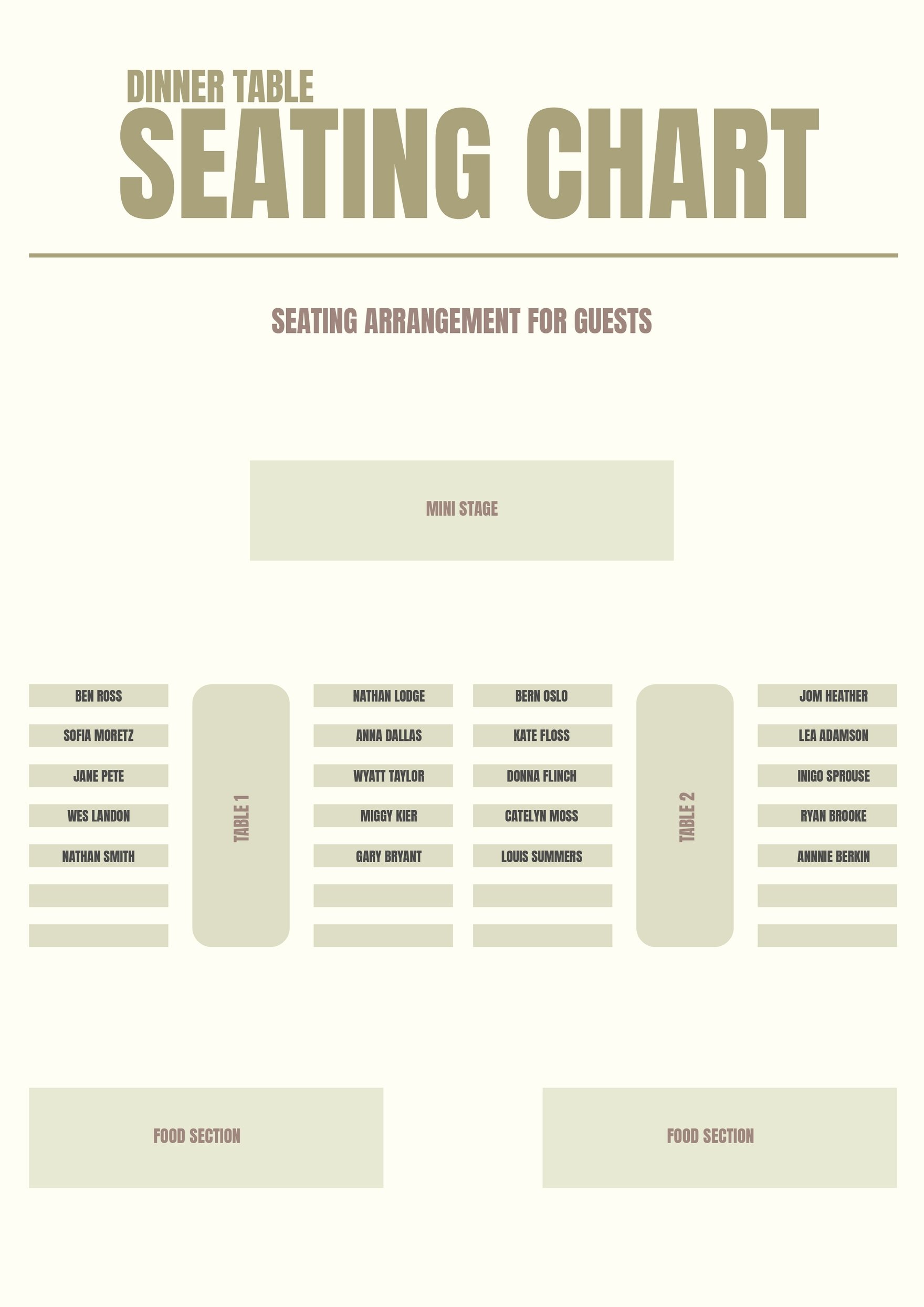
Color Schemes & Branding
Although the theme is black, subtle accent colors—deep burgundy, navy, or emerald—can be woven into the chart’s borders or table numbers to reflect a brand’s identity or the event’s color palette. Use these accents sparingly to maintain the elegant, understated vibe.
Adding Personal Touches
Consider adding a short note or a small illustration that reflects the host’s personality. For example, a tiny black icon of a wedding ring for a matrimonial celebration or a minimalist skyline for an urban themed dinner.
Digital vs Printed Versions
Digital charts are dynamic and can be updated instantly if a last‑minute change occurs. For a black‑tone aesthetic, use dark backgrounds with light lettering to keep the file visually consistent with your printed materials. Printed charts should use high‑quality, matte paper to prevent glare, especially if lighting is intense.
Common Challenges & How to Overcome Them

Last‑Minute Changes
Guests may cancel or add at the eleventh hour. Keep a flexible template that allows easy reseating. For digital charts, save versions so you can revert if needed, and for printed charts, have a backup set of seat cards or a quick‑change diagram.
Balancing Conversation
Mix personalities strategically: combine lively guests with quieter ones to foster balanced conversations. Avoid seating cliques together if you aim for mingling, and create “conversation starters” by placing a host or a popular figure near the center.
Managing Special Requests
Guests with mobility issues should have seats near exits, low tables, or accessible pathways. Additionally, those with dietary restrictions may require proximity to the buffet or a dedicated serving station. Note these requests visibly on the chart to alert staff.
Finalizing and Distributing the Chart

Printing Tips
Select a sturdy cardstock with a matte finish to keep the black tone sleek. Use a professional printer to ensure the contrast is sharp. If you opt for a multi‑table layout, print each chart separately and label them clearly for easy distribution.
Sharing Digitally
Upload the chart to your event website or email it to guests prior to the event. Provide a QR code at the entrance that links to an online seating plan. This allows guests to view their seats on the go, reducing confusion and fostering a sense of inclusion.
Communicating with Guests
When sending the final seating chart, accompany it with a polite note that explains the arrangement and offers to accommodate any last‑minute changes. This gesture reassures attendees that their comfort matters to the host.
Conclusion
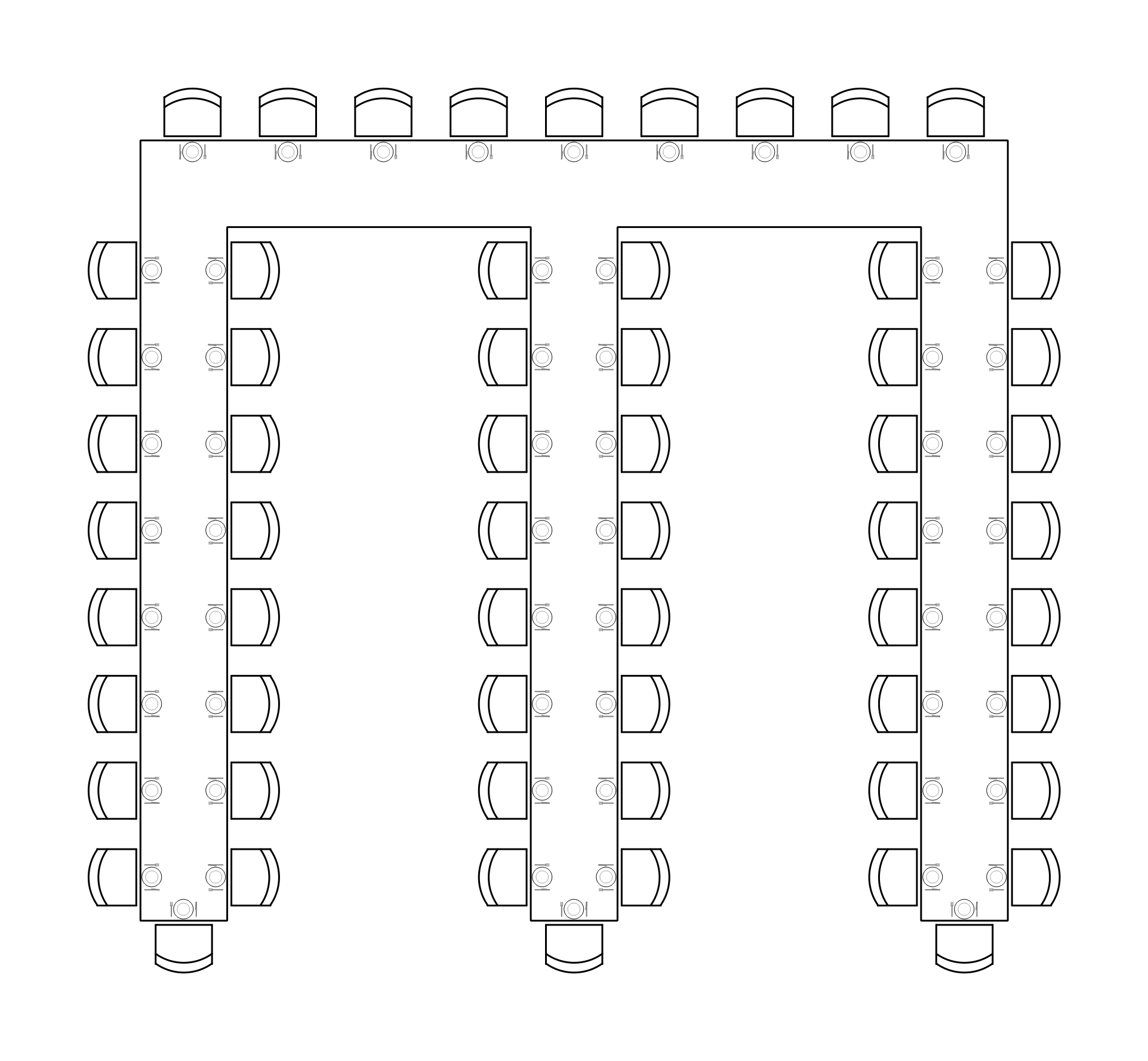
Mastering a Dining Room Seating Chart Template is both an art and a science. By carefully planning the layout, selecting a style that aligns with your black‑tone aesthetic, and addressing guest dynamics, you create a seamless experience that enhances every conversation and keeps the flow of the evening smooth. With the right template, thoughtful personalization, and proactive problem‑solving, your dining room will not only host a meal but also craft lasting memories for every guest. The effort invested in a precise and elegant seating chart pays off in the form of a cohesive, engaging, and unforgettable event.
Related posts of "Dining Room Seating Chart Template"
