
Dentist Appointment Card Template serves as a powerful tool for dental professionals looking to streamline patient communications, reinforce brand identity, and boost appointment attendance. By combining clear information with engaging design, a well-crafted card not only reminds patients of their upcoming visit but also invites them to explore additional services and return for future care.
Overview of Dentist Appointment Card Template

A dentist appointment card is more than a simple reminder. It is an integral piece of your practice’s marketing mix, blending functional data—such as date, time, and location—with visual cues that reflect your clinic’s personality. When thoughtfully designed, the card can improve patient retention, reduce no‑shows, and provide a tangible touchpoint that reinforces the value patients place in their dental experience.
What Makes a Template Effective?
- Readability – Clear hierarchy of information ensures patients quickly locate what they need.
- Brand Consistency – Colors, fonts, and imagery that align with your logo create instant recognition.
- Action Orientation – Calls to action (e.g., “Call now for a reminder” or “Scan QR code to reschedule”) motivate patients to engage.
- Versatility – A template should work for print, email, and mobile formats without losing quality.
Why Use a Template?
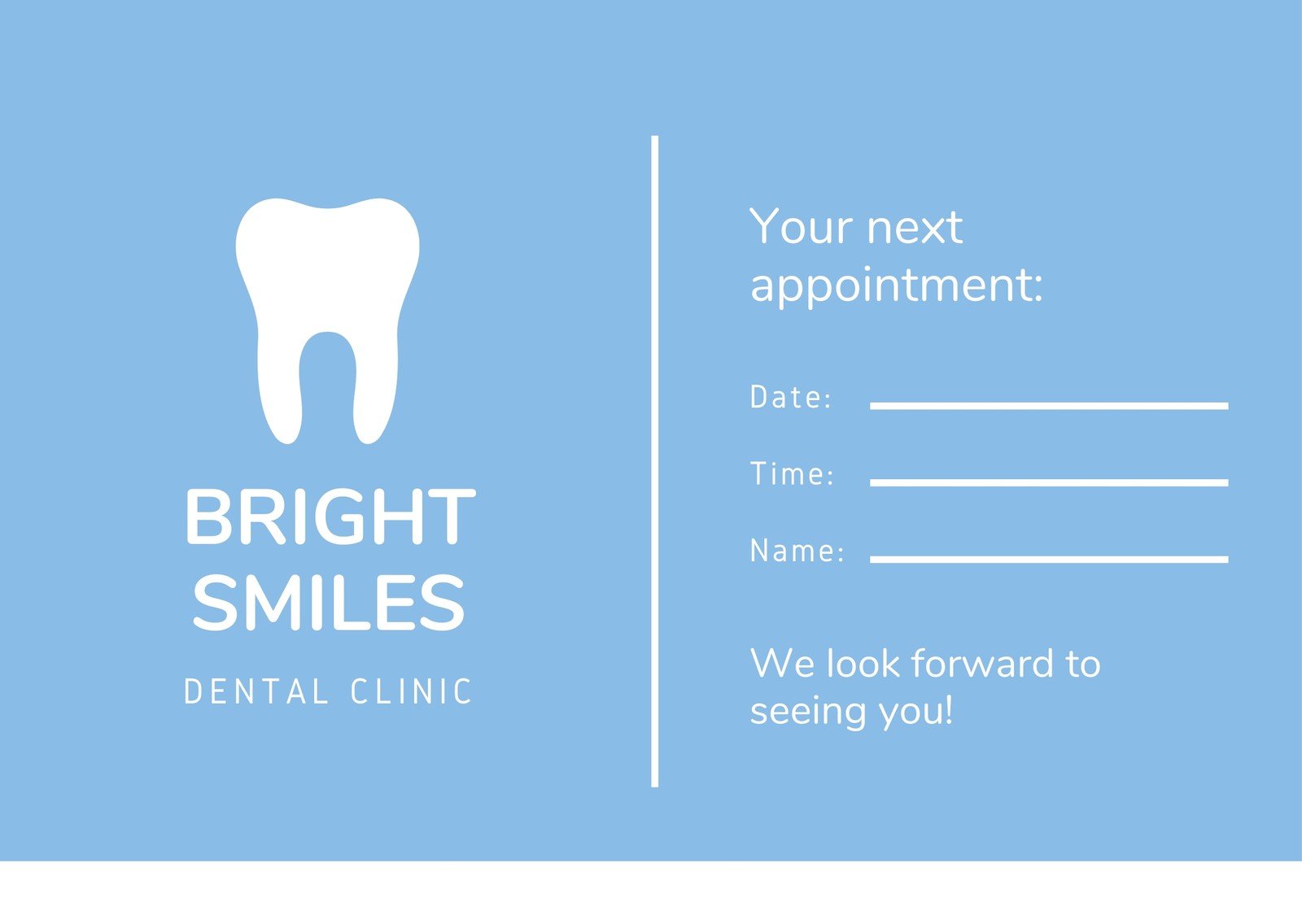
Creating a custom design from scratch can be time‑consuming and costly. Templates offer a proven framework that can be adapted quickly, saving both money and hours. They also maintain a professional look that signals reliability and trust—key attributes in dental care. Using a template gives you the flexibility to update details—such as a promotion or a new office address—without redesigning the entire card.
Key Design Elements to Include

Every dentist appointment card should feature a few essential elements that together create a cohesive and informative experience. Below are the core components, broken down by category.
Branding
Start with a logo and a color palette that matches your website and signage. Consistent branding builds patient confidence and makes the card instantly recognizable.
Appointment Details
Include the patient’s name, appointment date, time, and the dentist’s name. If you offer multiple treatment rooms or locations, specify the exact room or clinic to avoid confusion.
Contact Information
List the clinic’s phone number, email, and website. If you accept online scheduling, add a brief note encouraging patients to book their next appointment digitally.
Visual Appeal
Use a subtle background image or illustration related to oral health, such as a smiling tooth or dental tools. Ensure the image is low‑contrast so text remains legible.
Calls to Action
Prompt patients with actions like “Call to confirm,” “Check out our hygiene tips,” or “Scan the QR code to view our treatment options.” These brief prompts increase engagement beyond the appointment itself.
Customization Tips for Different Dental Practices

While the core structure of a dentist appointment card remains the same, each specialty or practice size can tailor the template to better match its audience and service focus.
Private Practice
Emphasize personal relationships. Use a friendly tone in the card copy, and include a brief personal note from the dentist (“I look forward to seeing you!”).
Group Clinic
Highlight team expertise. Feature a photo of the dental staff and a short list of services offered in each room.
Pediatric Dentistry
Adopt bright, child‑friendly colors and playful illustrations. Add a small safety tip or a “Did you know?” fun fact to engage parents.
Cosmetic Dentistry
Use a sleek, modern design with high‑contrast images of before‑and‑after smiles. Include a discount code for cosmetic services in a corner of the card.
Step‑by‑Step Guide to Creating Your Card

Follow these detailed steps to transform a template into a personalized, high‑impact card.
Choosing a Tool
- Graphic design software like Adobe Illustrator or InDesign offers full control.
- Online editors such as Canva or Crello provide ready‑made templates and drag‑and‑drop ease.
Selecting a Layout
Pick a layout that accommodates all information without crowding. A vertical orientation often works well for mailing and handouts.
Adding Text
Use a clear, sans‑serif font for the main details (e.g., Helvetica, Arial). For headings or the patient name, consider a slightly larger or bolder weight. Maintain at least 10‑point font for readability on printed cards.
Selecting Fonts
Limit the card to two complementary fonts—one for headings, one for body text—to avoid visual clutter.
Adding Images
Insert a high‑resolution illustration or photo that complements the brand. Keep the image subtle and in the background to ensure text stands out.
Finalizing Color Scheme
Stick to the brand palette but add a secondary accent color for call‑to‑action buttons or QR codes. Ensure sufficient contrast between text and background for accessibility.
Printing Options and Distribution Strategies
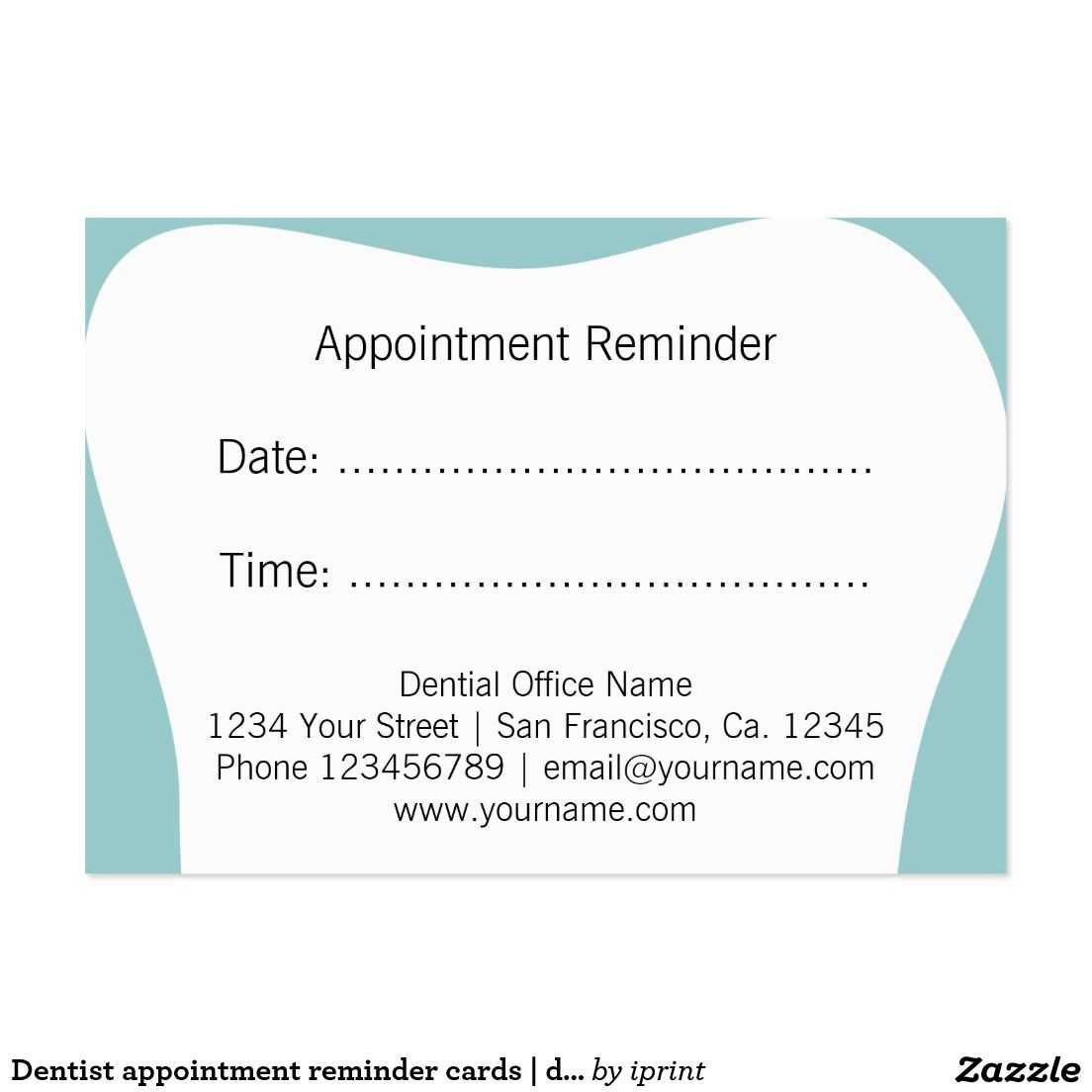
Decide how you will distribute the cards and choose a printing method that matches your budget and timeline.
Print on Paper
- Use 100‑lb matte cardstock for a premium feel.
- Consider UV spot coating on the logo to add tactile distinction.
Digital Distribution
Send the card as a PDF attachment in appointment reminder emails. Embed a clickable QR code that links directly to your online scheduling page.
QR Codes
QR codes are a modern, cost‑effective way to connect patients with digital resources. Place the code in a corner where it won’t interfere with readability but remains accessible.
Integration with Appointment Systems
Many practice management software packages can auto‑populate card templates with patient data. Automate the creation process to reduce manual input errors.
Real-World Success Stories

Learning from peers can inspire new ideas and validate your approach.
Example 1: Small Private Practice
Dr. Lee upgraded her appointment cards from plain white slips to a branded template featuring a friendly tooth illustration and her personal note. Within three months, her no‑show rate fell from 15% to 9%, and patient satisfaction scores rose by 12%.
Example 2: Dental Chain
ABC Dental Group standardized its appointment cards across all 12 locations using a single template that highlighted each office’s unique services. The chain reported a 7% increase in return visits and a 4% boost in cosmetic procedure bookings.
Common Mistakes to Avoid
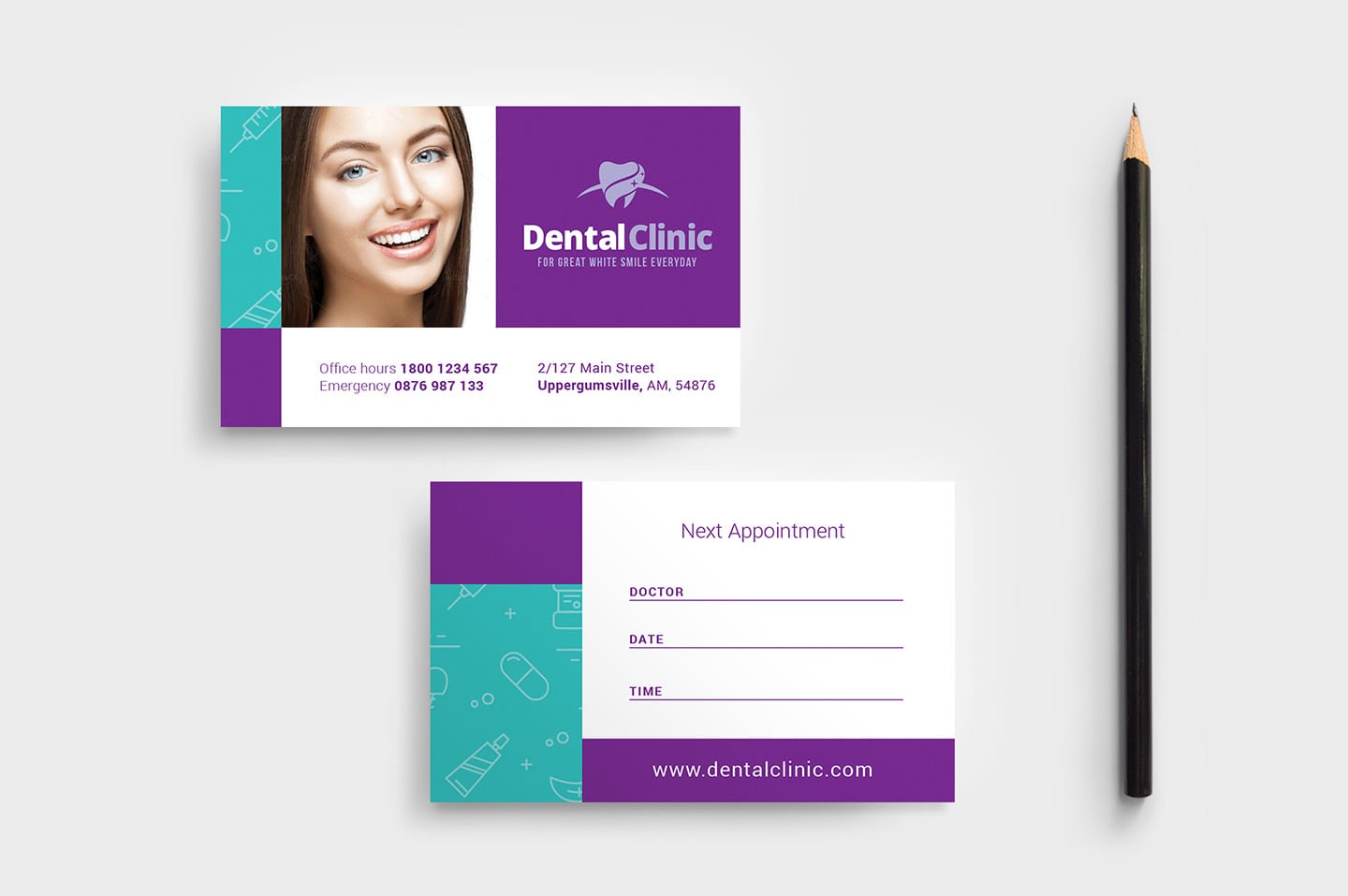
Even the best templates can lose impact if certain pitfalls are not addressed. Here are the most frequent missteps.
Overcrowding
Too much text or too many images can overwhelm patients. Use white space strategically to guide the eye.
Poor Readability
Low‑contrast color combinations, tiny fonts, or cluttered layouts hinder quick scanning. Aim for at least a 4.5:1 contrast ratio for body text.
Inconsistent Branding
Mixing colors or fonts from different brand guidelines erodes trust. Establish a single style guide and enforce it across all templates.
Ignoring Accessibility
Patients with visual impairments may rely on screen readers. Use descriptive alt text for images and ensure that font size and color contrast meet WCAG guidelines.
How to Maintain Consistency Across All Marketing Materials

Consistency strengthens brand recognition and reduces patient confusion. Implement these practices to keep your cards aligned with other communications.
Create a Style Guide
Document brand colors, fonts, logo usage, and image guidelines in a one‑page reference sheet.
Build a Template Library
Maintain a digital repository of approved templates that staff can quickly customize for each appointment.
Train Staff
Conduct brief workshops on how to use the template tool, enter patient data accurately, and print or email the final product.
FAQs About Dentist Appointment Card Templates
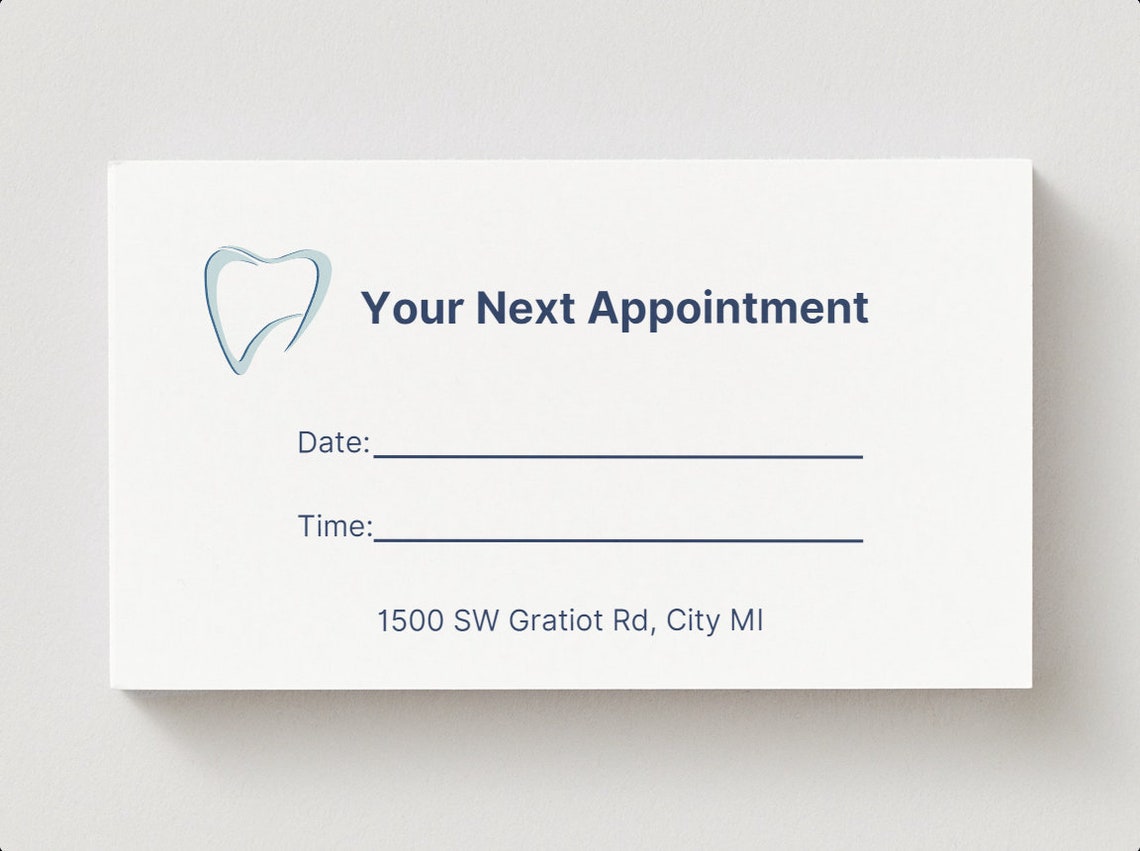
Answering common questions helps patients feel informed and valued.
Can I use my existing logo on the card?
Yes – the logo should be high‑resolution and placed prominently to reinforce brand identity.
What paper weight is recommended for print?
A 100‑lb matte cardstock offers durability and a professional appearance while staying cost‑effective.
Should I include a QR code?
Adding a QR code can streamline scheduling and provide instant access to digital resources, but only if your patient base is comfortable scanning.
How often should I update the template?
Update annually or whenever you change branding elements, promotional offers, or practice information.
Conclusion

A thoughtfully designed Dentist Appointment Card Template transforms a routine reminder into a strategic marketing asset. By integrating clear appointment details, consistent branding, engaging visuals, and actionable prompts, the card becomes a touchpoint that enhances patient experience, reduces no‑shows, and encourages future visits. Whether you print a handful for a local clinic or distribute thousands across a chain, a well‑crafted template delivers measurable results—boosting attendance, reinforcing brand loyalty, and ultimately supporting your practice’s growth.


Related posts of "Dentist Appointment Card Template"
