
Defect Report Template Xls is more than a simple spreadsheet—it’s a lifeline for quality managers, engineers, and product teams who need to track, analyze, and resolve issues quickly and accurately. By capturing every nuance of a defect—from its origin to its resolution—this template transforms raw data into actionable insights, helping organizations reduce downtime, lower costs, and keep customers satisfied.
Why a Defect Report Template Xls is Essential

In any production or development environment, defects are inevitable. What sets high-performing teams apart is how they handle those defects. A well-structured Defect Report Template Xls offers several advantages:
- Consistency – Every team member logs data in the same format, eliminating ambiguity.
- Traceability – Each defect can be linked to design documents, test cases, or customer complaints.
- Data-Driven Decisions – Aggregated metrics reveal patterns, enabling proactive process improvements.
- Compliance – For regulated industries, the template provides the audit trail required by standards such as ISO 9001 or FDA 21 CFR Part 820.
- Efficiency – Standardized fields reduce the time spent on documentation, allowing teams to focus on remediation.
Key Elements Every Template Should Include
Identification and Classification
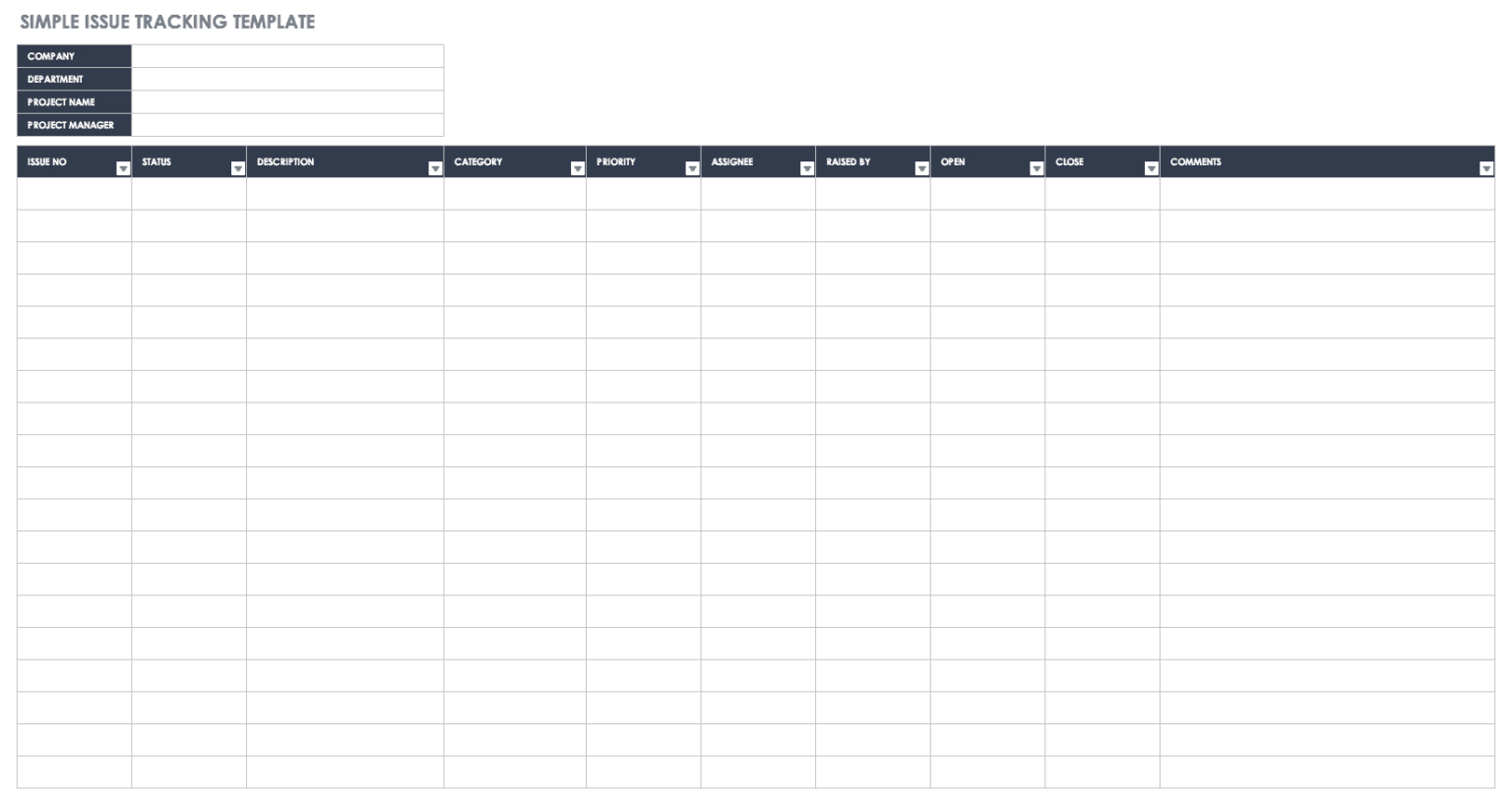
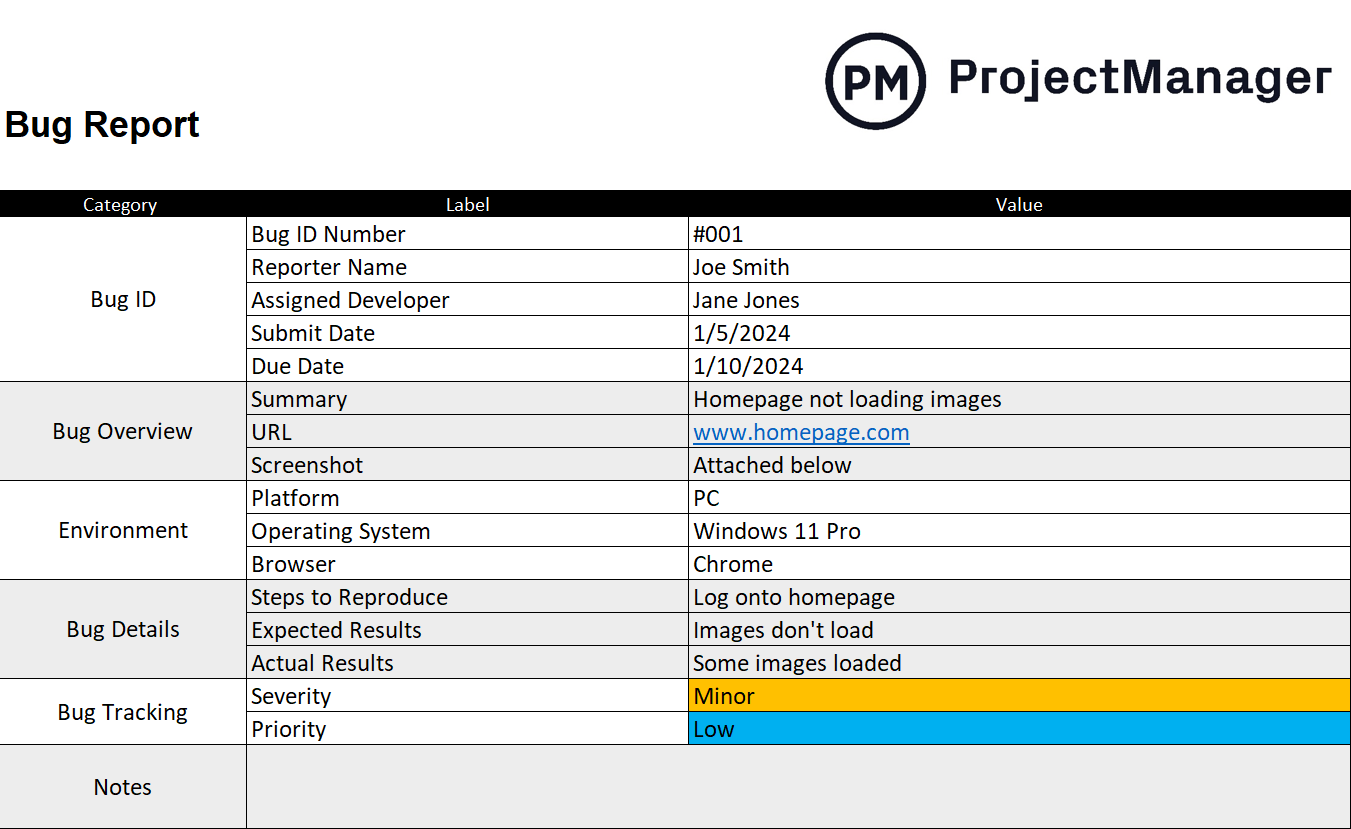
Start with a unique identifier, such as DEF-2026-001, and include fields for defect type, severity, and priority. A clear classification system ensures that high-risk issues receive immediate attention.
Descriptive Information
- Description – A concise yet thorough narrative of the defect.
- Steps to Reproduce – Exact actions that trigger the issue.
- Expected vs. Actual Result – Clarifies the deviation.
Root Cause Analysis
Include columns for the root cause, such as design flaw, process deviation, or material defect. Adding a field for the responsible department encourages accountability.
Resolution and Verification
- Fix Implemented – Description of the corrective action.
- Verification Date – When the fix was tested.
- Test Results – Pass/fail status and any supporting evidence.
Audit Trail
Log who opened, updated, or closed the defect, along with timestamps. This information is vital for audits and continuous improvement.
Step-by-Step Guide to Building Your Own Template

1. Define Your Workflow
Map out the stages a defect goes through—from detection to closure. Typical stages include Open, In Review, In Fix, In Test, and Closed. Align your template columns to these stages so that the spreadsheet itself serves as a project board.
2. Create the Header Row
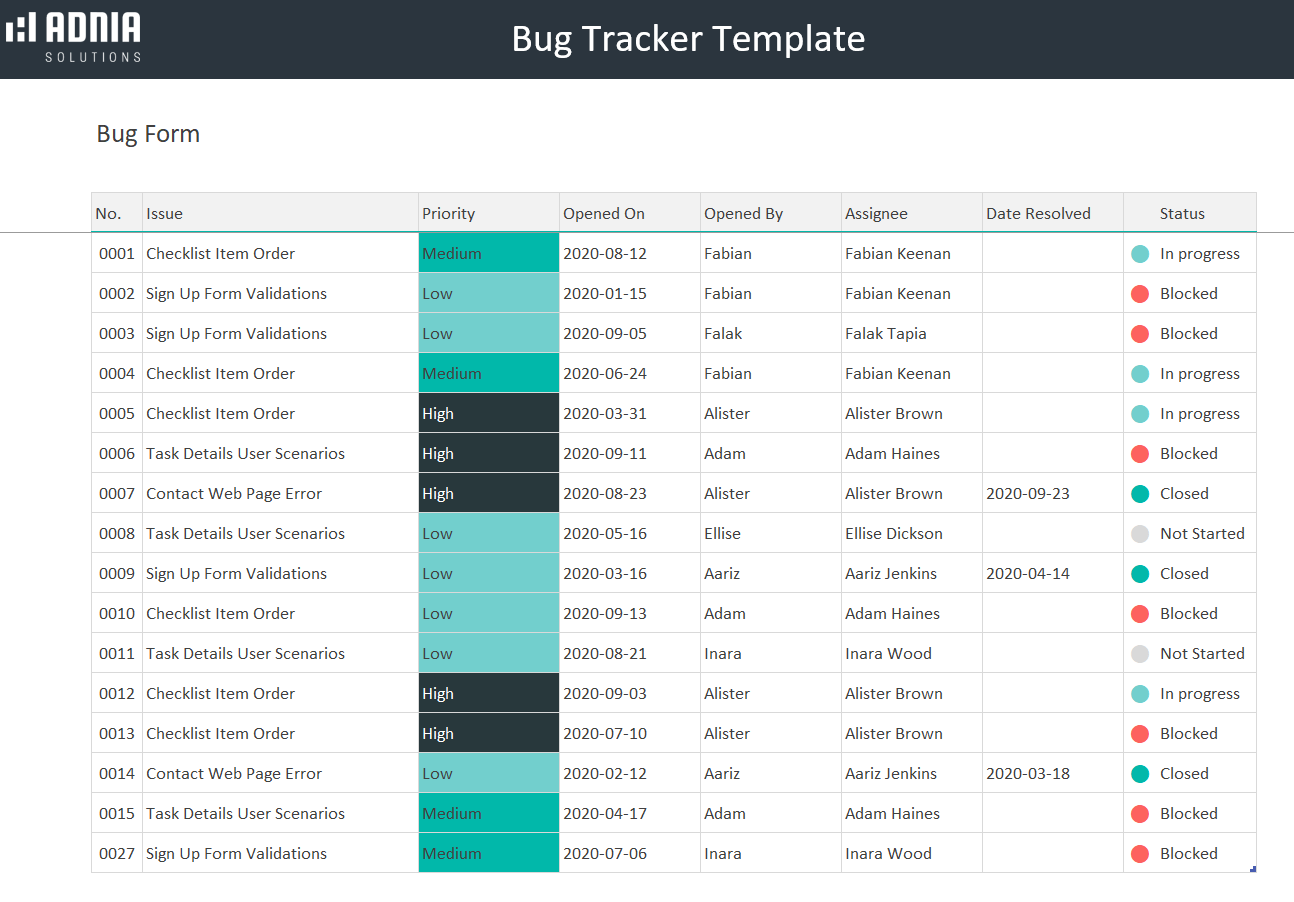
Use the first row for headers. Bold them and consider freezing this row so that it stays visible when scrolling. Example headers: Defect ID, Date Opened, Opened By, Category, Severity, Priority, Description, Steps to Reproduce, Expected Result, Actual Result, Root Cause, Fix Description, Fix Date, Verified By, Verification Date, Status, Closed By, Closure Date.
3. Add Data Validation
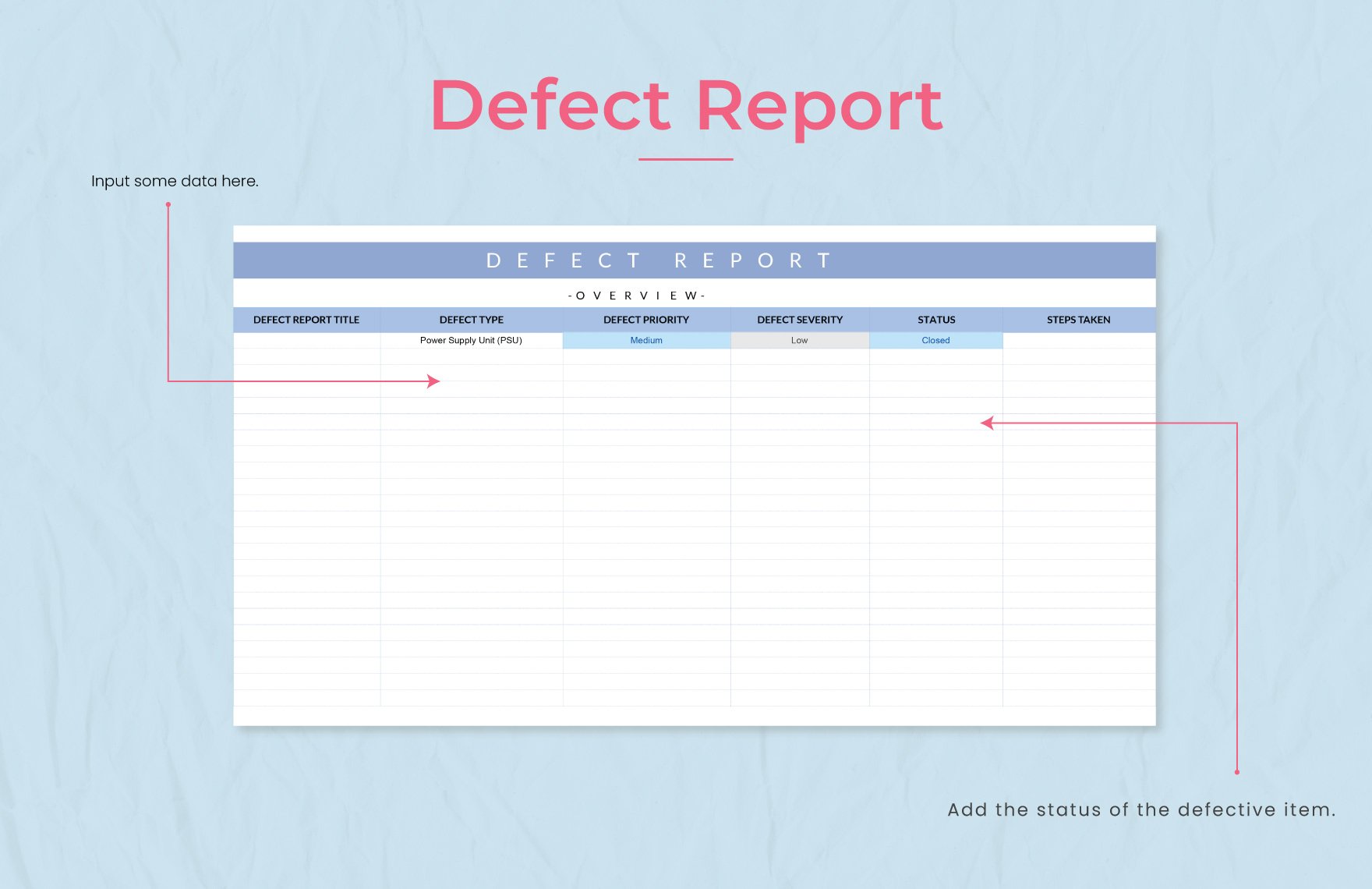
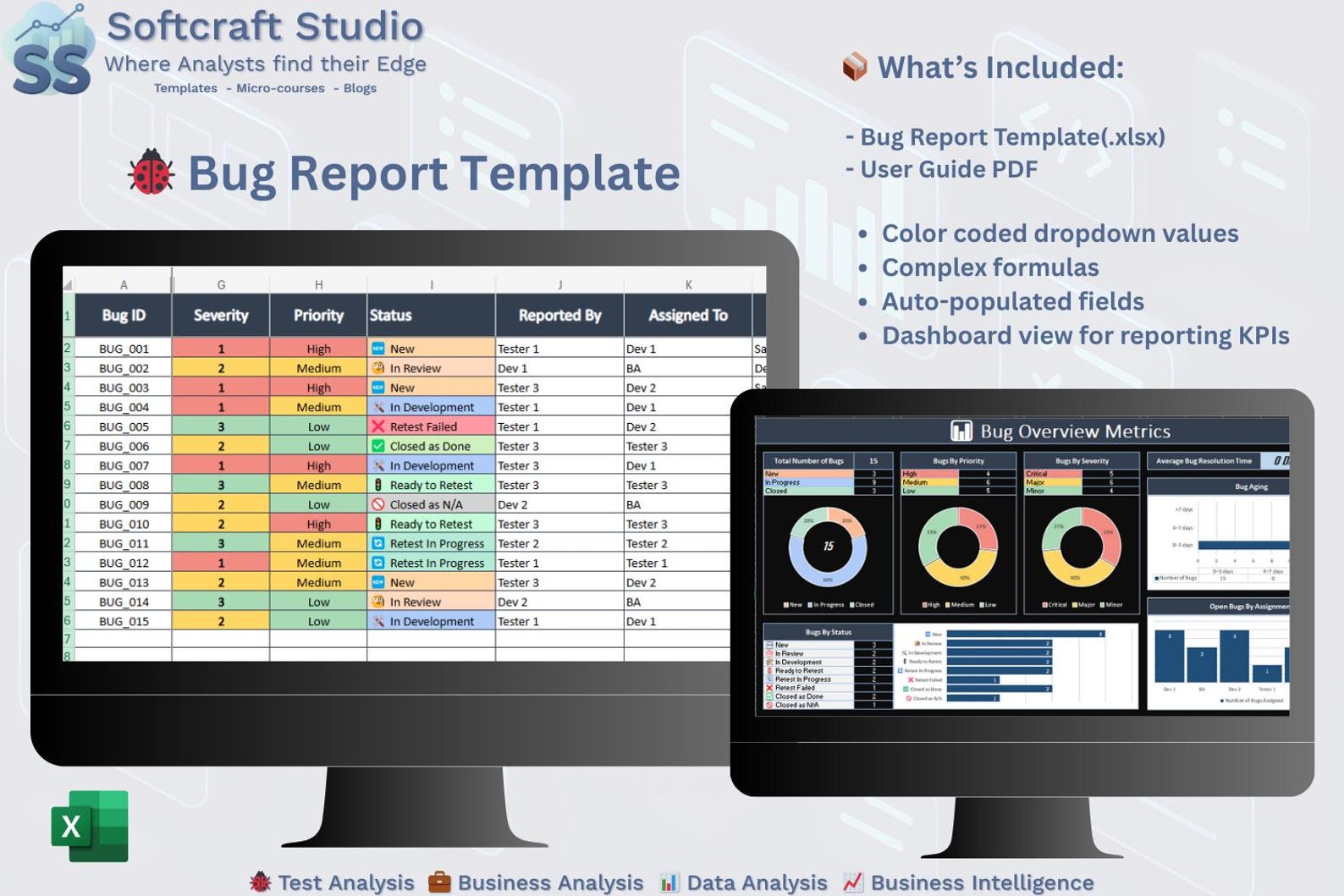
Apply dropdown lists for fields like Severity, Priority, Status, and Root Cause. This reduces typos and enforces consistency. In Excel, use the Data Validation feature to create these lists.
4. Insert Conditional Formatting
Use color coding to highlight critical defects. For example, set a rule that flags defects with Severity “Critical” in red. This visual cue helps reviewers quickly spot high-priority items.
5. Build Automation with Formulas
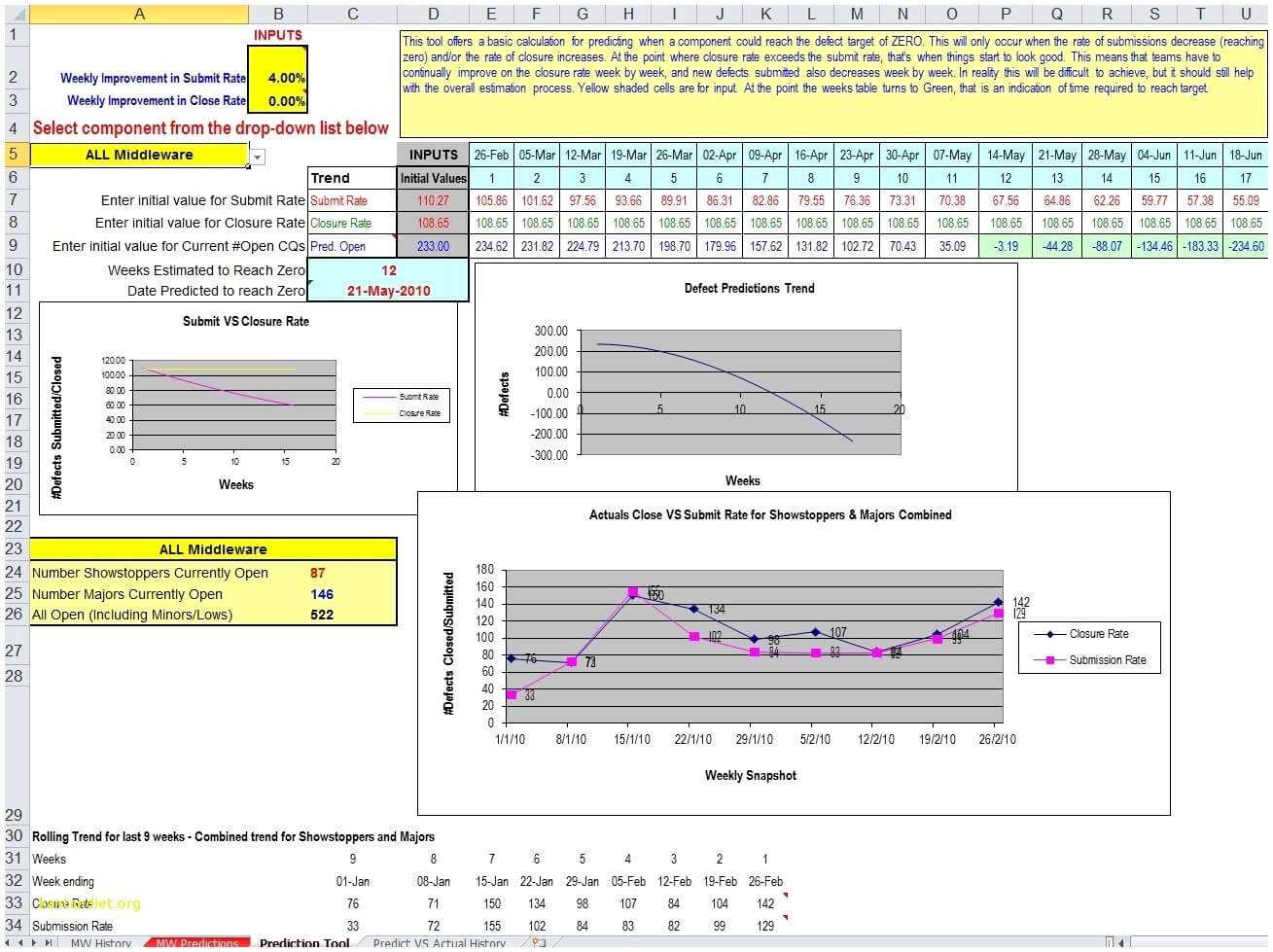
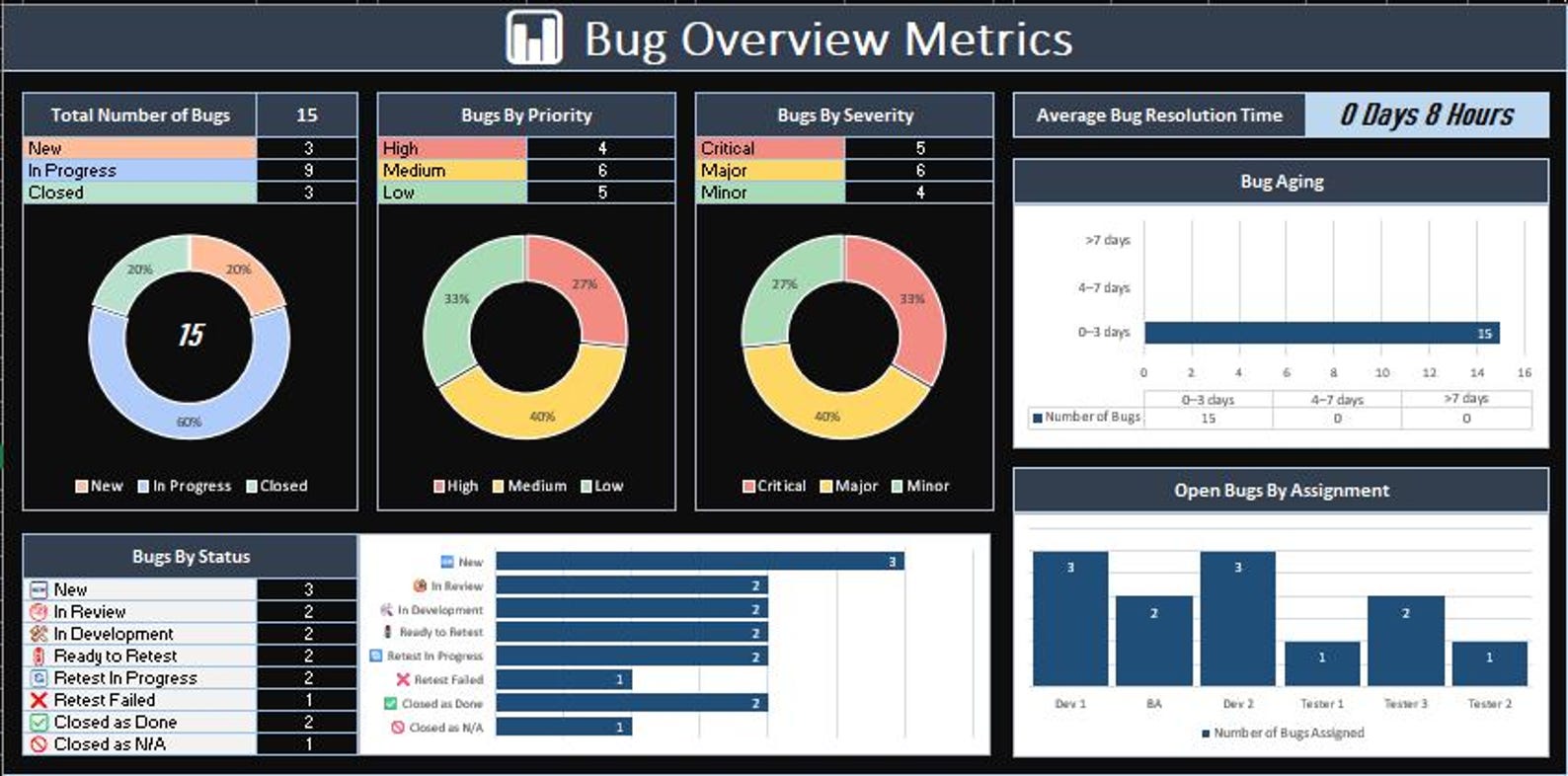
Use formulas to calculate metrics such as average time to fix or defect density. A simple DATEDIF can compute the days between Date Opened and Closed Date. Summarize results in a dashboard sheet.
6. Protect the Template
Lock cells that should not be edited manually, like the header row or formula columns. This prevents accidental overwrites and maintains data integrity.
7. Test Your Template
Create a few test defects to ensure all validations and formulas work as intended. Iterate based on feedback from stakeholders.
Tips for Customizing and Automating the Process
Leverage Excel Tables
Convert the data range into an Excel Table (Insert > Table). Tables auto-expand as you add new rows and allow you to use structured references in formulas, making your sheet more robust.
Use VBA for Advanced Automation
If your organization deals with a large volume of defects, consider writing simple VBA scripts to automate repetitive tasks, such as sending email notifications when a defect changes status or generating a PDF report upon closure.
Integrate with Issue Trackers
Many teams already use tools like Jira, Azure DevOps, or Trello. You can export defect data from your spreadsheet to these platforms or import updates back, ensuring everyone has the latest information without manual duplication.
Employ PivotTables for Trend Analysis
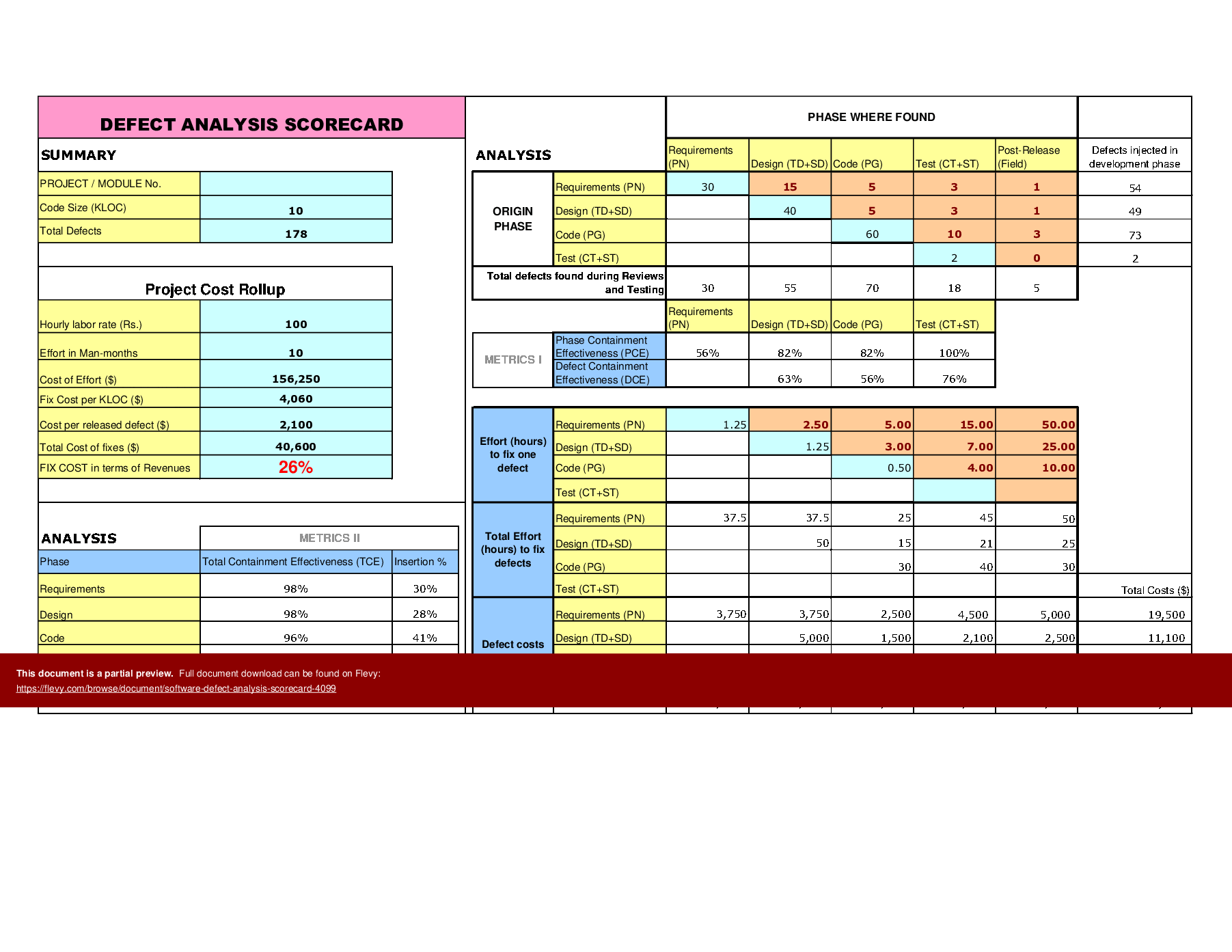
A PivotTable can quickly summarize defects by severity, root cause, or month. Adding a PivotChart next to it gives a visual representation of trends, helping management spot recurring problems.
Document the Template Guidelines
Write a short guide or a one-page cheat sheet that explains each column’s purpose, acceptable values, and how to interpret the metrics. This reduces training overhead and promotes consistent usage.
Real-World Use Cases Across Industries
Manufacturing
In automotive production, a defect report template tracks issues found during assembly line inspections. By logging the root cause as “Material Defect” or “Process Variation,” engineers can adjust supplier specifications or tighten tolerances, reducing scrap rates.
Software Development
Quality Assurance teams use the template to document bugs discovered during regression testing. The “Steps to Reproduce” field becomes invaluable for developers who need precise instructions to replicate and fix the issue.
Healthcare Devices
Medical device manufacturers must meet stringent regulatory standards. A defect template that captures the exact clinical impact, severity, and corrective action is essential for FDA submissions and post-market surveillance.
Construction
Project managers use the template to log field defects, such as faulty concrete pours or misaligned framing. By linking defects to specific contracts or suppliers, they can negotiate corrective measures and avoid costly rework.
Common Pitfalls and How to Avoid Them

Inconsistent Data Entry
Even with dropdowns, users may manually type values. Enforce data validation and regularly audit the spreadsheet to catch deviations.
Overloading the Template
Too many columns can overwhelm users, leading to incomplete entries. Prioritize critical fields and consider creating an optional “Additional Notes” column for extra details.
Neglecting Version Control
When multiple people edit a shared spreadsheet, version conflicts can arise. Use cloud services like OneDrive or SharePoint with proper permission settings to maintain a single source of truth.
Ignoring Security
Defect reports can contain sensitive information. Protect your file with passwords and restrict access to authorized personnel.
Failing to Act on Data
A template is only useful if the data it gathers leads to action. Schedule regular review meetings where metrics are discussed and improvement plans are assigned.
Wrapping Up: Make the Most of Your Defect Report
Adopting a Defect Report Template Xls is a strategic investment that pays off through sharper decision-making, faster issue resolution, and stronger compliance posture. Start by defining your core fields, then build in automation and visual cues to keep your team focused. Test, iterate, and embed the template into your quality culture. With consistent use, the data will reveal hidden patterns, guiding you toward process improvements that elevate product reliability and customer trust.






Related posts of "Defect Report Template Xls"
