
Daycare Infant Daily Report Template is the unsung hero that keeps both parents and supervisors on the same page about what happened between the hours of 8:00 AM and 3:30 PM. Think of it as a tiny, colorful diary where every diaper change, giggle, and nap time is meticulously recorded—so you don’t end up guessing if that toddler still has a favorite blanket or if they finally mastered the art of walking without tripping over their own feet.
The Power of the Daily Report

Ever tried explaining a child’s entire day to a friend over coffee? You’ll end up with a story about the mysterious “potty crisis of 11:17 AM.” A well‑structured daily report eliminates the chaos and replaces it with clarity. For daycare providers, it’s the bridge between “I think the baby slept for an hour” and “Baby actually slept from 10:45 to 12:30.” For parents, it’s a reassurance that their little human is thriving, not just surviving.
Parent’s Peace of Mind
When a parent sees a neatly organized page with bullet points like “Breakfast: 1 cup of formula, 2 spoonfuls of oatmeal; Nap: 1 hour, 45 minutes; Playtime: building a tower of blocks—level 4—without toppling.” it feels like a bedtime story without the cliffhangers.
Staff’s Workflow Wizardry
Having a template means no more last‑minute scramble to remember the time a baby was last changed. It standardizes the flow of information so every shift swap feels like a well‑orchestrated symphony rather than a toddler’s tantrum orchestra.
What Makes a Great Template? The Anatomy of Success
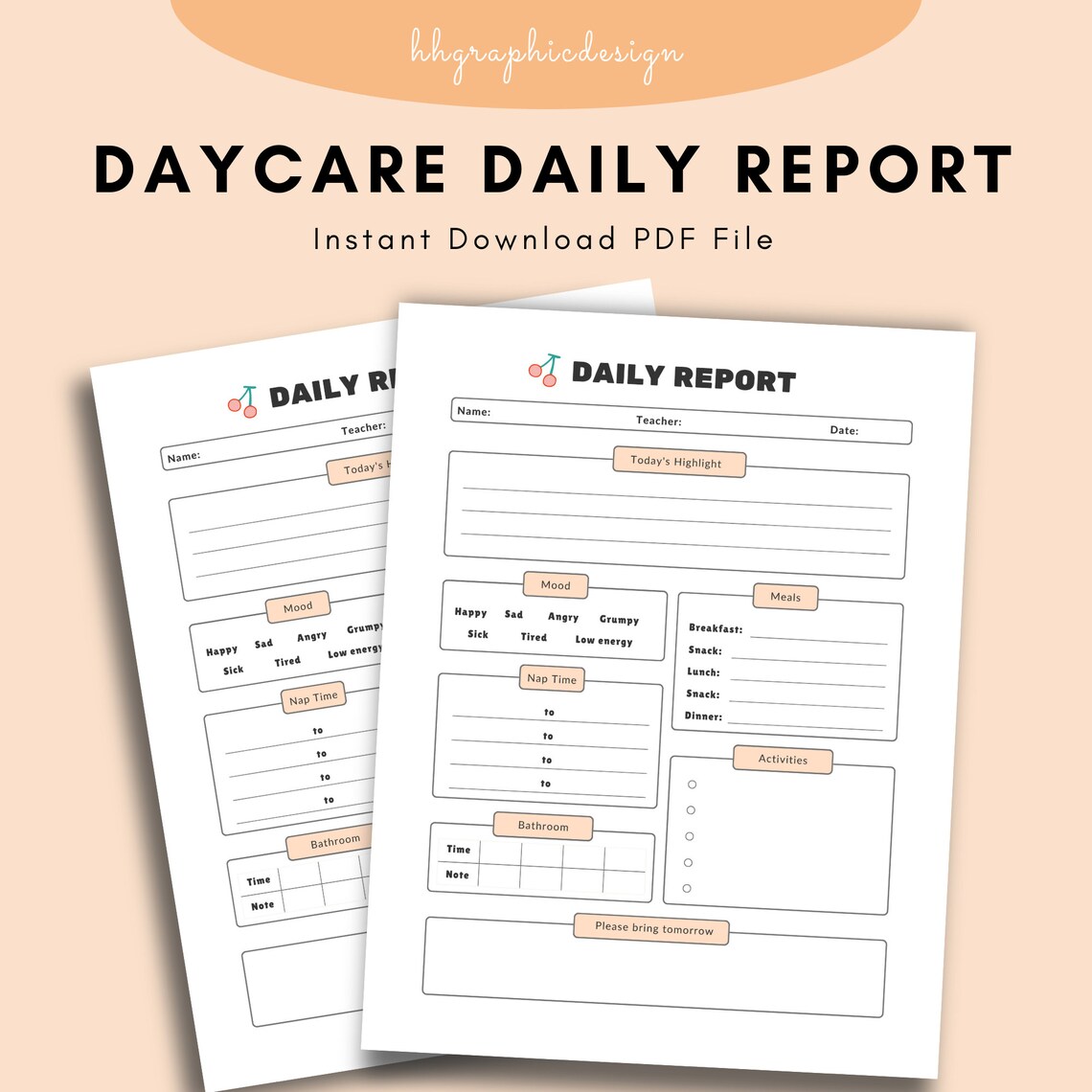
A good Daycare Infant Daily Report Template is a master class in both design and functionality. Let’s break down the essential sections you’ll find in a top‑notch printable or digital template.
The Breakfast Battle
- Time: 7:30 AM
- Food: Breast milk, formula, or a spoonful of pureed carrots.
- Notes: “Fell off the chair but still ate the whole plate!”
Nap Nirvana
- Start / End: 9:00 AM – 10:30 AM
- Duration: 1 hour, 30 minutes
- Environment: White noise, dim lights, and a gentle lullaby. If the baby wakes up with a “What’s that noise?” look, add a note.
Potty Parade
- Frequency: 3 times a day.
- Success Rate: 2/3.
- Commentary: “Great job, little one! Next time, try the “toothbrush” sign.”
Social Butterfly Metrics
- Interaction Count: 5 with peers, 2 with teachers.
- Behavior: “Shamelessly shares the pink toy car with everyone.”
- Development Note: “Shows interest in the alphabet puzzle.”
Feeding Frequency
- Number of Feedings: 4.
- Type of Food: Mixed formula and solids.
- Observation: “Cried at 12:15 PM because the baby felt “full” but wanted a snack.”
How to Fill It Out Like a Pro

Now that you know what a good template looks like, let’s tackle the art of completing it in record time.
Tip #1: Keep a Quick‑Reference Sheet
Carry a one‑page cheat sheet on the back of the report: “1 = Yes, 0 = No” for quick coding of diaper changes, meals, and naps. It’s the spreadsheet of the toddler world.
Tip #2: Use Color Coding for Instant Insight
Blue for “needs attention,” green for “all good,” and red for “emergency.” Even your coffee‑driven manager will instantly know if a baby has a fever without reading each line.
Tip #3: Add a “Today’s Epic Moment” Field
Whether the baby’s first tooth has popped out or they just discovered how to roll over, capture it. Future you will thank you when reminiscing over the “big day” stories.
Customizing for Your Unique Squad

No two daycare centers are the same, so tweak the template to suit your needs.
Color Coding for Chaos
Bright neon for special dietary needs, pastel for allergies—any visual cue that helps staff instantly spot critical info.
Adding Your Own “Epic Moment” Field
Include space for a short narrative: “The baby giggled when the teacher sang “Twinkle Twinkle.”” That personal touch transforms a mundane log into a keepsake.
Digital vs. Paper: The Great Debate
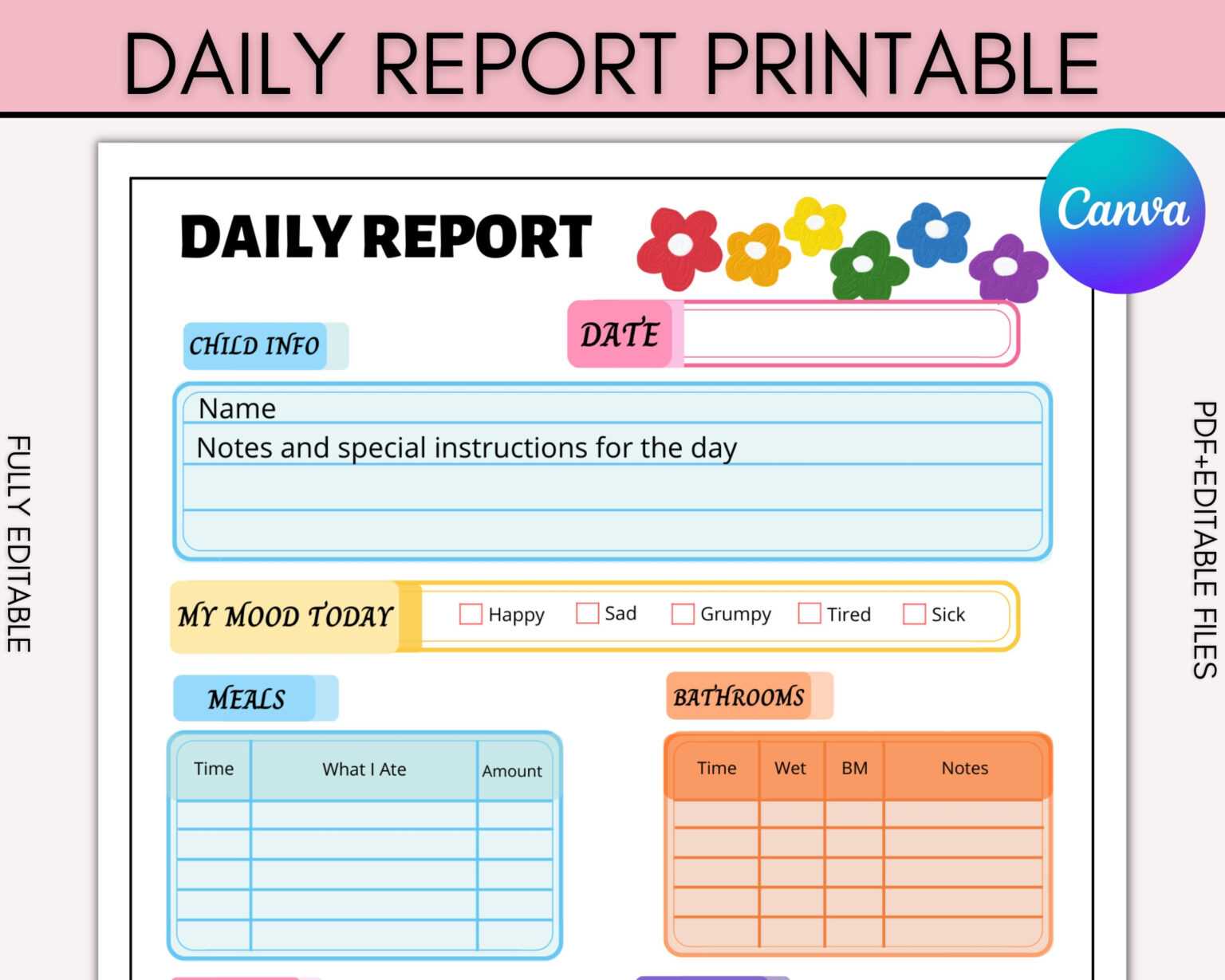
In the age of tablets, a digital template can auto‑populate fields, push reminders, and even sync with parent apps. However, paper has its charm—no battery required, and you can stamp a “Great Job!” doodle for instant morale boost. Many centers use a hybrid approach: a printed sheet for quick notes, then later digitized for archiving.
Common Mistakes and How to Avoid Them
- Leaving Gaps: Skipping entries leads to headaches later. Treat the template like a game—every tick counts.
- Inconsistent Terminology: Use the same word for the same thing each day to keep analytics reliable.
- Over‑loading the Page: Remember that a cluttered sheet can be as confusing as a toddler’s messy room.
- Missing Signature: A daily report without a staff signature feels like a draft from a ghostwriter.
Sample Template Description (Without the Actual File)

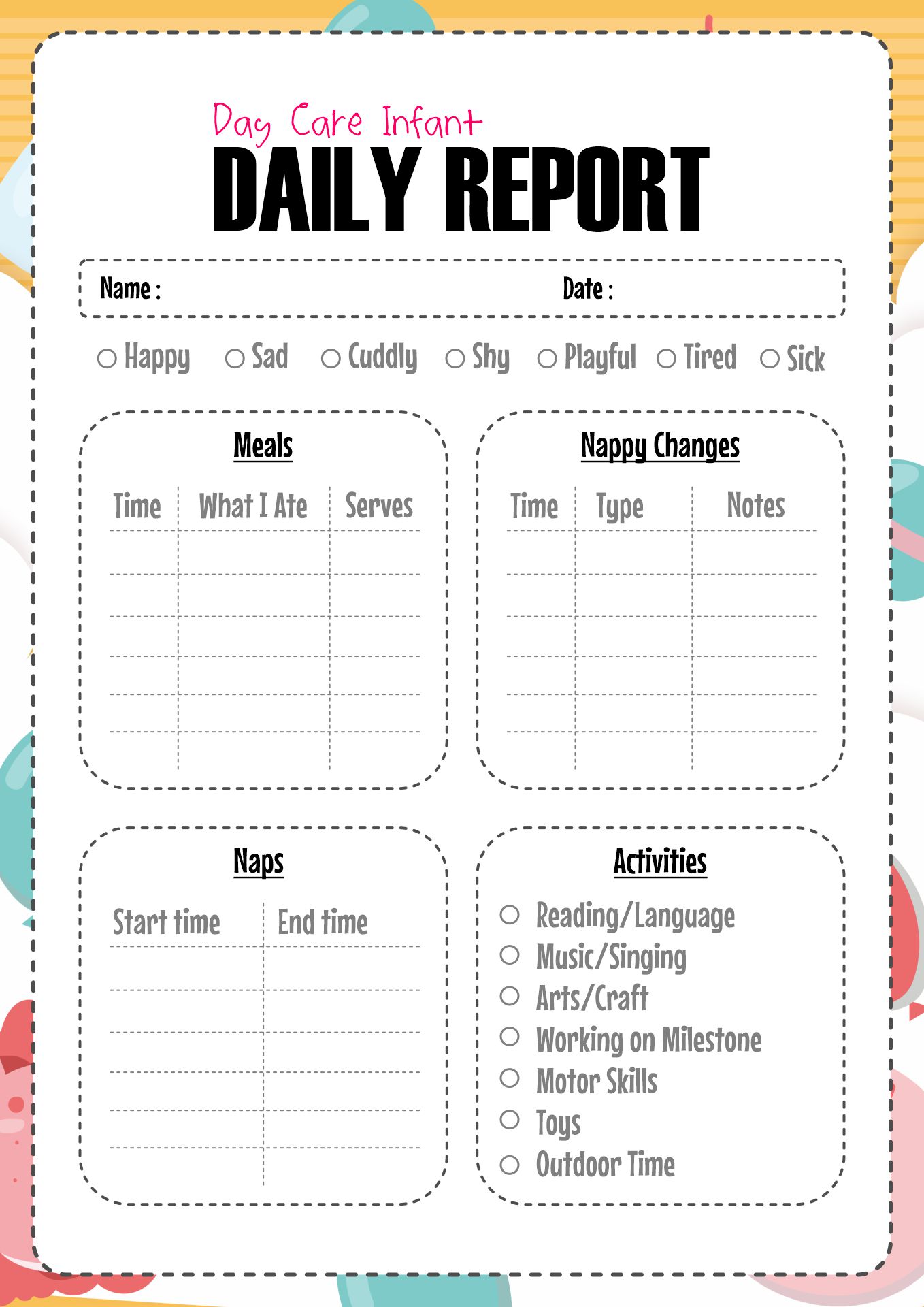
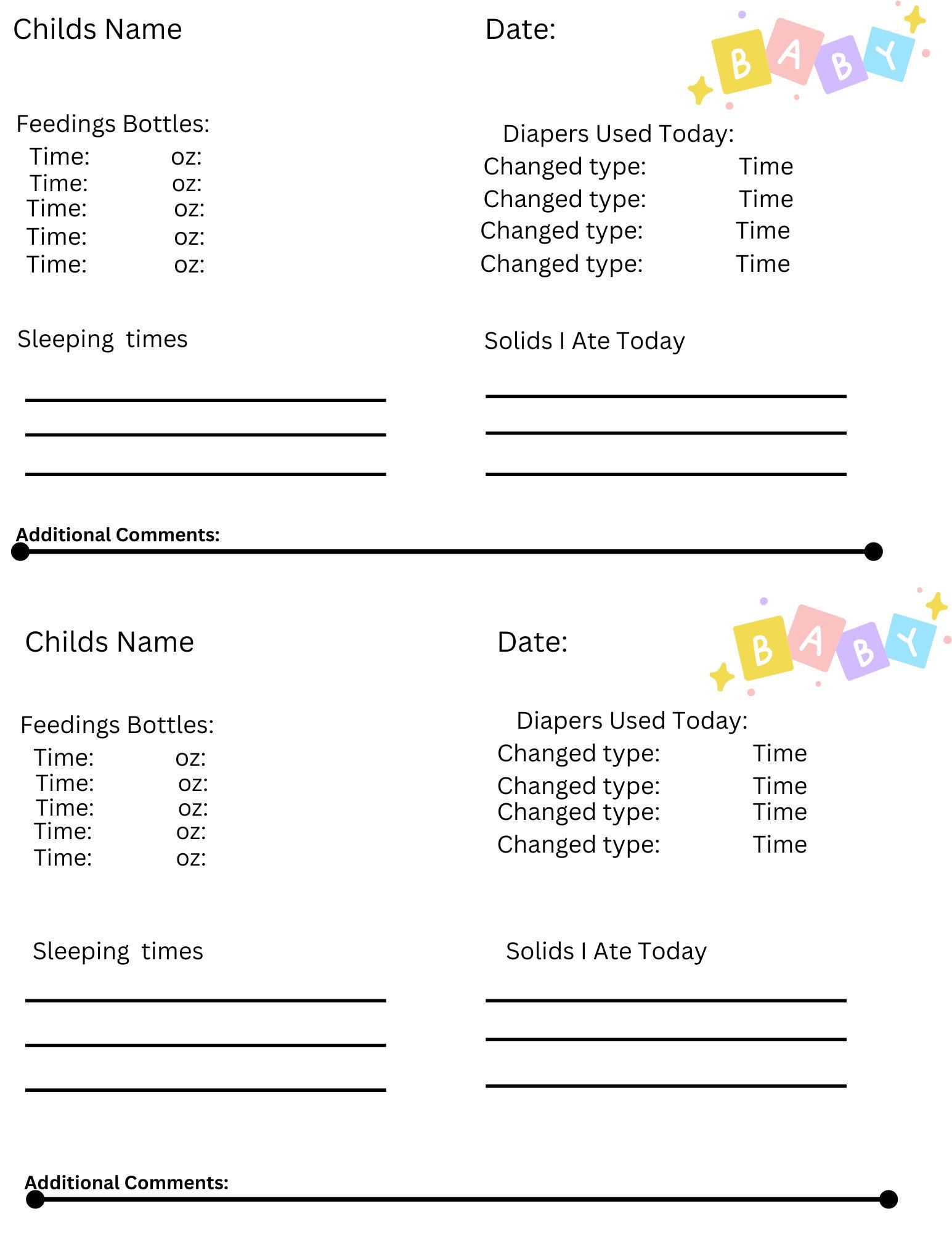
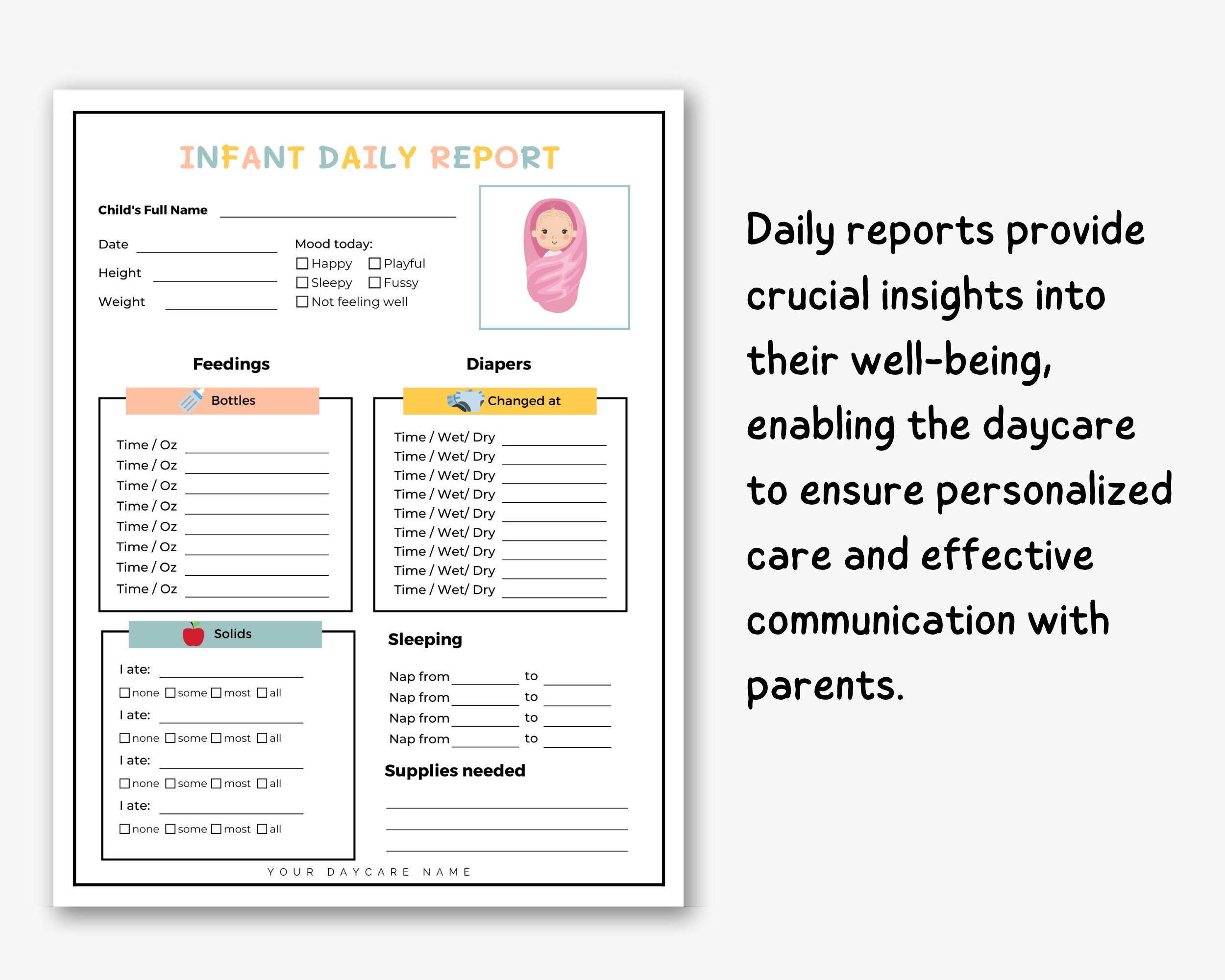
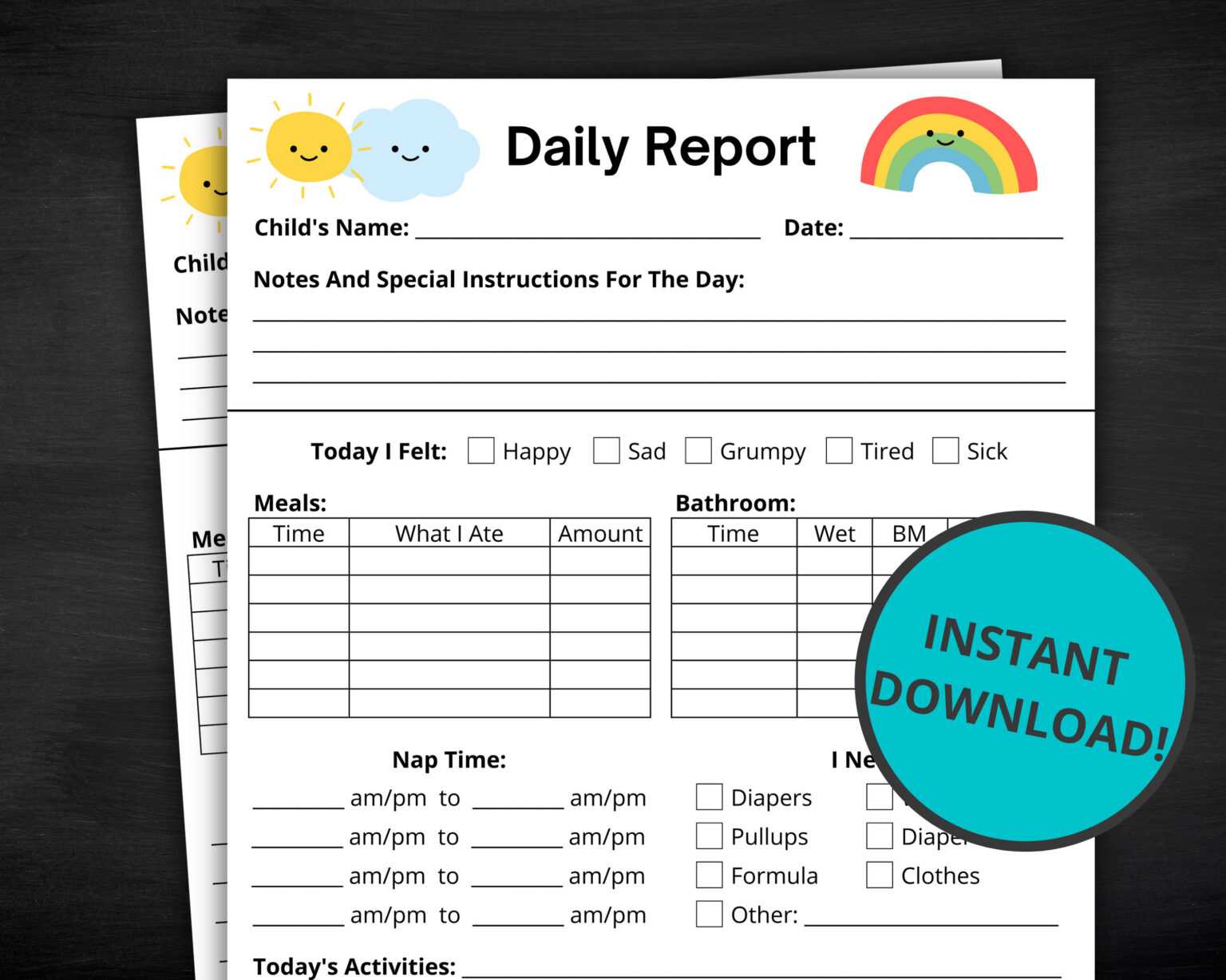
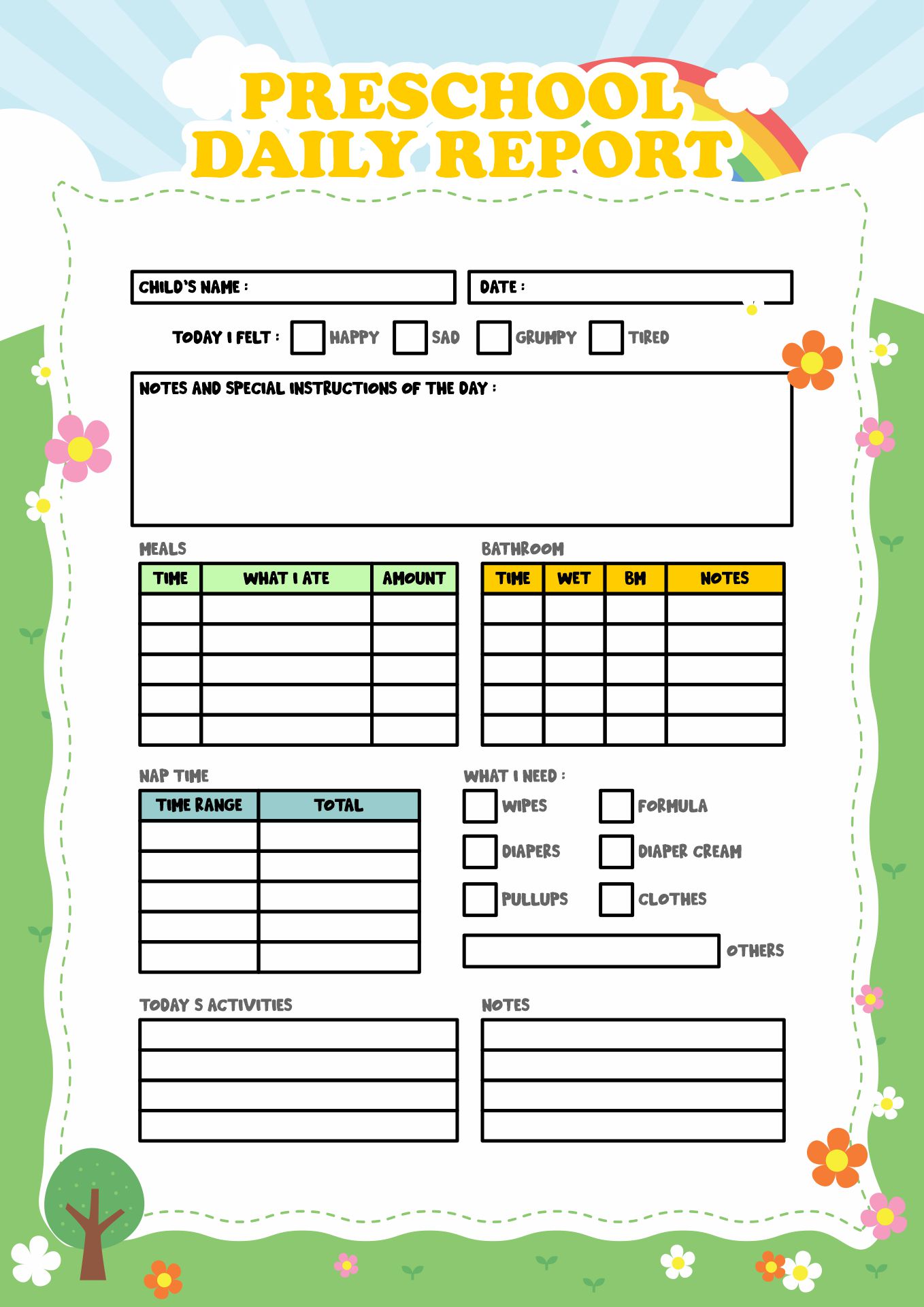
Picture a clean, white layout with rows titled “Meal Time,” “Nap,” “Diaper Change,” and “Playtime.” Each row contains checkboxes, time fields, and a tiny space for comments. The top of the page lists the baby’s name, age, and a quick “Allergies” drop‑down. At the bottom, a “Signature” line and a space for a parent’s signature if the report is emailed. This design keeps data entry quick and provides a neat visual snapshot for parents.
Conclusion: Wrapping It All Up
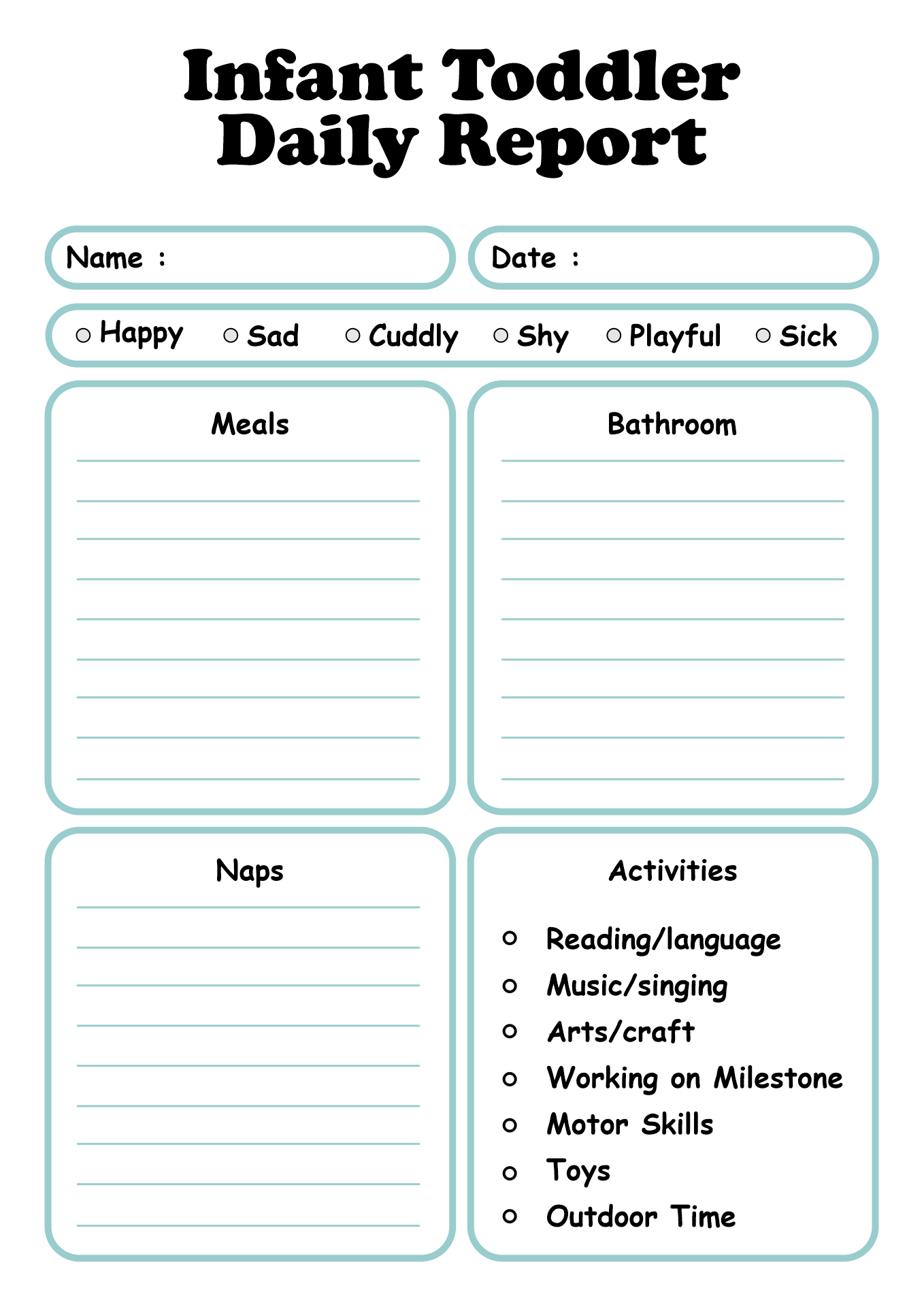
Mastering the Daycare Infant Daily Report Template turns what could be a tedious chore into a fun, essential part of your day. By incorporating clear sections for meals, naps, and social interactions, using color coding and quick tips, and staying vigilant against common pitfalls, you’ll create a tool that brings peace to parents and a smoother workflow to staff. Think of it as the superhero cape that protects both infants’ development records and your sanity. Keep it fresh, keep it funny, and above all, keep it reliable—because every diaper change deserves its own spotlight in the daily report saga.





Related posts of "Daycare Infant Daily Report Template"
