
Discover the power of a Credit Card Interest Calculator Excel Template that can turn your monthly payment nightmare into a spreadsheet comedy show, where every cell sings the sweet song of reduced debt and higher savings.
Why Your Credit Card Interest Is Like a Bad Ex

Credit card interest can feel like that clingy ex who never leaves you alone – always showing up when you least expect it, demanding more and more of your hard‑earned money. But unlike that ex, you have a super‑power: the Credit Card Interest Calculator Excel Template. With it, you can see exactly how much interest your balance will accrue, and you can finally break up with those sky‑high rates for good.
Getting Started: A Quick Walk‑through of the Template
Step 1: Grab the Spreadsheet
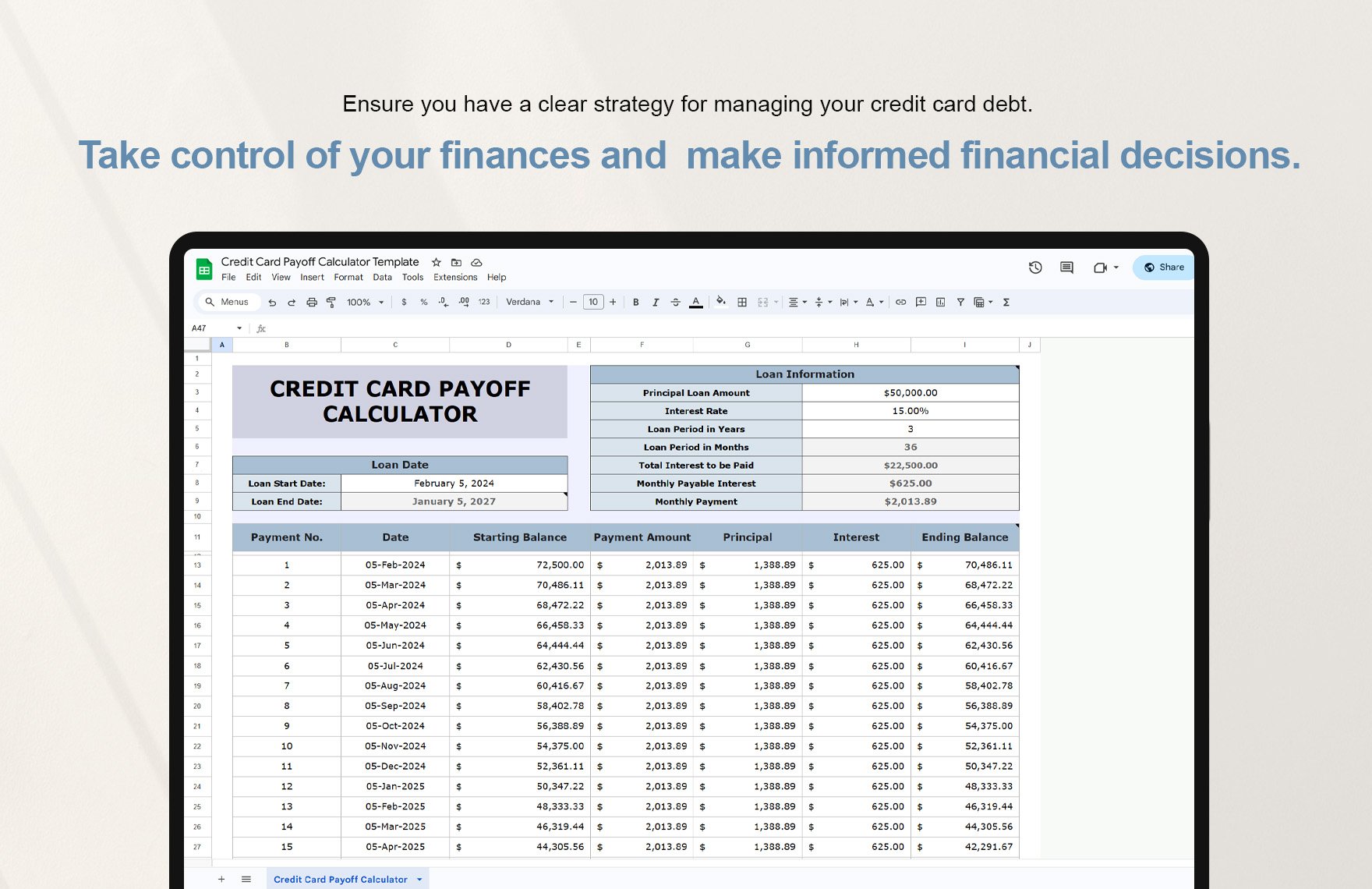
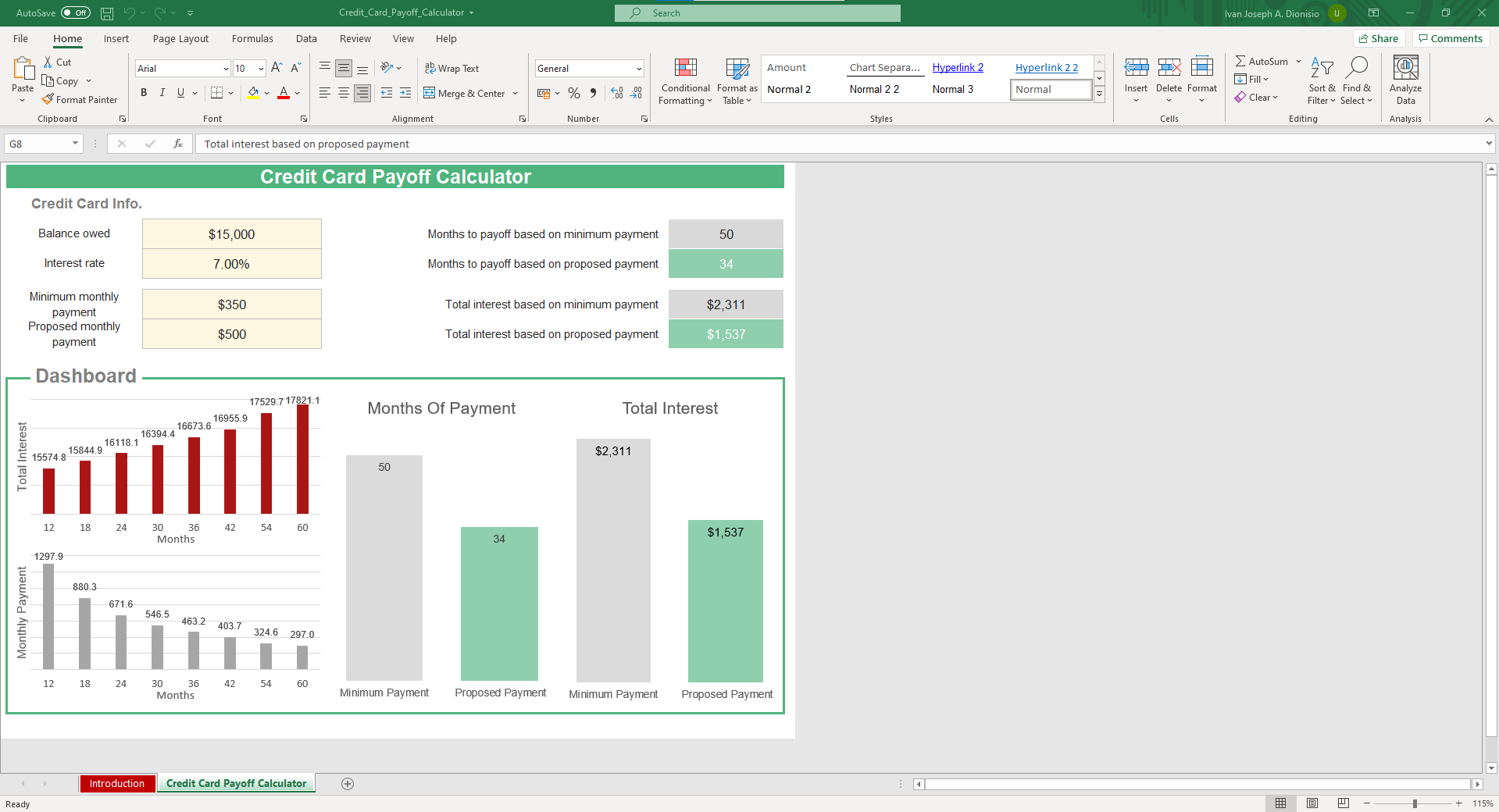
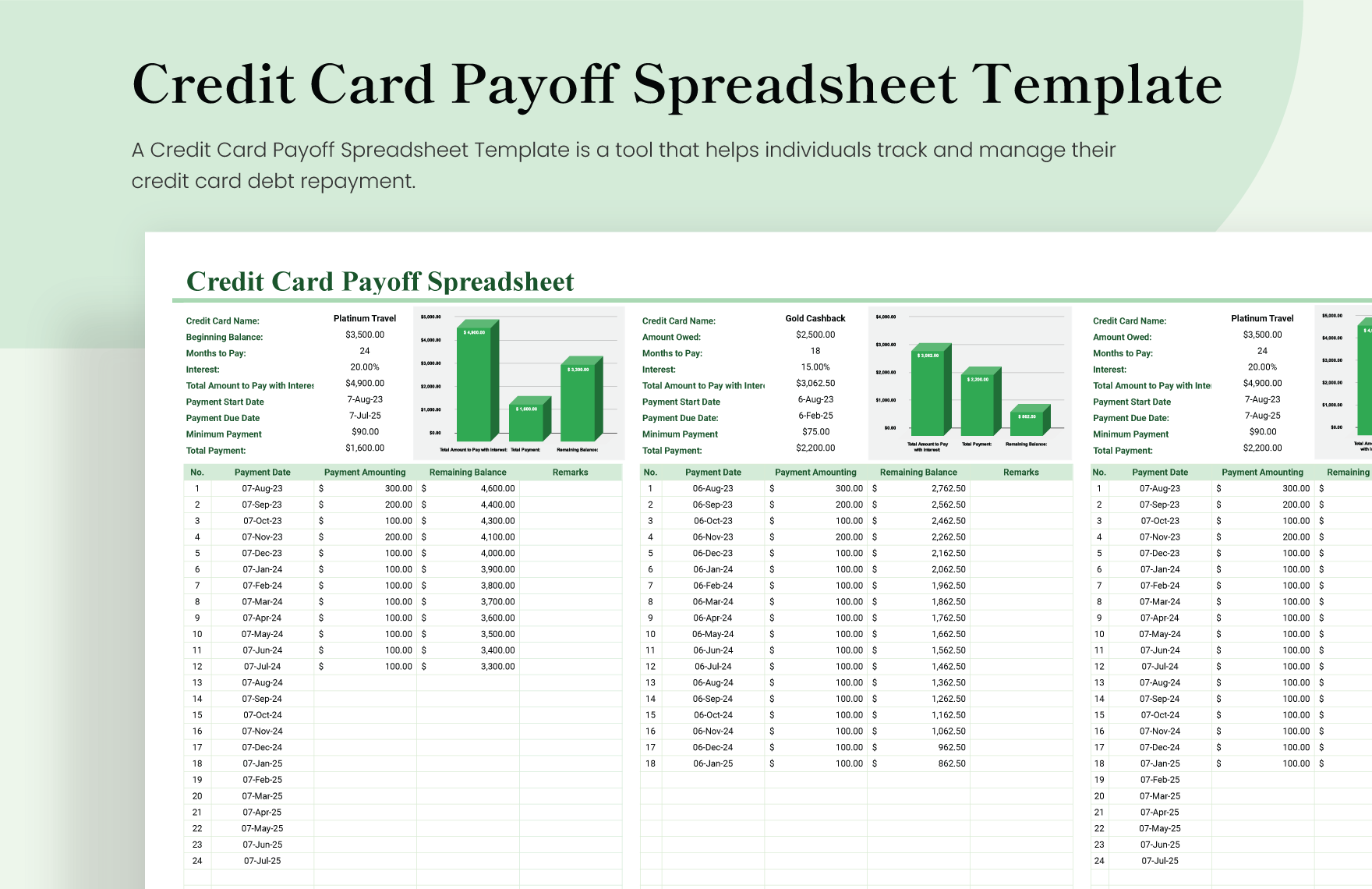
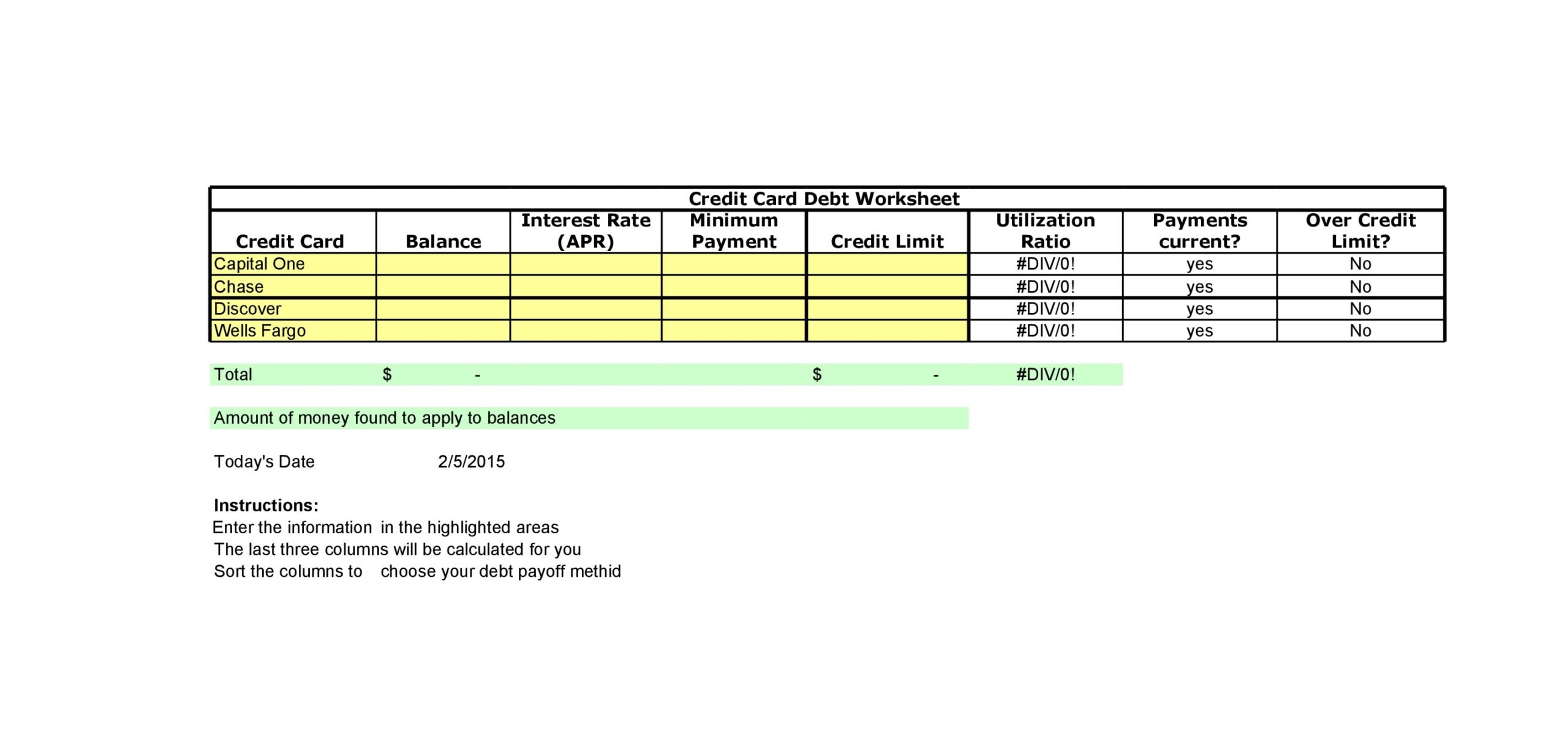
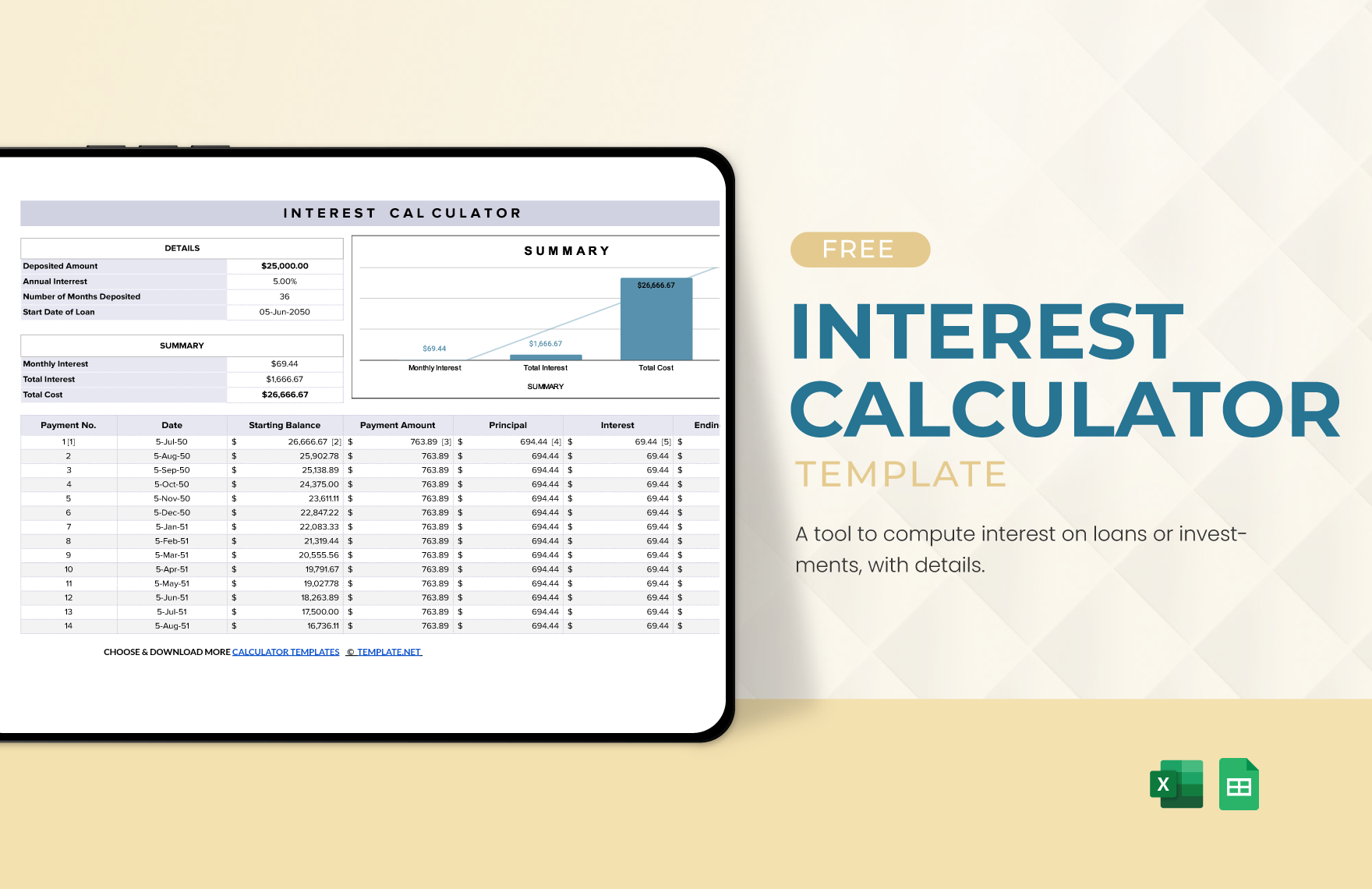
Open the file and you’ll see a clean layout with clearly labeled columns: Balance, Monthly Payment, Interest Rate, Months to Payoff, and Total Interest Paid. No more guessing where to input your numbers.
Step 2: Input Your Data
- Balance: The current amount you owe on the card.
- Monthly Payment: The amount you plan to pay each month.
- Interest Rate: Your APR, expressed as a decimal (e.g., 18% becomes 0.18).
- Months to Payoff: Leave this blank; the template will calculate it for you.
- Total Interest Paid: Also auto‑filled after calculations.
Step 3: Let the Magic Happen
Hit Enter after filling each field, and the template instantly crunches the numbers. Watch as the Months to Payoff and Total Interest Paid pop up like a magician pulling a rabbit from a hat.
Real‑World Examples: Seeing the Numbers in Action

Example A: The Casual Shopper
Balance: $4,200
Monthly Payment: $200
Interest Rate: 22% (0.22)
Result: Months to Payoff ≈ 33 months
Total Interest Paid ≈ $1,500
Interpretation: If you keep paying $200 a month, you’ll finish in a little under three years but pay an extra $1,500 in interest – a hefty price tag for a casual purchase.
Example B: The Aggressive Repayer
Balance: $4,200
Monthly Payment: $500
Interest Rate: 22% (0.22)
Result: Months to Payoff ≈ 11 months
Total Interest Paid ≈ $120
Interpretation: By upping the monthly payment to $500, you slash the payoff time to less than a year and save almost $1,400 in interest. Who knew generosity could be so profitable?
How to Optimize Your Payments with the Template

Strategy 1: The Avalanche Method
Focus on cards with the highest interest rates first. Use the template to compare how much interest you’ll save by shifting a small extra amount from a low‑rate card to the high‑rate one.
Strategy 2: The Debt Snowball Method
Target the smallest balances first to gain momentum. Input each balance into the template, and you’ll see how quickly you can wipe out a debt, boosting confidence for the next battle.
Strategy 3: The 1% Rule
Set aside an extra 1% of your monthly budget toward debt repayment. Use the template to see the long‑term payoff and adjust the percentage until you’re comfortable with the balance.
Common Pitfalls and How the Template Helps
Misconception: “I’ll Pay More When I Can”
Some people believe they can afford to pay a larger payment only when they have extra cash. The template forces you to consider the impact of each payment, reminding you that even a modest increase now can save hundreds later.
Misconception: “Interest Only, No Principal”
Focusing solely on interest can lead you to neglect paying down principal. The template clearly separates both, so you can see the true cost of carrying a balance.
Misconception: “Interest Rates Won’t Change”
Credit card rates can shift with market conditions. By using the template to model different rate scenarios, you’re prepared for surprises and can adjust your strategy accordingly.
Integrating the Template into Your Budget Planner
Step 1: Merge With Personal Budget Sheets
Copy the Payoff Columns into your monthly budget workbook. Link the balance cell to your bank’s credit card statement via a simple formula.
Step 2: Automate Monthly Updates
Set up a macro (if you’re comfortable) that pulls the latest balance each month, updates the template, and refreshes the payoff timeline automatically.
Step 3: Review Quarterly
Every three months, review the updated projections. Celebrate the reduced interest numbers and adjust your monthly payment if your financial situation changes.
Beyond Credit Cards: Other Debts You Can Tackle

Student Loans
Input your loan balance, interest rate, and monthly payment. The template will show you how long it takes to finish paying off and the total interest.
Auto Loans
Use the same logic. You might discover that making an extra payment each month can shave off years of interest.
Mortgages (Simplified)
While mortgages have a more complex amortization schedule, the basic principle remains: higher payments equal lower total interest.
Getting the Most Out of Your Spreadsheet: Customization Tips
Color Coding for Quick Glance
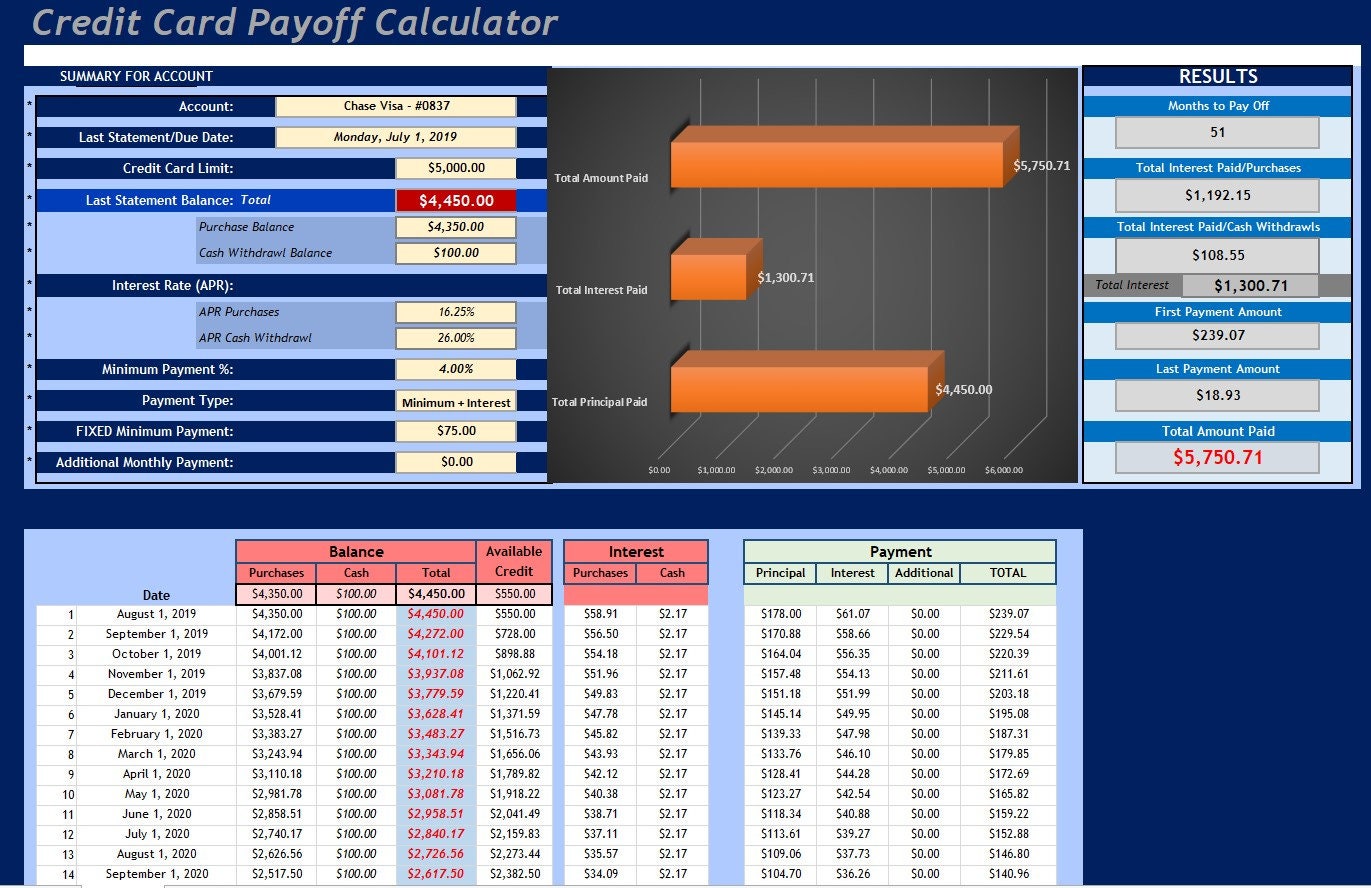
Use conditional formatting to highlight balances that exceed $1,000, interest rates above 20%, or payments that are below the minimum. A quick visual cue helps keep you on track.
Adding a “What‑If” Scenario Column
Duplicate the monthly payment column and label it “What‑If.” Test different payment amounts to see how the payoff timeline shifts.
Graphs for the Visual Learner
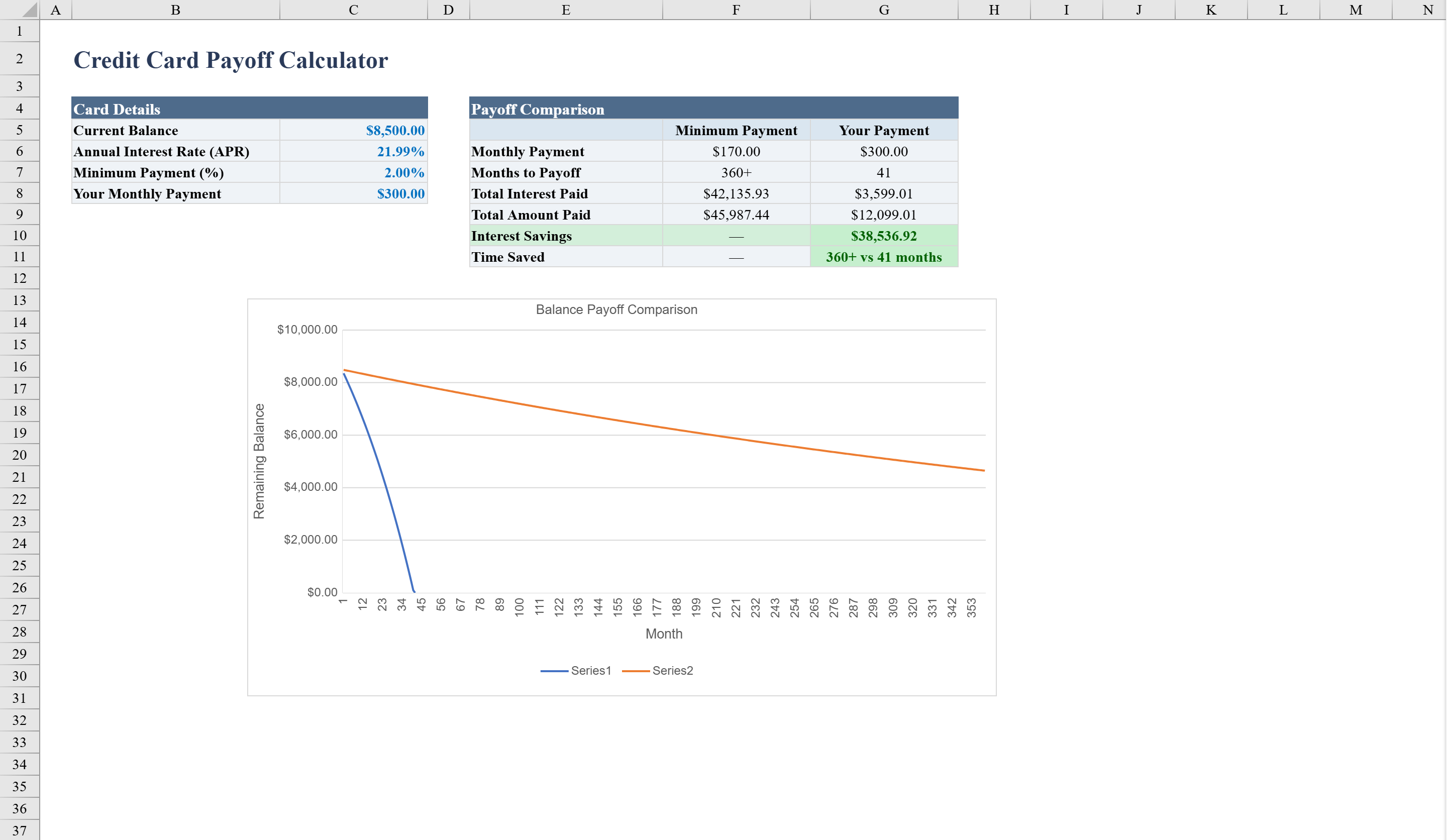
Insert a line chart that tracks your balance over time. Seeing the downward slope can be a great morale booster.
Common Questions Answered
What if my balance changes each month?
Update the Balance cell with the new statement amount and hit Enter; the template recalculates instantly.
Can I use this template for multiple cards?
Absolutely! Create a new sheet for each card and then combine the results on a master dashboard.
Is this template safe?
Since it’s a standard Excel file, it’s as safe as any spreadsheet you own. Just avoid sharing it over public channels.
Conclusion: Your New Debt‑Defeating Sidekick

The Credit Card Interest Calculator Excel Template is more than just a spreadsheet; it’s a comedic yet powerful ally in the fight against financial friction. By turning abstract numbers into concrete, actionable plans, you gain the confidence to slash interest, shorten payoff times, and ultimately reclaim control over your finances. So next time you’re staring at that monthly statement, open your template, punch in the numbers, and watch your debt shrink faster than a magician’s rabbit. Your wallet (and your sanity) will thank you.



Related posts of "Credit Card Interest Calculator Excel Template"
