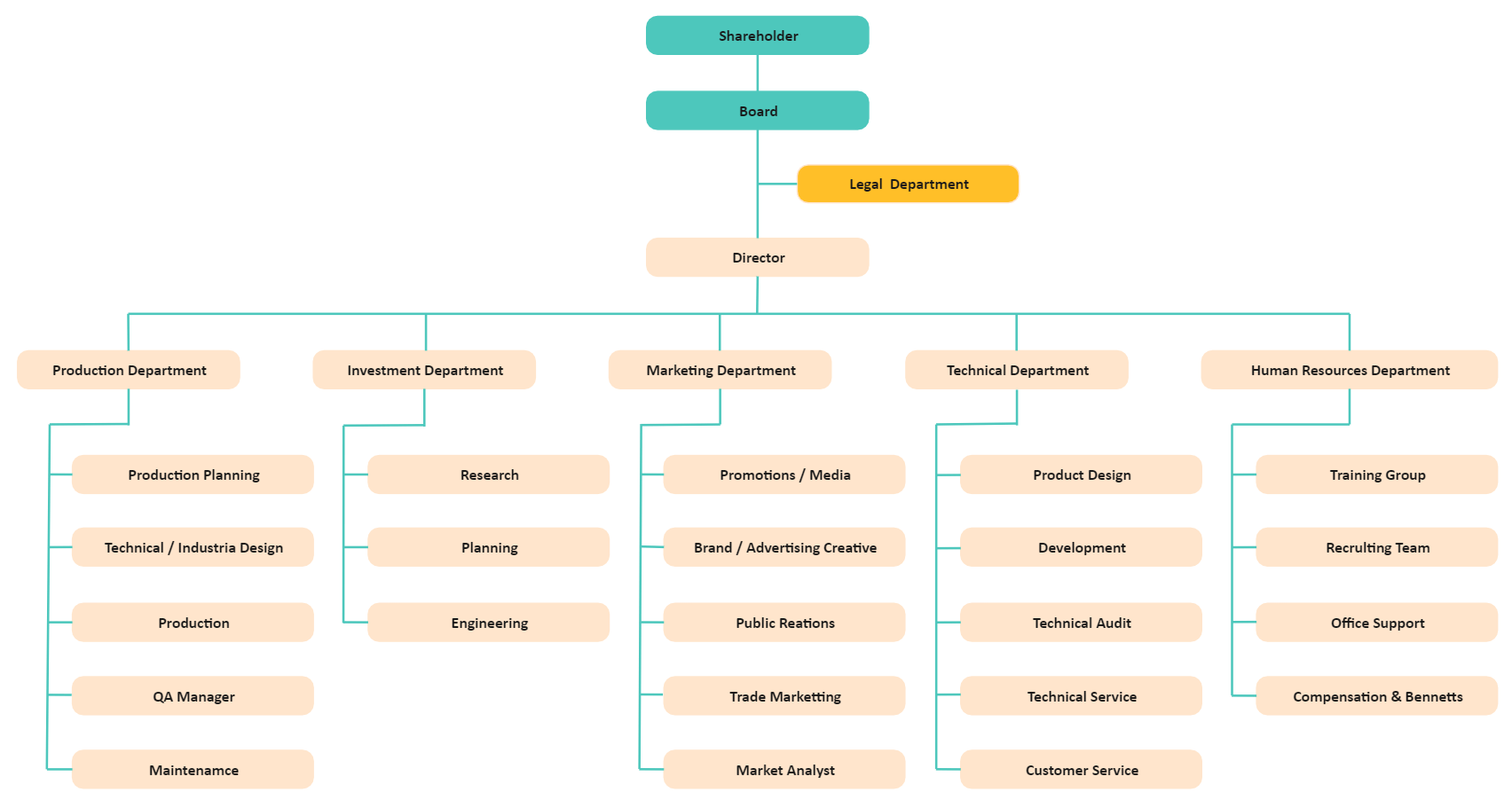
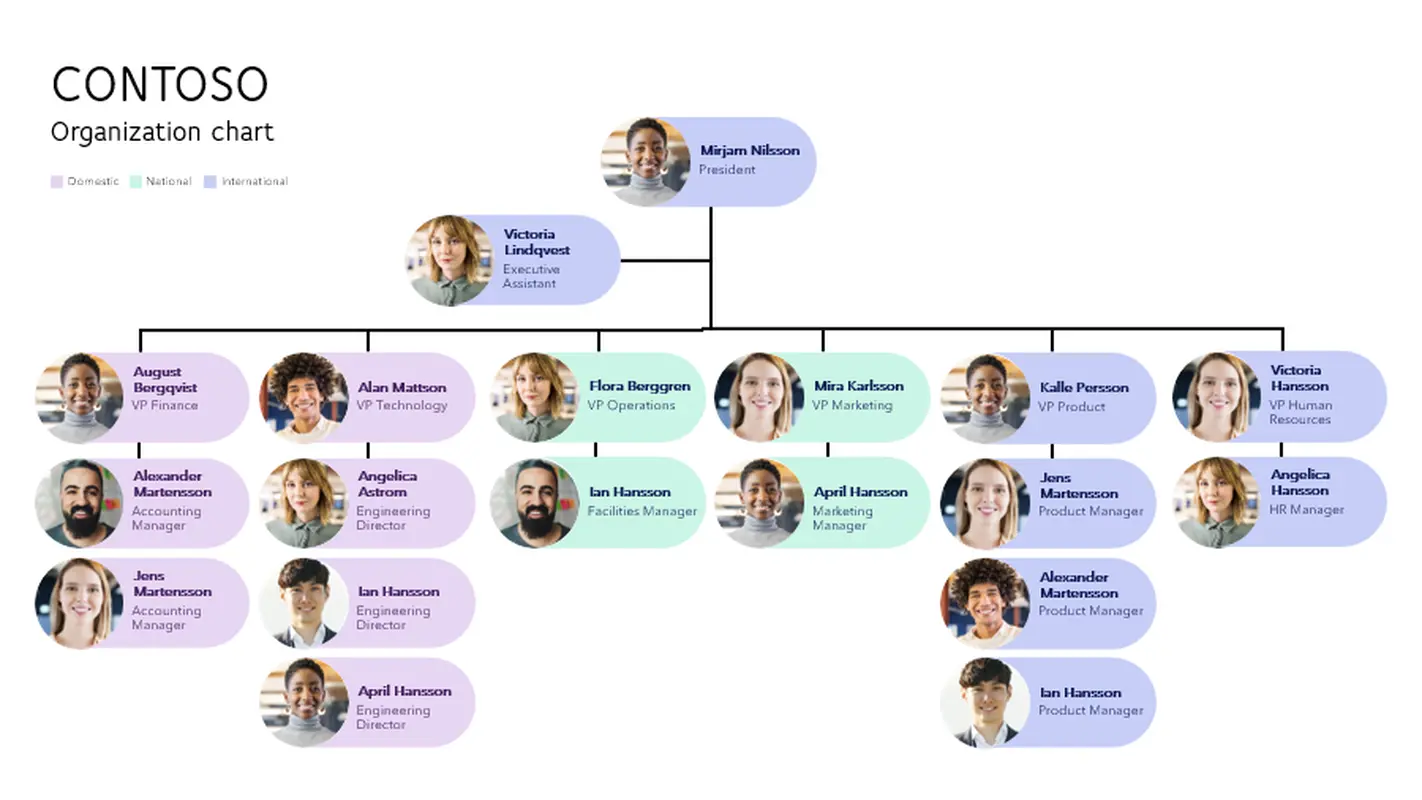
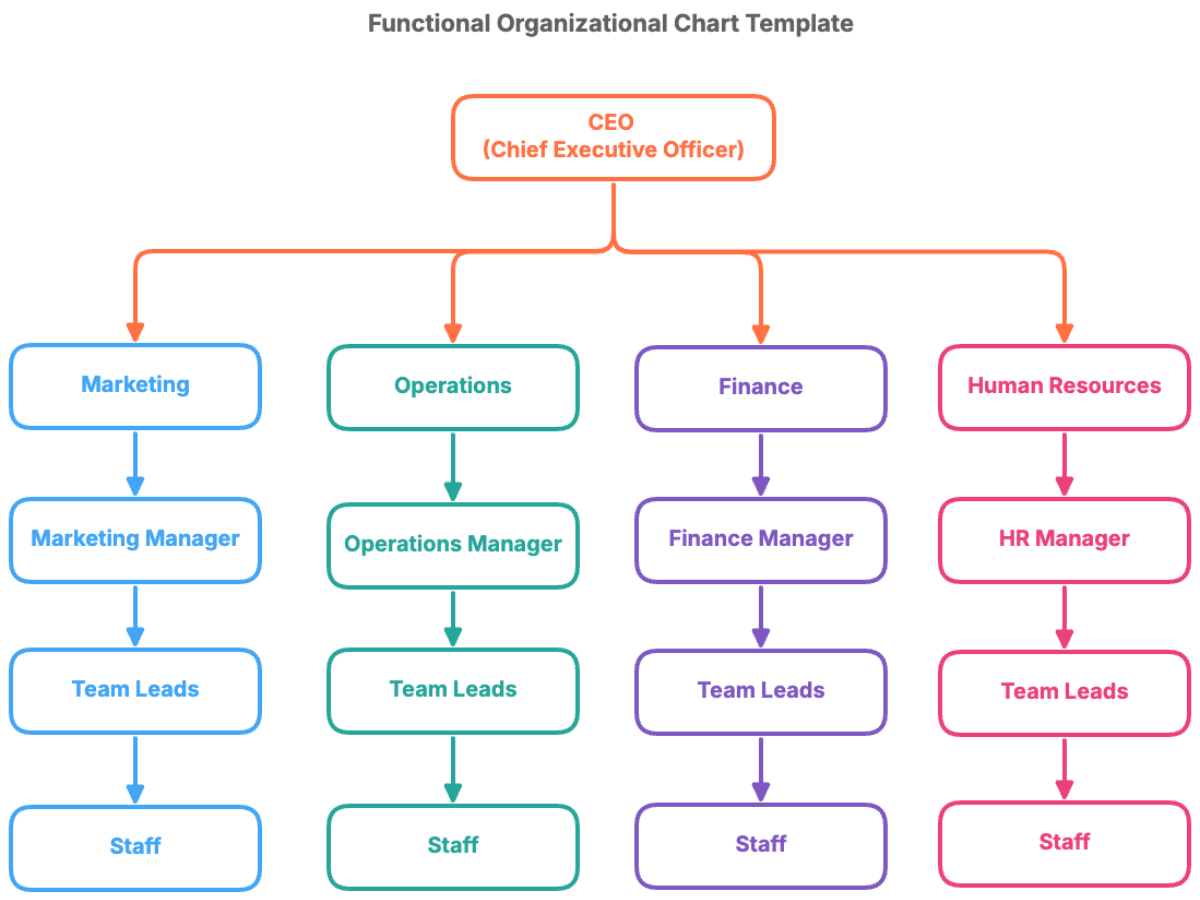
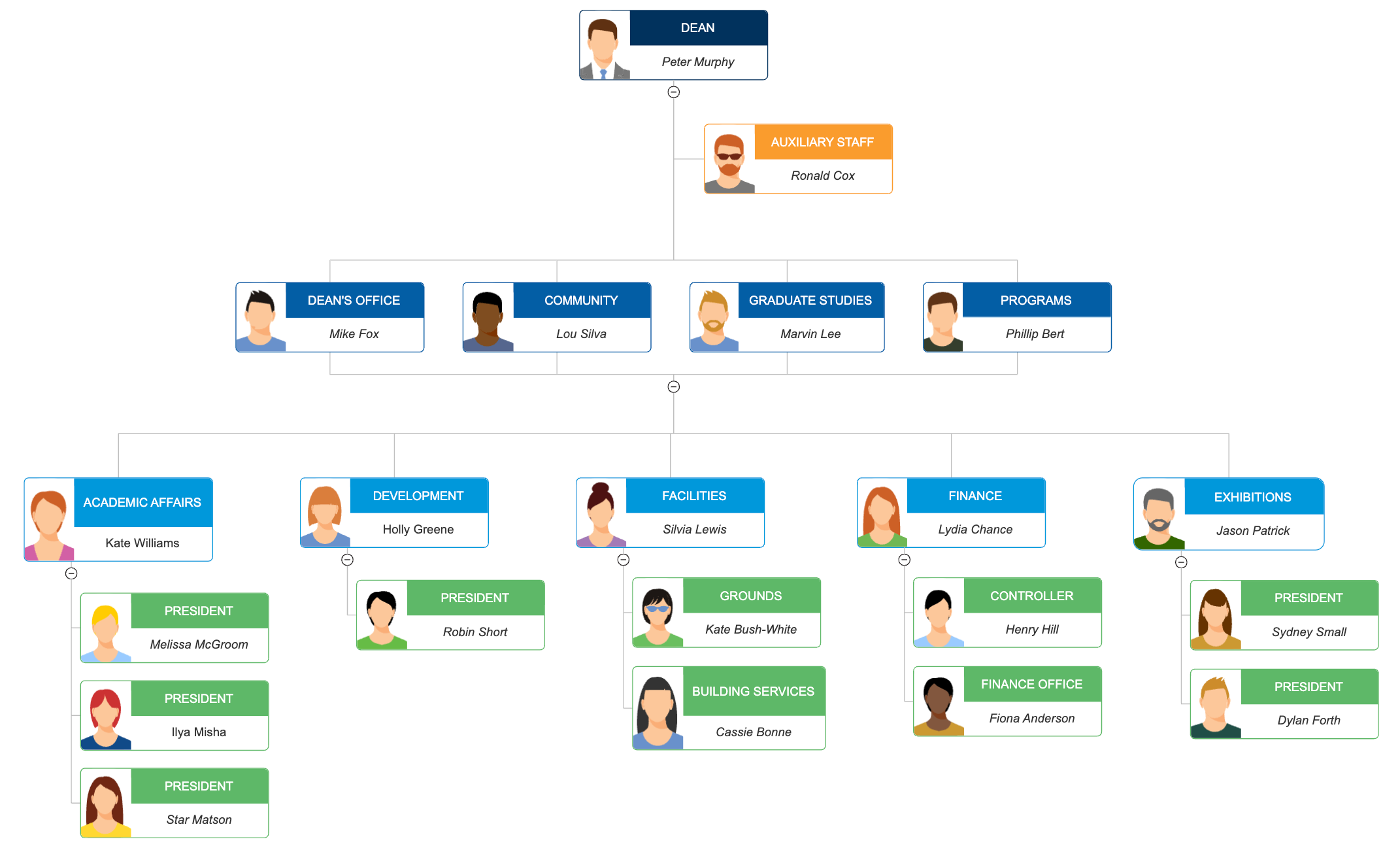
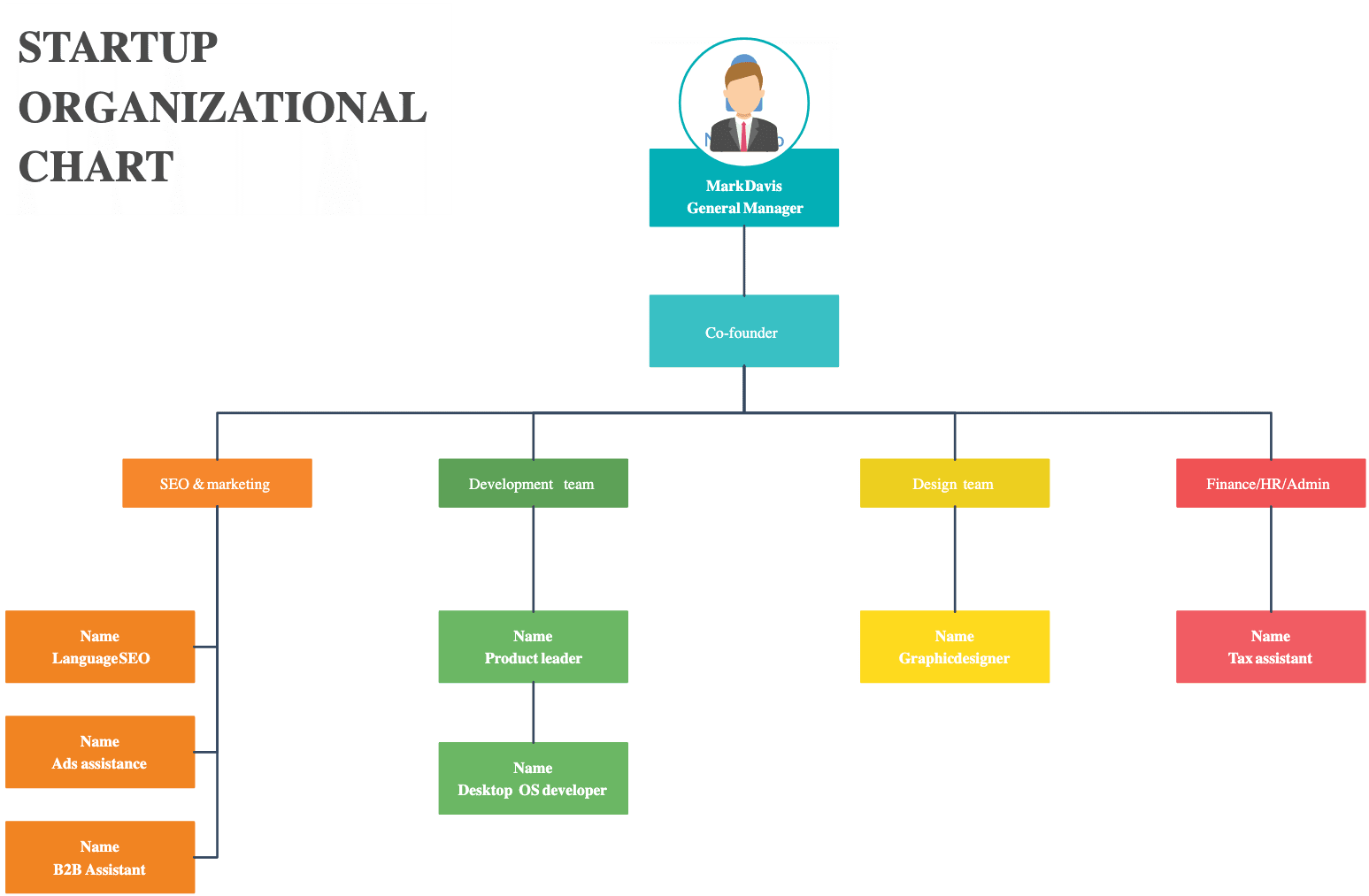
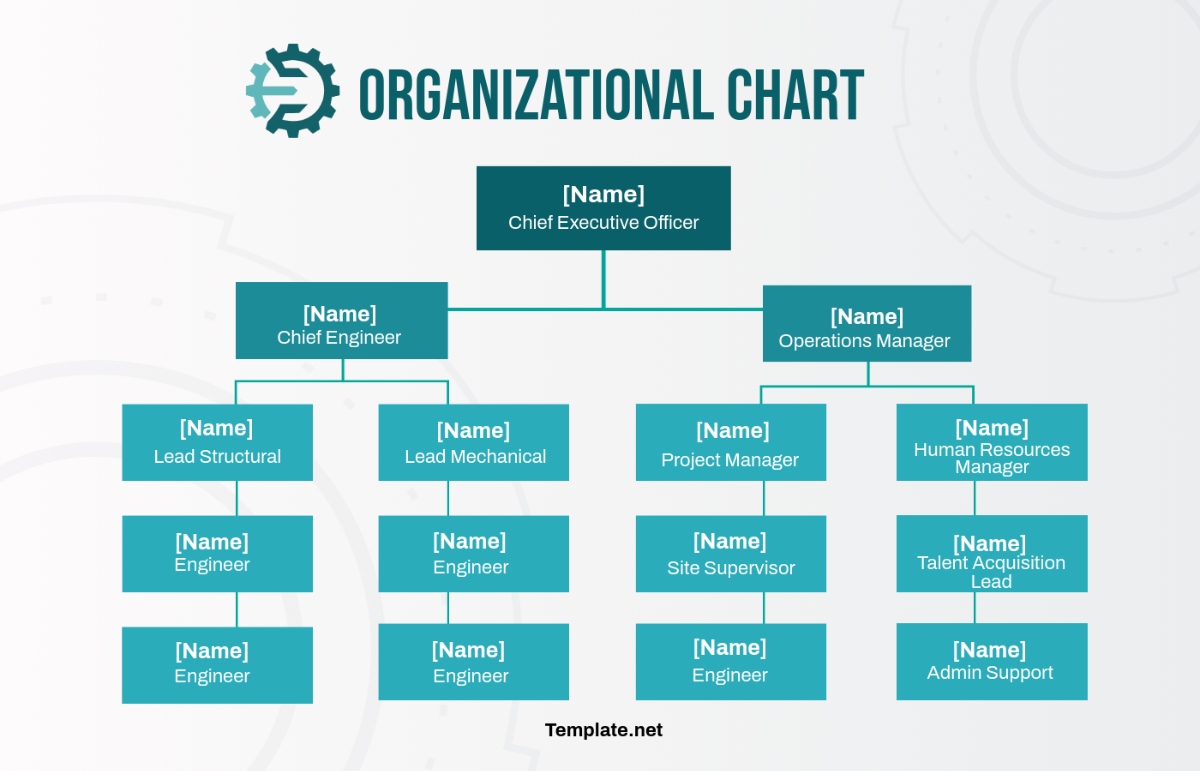
Company Structure Flow Chart Template serves as a visual blueprint that translates complex hierarchies into clear, digestible graphics, empowering leaders, employees, and stakeholders to see exactly how each role fits into the bigger picture. Whether you’re mapping a lean startup, a mid‑size firm, or a multinational corporation, a well‑crafted flow chart eliminates ambiguity, accelerates onboarding, and provides a strategic reference point for future growth. This article explores every facet of designing, implementing, and maintaining an effective flow chart template, delivering actionable advice that you can apply the moment you finish reading.
Understanding the Basics of a Company Structure Flow Chart
What is a Flow Chart Template?
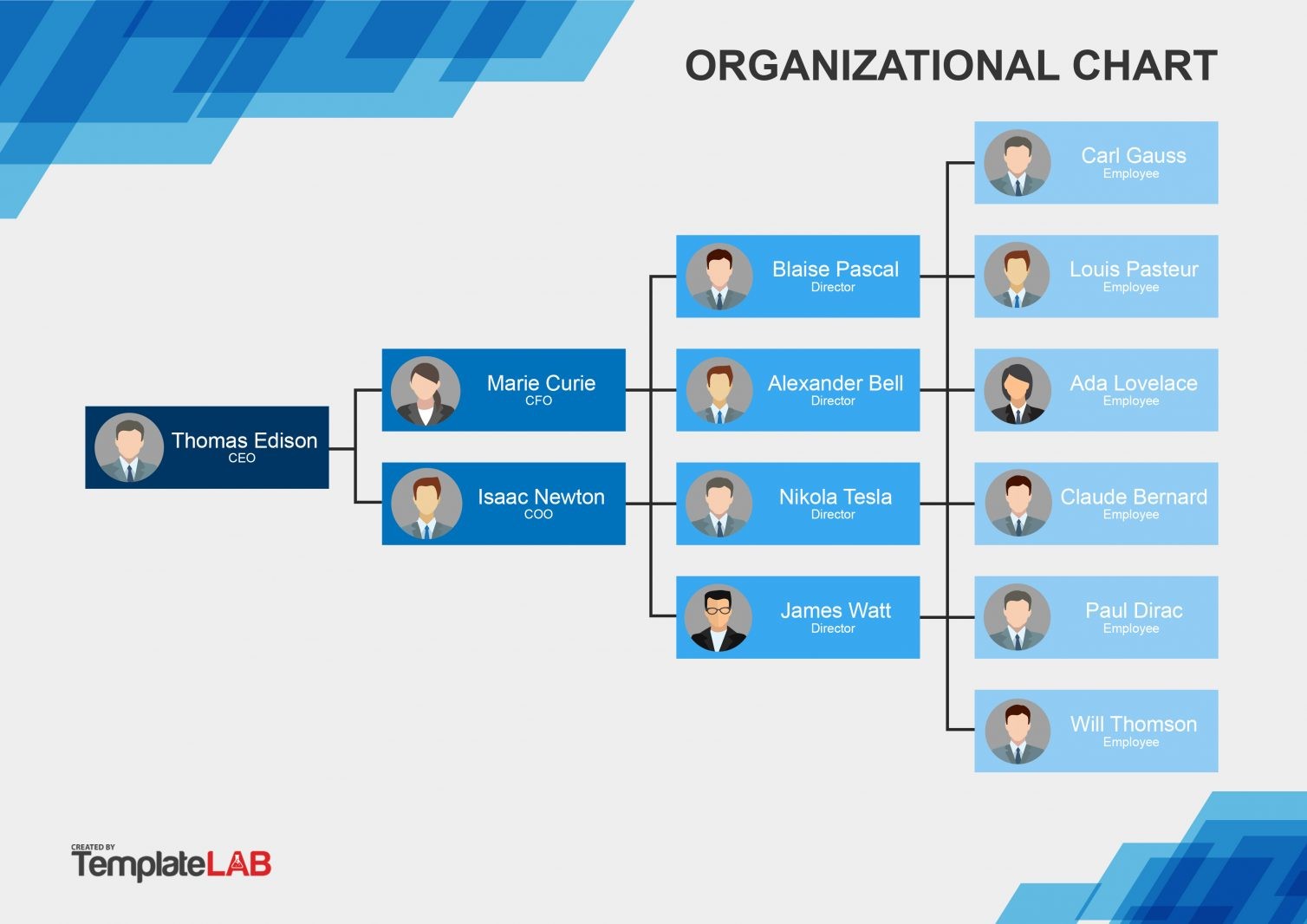
A flow chart template is a pre‑designed layout that outlines the standard shapes, connectors, and labeling conventions used to represent organizational relationships. It typically includes placeholders for titles, names, and reporting lines, allowing you to drop in data without reinventing the wheel each time a change occurs. By using a template, you guarantee consistency across updates, ensure visual clarity, and reduce the time spent on repetitive design work.
Core Components of an Effective Chart
- Hierarchy Levels: Visual tiers that differentiate executive, managerial, and operational roles.
- Connector Lines: Solid or dotted lines that indicate direct reporting, advisory relationships, or cross‑functional collaboration.
- Role Labels: Concise titles paired with brief descriptors or key responsibilities.
- Color Coding: Strategic use of color to group departments, highlight vacant positions, or flag temporary assignments.
- Legend: A small explanatory key that decodes symbols, line styles, and color meanings for quick reference.
Benefits of Using a Flow Chart Template

Clarity and Communication
When team members can instantly see who reports to whom, decision‑making becomes faster and miscommunication drops dramatically. A visual hierarchy eliminates the need for lengthy email threads that attempt to explain “who does what,” fostering a culture of transparency across all levels.
Efficient Onboarding
New hires often feel overwhelmed by the sheer number of faces and titles within a company. A clear flow chart gives them a roadmap to navigate internal structures, understand reporting chains, and locate the right contacts for specific questions—all within minutes of joining.
Strategic Planning
Strategic initiatives such as mergers, acquisitions, or departmental realignments require a precise view of existing structures. A template makes it easy to overlay proposed changes, assess impact, and communicate the future state to stakeholders before any actual reorganization takes place.
How to Choose the Right Template

Design Considerations
Look for templates that balance aesthetic appeal with functional readability. Clean lines, ample white space, and legible fonts are essential for quick scanning. Avoid overly decorative elements that distract from the core information.
Customization Options
The ideal template offers flexible placeholders for additional data points, such as employee tenure, location, or skill sets. Custom fields enable you to adapt the chart to specific business needs without compromising the overall design integrity.
Compatibility and Integration
Ensure the template is compatible with the tools your organization already uses—whether that’s a cloud‑based design platform, a spreadsheet application, or a dedicated org‑chart software. Seamless integration reduces the learning curve and accelerates adoption across teams.
Step-by-Step Guide to Creating Your Own Flow Chart

Define Your Organizational Hierarchy
Start by listing all functional areas and their respective leadership tiers. Map out executive leadership at the top, followed by department heads, team leads, and individual contributors. This high‑level sketch will serve as the backbone of your chart.
Gather Role Descriptions
Collect concise job titles and brief descriptions for each position. Include any dual‑reporting lines or matrix relationships early on, as these can affect how connectors are drawn later in the process.
Select a Tool
Choose a design platform that supports drag‑and‑drop functionality and offers pre‑built shapes for org‑charts. Popular options include graphic design suites, specialized diagramming tools, and even certain presentation software that includes built‑in templates.
Populate the Template
Insert each role into the appropriate placeholder, ensuring consistent formatting for titles and names. Use color coding to differentiate departments, and apply connector styles to distinguish direct reporting from advisory relationships.
Review and Refine
Conduct a walkthrough with department heads to verify accuracy. Check for missing positions, incorrect reporting lines, or outdated titles. Make iterative adjustments until every stakeholder confirms that the chart reflects the current reality.
Real-World Examples and Use Cases
Startup Scaling
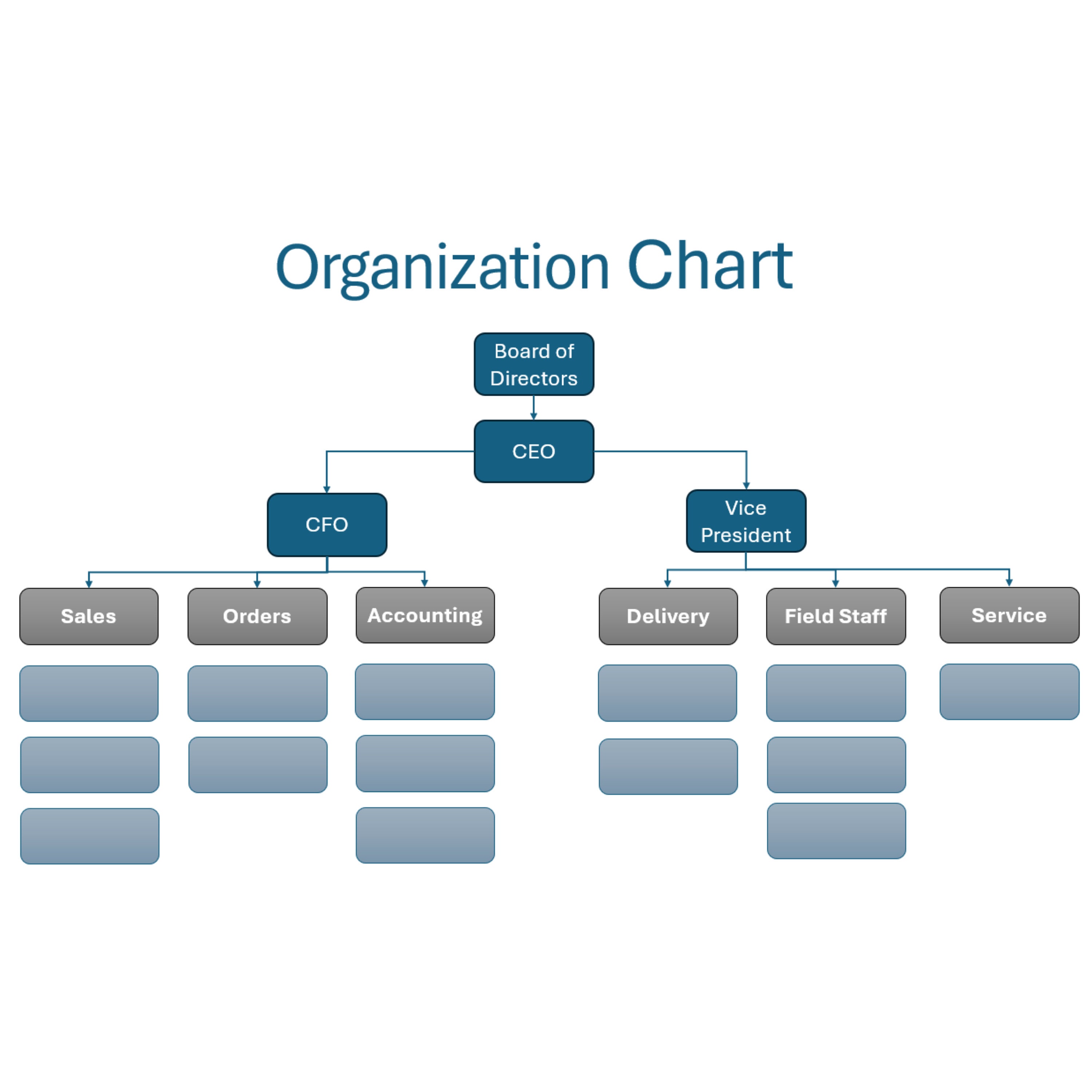
In a fast‑growing startup, roles often evolve faster than documentation can keep up. A flexible flow chart template allows founders to quickly add new positions, adjust reporting lines, and communicate structural changes to investors and new hires without rebuilding the chart from scratch.
Large Enterprise Reorganization
When a multinational corporation consolidates regional divisions, a standardized template provides a common visual language across continents. The template helps HR teams align titles, merge duplicate roles, and present a unified structure to board members.
Departmental Collaboration
Cross‑functional projects benefit from a clear view of who owns which deliverable. By overlaying a project‑specific layer onto the existing flow chart, managers can instantly identify the right points of contact, streamline approvals, and reduce bottlenecks.
Common Mistakes to Avoid

Overcomplicating the Diagram
Including every single individual contributor can clutter the visual and diminish readability. Focus on key roles and leadership positions; use supplemental documents for detailed staff listings if necessary.
Ignoring Updates
Organizational structures are dynamic. Failing to update the chart after promotions, departures, or new hires creates a disconnect between the visual representation and reality, eroding trust in the tool.
Neglecting Stakeholder Input
Developing a chart in isolation often leads to inaccuracies. Involve managers and team leads early in the process to capture nuanced reporting relationships and avoid costly revisions later.
Best Practices for Maintaining an Up-to-Date Flow Chart

Schedule Regular Audits
Set quarterly or bi‑annual review dates to verify that the chart matches the current org structure. Assign responsibility for the audit to an HR coordinator or a dedicated operations manager.
Use Version Control
Store the chart in a version‑controlled environment, such as a shared drive with change‑log capabilities. This practice ensures you can track revisions, revert to previous versions if needed, and maintain a clear history of structural evolution.
Embed in Internal Resources
Make the chart accessible from the company intranet, onboarding portal, and internal knowledge bases. Embedding it alongside policy documents and team directories maximizes visibility and encourages consistent use.
Conclusion

A well‑designed Company Structure Flow Chart Template is more than a decorative diagram—it is a strategic asset that drives clarity, supports growth, and enhances communication across the entire organization. By understanding its core components, selecting the right template, following a systematic creation process, and committing to regular maintenance, you can ensure that your visual hierarchy remains an accurate, reliable reference for every stakeholder. Implement these best practices today, and watch your organization benefit from streamlined onboarding, informed decision‑making, and a stronger, more transparent culture.