
Christmas Gift Certificate Template Free Download is the perfect shortcut for anyone who wants to spread holiday cheer without spending hours on graphic design or breaking the bank. Whether you’re a small business owner, a busy parent, or a creative friend, a ready‑made, printable certificate can turn a simple gift into a memorable experience that feels both personal and professional. In this guide we’ll explore why these templates are worth your attention, where to locate the best free options, how to customize them for maximum impact, and the smartest ways to present and use them during the festive season.
Why a Christmas Gift Certificate Template Matters
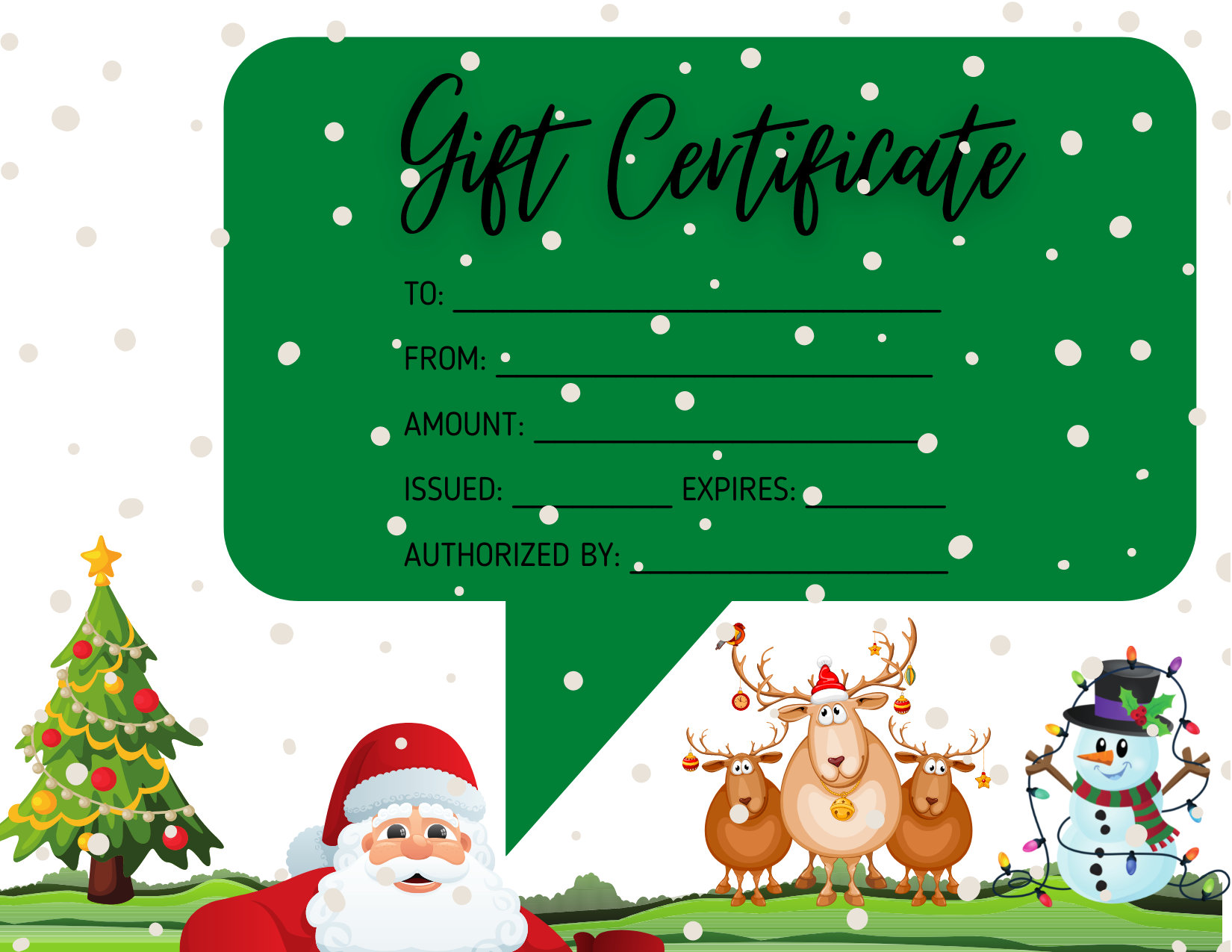
Gift certificates have been a holiday staple for decades, and the modern, digital‑first world has only amplified their relevance. A well‑designed certificate signals thoughtfulness, offers flexibility, and eliminates the guesswork of picking the perfect present. Below are the core reasons a template can elevate your gifting strategy.
Convenience and Speed
Time is the most precious commodity during December. A downloadable template lets you skip the lengthy design process, allowing you to focus on what matters most—selecting the right gift or experience to accompany the certificate. Most templates come in popular file formats such as PDF, PNG, or editable PSD, meaning you can open them in familiar programs and have a finished product in minutes.
Professional Look Without a Designer
High‑quality templates are crafted by seasoned designers who understand color theory, typography, and holiday aesthetics. By leveraging their expertise, you inherit a polished look that would otherwise require hiring a professional. This instantly boosts credibility for businesses and adds a touch of elegance to personal gifts.
Customizability for Every Audience
Because templates are editable, you can tailor every element—from the recipient’s name to the brand’s logo—ensuring the final certificate feels unique. The flexibility extends to color palettes, allowing you to match a specific holiday theme, corporate brand guidelines, or personal style.
Cost‑Effective Marketing Tool
For businesses, a Christmas gift certificate is not just a product; it’s a marketing asset. Offering a free or discounted certificate can attract new customers, encourage repeat purchases, and generate word‑of‑mouth referrals. Since the template itself is free, the only cost is the time you invest in customizing and printing it.
Where to Find High‑Quality Free Downloads
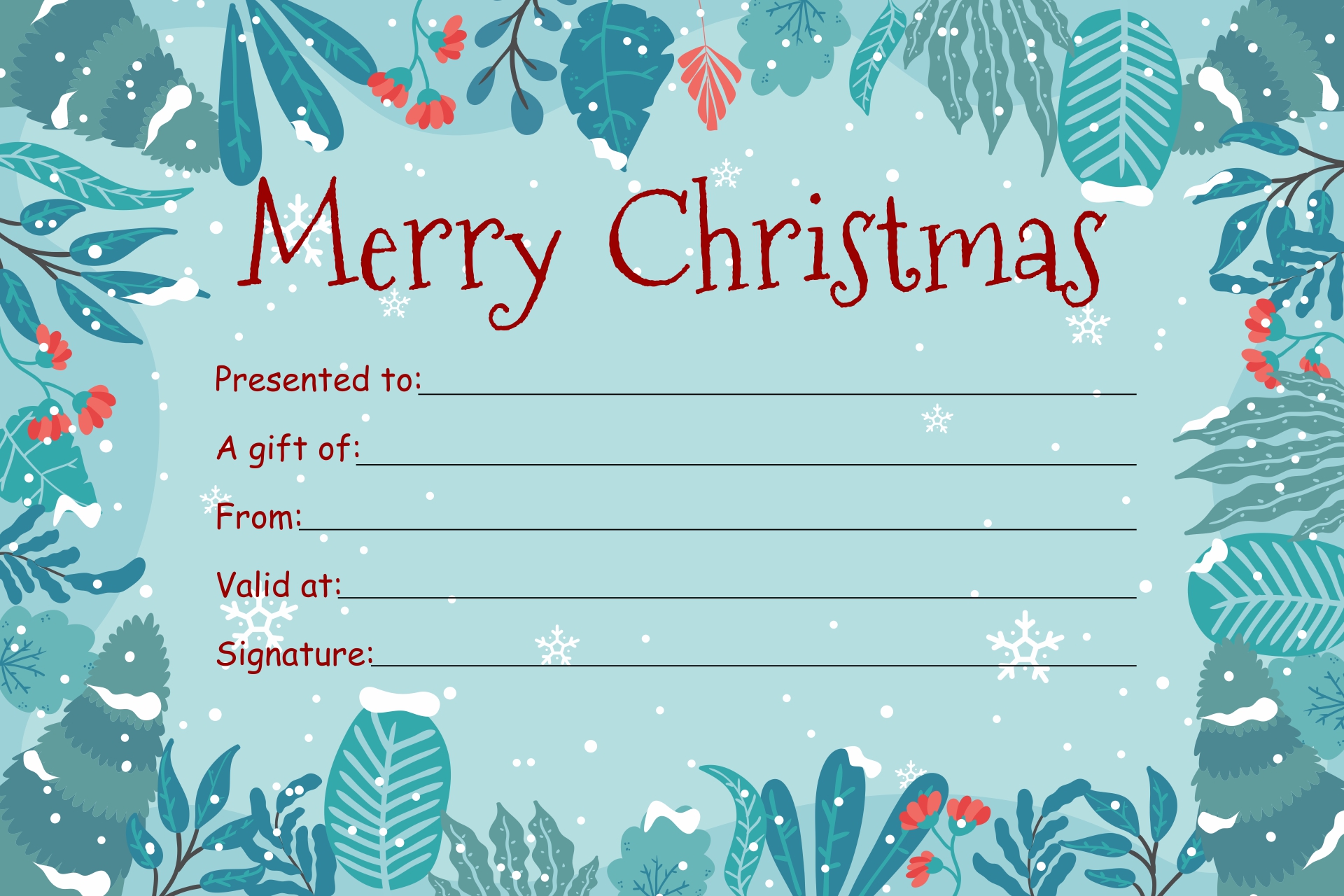
The internet is abundant with free resources, but not all are created equal. Finding a reputable source ensures you receive a template that is both aesthetically pleasing and legally safe to use.
Popular Platforms and Communities
Design marketplaces, creative forums, and open‑source libraries host thousands of free holiday templates. Look for platforms that encourage community feedback and regularly update their collections. A vibrant community often means templates are tested, refined, and supported by user guides.
Checking Licensing and Commercial Use
Even when a template is advertised as “free,” the licensing terms can vary. Some resources allow personal use only, while others grant commercial rights. Before you download, locate the license section—look for phrases like “personal and commercial use permitted” or “no attribution required.” If the terms are unclear, consider reaching out to the creator for clarification to avoid potential legal issues.
Step‑by‑Step Guide to Customizing Your Template

Once you have a template in hand, the customization process is straightforward. Follow these steps to transform a generic design into a personalized holiday gift certificate that reflects your brand or personal style.
Choose the Right Software
Most templates are compatible with industry‑standard tools such as Adobe Photoshop, Illustrator, Canva, or even free alternatives like GIMP and Inkscape. Choose a program you’re comfortable with; Canva, for instance, offers a web‑based editor that requires no installation and includes drag‑and‑drop functionality.
Import the Template
Open your chosen software and import the template file. If it’s a layered PSD, you’ll see separate layers for background, text, and decorative elements. For PDF or PNG files, you may need to use a “place” or “import” command to maintain image quality.
Edit Text and Colors
Locate the text layers that contain placeholder information such as “Recipient Name” or “Amount.” Replace these with the actual details, making sure to choose legible fonts that complement the holiday theme. Most templates use a combination of serif for elegance and sans‑serif for modern flair; keep the hierarchy consistent to guide the reader’s eye.
Insert Your Brand Elements
Brand consistency matters even on festive materials. Add your logo in a discreet corner or integrate it into a decorative border. Adjust the color scheme to incorporate brand colors without clashing with traditional Christmas hues like red, green, gold, and white.
Save in the Proper Format
After customization, export the file in a print‑ready format. PDF is ideal for maintaining vector quality, while high‑resolution PNG works well for digital distribution. If you plan to print at home, ensure the file is set to 300 dpi (dots per inch) to avoid pixelation.
Printing, Folding, and Presenting the Certificate

A beautifully designed certificate can lose its impact if printed poorly or presented haphazardly. Pay attention to paper choice, printer settings, and finishing details to create a professional finish that enhances the gifting experience.
Paper Selection
Choose a heavyweight paper stock—typically 120‑200 gsm—for a sturdy, premium feel. Textured finishes like linen or pearl add tactile elegance, while matte coatings reduce glare and make the certificate easier to read. If you prefer a glossy look, opt for a semi‑gloss finish, but test for smudging if the certificate includes handwritten elements.
Print Settings for Crisp Results
Set your printer to “high quality” or “photo” mode to ensure sharp edges and vibrant colors. Disable any automatic scaling to preserve the intended dimensions, and enable “borderless” printing if the design extends to the edges. For businesses, a professional printing service can guarantee color accuracy and consistent results across large batches.
Finishing Touches: Envelopes, Ribbons, and Stamps
Packaging the certificate adds a layer of anticipation. Classic white or kraft envelopes work well, but consider a festive red envelope with gold foil for extra flair. Seal the envelope with a decorative sticker, a wax seal, or a thin ribbon to make the presentation feel like an event. Including a handwritten note inside the envelope further personalizes the gift.
Creative Ways to Use Christmas Gift Certificates

Beyond the classic “gift of a product or service,” certificates can be integrated into a variety of holiday activities, making them versatile tools for personal and corporate settings.
Family Gatherings
Turn a family dinner into a memorable exchange by handing out certificates for experiences like a “movie night,” “home‑cooked dinner by Mom,” or “snow day adventure.” This approach encourages quality time and creates lasting memories without the need for expensive presents.
Corporate Holiday Bonuses
Many companies opt for gift certificates as year‑end bonuses because they allow employees to choose items that suit their preferences. Pair the certificate with a branded holiday card and a small token—such as a mini pinecone or a custom mug—to reinforce company culture.
Charitable Giving
Non‑profits can use certificates to acknowledge donors during the season. A beautifully designed “Thank You” certificate can be mailed to supporters, offering a tax‑receipt reference or a voucher for a future event. This not only shows appreciation but also strengthens donor relationships.
SEO Tips for Your Online Gift Certificate Offerings

If you plan to sell or distribute your certificates digitally, optimizing the landing page for search engines is essential. Proper SEO practices ensure your free download reaches the right audience during the holiday rush.
Keyword Placement
Strategically incorporate primary keywords—such as “Christmas gift certificate template free download,” “printable holiday gift certificate,” and “DIY Christmas voucher”—in the page title, meta description, headings, and the first 100 words of the content. This signals relevance to search engines and improves ranking potential.
Optimizing Images and Alt Text
Include a high‑quality preview image of the certificate and assign descriptive alt text, for example, “Free printable Christmas gift certificate template with red and gold accents.” This not only aids accessibility but also provides additional keyword context.
Meta Descriptions and Structured Data
Write a concise meta description (150‑160 characters) that highlights the free nature of the download and the holiday theme. Implement schema markup for “CreativeWork” or “HowTo” to give search engines more context, potentially earning rich snippets that attract higher click‑through rates.
Common Mistakes to Avoid

Even with a great template, certain pitfalls can diminish the impact of your certificate. Below are frequent errors and how to sidestep them.
Overcrowding the Design
Resist the urge to jam too much text, graphics, or branding onto the certificate. A cluttered layout distracts from the core message and reduces readability. Stick to essential information—recipient name, value or description of the gift, and expiration date—while using whitespace strategically.
Ignoring Print Bleed
When a design extends to the edge of the paper, a bleed area (usually 3 mm) is required to prevent white margins after trimming. Failing to include bleed can result in unsightly borders. Most templates come with bleed guides; keep them intact during customization.
Using Low‑Resolution Images
Raster images (JPEG, PNG) should be at least 300 dpi for print. Low‑resolution graphics appear pixelated, undermining the professional look. Opt for vector elements whenever possible, as they scale without loss of quality.
Conclusion

Choosing a Christmas Gift Certificate Template Free Download equips you with a versatile, cost‑effective solution that enhances both personal gifting and business marketing during the holiday season. By selecting reputable sources, customizing the design thoughtfully, and paying attention to printing and presentation details, you can deliver a polished, memorable experience that resonates with recipients. Whether you’re delighting family members, rewarding employees, or engaging donors, a well‑crafted certificate transforms a simple gesture into a lasting impression. Embrace the convenience of free templates, apply the actionable tips shared here, and watch your holiday gifting become effortless, elegant, and effective.







Related posts of "Christmas Gift Certificate Template Free Download"
