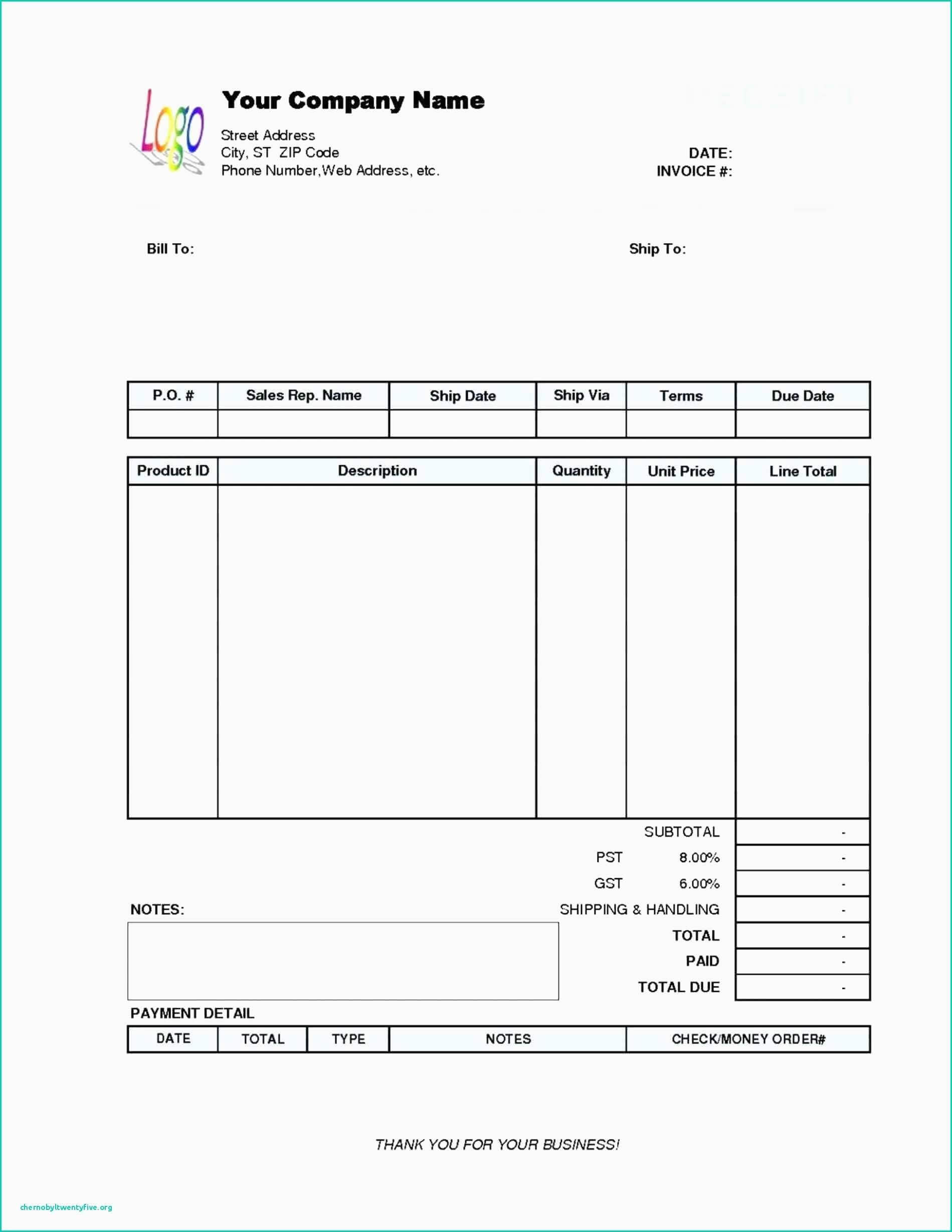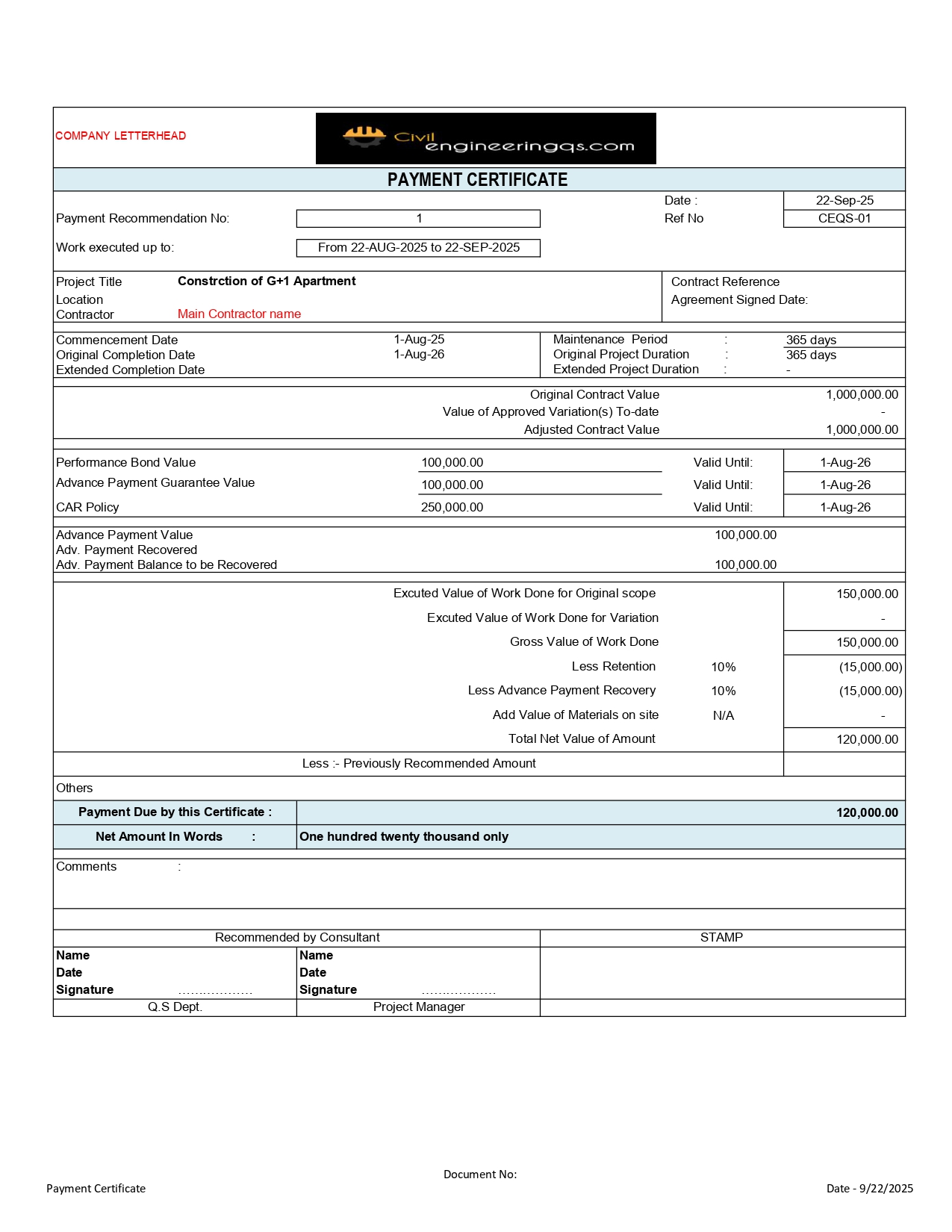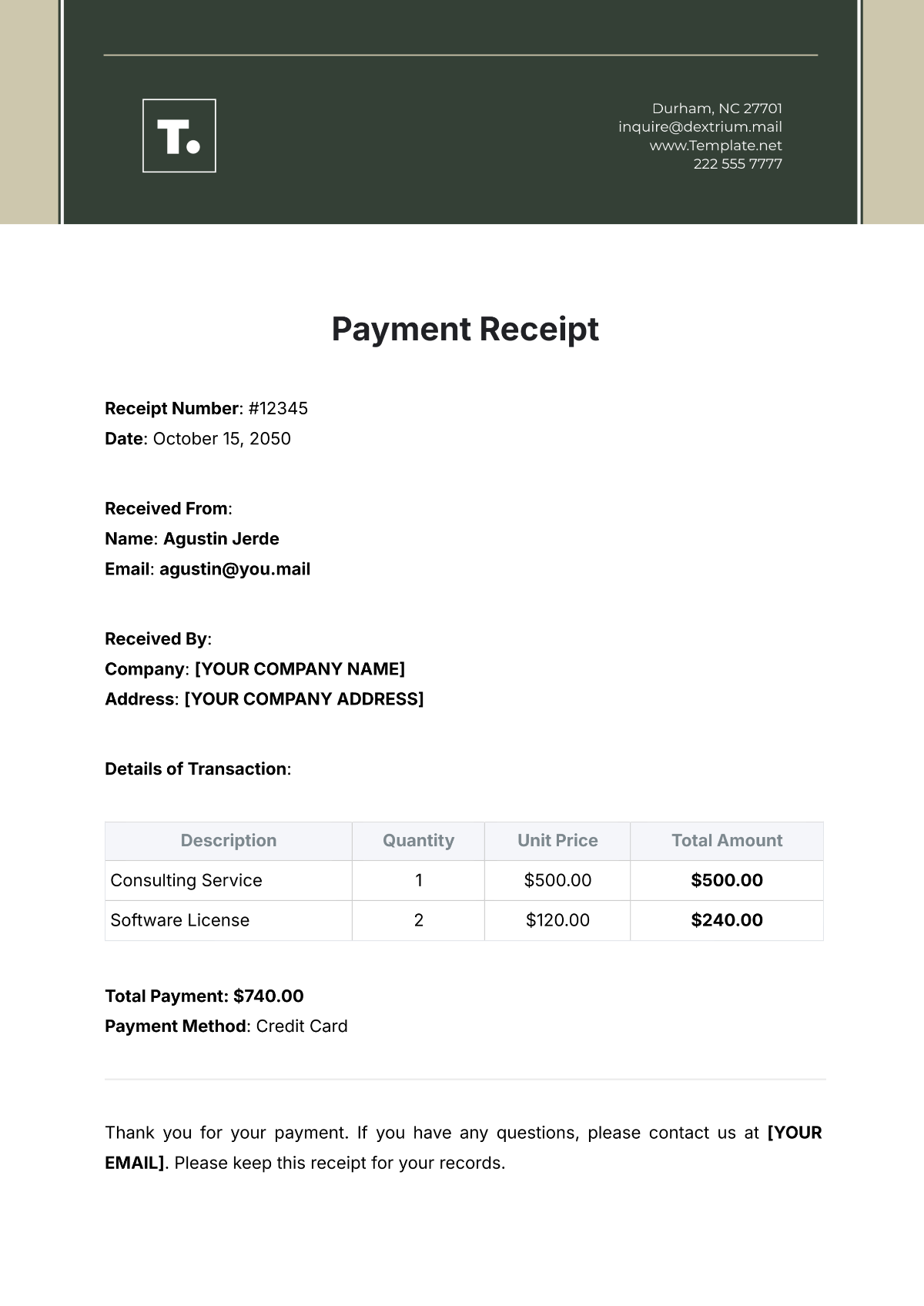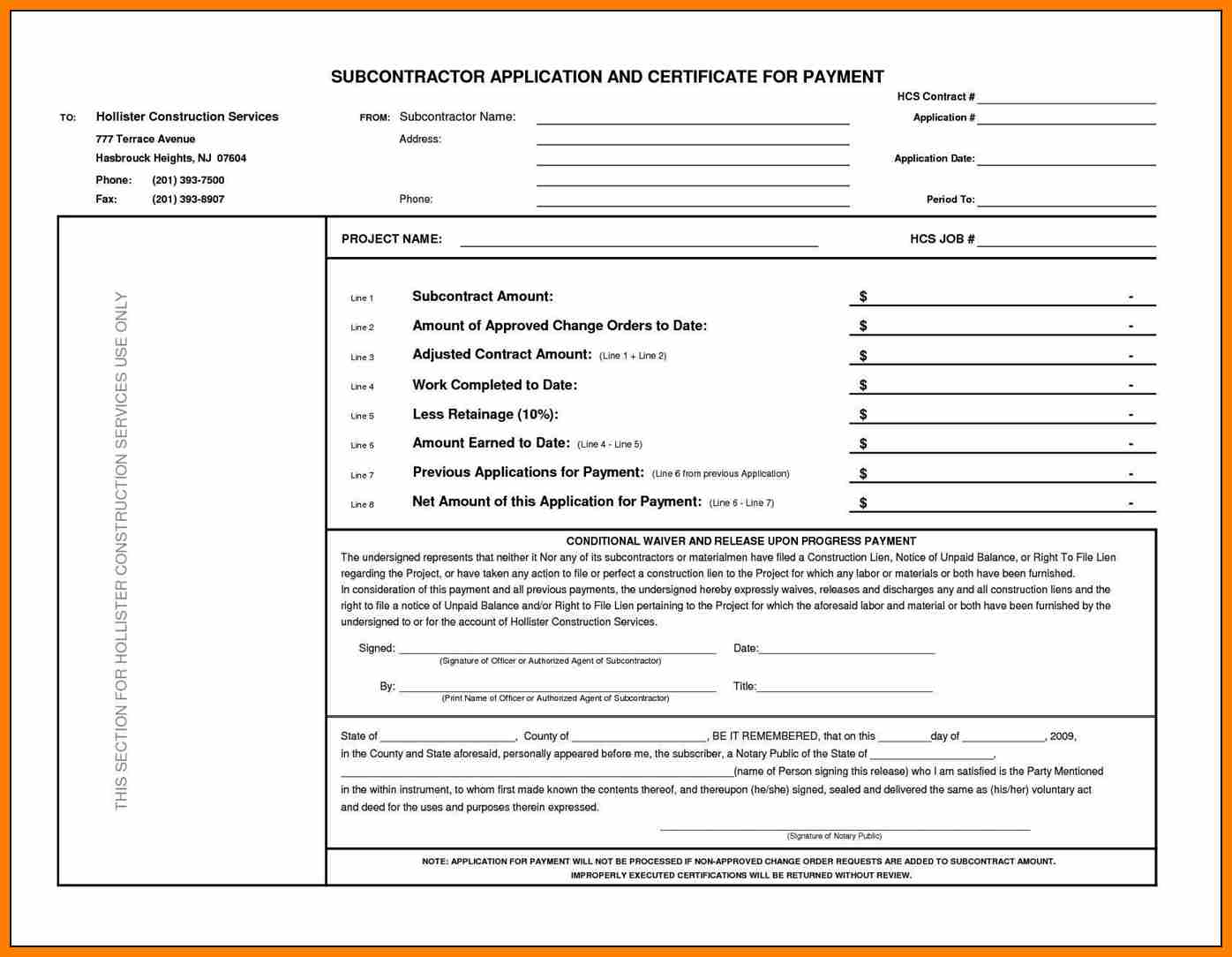
Certificate Of Payment Template is a critical document in construction, engineering, and procurement projects, providing a standardized method for recording, approving, and tracking payments to contractors and suppliers. It ensures transparency, reduces disputes, and keeps project budgets on track. Understanding its structure, purpose, and best practices can help project managers, accountants, and field staff streamline financial workflows and maintain regulatory compliance.
Understanding the Role of a Payment Certificate
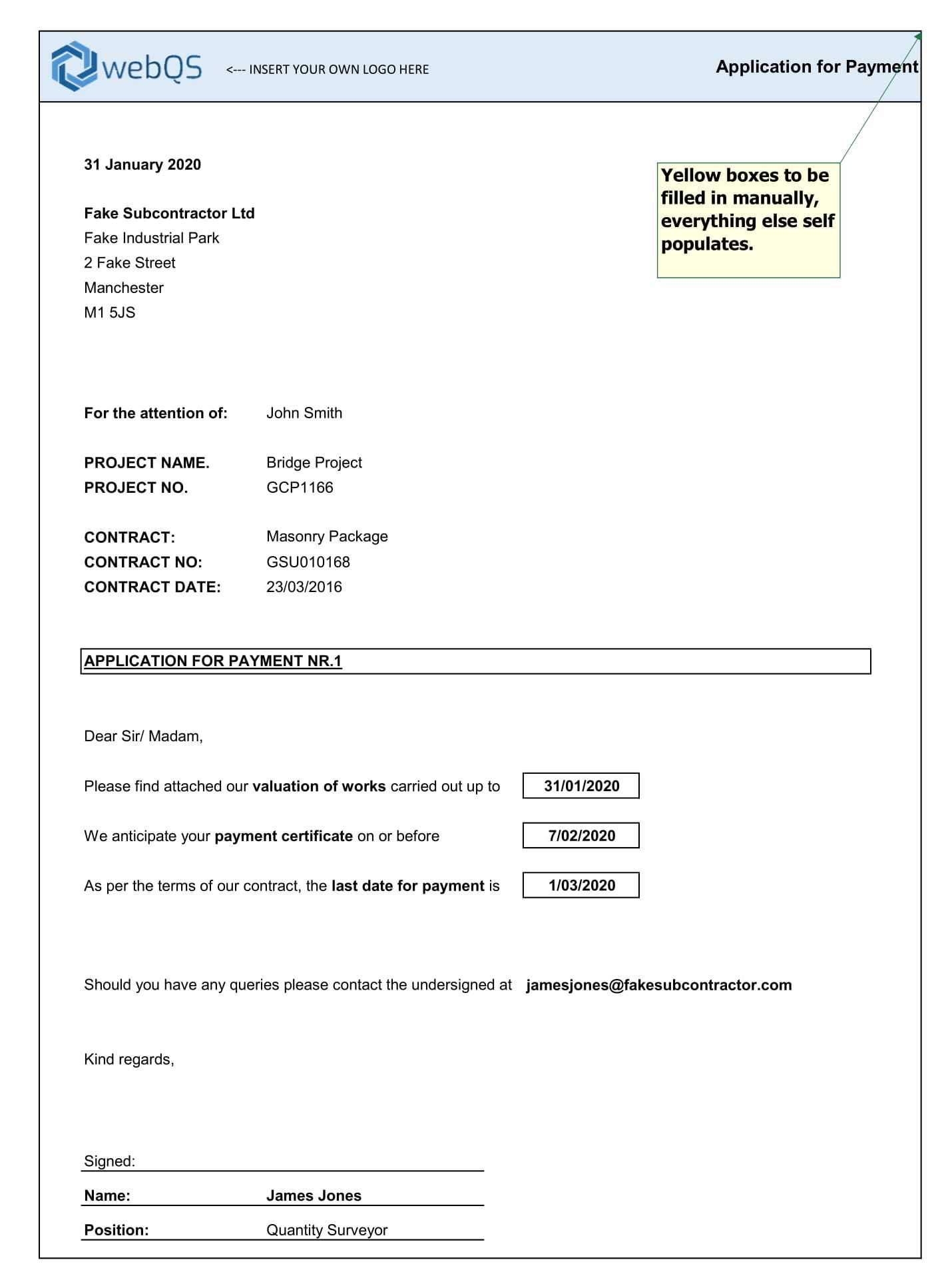
A payment certificate serves as an official record that a contractor has completed a specific portion of work. Unlike invoices, which are demand-based, certificates are approval-based: they certify that the work done meets contractual standards and is ready for payment. This distinction is essential because it protects both parties—ensuring payments are justified and preventing overpayment or underpayment.
Typical Workflow
- Work Completion – The contractor completes a milestone or a specified amount of work.
- Verification – The project manager or site supervisor verifies progress, quality, and compliance with specifications.
- Certificate Preparation – A template is populated with milestone details, payment amounts, and any retainage.
- Approval & Signatures – Relevant stakeholders sign, indicating acceptance.
- Payment Processing – The finance department processes the payment based on the certified amount.
Key Advantages
- Reduces payment disputes by documenting approvals.
- Facilitates accurate cash flow forecasting.
- Supports audit trails for project finance.
- Aligns with contractual payment schedules and milestone definitions.
Core Elements of a Certificate Of Payment Template
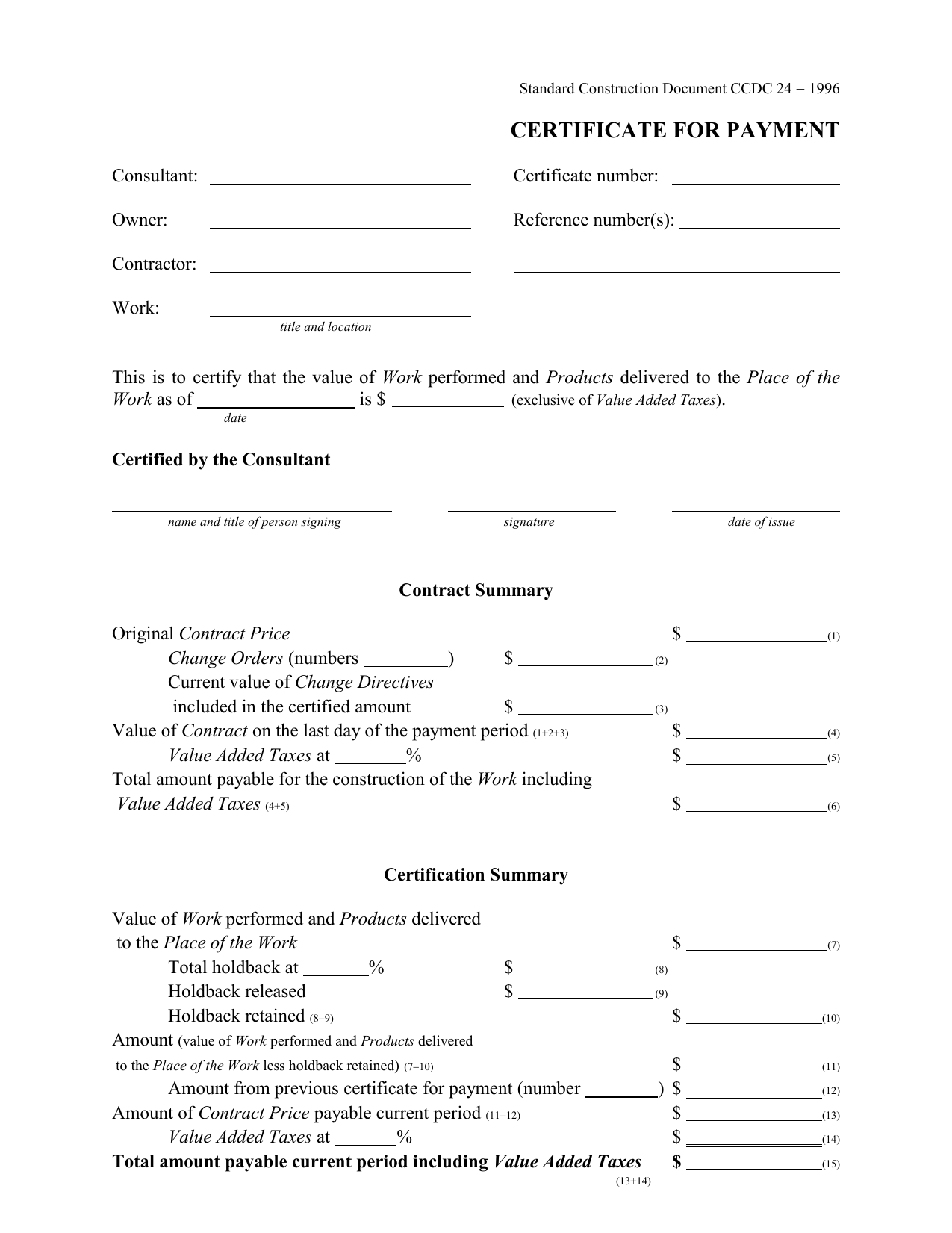
While templates vary by industry and jurisdiction, most Certificate Of Payment Template documents share a core set of fields that capture essential information. A well-structured template promotes consistency and reduces data entry errors.
Header Information
- Project Title and ID – Unique identifiers for easy reference.
- Contractor Details – Name, address, and contact information.
- Issuer & Date – The entity issuing the certificate and the issuance date.
Work Summary
- Description of Completed Work – Clear, measurable, and aligned with the contract.
- Progress Percentage – Current completion rate against the overall project.
- Reference Documents – Photographs, reports, or inspection records.
Financial Breakdown
- Gross Amount – Total value of the work to be paid.
- Retainage Amount – Funds withheld for warranty or quality concerns.
- Net Payable – Calculated by subtracting retainage from the gross amount.
- Tax Adjustments – Applicable VAT, GST, or withholding tax entries.
Approval Section
- Authorized Signatures – Signatures from the project manager, finance officer, and contractor representative.
- Approval Date – When the certificate was officially signed.
- Comments – Optional notes regarding delays, discrepancies, or additional conditions.
Choosing the Right Template for Your Project

While a generic template may suffice for small projects, larger or highly regulated ventures often require customized certificates. Factors to consider when selecting or designing a template include:
Contractual Requirements
- Check the contract for prescribed fields or formatting.
- Incorporate any special clauses, such as milestone-based payments or penalties for late delivery.
Industry Standards
- Construction: International Federation of Consulting Engineers (FIDIC) documents.
- Government Projects: Public Works Standards and Guidelines.
- IT/Software Development: Agile Release Ceremonies and billing milestones.
Regulatory Compliance
- Ensure the template reflects local tax regulations and reporting requirements.
- Include fields for audit trails, such as document version numbers and audit comments.
Creating a Professional Certificate Of Payment Template
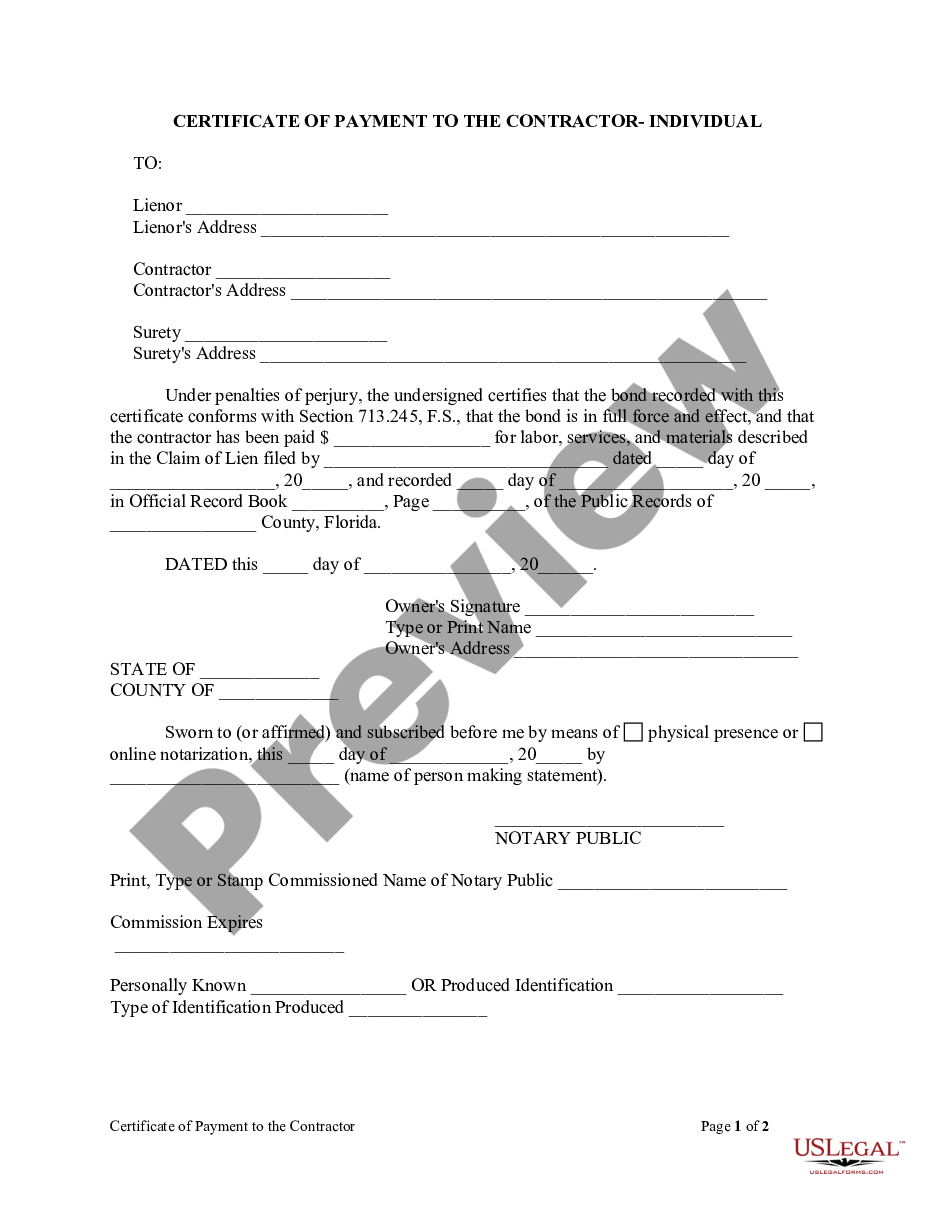
When drafting or selecting a template, the goal is to balance thoroughness with usability. Below is a step-by-step guide to developing a comprehensive yet straightforward template.
Step 1: Define the Purpose and Scope
Clarify what the certificate must capture—work stage, payment amount, and approval hierarchy. Document these requirements in a brief scope statement to guide the template design.
Step 2: Draft the Layout in Word or Excel
- Use a clean, grid-based format to align text and numbers.
- Insert placeholders for dynamic fields (e.g., Project Name, Date).
- Leverage table structures for financial breakdowns to facilitate calculation formulas.
Step 3: Embed Validation Rules
When using Excel, apply data validation to fields such as dates, percentages, and numeric amounts. In Word, consider using content controls that restrict input to specific data types.
Step 4: Add Signature Blocks
Include clearly labeled areas for signatures and dates. For digital workflows, incorporate electronic signature fields or a digital signature pad.
Step 5: Test with Sample Data
Fill the template with historical data to ensure all calculations and layouts work as expected. Adjust for edge cases, such as partial payments or multiple subcontractors.
Customizing the Template for Specific Project Scenarios

Every project has unique needs. The following scenarios illustrate how to adapt the template without compromising its integrity.
Multi-Contractor Projects
- Insert a sub-table that lists each subcontractor, their respective work percentages, and payments.
- Use a master summary row to aggregate totals for the overall project.
Long-Term Construction Phases
- Include a cumulative progress bar that shows milestone completion over time.
- Provide a section for warranty clauses that may affect retainage calculations.
Software Development and Agile Delivery
- Replace “physical work” fields with “user story completion” or “sprint delivery” metrics.
- Link to digital backlog tools or issue trackers for traceability.
Common Pitfalls and How to Avoid Them

Even with a solid template, mistakes can happen. Being aware of the most frequent errors helps maintain accuracy and credibility.
Inaccurate Retainage Calculations
- Verify the contract’s retainage rate and apply it consistently.
- Use automated formulas to avoid manual errors.
Missing Signature Authority
- Ensure all required signatories are identified in advance.
- Document the chain of approval to avoid disputes.
Inconsistent Date Formats
- Standardize dates in ISO 8601 (YYYY-MM-DD) to prevent misinterpretation.
- Apply date validation rules in Excel or Word fields.
Unlinked Documentation
- Maintain a reference log that lists all supporting documents attached to each certificate.
- Use QR codes or document IDs for quick access.
Integrating the Template into Digital Workflows
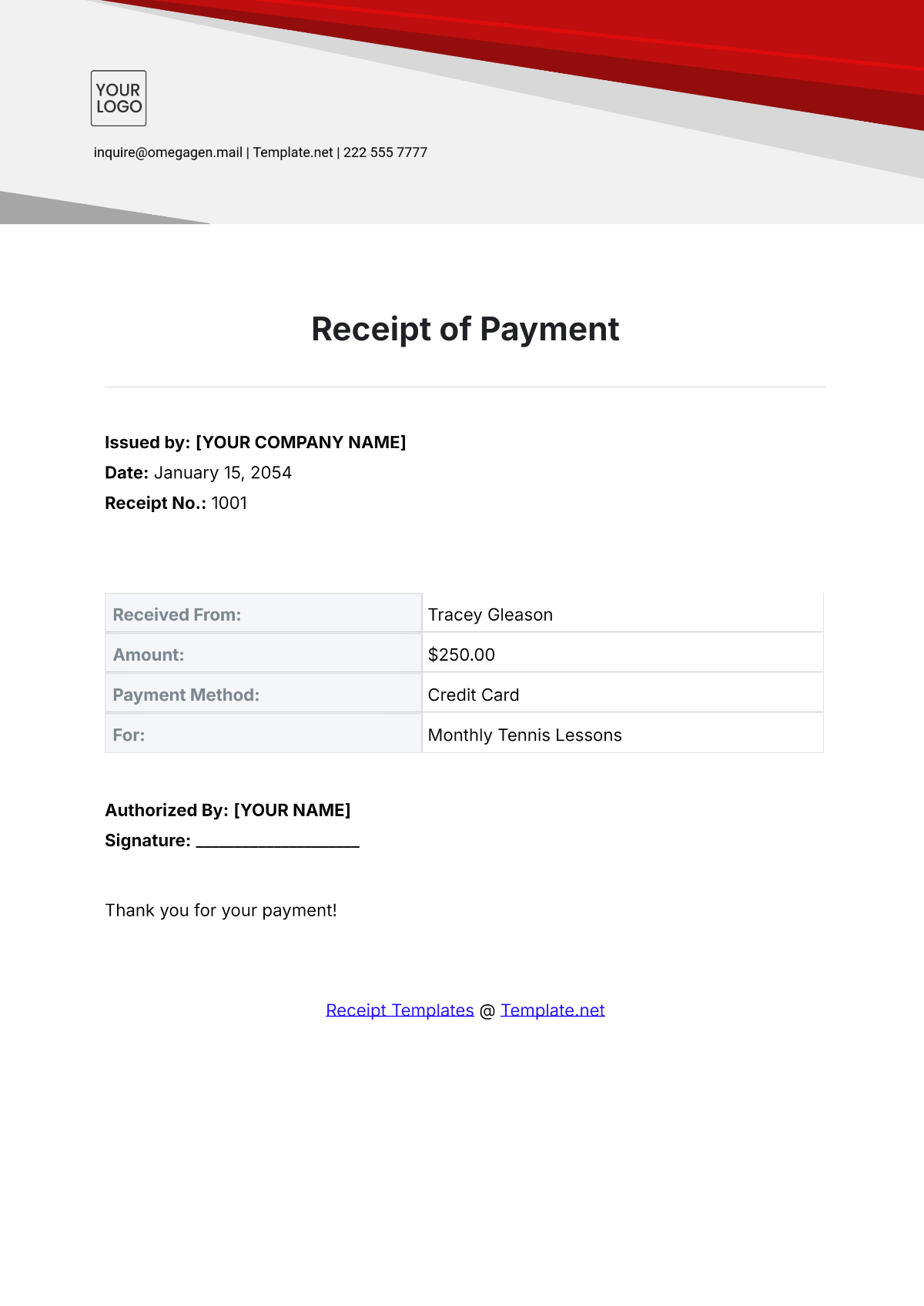
Modern projects benefit from digital transformation. Below are effective ways to embed your Certificate Of Payment Template into a streamlined process.
PDF Generation
- Export the template to PDF to preserve formatting and prevent unauthorized edits.
- Embed form fields in the PDF to capture information electronically.
Electronic Signatures
- Use e-signature platforms such as DocuSign, Adobe Sign, or HelloSign.
- Integrate signature workflows with project management tools.
Database Integration
- Store certificate data in a relational database or project accounting software.
- Automate data export to finance systems to trigger payment processing.
Version Control
- Maintain a version history within the document metadata or a shared repository.
- Mark each revision with a unique identifier and update notes.
Real-World Example: A Multi-Million Dollar Infrastructure Project
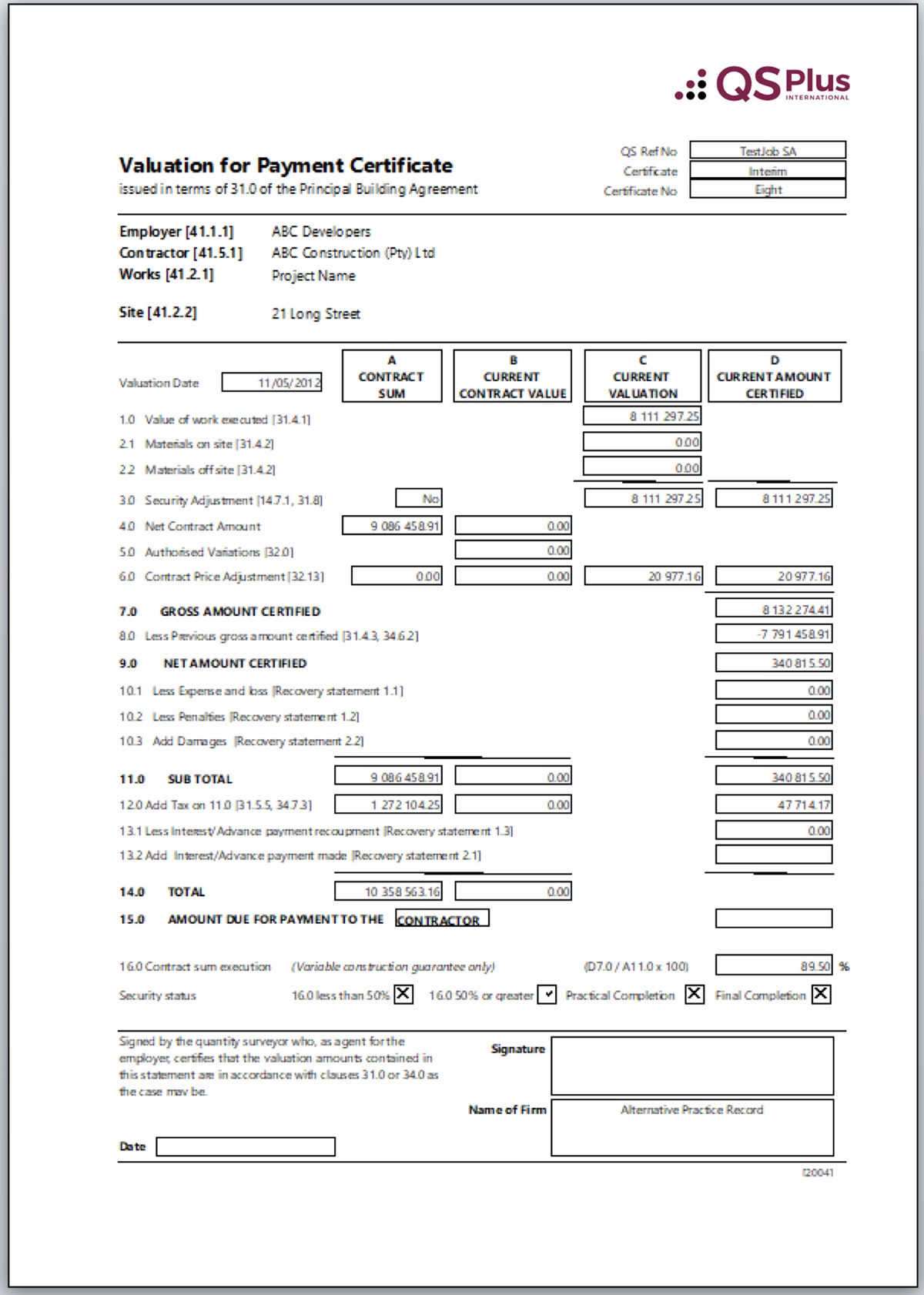
In a recent highway construction project worth $120 million, the project manager implemented a standardized Certificate Of Payment Template that included the following innovations:
- A “Progress Snapshot” tab that displayed a graph of cumulative work against budget.
- A “Risk Flag” column that highlighted any work with potential payment disputes.
- Automated email triggers that sent the certificate to finance once signed.
This approach reduced payment cycle time from 45 to 20 days, improved stakeholder confidence, and provided a clear audit trail that satisfied regulatory inspectors.
Best Practices for Long-Term Success
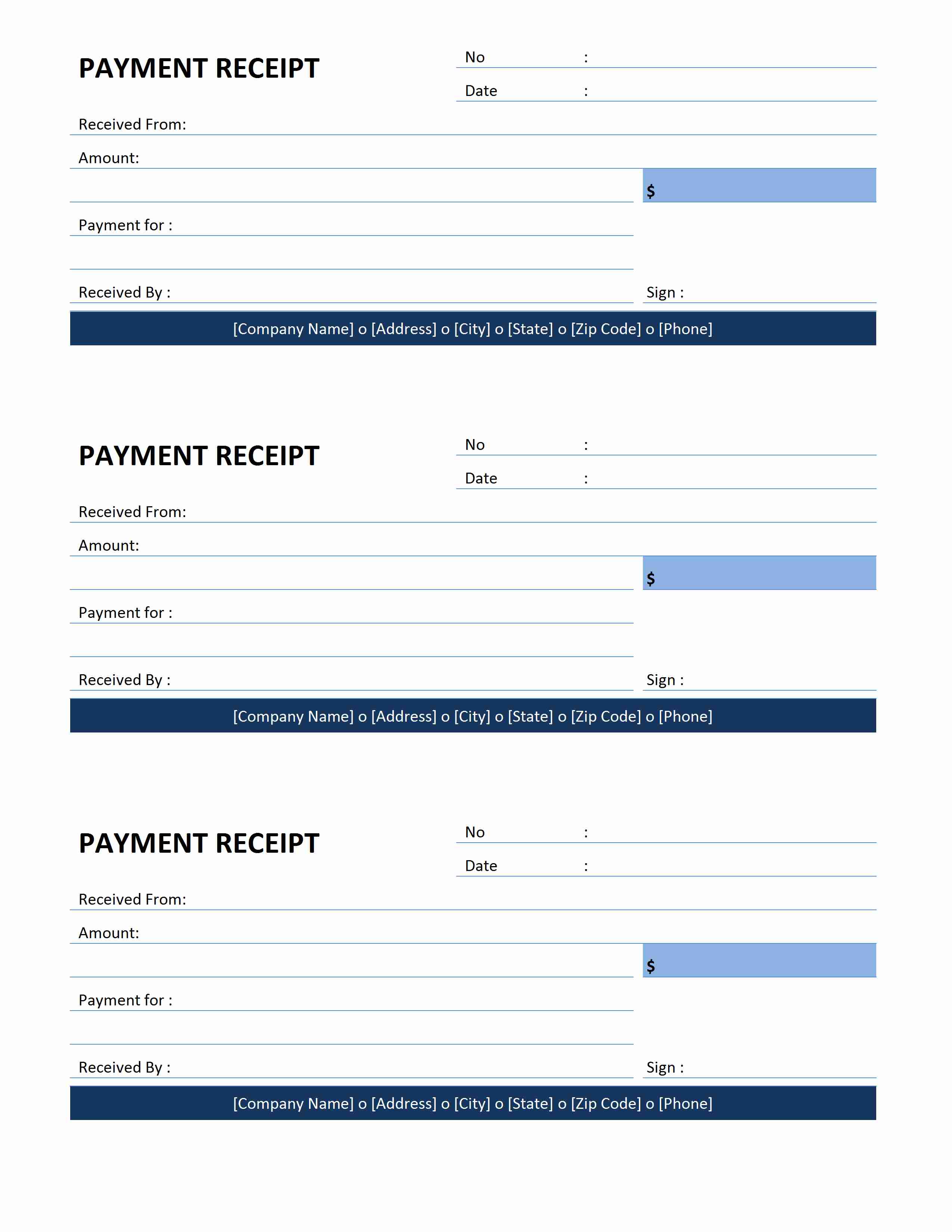
Adopting a structured approach ensures the template remains effective as projects evolve.
Regular Reviews
- Schedule quarterly template audits to incorporate contractual changes.
- Update field definitions to match new accounting or tax regulations.
Stakeholder Training
- Conduct workshops for field staff and finance teams on proper certificate completion.
- Distribute quick-reference guides and cheat sheets.
Automation and AI Support
- Use AI-driven data extraction tools to populate fields from project management software.
- Implement conditional logic in Excel or Power Apps to flag anomalies automatically.
Documentation and Accessibility
- Store the master template in a central, access-controlled location.
- Provide downloadable PDFs and editable Word/Excel versions.
Conclusion
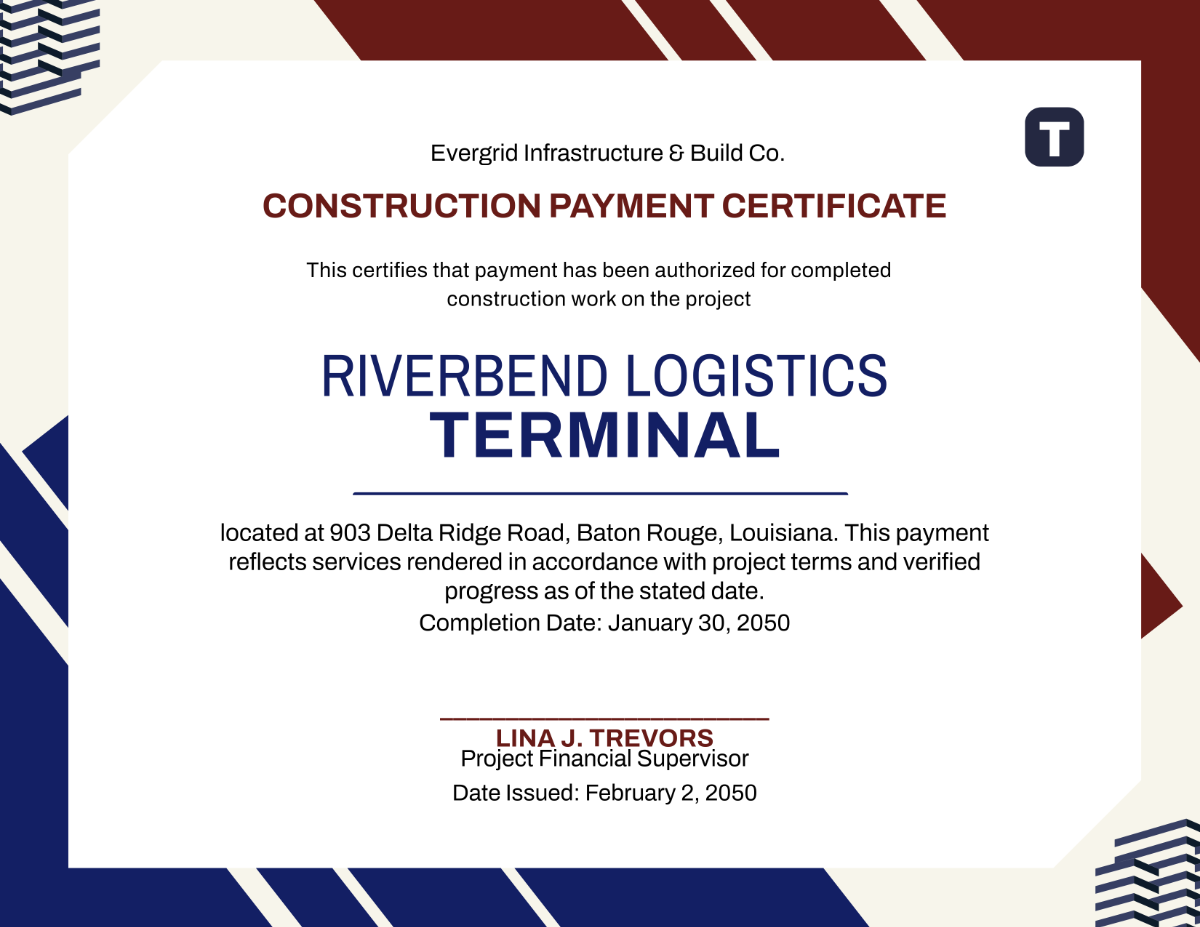
Mastering the Certificate Of Payment Template is more than just filling out a form; it’s about fostering clarity, accountability, and financial efficiency throughout a project’s life cycle. By understanding its role, integrating its core elements, tailoring it to specific contexts, and embedding it within modern digital workflows, project teams can minimize disputes, expedite payments, and maintain rigorous audit trails. Consistent application of best practices—regular reviews, stakeholder training, and automation—ensures that the certificate evolves with your organization’s needs, safeguarding both contractual integrity and project success.