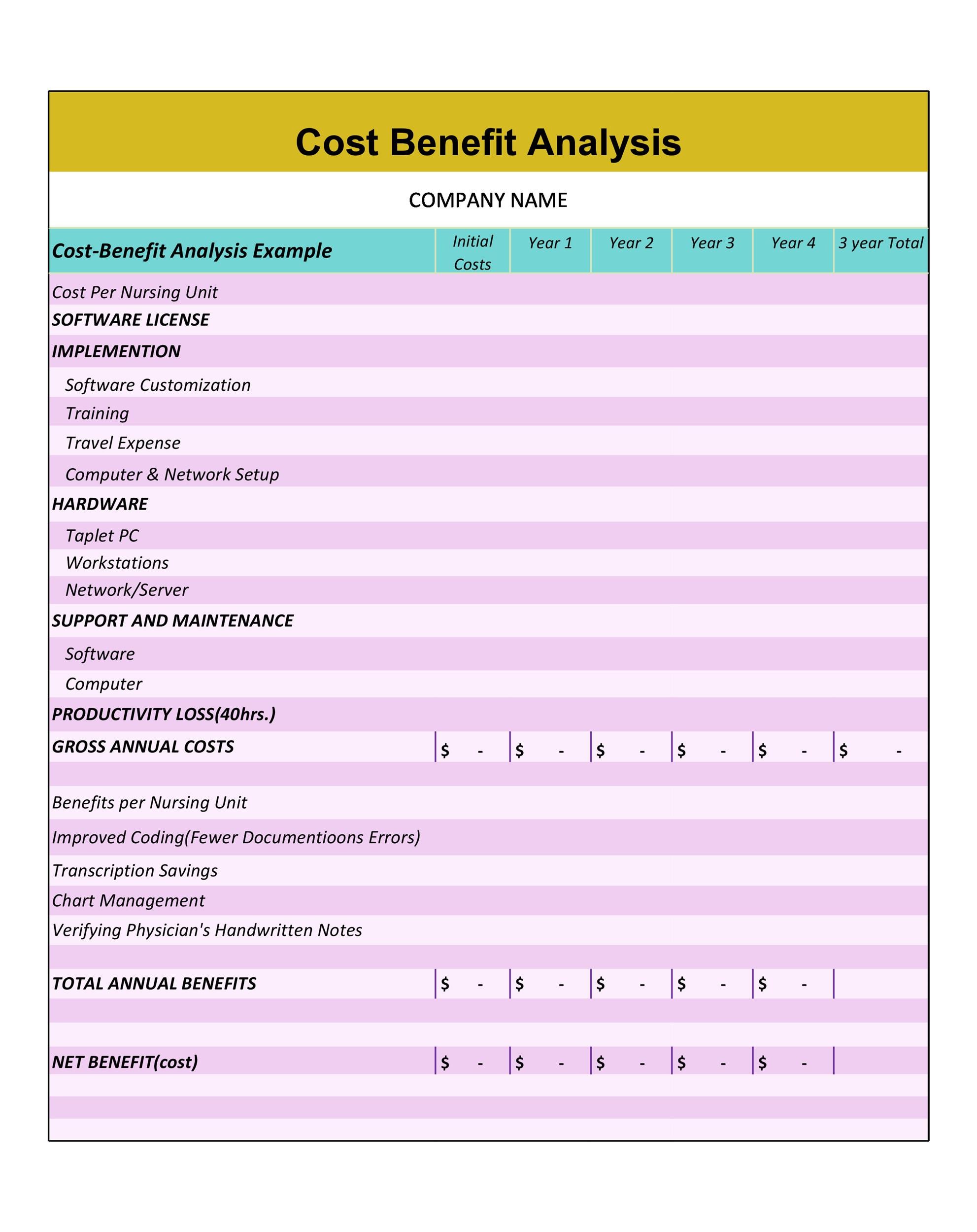
Call Center Cost Benefit Analysis Template is the cornerstone of informed decision‑making in any customer‑service operation. By systematically comparing the financial outlays of a call center against the tangible and intangible gains it delivers, executives can justify investments, optimize staffing, and ultimately enhance customer satisfaction without compromising the bottom line.
What Is a Call Center Cost Benefit Analysis?

A cost benefit analysis (CBA) in a call center context is a structured approach that quantifies every dollar spent—whether on agents, software, facilities, or training—and weighs it against the monetary value of the benefits achieved. The benefits may include increased sales, reduced churn, improved customer lifetime value, or operational efficiencies. The analysis culminates in a net benefit figure that helps leadership decide whether a particular initiative or the call center itself is worthwhile.
Key Components of the Template
Cost Categories
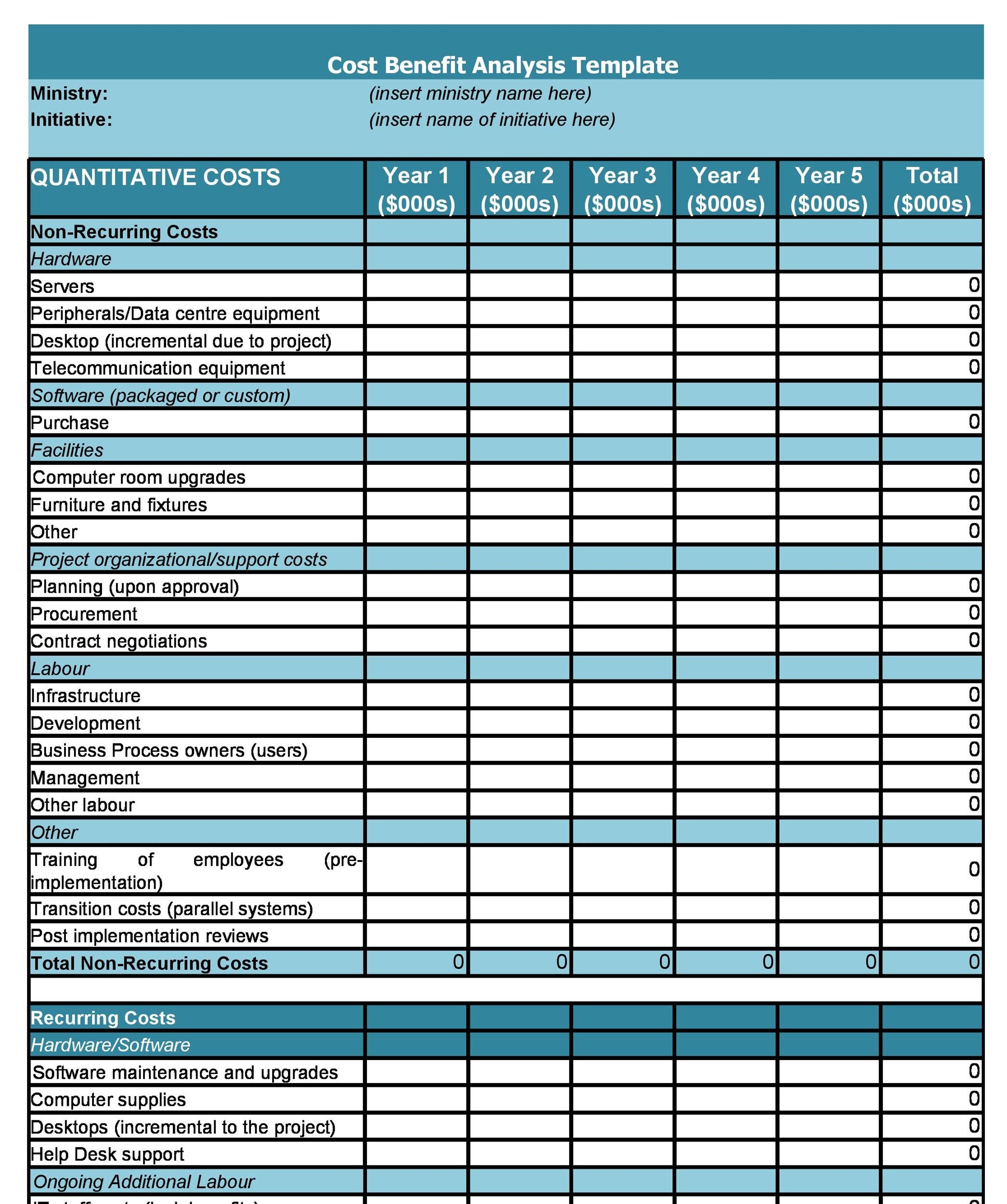
Accurate cost tracking starts with clear categories:
- Labor Costs: salaries, benefits, overtime, and incentive payouts for agents, supervisors, and managers.
- Technology and Infrastructure: contact center platforms, VoIP hardware, CRM integrations, cloud hosting fees, and cybersecurity measures.
- Facility Expenses: rent, utilities, maintenance, and furniture for on‑premise centers.
- Training and Development: onboarding programs, skill‑upgrade courses, compliance modules, and certification expenses.
- Recruitment and Retention: job posting fees, recruiter commissions, employee engagement programs, and turnover costs.
Benefit Categories
Benefits should be expressed in both financial terms and strategic value:
- Revenue Gains: upsells, cross‑sales, and repeat purchase rates directly linked to call center interactions.
- Cost Savings: reduced service levels on other channels, lower average handling time, and fewer escalations.
- Customer‑Related Benefits: improvements in Net Promoter Score (NPS), Customer Effort Score (CES), and overall satisfaction that translate into higher loyalty and lower churn.
- Operational Efficiency: streamlined processes, faster resolution times, and better workforce management that free up resources for growth initiatives.
Steps to Build the Template

Define the Scope and Objectives
Begin by clarifying what you aim to evaluate—whether it’s launching a new IVR system, expanding to a 24/7 model, or relocating to a cloud‑based platform. Document the strategic questions: How will this change affect customer experience? What is the projected ROI? Setting a clear scope ensures that the data collected is relevant and actionable.
Collect Baseline Data
Gather historical performance metrics for at least the past 12 months to establish a baseline. Key inputs include average handling time, first‑call resolution rates, call volume trends, and current cost structures. Baseline data provides the reference point against which future improvements will be measured.
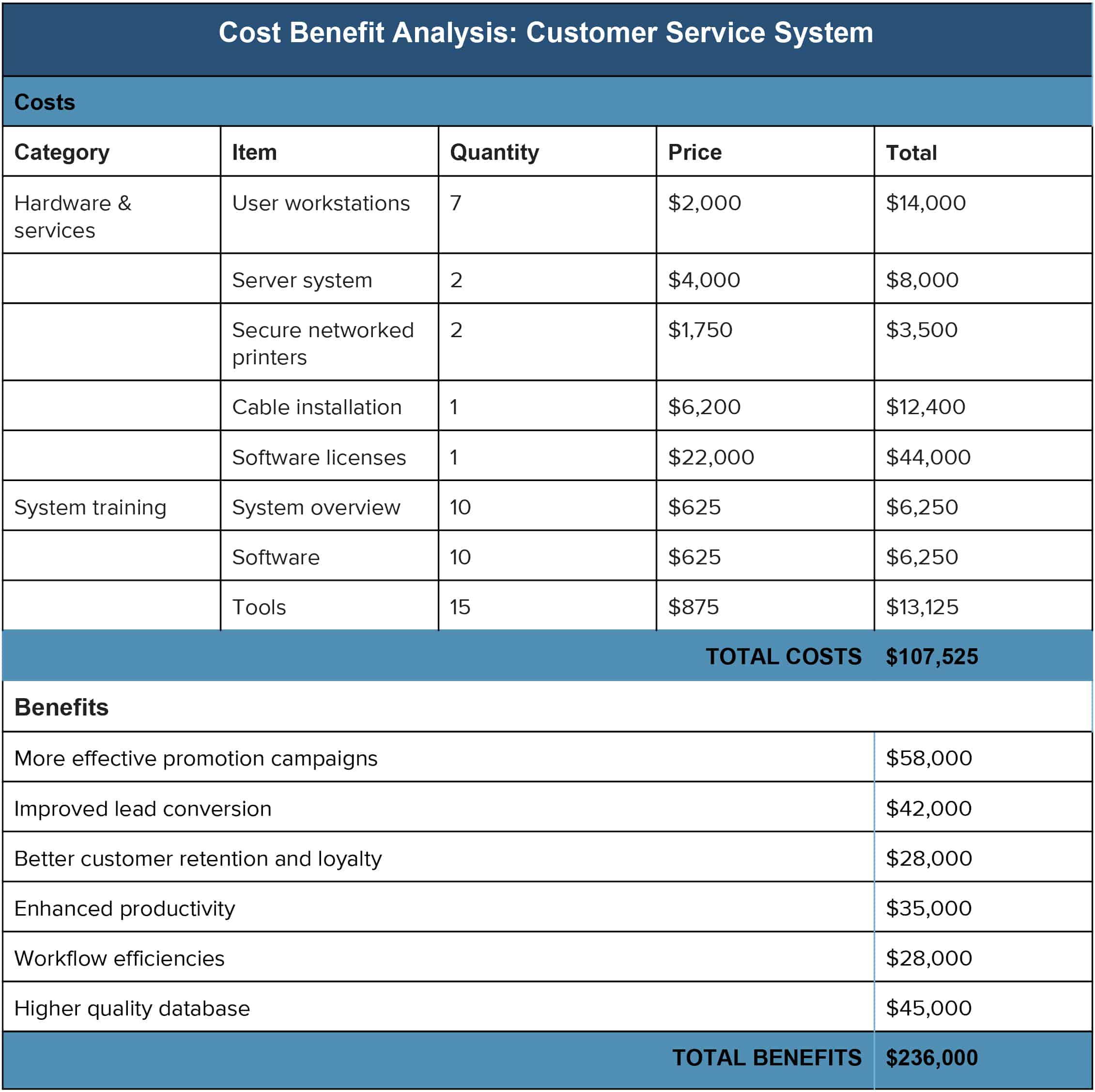
Assign Cost and Benefit Quantities
Translate qualitative insights into dollar values. For example, an average of 0.5 minutes saved per call can be multiplied by the hourly cost of an agent to compute cost savings. Similarly, a 5-point increase in NPS may be monetized by estimating the incremental revenue per customer associated with higher loyalty.
Build the Spreadsheet or Dashboard
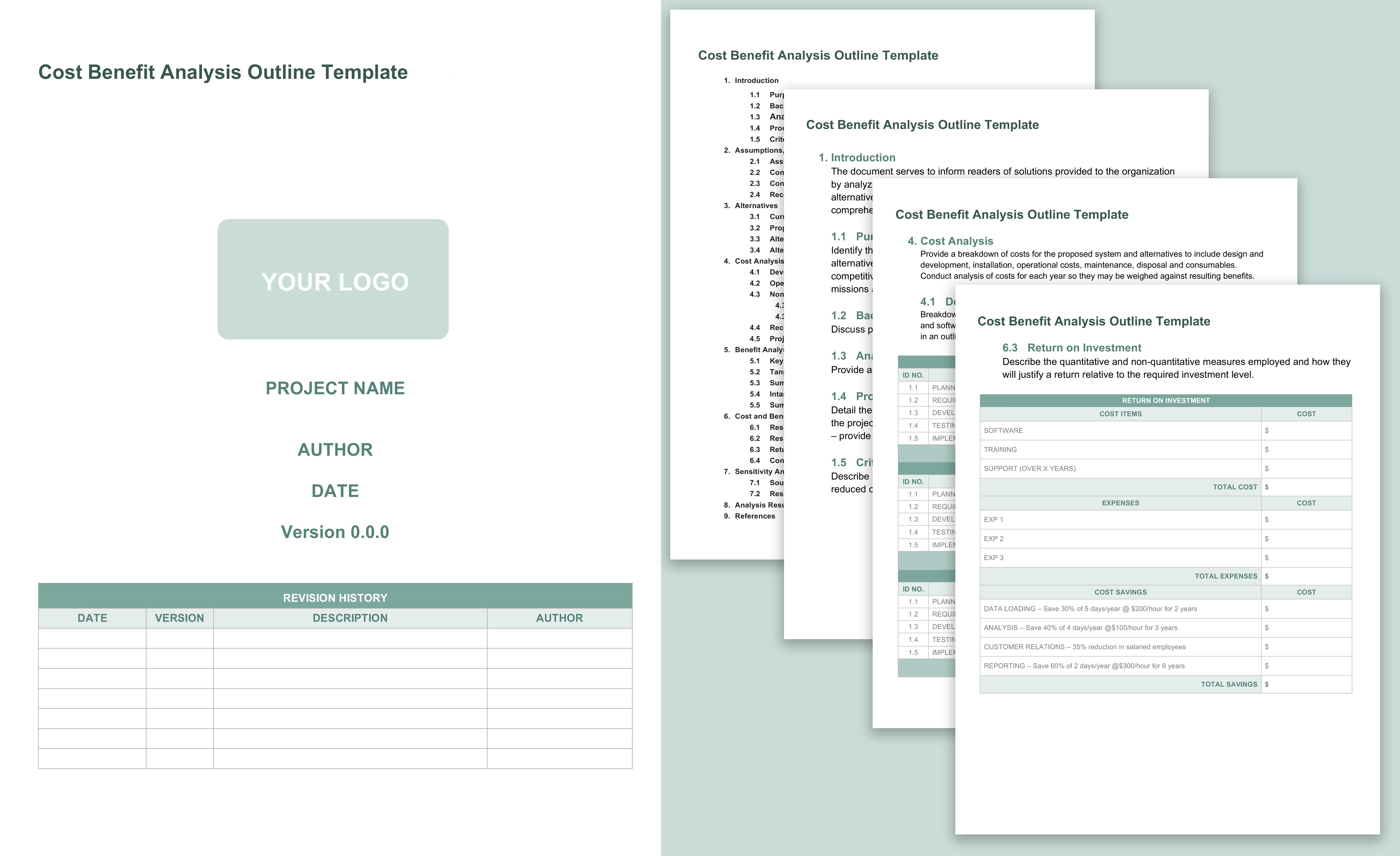
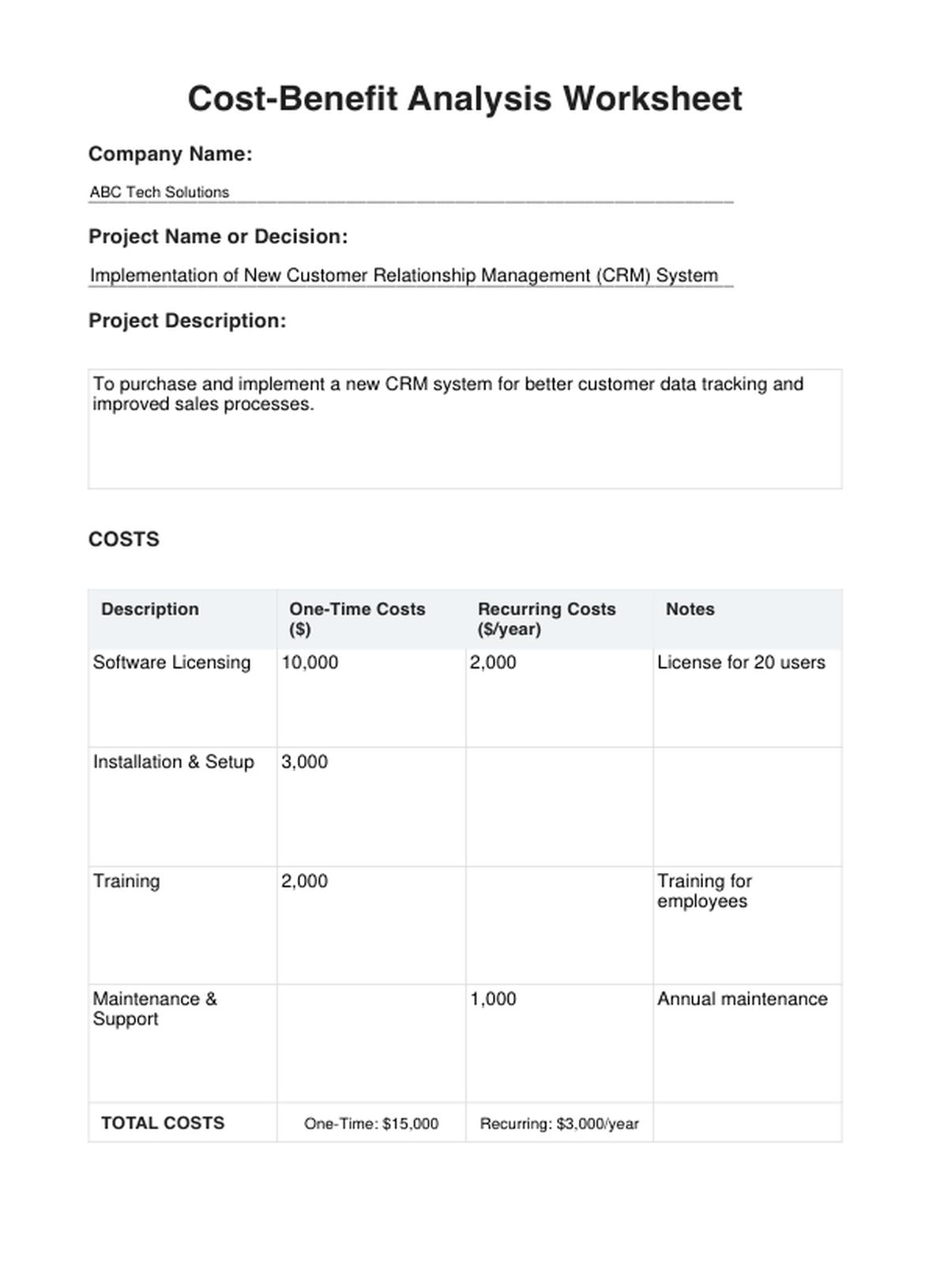
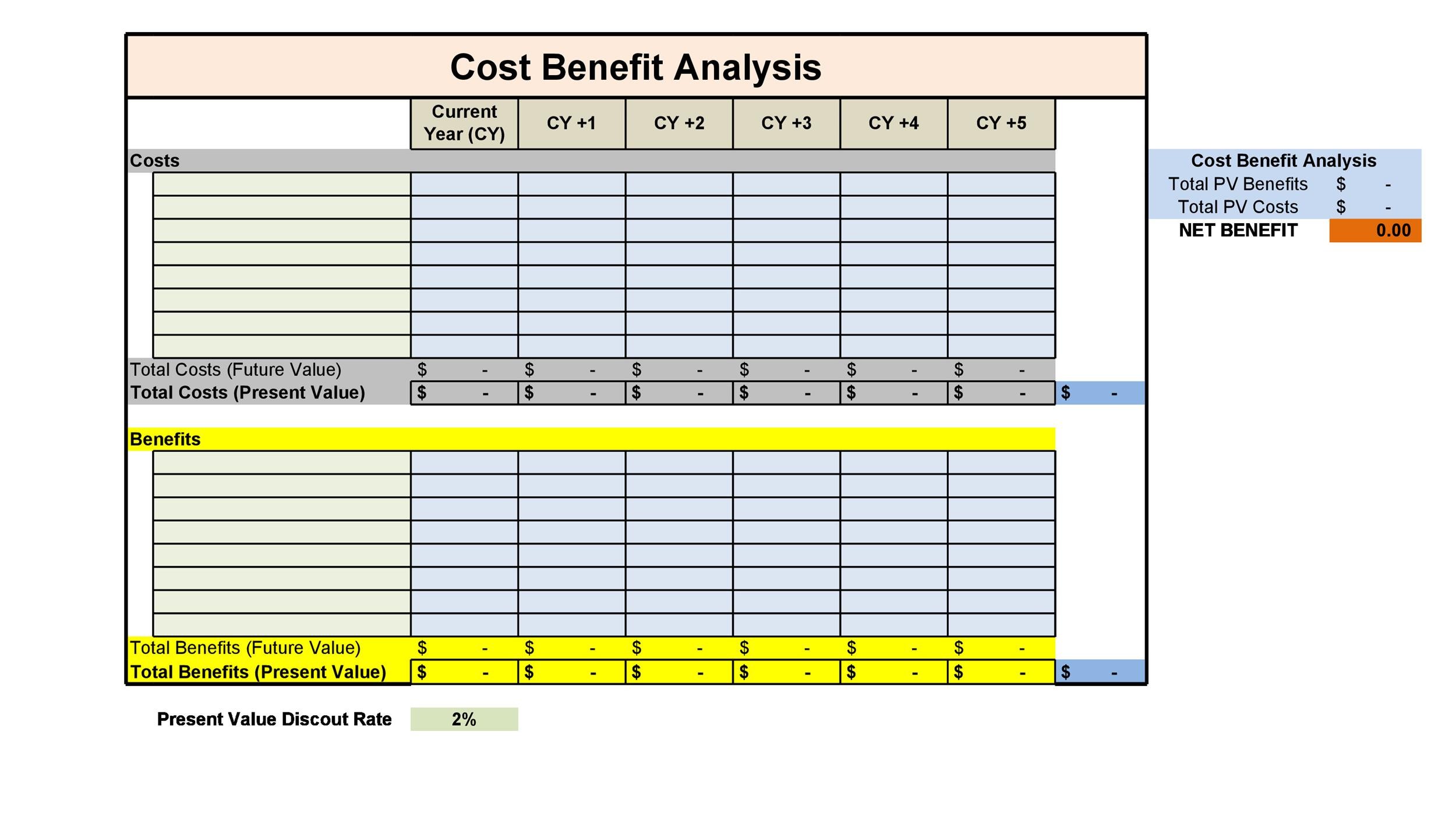
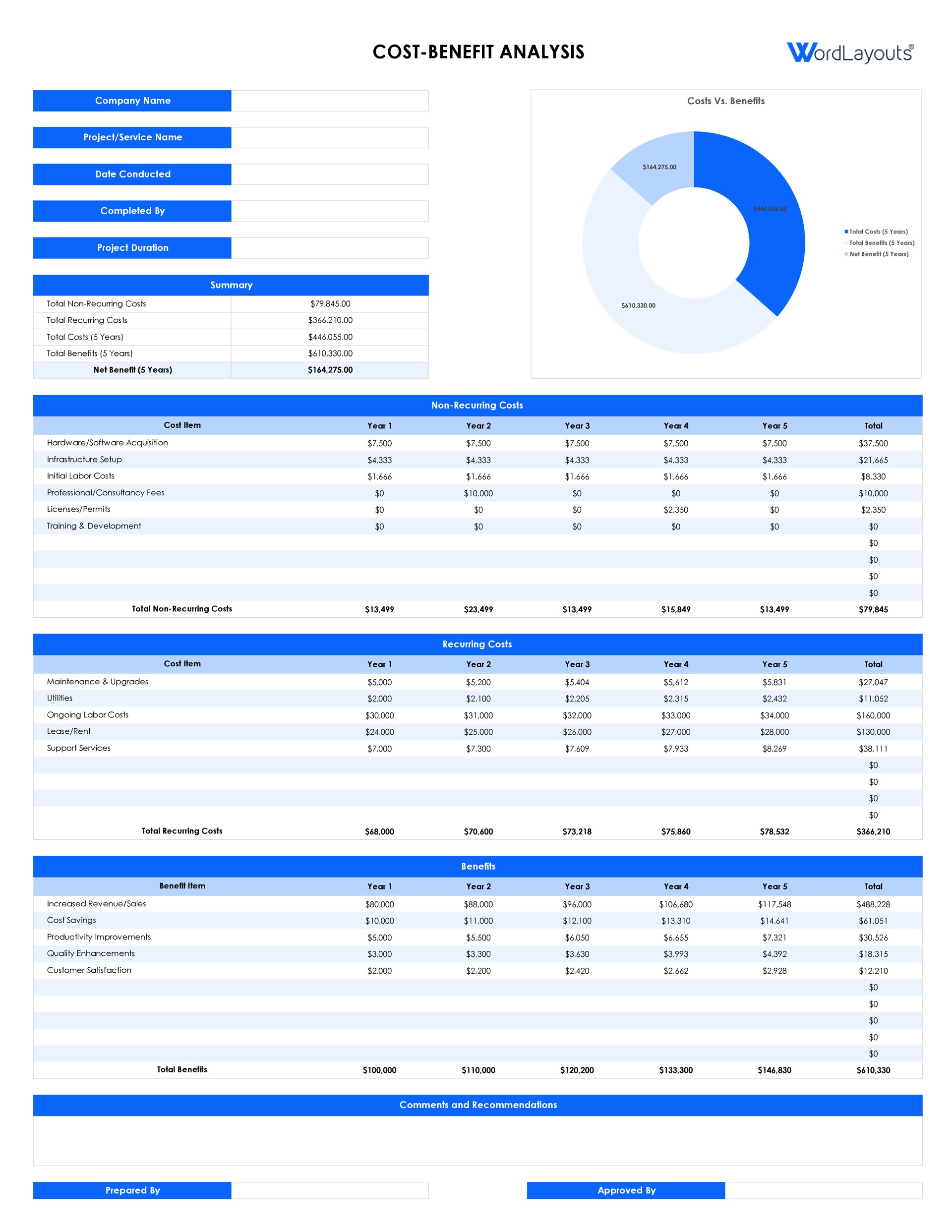
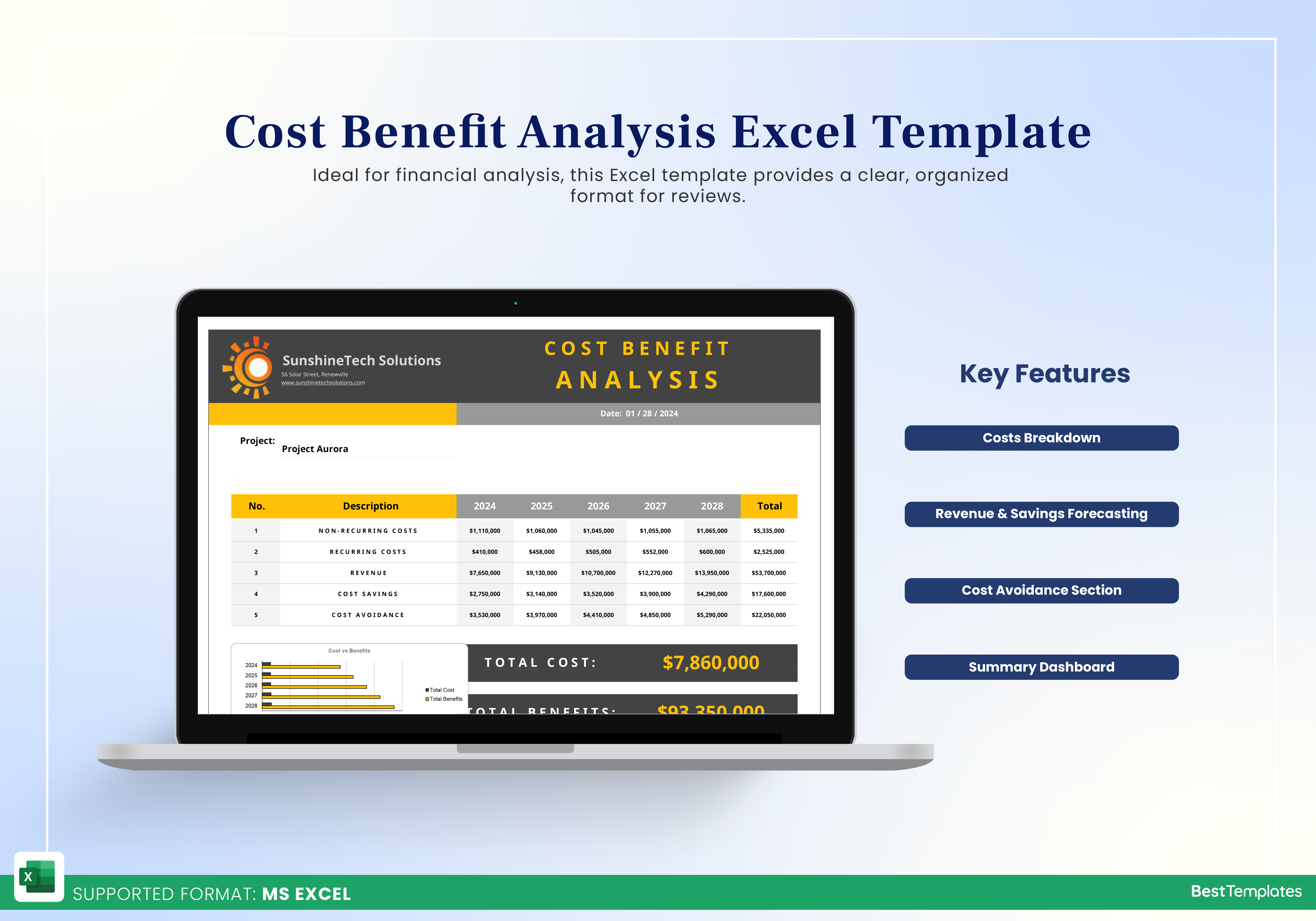
Structure the template into sections: a “Cost” tab, a “Benefit” tab, and a “Summary” tab that aggregates net benefit, payback period, and return on investment (ROI). Use clear formulas so that changes in input variables automatically update the outcomes. Ensure that each cell is labeled, and consider conditional formatting to highlight areas needing attention.
Run Scenario Analyses
Model different scenarios—best‑case, worst‑case, and most likely—to understand sensitivity. For example, test the impact of a 10% increase in call volume versus a 20% reduction in agent turnover. Scenario analysis exposes hidden risks and confirms the robustness of the investment.
Validate and Iterate
Share the draft with stakeholders—operations, finance, and customer experience leaders—to validate assumptions and data accuracy. Incorporate feedback, refine the model, and iterate until the template reflects reality and aligns with strategic priorities.
Choosing the Right Metrics
Cost Metrics
- Average Cost Per Contact (ACPC): total cost divided by number of contacts.
- Cost Per Acquisition (CPA) when the call center is part of a sales funnel.
- Cost of Quality: expenses incurred to correct service failures.
Benefit Metrics
- Customer Lifetime Value (CLV) uplift attributed to better service.
- Return on Customer Investment (ROCI): incremental revenue divided by the cost of acquisition.
- Time‑to‑Resolution (TTR) improvements translated into cost savings.
Align these metrics with the organization’s KPIs. For a subscription‑based business, CLV may be paramount; for a support‑heavy operation, TTR and ACPC could dominate.
Real‑World Example 1: Small Startup Call Center
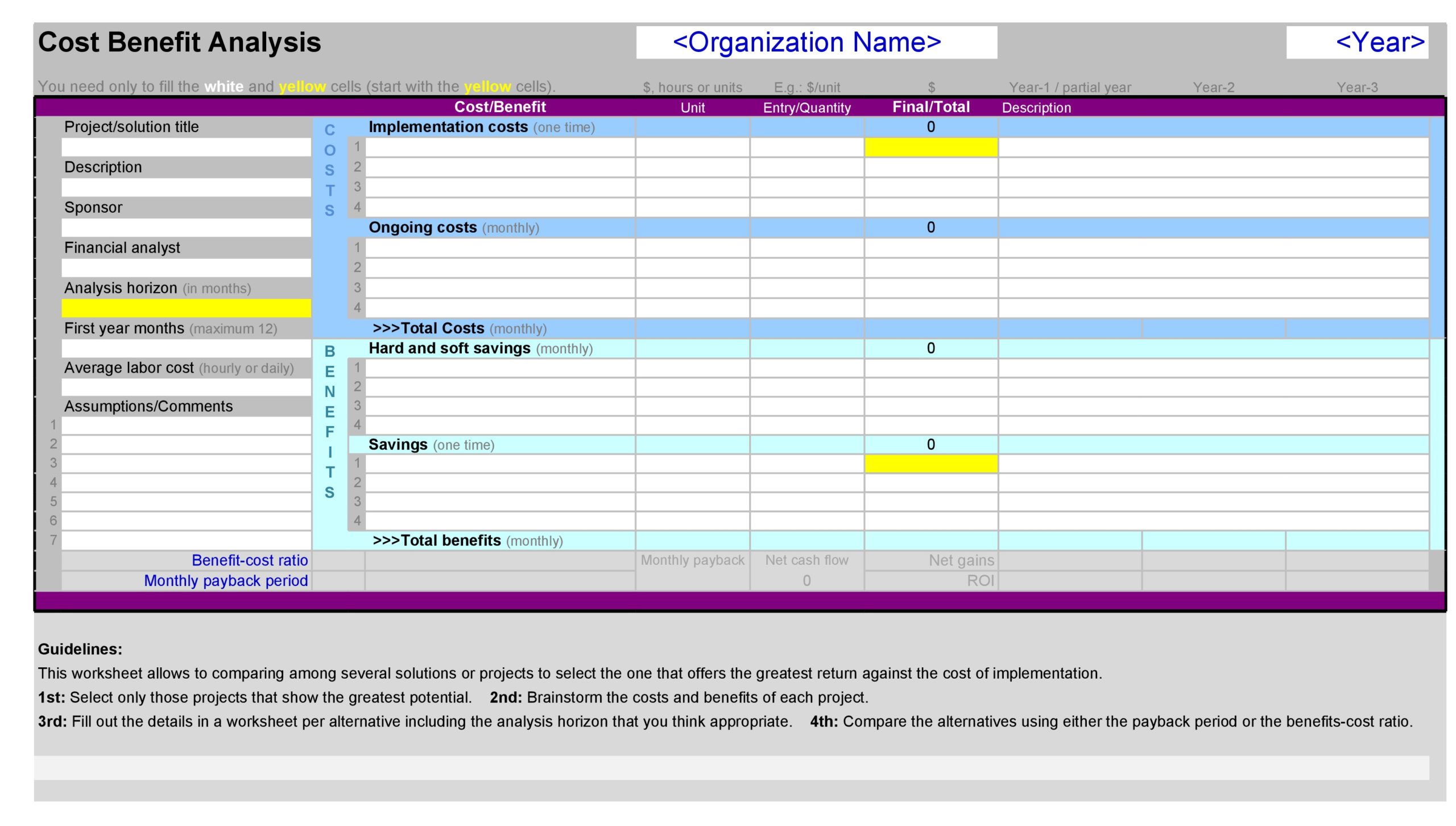
Startup Alpha launched a virtual call center to support its SaaS product. Their Call Center Cost Benefit Analysis Template focused on three pillars: Technology Adoption, Staffing Efficiency, and Customer Retention.
- Technology Adoption: They invested $15,000 in a cloud‑based CTI solution. The template assigned a projected savings of $10,000 per year from reduced maintenance and higher agent productivity.
- Staffing Efficiency: Hiring 10 part‑time agents at $20 per hour cost $32,000 annually. A subsequent analysis showed that automated IVR reduced calls by 12%, saving $4,800 in labor.
- Customer Retention: An improved first‑call resolution rate from 70% to 82% increased monthly recurring revenue by an estimated $8,500.
The net benefit calculation revealed a positive return after the first year, enabling the startup to reinvest in product development and marketing.
Real‑World Example 2: Large Enterprise Support Center

Enterprise Beta operates a 24/7 multilingual support center across three continents. Their template incorporated global cost considerations:
- Labor Distribution: Offshore agents earned 40% less than on‑shore counterparts, reducing overall labor costs by $1.2 million annually.
- Automation: Deploying a predictive chatbot handled 30% of routine inquiries, freeing agents to tackle high‑value cases and decreasing average handling time by 15%.
- Compliance & Security: A new encryption protocol cost $250,000 but mitigated potential regulatory fines and protected brand reputation.
The comprehensive analysis showed a net benefit of $3.5 million over three years, validating the investment in technology and global workforce optimization.
Common Pitfalls and How to Avoid Them
Underestimating Indirect Costs
Remember that indirect expenses—like brand damage or customer churn—are hard to quantify but critical. Use proxy metrics (e.g., churn rates) to capture these effects.
Ignoring Data Quality
Garbage in, garbage out. Ensure that the data feeding the template is clean, consistent, and updated. Regular audits prevent drift and misinterpretation.
Over‑Simplifying Complex Relationships
Call center metrics often interact. For instance, higher staffing can reduce average handling time but may increase labor costs. Build a model that captures these trade‑offs instead of assuming linear relationships.
Failing to Re‑Validate Over Time
Business environments evolve. Revisit the template quarterly to adjust for changes in call volume, new product offerings, or shifting customer expectations.
Tips for Maintaining the Template Over Time
Automate Data Pulls
Integrate the template with your CRM, workforce management system, and billing platform so that data refreshes automatically.
Version Control
Maintain a revision history. Document each change with a timestamp and rationale to track decision evolution.
Scenario Planning Workshops
Schedule annual workshops where cross‑functional teams test “what‑if” scenarios—such as a sudden surge in call volume or a regulatory change—to keep the model future‑proof.
Align with Strategic Roadmaps
Embed the template’s outputs in quarterly business reviews. This ensures that cost benefit insights influence strategic decisions and resource allocations.
Conclusion
A well‑crafted Call Center Cost Benefit Analysis Template is more than a spreadsheet; it is a living decision‑making tool that bridges finance, operations, and customer experience. By meticulously categorizing costs, quantifying benefits, and iteratively refining assumptions, businesses—from nimble startups to sprawling enterprises—can confidently steer investments that elevate service quality while safeguarding profitability. Embrace the template, keep the data fresh, and let the numbers guide your call center strategy toward sustained success.





Related posts of "Call Center Cost Benefit Analysis Template"
