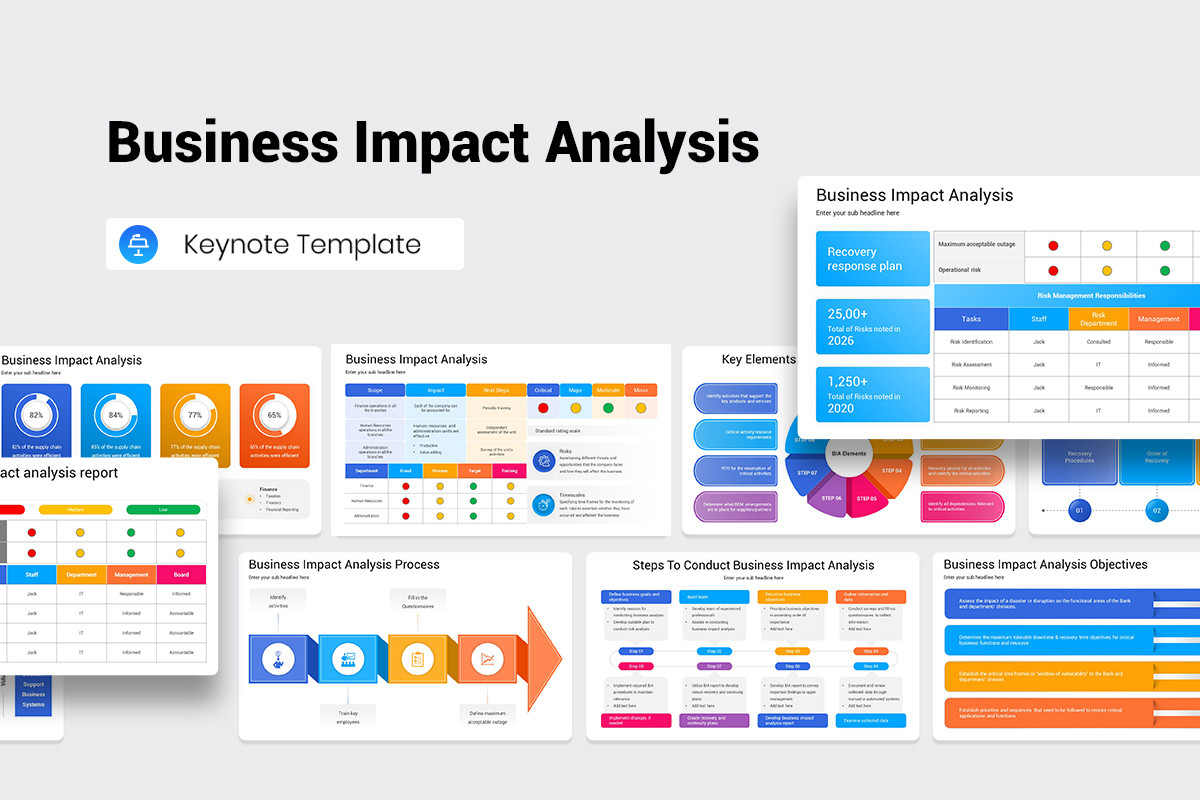
Business Impact Analysis Plan Template is the backbone of every resilient organization, turning risk data into actionable strategies that keep critical operations humming even when the unexpected strikes. By mastering this template, you’ll be able to uncover hidden vulnerabilities, set realistic recovery targets, and ultimately safeguard your business’s bottom line.
Understanding Business Impact Analysis
Business Impact Analysis, or BIA, is more than a compliance exercise—it’s a strategic diagnostic that evaluates how disruptions affect revenue, reputation, and regulatory standing. The template serves as a structured worksheet that guides you through identifying key processes, quantifying impacts, and prioritizing recovery efforts.
In essence, BIA answers three core questions: What happens if a process stops? How long can we afford to lose it? What resources are required to restore it? By embedding these questions into a standardized template, organizations avoid ad‑hoc assessments and ensure consistency across departments.
The Core Components of a BIA Plan Template
Purpose
The template’s first section clarifies its mission: to provide a repeatable, auditable framework that aligns risk tolerance with operational realities. A well‑defined purpose sets the tone for the entire assessment and signals to stakeholders that the BIA is a strategic tool, not just a regulatory checkbox.
Scope
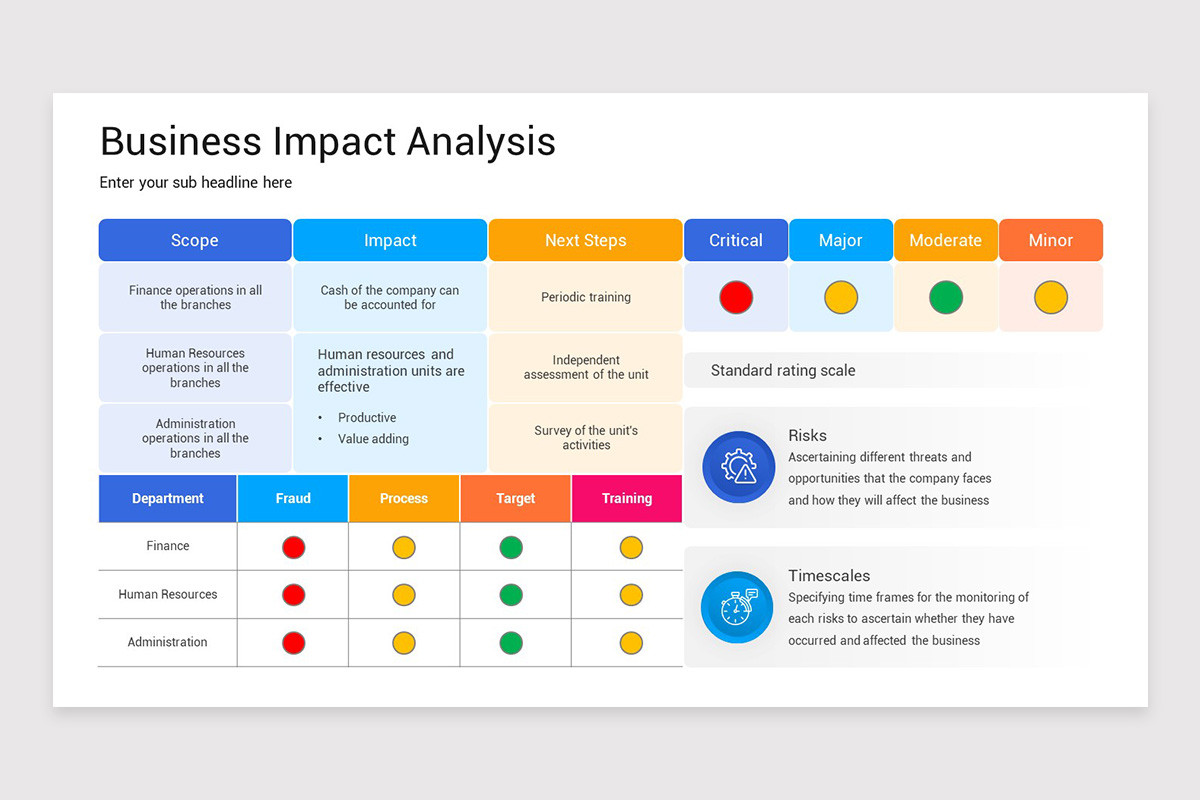
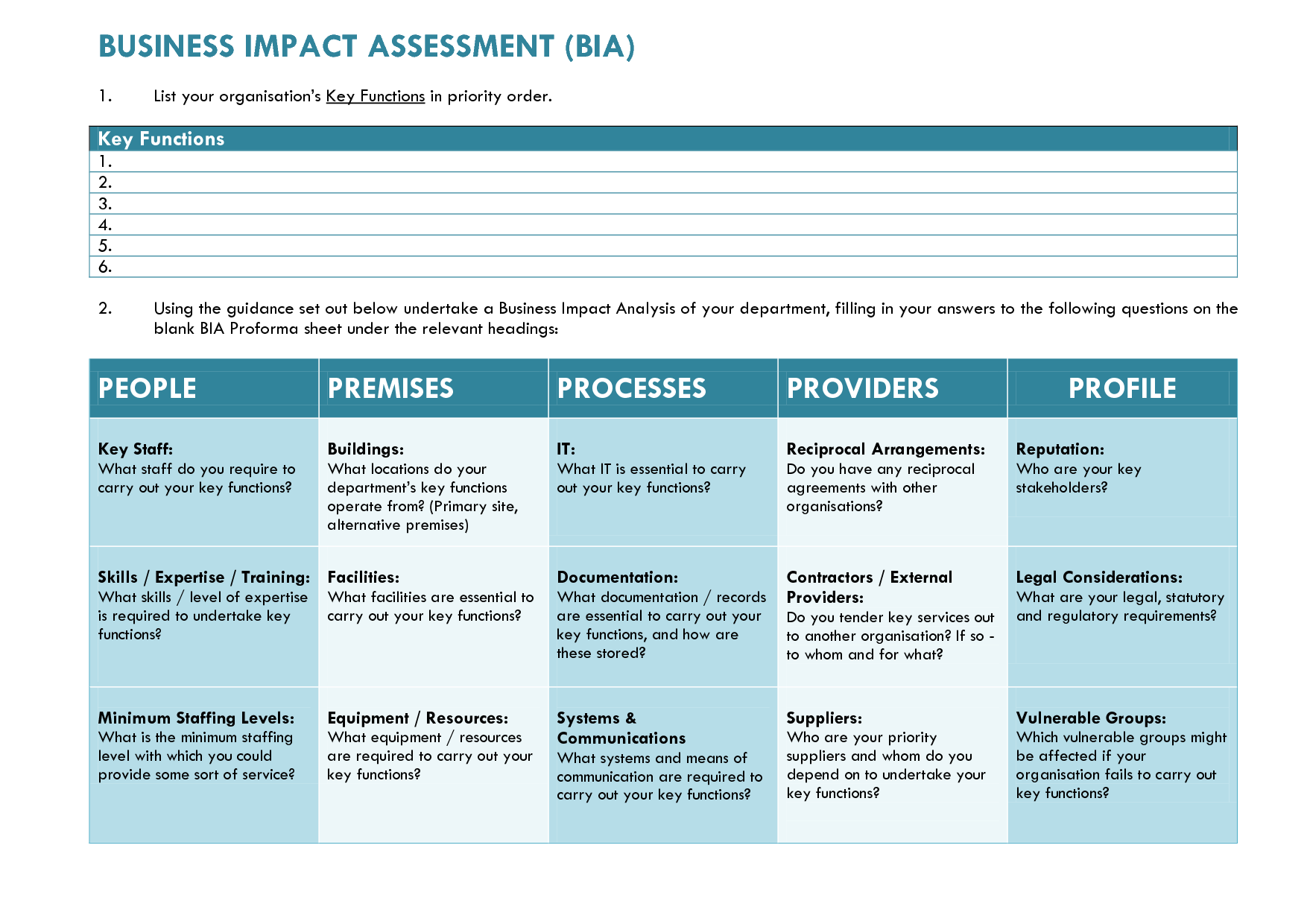
Defining scope is critical. The template includes a worksheet where you list all business units, functions, and systems that fall under the BIA. You’ll also capture the geographic coverage—whether the assessment applies to a single office or an entire multinational network—ensuring that no critical area slips through the cracks.
Methodology
Methodology outlines the systematic approach you’ll take: data collection, stakeholder interviews, process mapping, and impact scoring. The template embeds templates for interview guides and impact scoring matrices, allowing you to maintain consistency while tailoring details to your organization’s unique context.
Data Collection
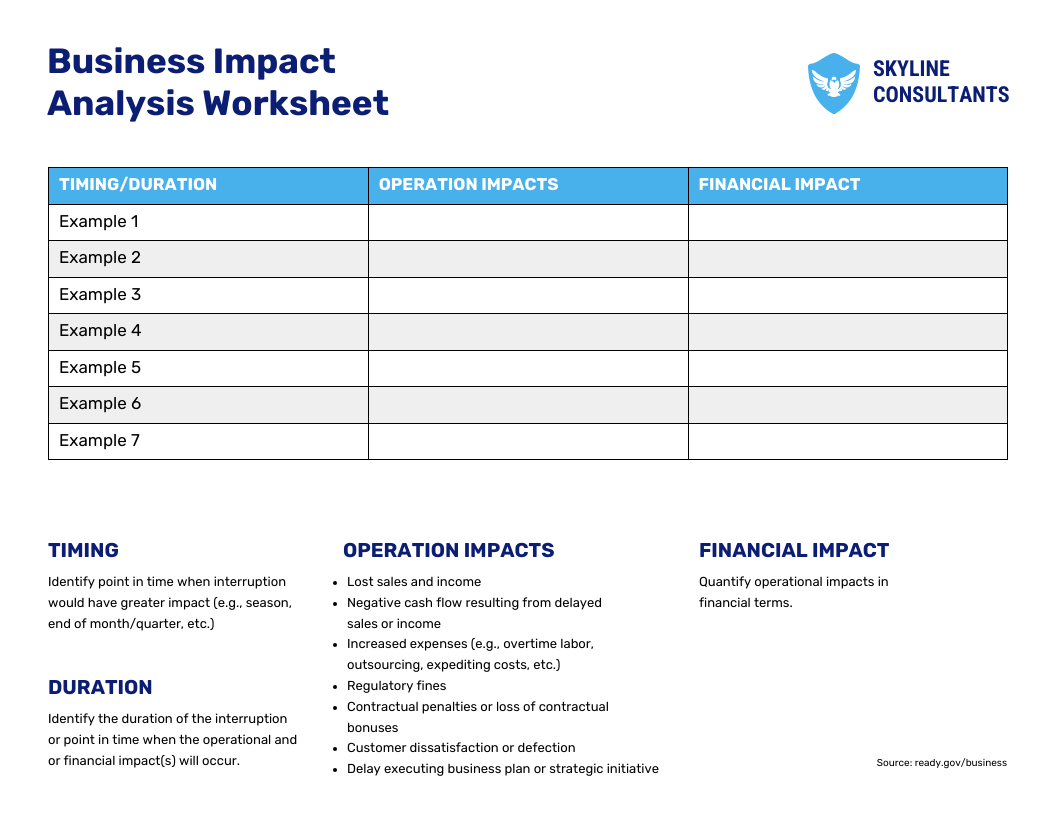
Data is the lifeblood of BIA. The template offers a checklist of required information—process owners, critical inputs, dependency maps, historical incident data, and financial loss estimates. By providing clear prompts, it reduces the chance of oversight and speeds up the collection phase.
Impact Assessment
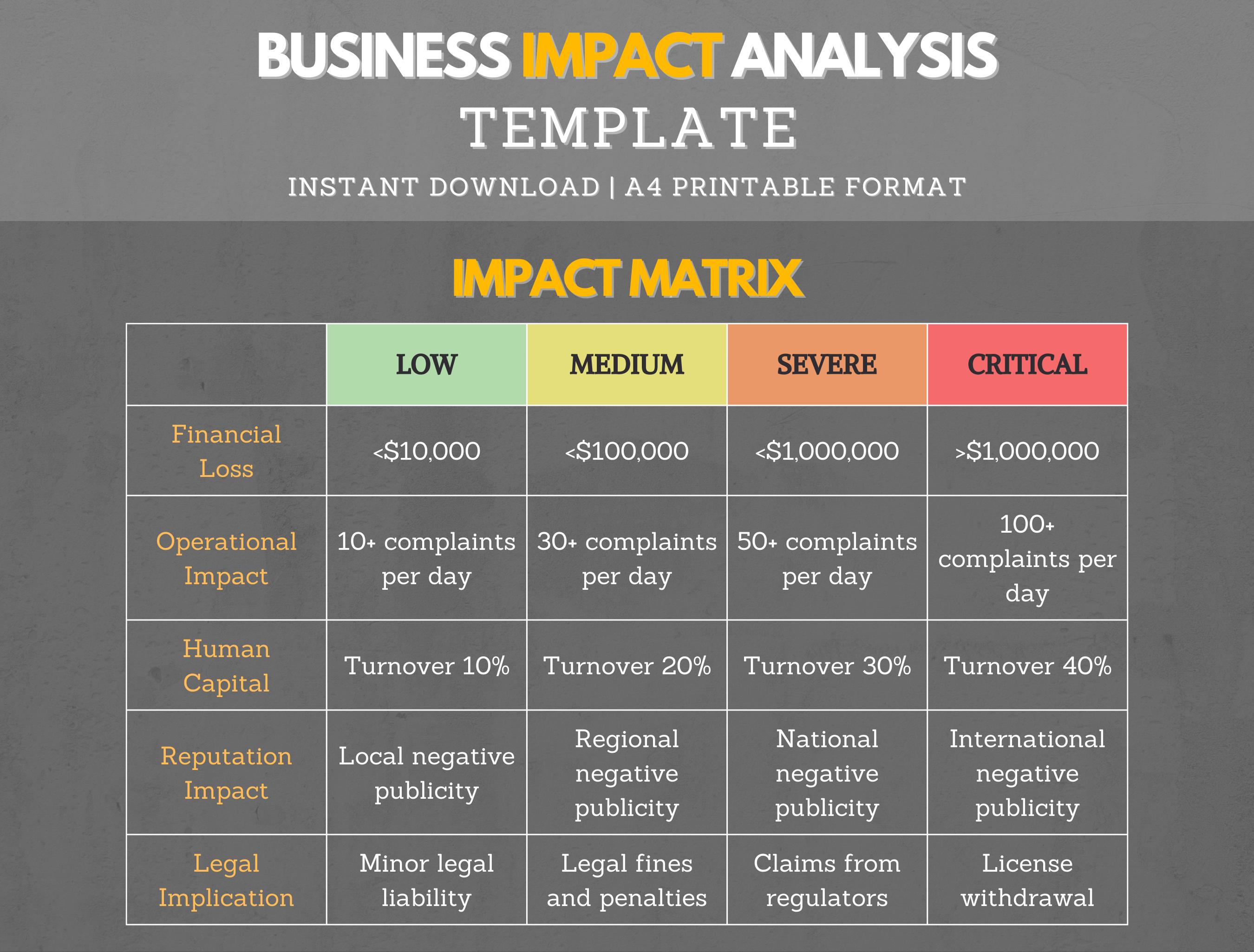
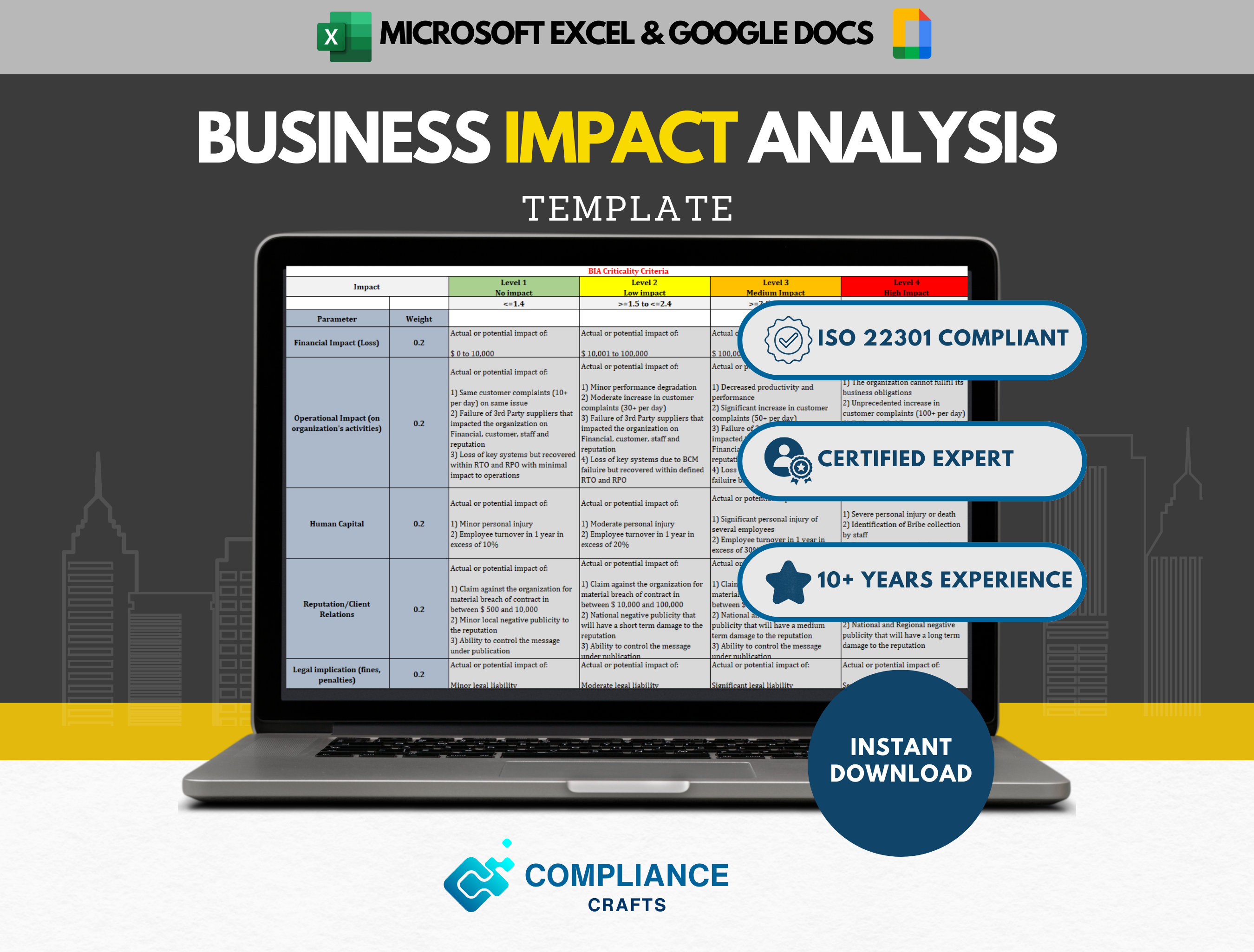
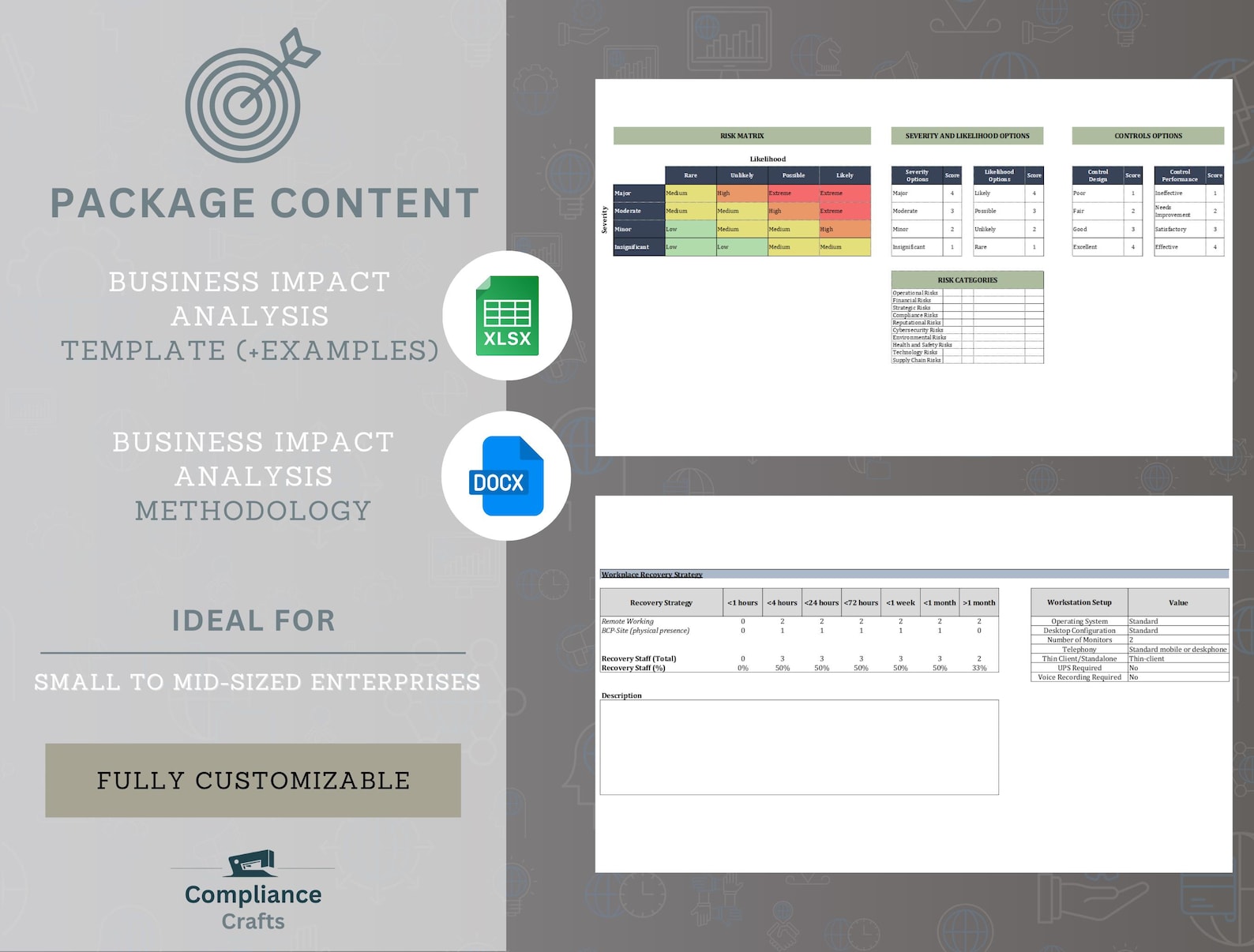
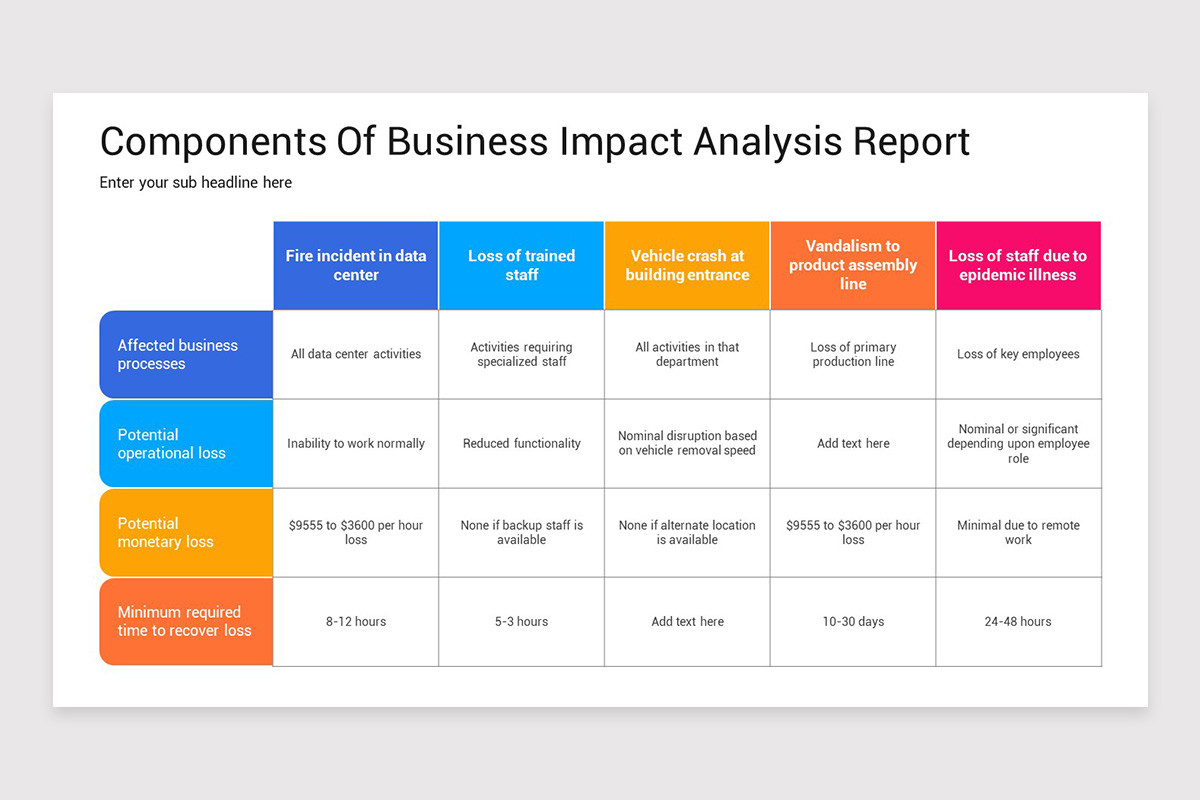
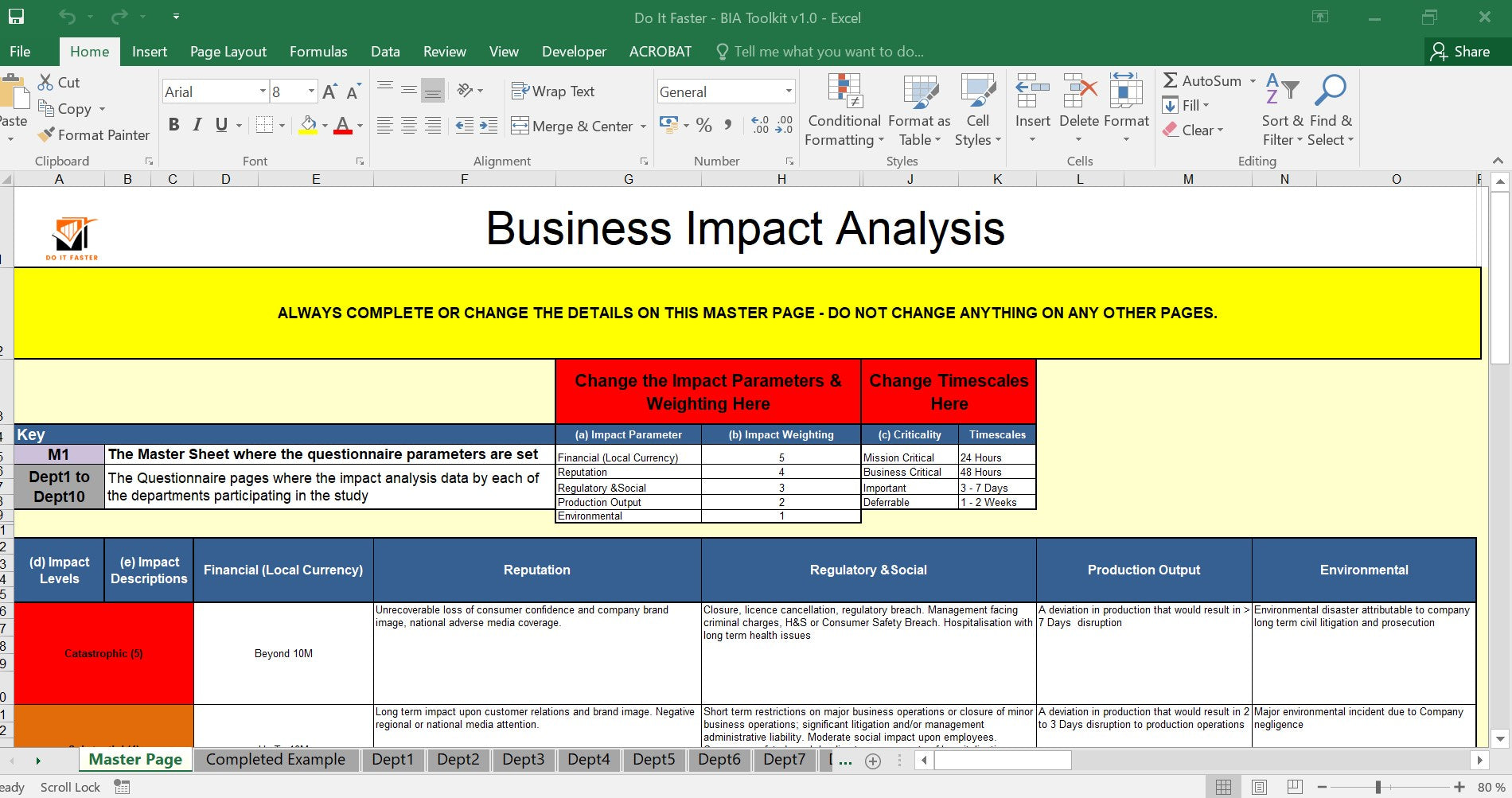
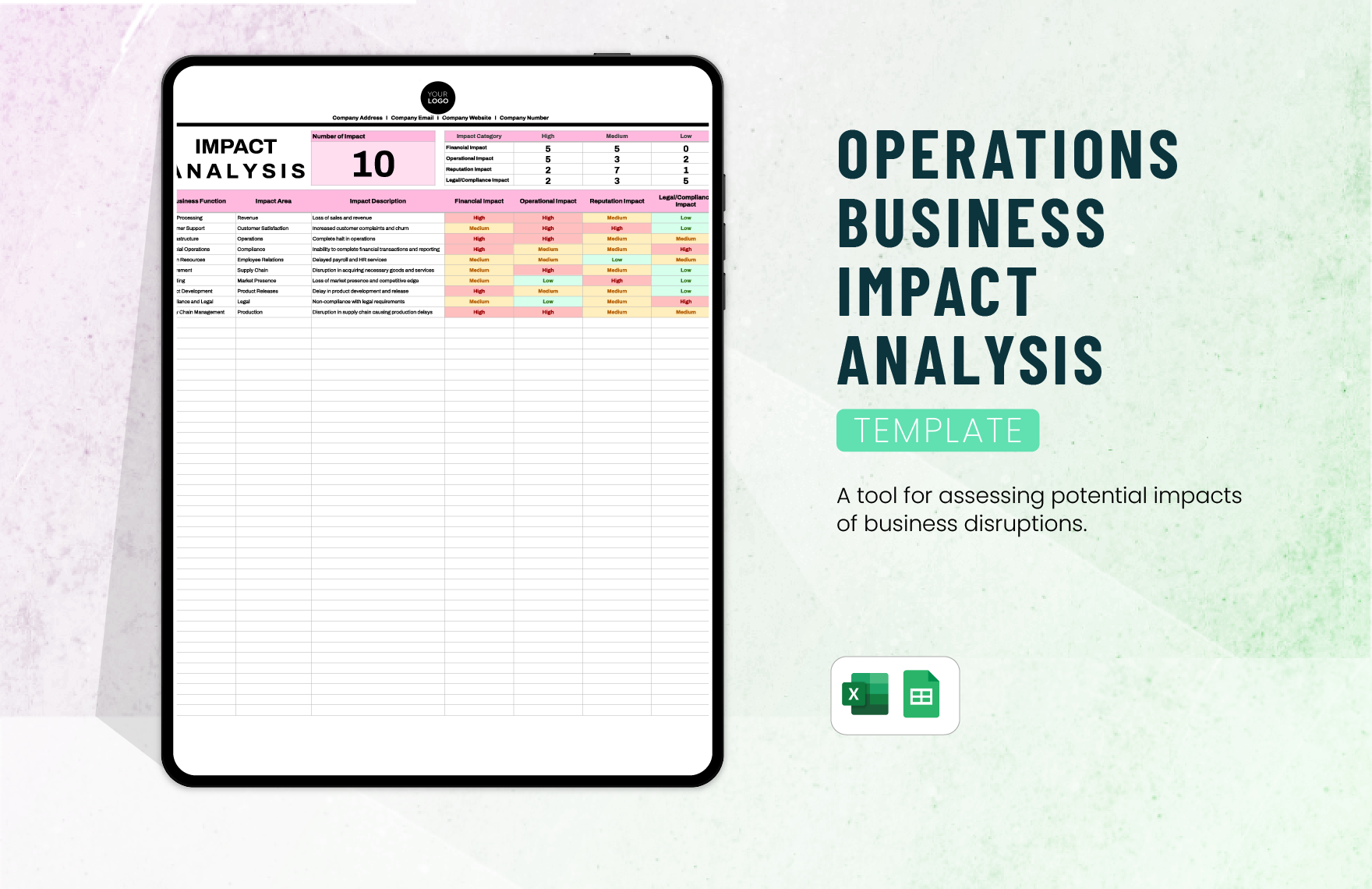
Once data is collected, the template directs you through quantitative and qualitative impact analysis. Use the impact scoring matrix to rate each process on financial loss, operational downtime, regulatory penalties, and reputational damage. The aggregate score helps rank processes by priority.
Recovery Strategies
With priorities established, the template guides you to define Recovery Time Objectives (RTO) and Recovery Point Objectives (RPO). It also suggests mitigation strategies—redundancy, cloud failover, alternate suppliers, or manual workarounds—and estimates associated costs and resource requirements.
Step‑by‑Step Guide to Using the Template

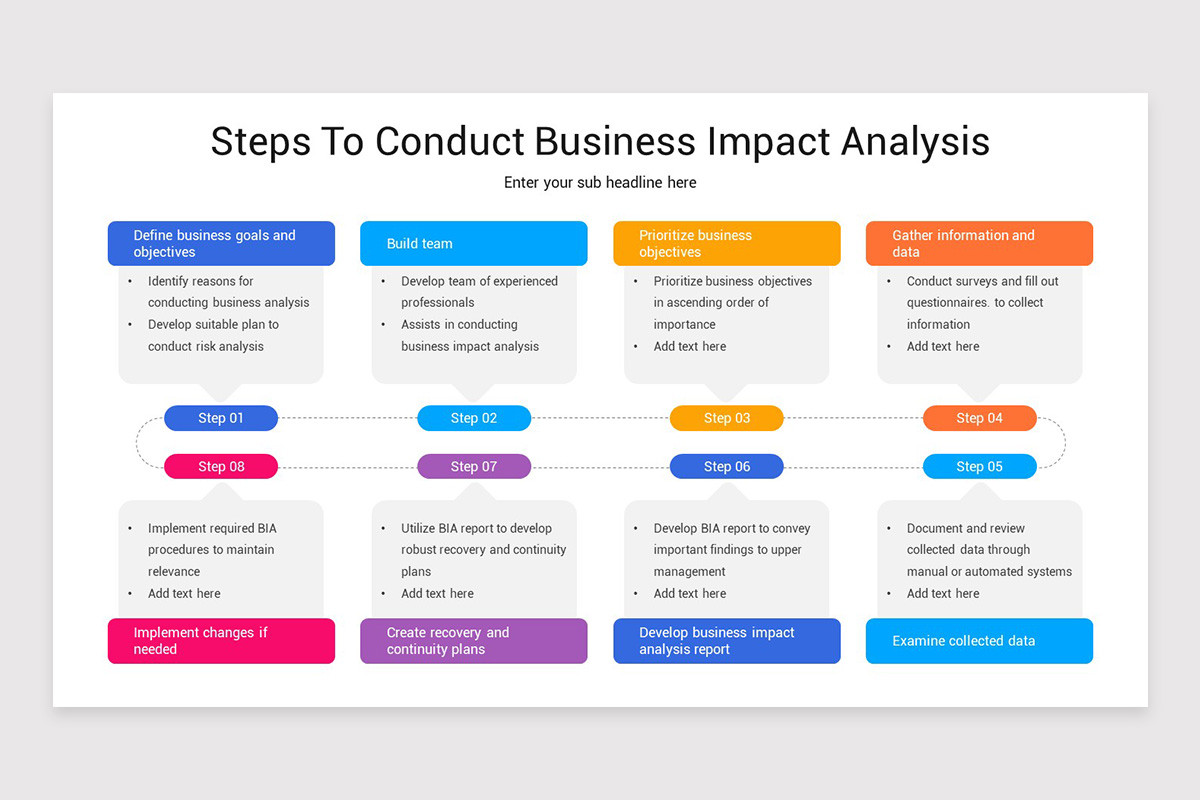
Step 1: Define Objectives
Begin by articulating the business goals of the BIA. Are you aiming to meet regulatory requirements, protect customer trust, or ensure financial continuity? Documenting objectives clarifies decision‑making and keeps the analysis focused.
Step 2: Identify Critical Processes
Use the process inventory worksheet in the template to list all functions. Invite process owners to validate and provide details such as cycle time, cost, and dependencies. Cross‑reference with the scope to ensure completeness.
Step 3: Gather Data
Deploy the data collection checklist to gather information on each process: input sources, output deliverables, staffing levels, and technology stack. Record any historical downtime incidents and associated losses. Keep data organized in the template’s dedicated tabs or sections.
Step 4: Analyze Impact
Apply the impact scoring matrix to each process. Assign a score from 1 to 5 for categories like financial loss, customer impact, and compliance risk. Multiply each score by a weight reflecting the organization’s risk appetite to derive a composite impact score.
Step 5: Determine Recovery Time Objectives
For high‑impact processes, calculate the maximum acceptable downtime. Use the RTO worksheet to document target restoration times, considering both business needs and technical feasibility. Validate RTOs with stakeholders to ensure realism.
Step 6: Establish Recovery Point Objectives
Identify the acceptable data loss window for each process. The RPO worksheet captures the last backup timestamp and any real‑time data replication capabilities. Align RPOs with RTOs to maintain coherence.
Step 7: Develop Mitigation Strategies
Based on the risk scores and RTO/RPO thresholds, brainstorm mitigation options. The template offers a strategy matrix where you can evaluate alternatives—redundant hardware, cloud migration, cross‑training staff—against cost, implementation effort, and effectiveness. Prioritize solutions that provide the best return on investment.
Real‑World Example: Small Retailer
Imagine a boutique retailer with an online storefront and a physical location. The BIA template helps the owner identify that inventory management is the highest‑impact process. Using the impact matrix, the owner scores a 4 on financial loss, 5 on customer satisfaction, and 3 on regulatory compliance. The resulting composite score dictates a 2‑hour RTO. Mitigation strategies include a cloud‑based inventory system with real‑time sync and a secondary warehouse for backup stock. By documenting these steps in the template, the retailer ensures a quick, coordinated response when the primary warehouse’s power goes out.
Real‑World Example: Healthcare Provider
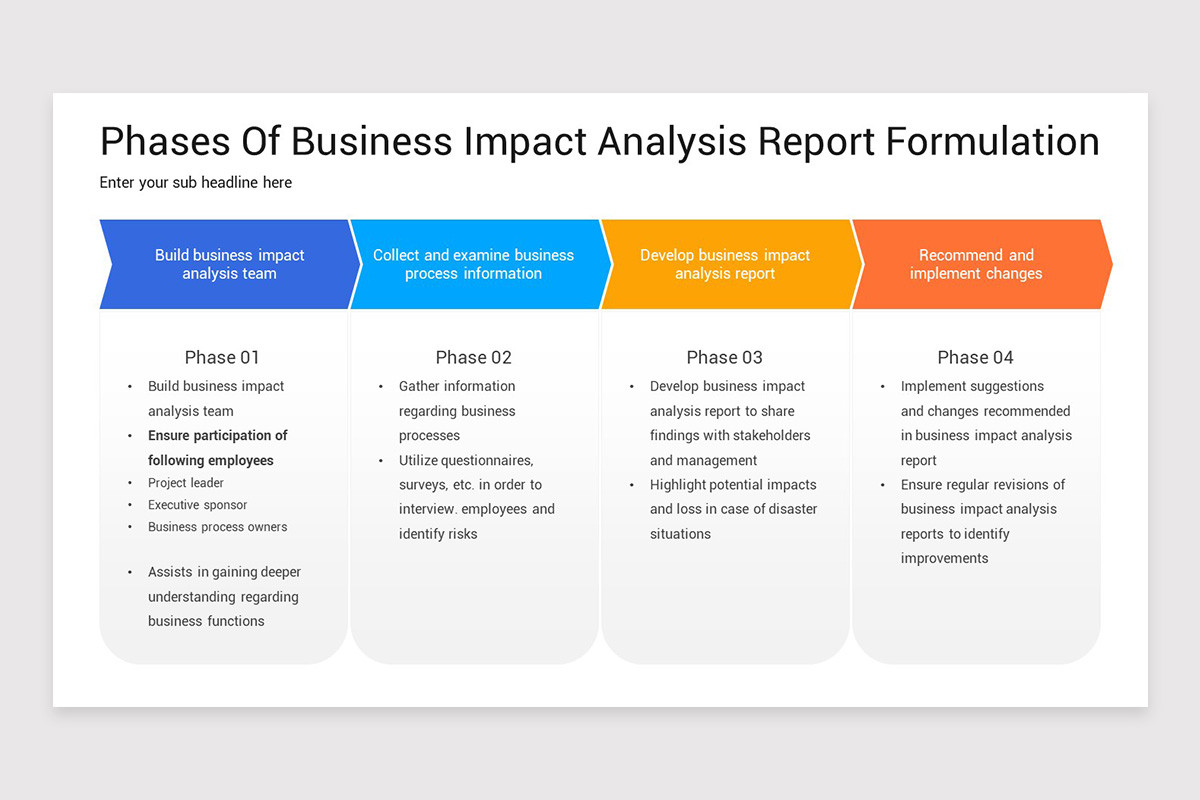
A regional hospital faces stringent regulatory requirements and mission‑critical patient care. The BIA template captures the Emergency Department’s processes, assigning high scores in all categories. The RTO is set at 30 minutes, and the RPO is zero data loss due to patient records. The template guides the hospital to implement redundant electronic health record (EHR) servers, backup power supplies, and cross‑train clinical staff for emergency shifts. By using the template, the hospital demonstrates compliance to accrediting bodies while protecting patient safety.
Common Pitfalls and How to Avoid Them

Incomplete Scope Definition
Overlooking a department can leave a blind spot. Use the scope worksheet to cross‑check coverage with executive sponsors and departmental heads before finalizing.
Subjective Impact Scoring
Bias can skew priorities. The template’s weighted scoring system forces objective input by assigning numerical values and weights derived from risk appetite sessions.
Ignoring Post‑Implementation Review
Once mitigation strategies are in place, the template’s review section reminds you to schedule quarterly reassessments, ensuring the BIA remains current with business changes.
Customizing the Template for Different Industries
While the core framework stays the same, the template’s flexible worksheets allow tailoring. Financial services might emphasize regulatory penalties; manufacturing may focus on supply chain disruptions. Adjust weighting factors, add industry‑specific impact categories, and include sector‑relevant compliance checklists to keep the BIA relevant.
Integrating the BIA with Business Continuity Planning
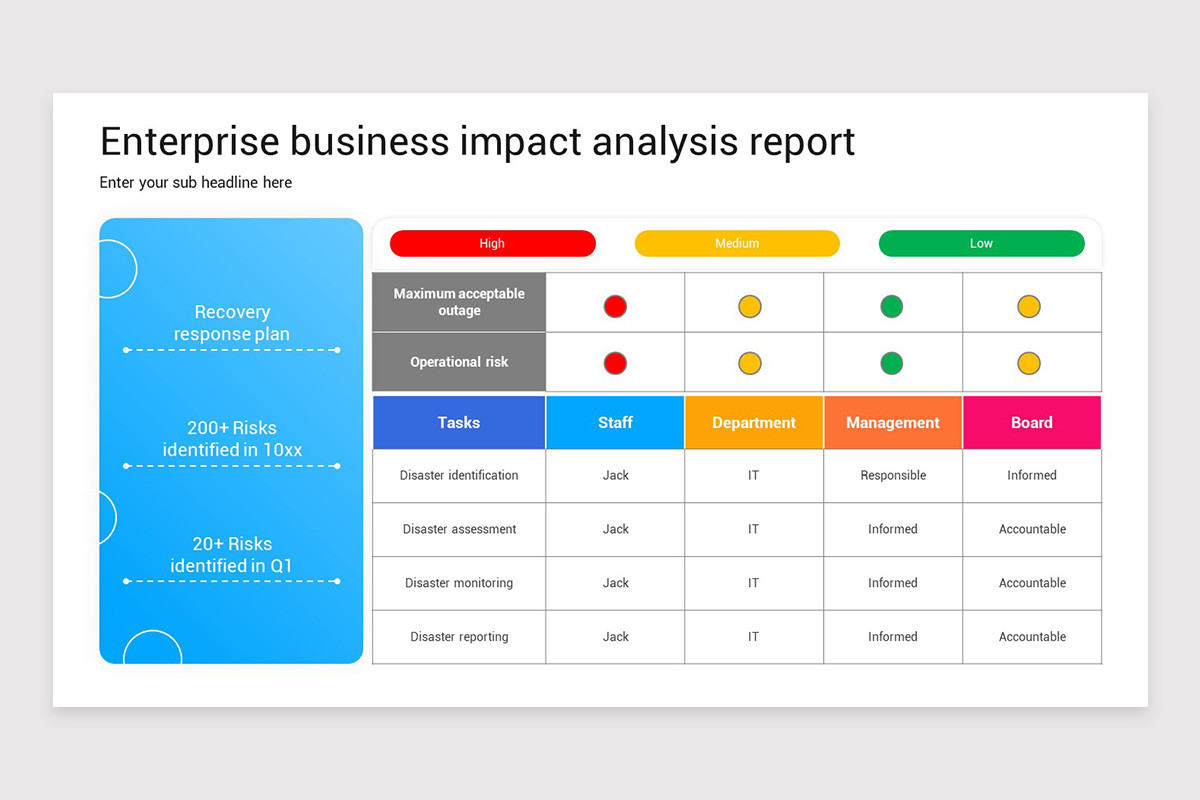
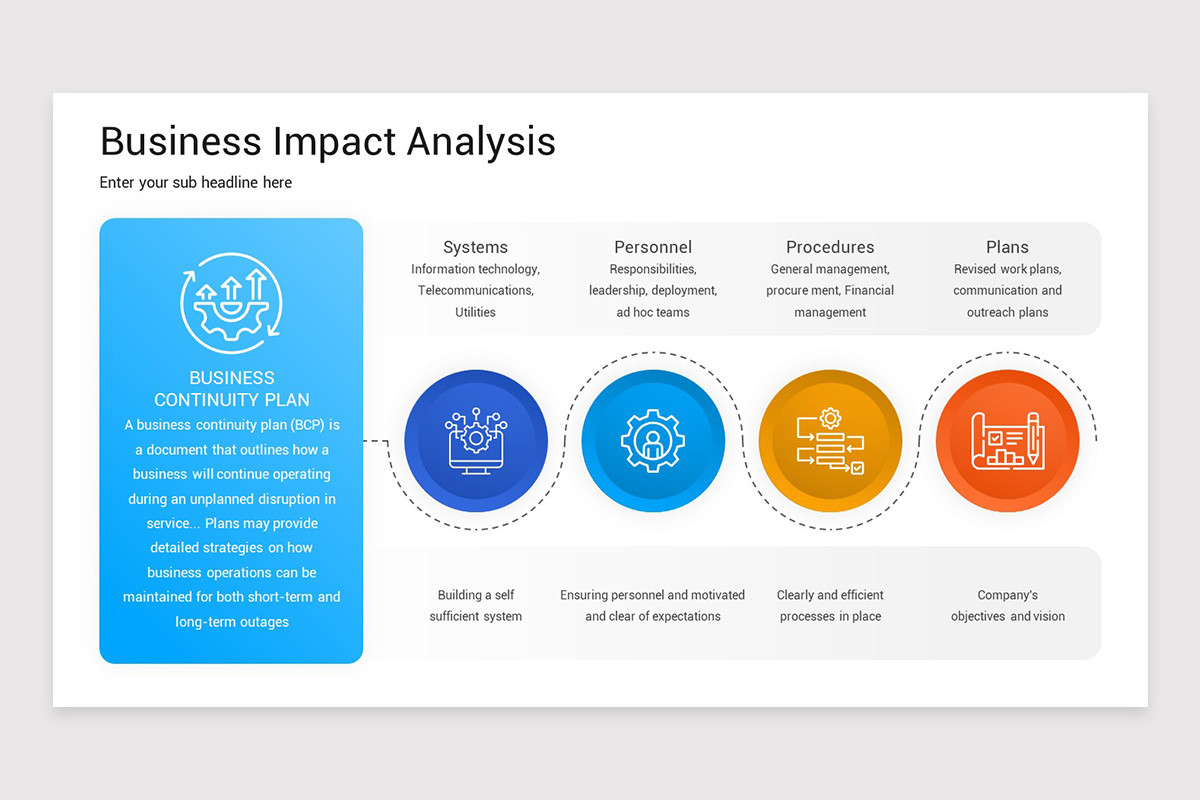
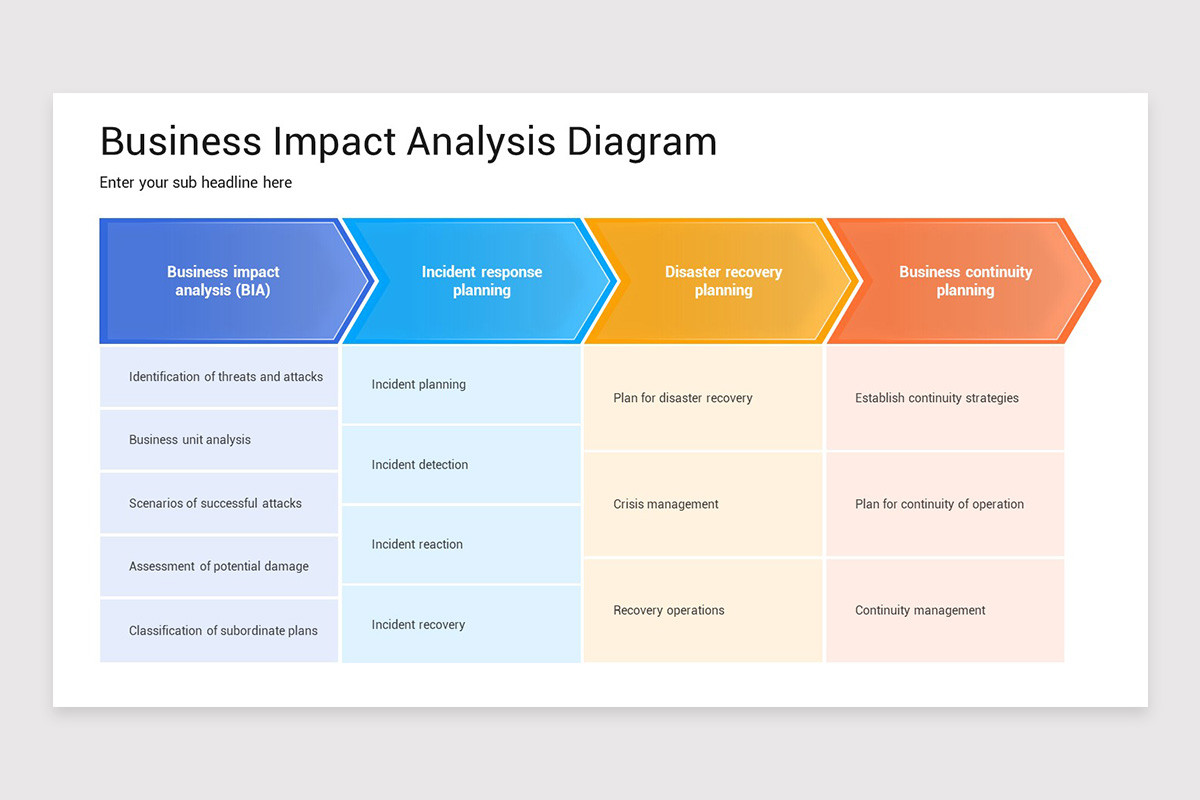
Business Continuity Planning (BCP) relies on the insights from BIA. The template includes a BCP alignment worksheet where you map high‑impact processes to continuity strategies—such as alternate site operations, cloud failover, or manual processes. By embedding BCP links, the template ensures that recovery plans are grounded in data and aligned with organizational objectives.
Tools and Software That Enhance Your Template
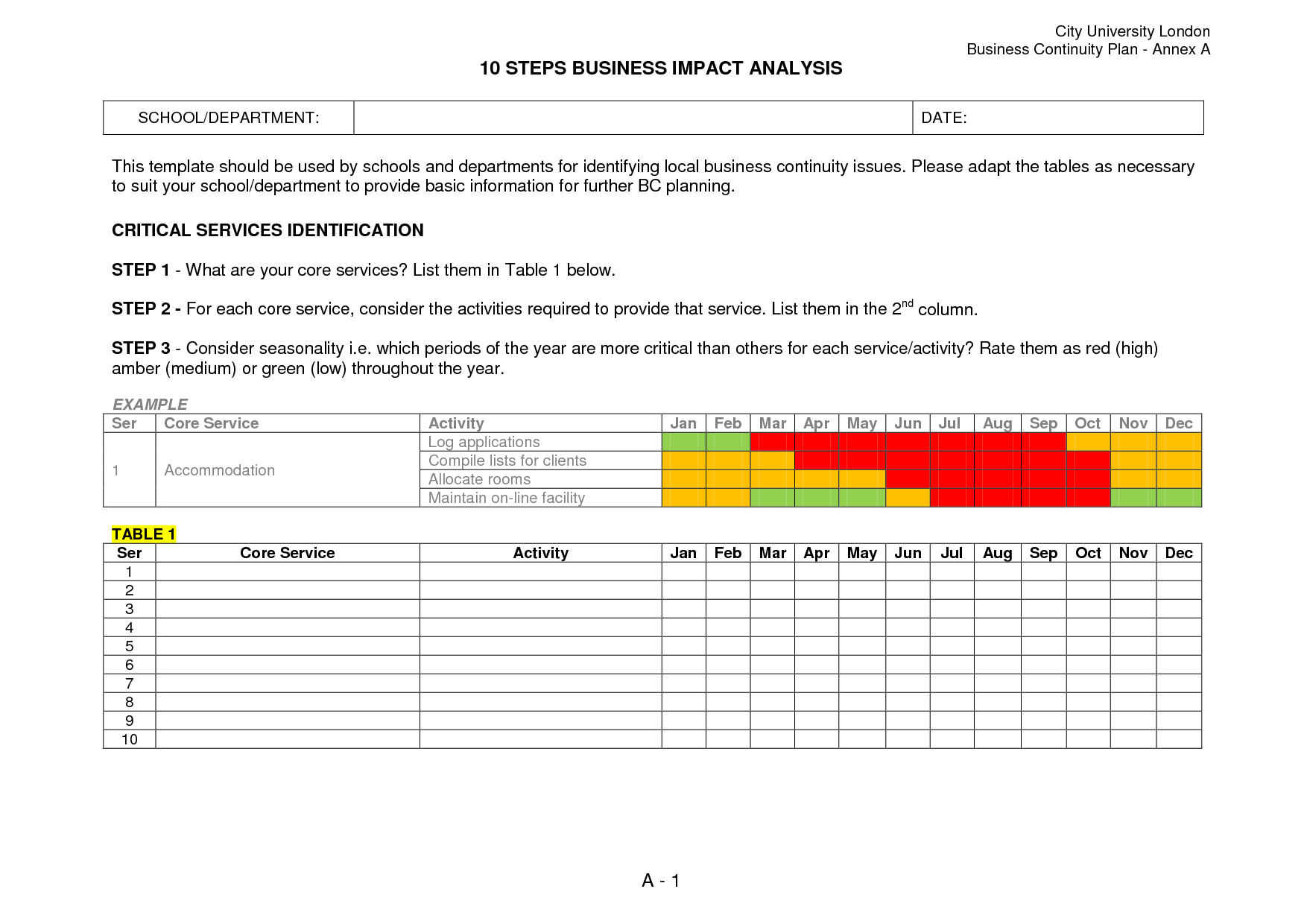
Many organizations supplement the template with digital solutions: spreadsheet add‑ons for automated scoring, project management tools for tracking mitigation tasks, and collaboration platforms for stakeholder input. Integration with risk management suites can also streamline data collection and reporting. The template’s structure supports these tools by providing clear data fields and standardized formats.
Final Thoughts
Adopting a Business Impact Analysis Plan Template transforms a chaotic, reactive mindset into a proactive, data‑driven strategy. By following a structured approach—from defining scope and gathering data to scoring impacts and selecting mitigation—you gain clarity on what matters most and how to protect it. Real‑world examples show that whether you run a boutique retailer or a hospital, the template scales to meet your needs. Avoid common pitfalls, customize for your industry, and weave the BIA seamlessly into your Business Continuity Planning. Armed with this disciplined framework, you’re not just preparing for disruptions—you’re building a resilient future that keeps your organization thriving no matter what.

Related posts of "Business Impact Analysis Plan Template"
