
Brochure Template Indesign Free Download is a gateway for marketers, designers, and small businesses looking to create professional, print-ready brochures without the cost of custom design. In today’s competitive market, a polished brochure can be the difference between catching a prospect’s eye and being overlooked. By leveraging high‑quality, free templates, you save time, reduce expenses, and maintain brand consistency—all while ensuring your layout is ready for the most powerful layout tool, Adobe InDesign.
Why a Free Brochure Template Is Worth the Investment of Your Time

Before diving into the steps of downloading and customizing a template, consider why you might choose a free resource over a paid one. Free brochure templates typically come with:
- Ready‑made master pages that allow you to focus on content rather than structural design.
- Pre‑defined typography and color palettes that align with common branding guidelines.
- High resolution, print‑ready assets such as placeholder images and vector graphics.
- Compatibility with InDesign’s latest versions, ensuring smooth workflow and minimal troubleshooting.
These features collectively reduce the learning curve for beginners and free up designers to add unique branding elements. Moreover, the cost savings become significant when you consider the time spent on iterative drafts, revisions, and potential printer fees for trial runs.
Choosing the Right Template for Your Business
Identify Your Brochure Type and Purpose
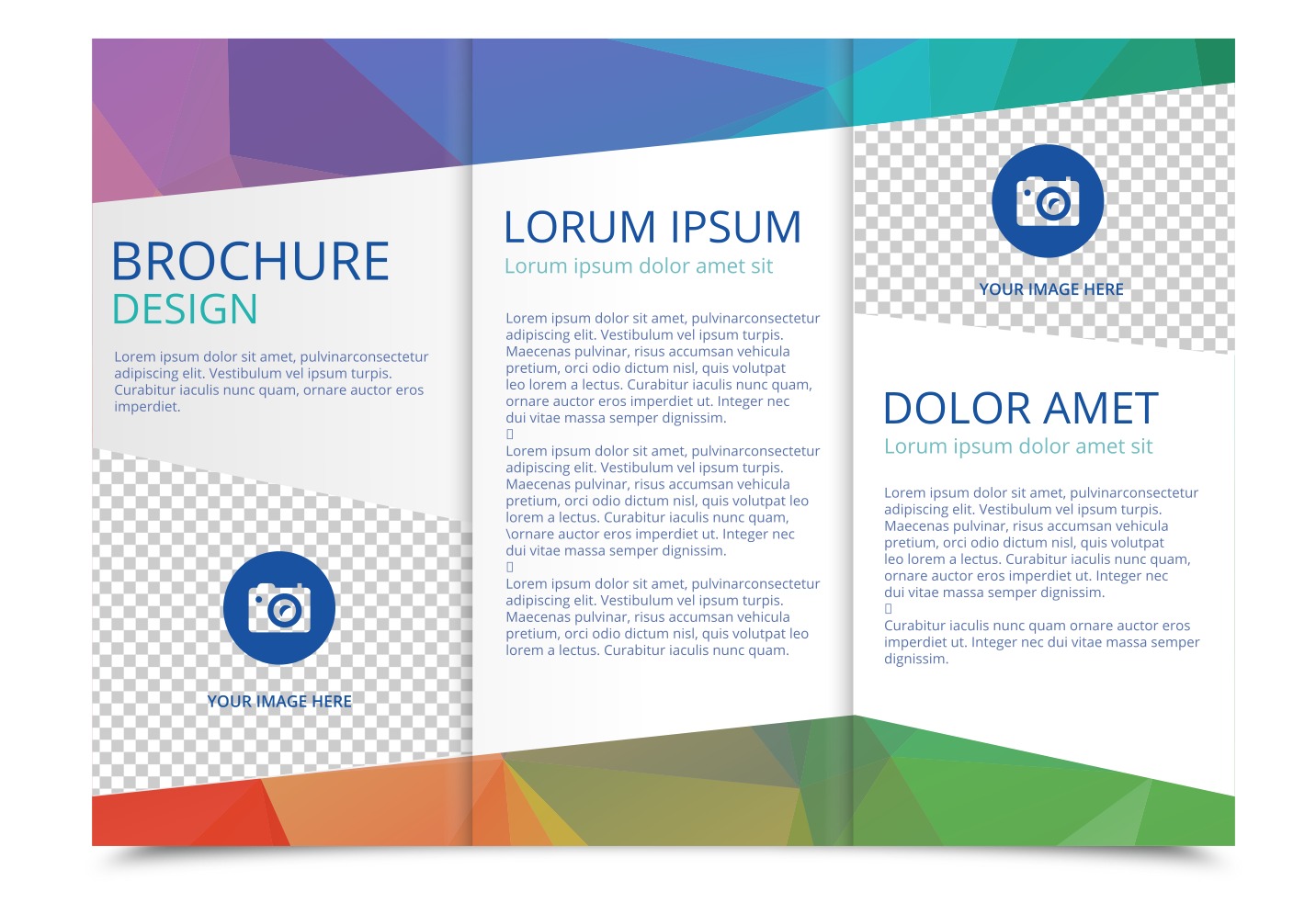
Brochures come in a variety of folds and sizes—tri‑fold, bi‑fold, z‑fold, and even accordion styles. Each fold dictates how information is presented:
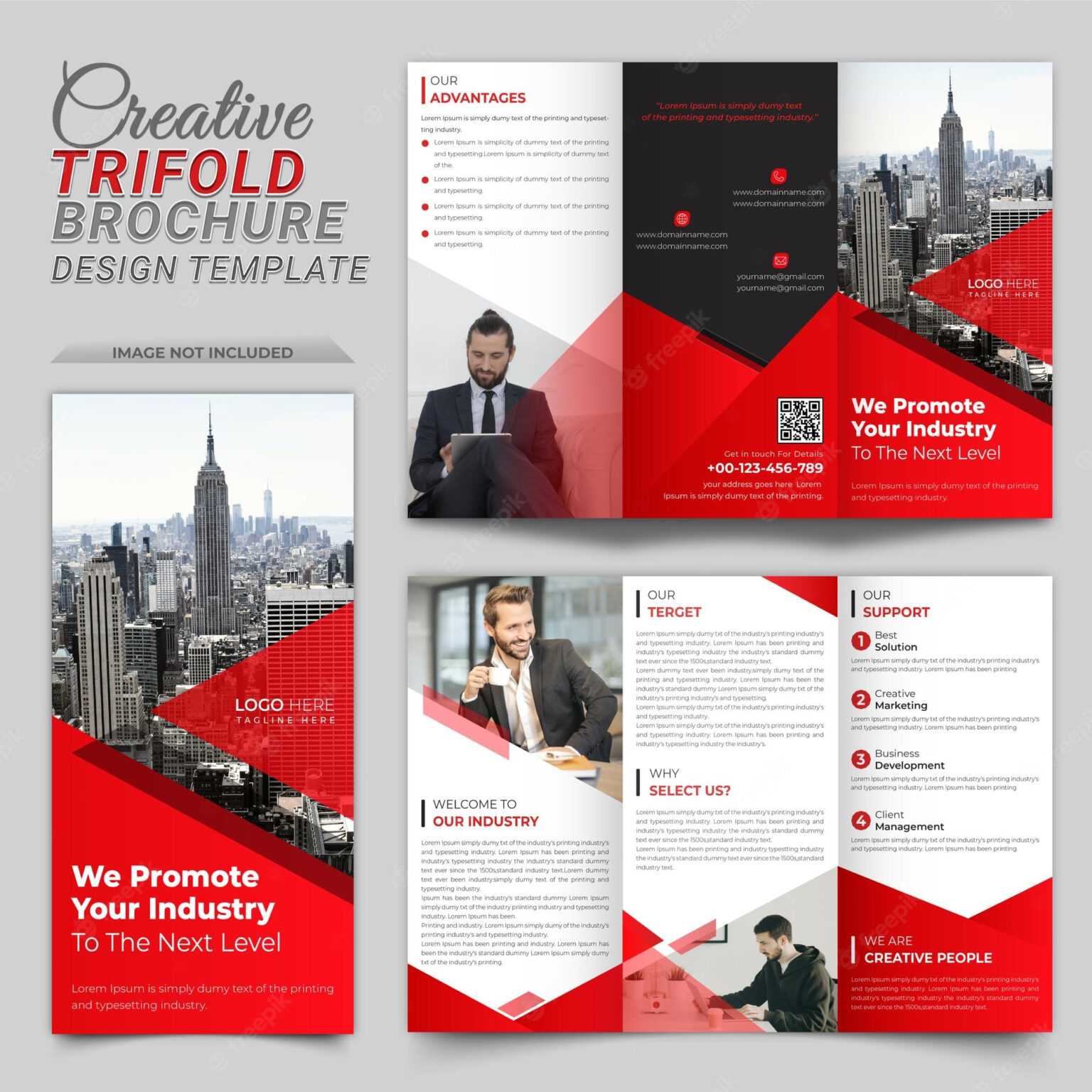
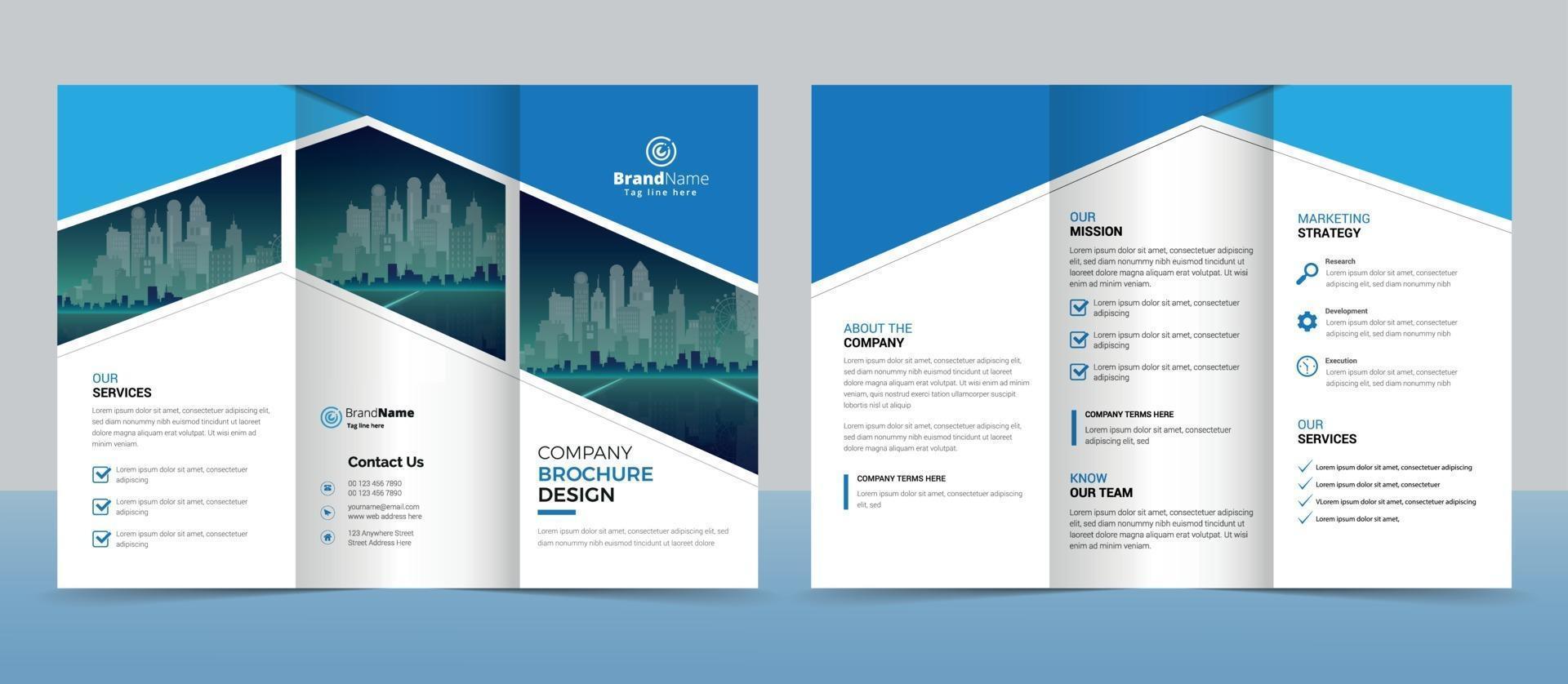
- Tri‑fold: Ideal for concise product overviews, event programs, or company introductions.
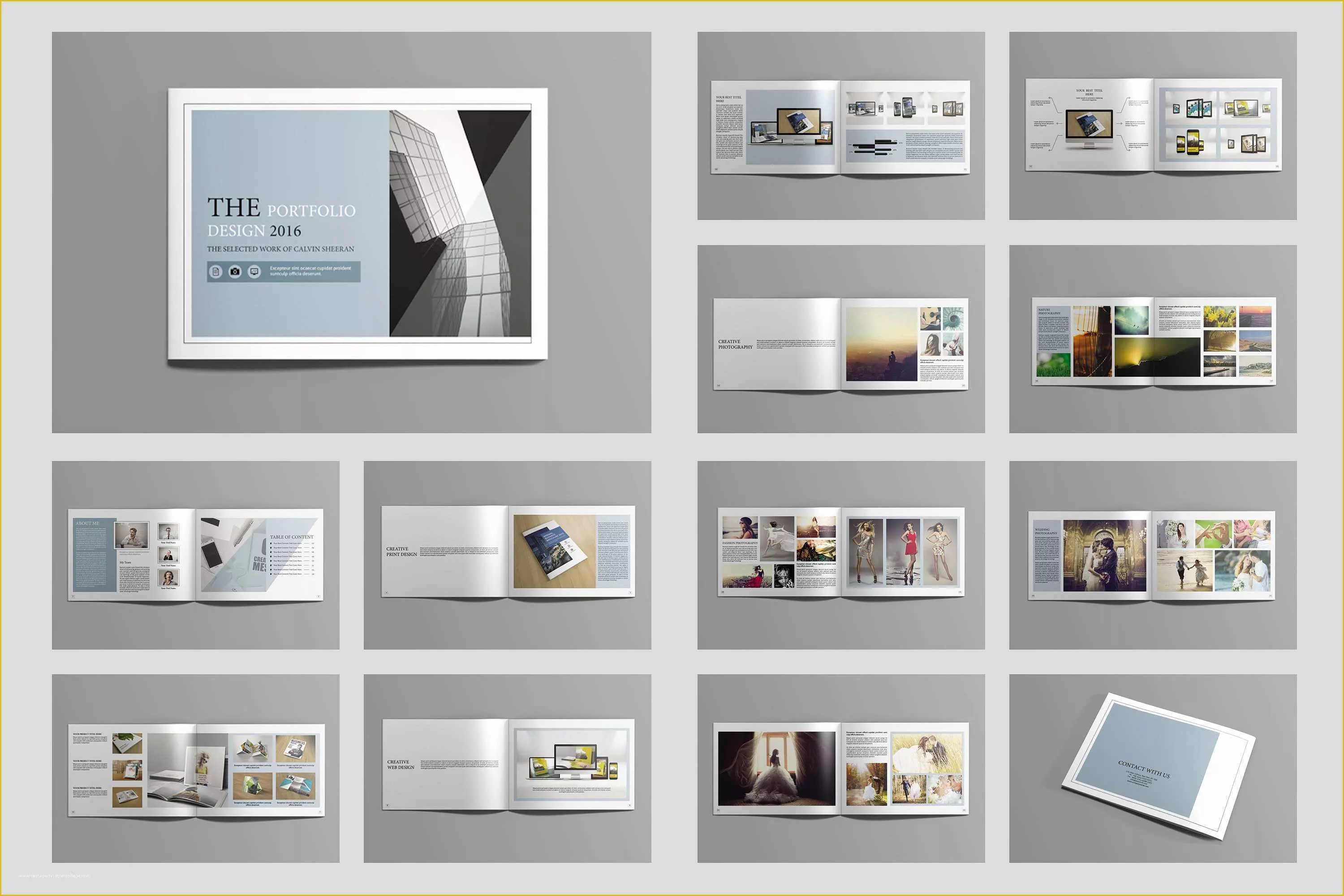
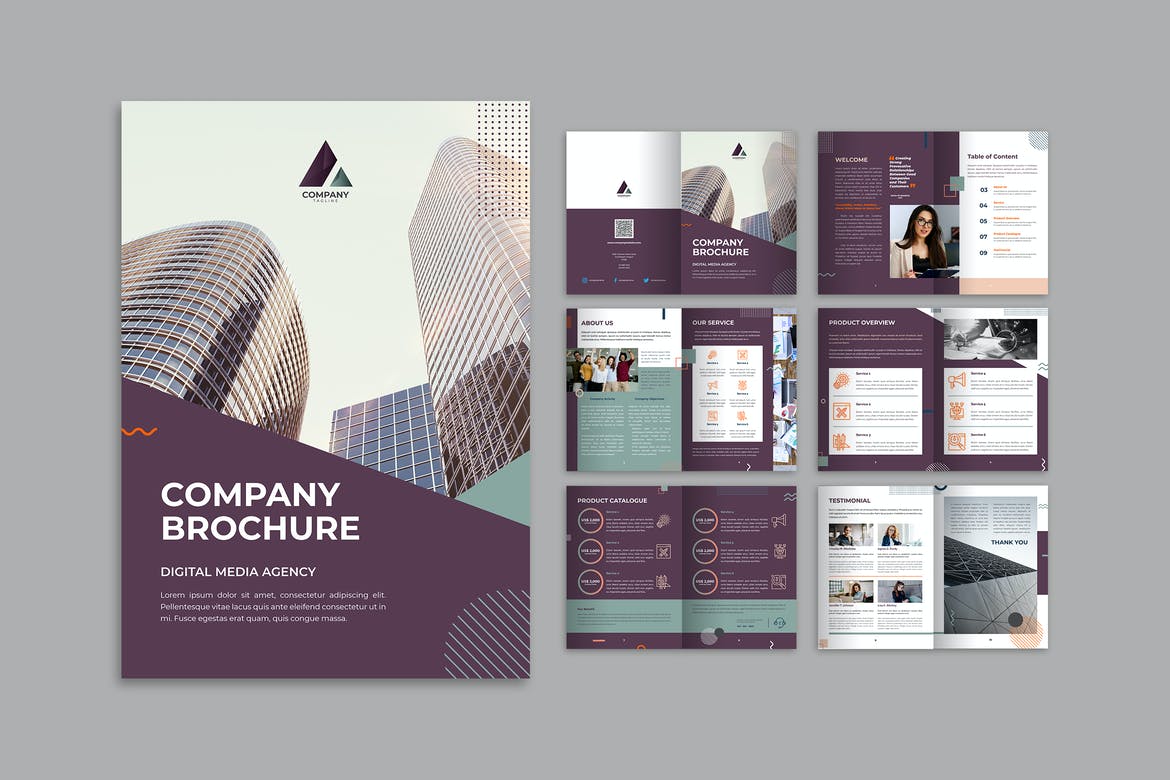
- Bi‑fold: Gives more room for detailed content, great for service portfolios or case studies.
- Z‑fold: Allows a linear narrative flow, perfect for storytelling or step‑by‑step instructions.
- Accordion: Offers extended space while keeping a compact design.
Ask yourself what the brochure’s primary goal is—whether it’s to inform, persuade, or entertain. This decision will shape the layout, hierarchy, and visual emphasis.
Assess Template Design Quality and Flexibility
A template’s visual appeal is crucial, but equally important is its adaptability. Look for:
- Master page layers that separate background elements from text, allowing effortless edits.
- Grids that maintain consistent alignment, reducing manual adjustments.
- Inclusion of placeholder objects with editable text frames, ensuring you can insert custom copy without breaking the layout.
- Clear naming conventions for layers and styles, which speeds up navigation in the layers panel.
Read User Feedback and Check Compatibility Notes
Many free template providers gather user reviews that can reveal hidden pitfalls—such as missing fonts or broken hyperlinks. Always verify that the template supports the version of InDesign you are using; otherwise, you risk file corruption or layout glitches.
Downloading and Setting Up the Template

Step 1: Secure the Template File
After selecting a trustworthy source, download the .indd file or a ZIP archive containing the InDesign document, supporting graphics, and style sheets. Save the ZIP to a dedicated folder and extract it immediately to keep all elements together.
Step 2: Open the File in Adobe InDesign
Launch InDesign and open the template file. If it is a master page‑based template, you should see a list of pages and a master page with defined layouts.
Step 3: Verify Fonts and Color Swatches
Go to the Type menu and confirm that all font families are available. If not, download or install the required fonts. For color swatches, ensure the brand’s Pantone or CMYK values are present in the swatches panel.
Step 4: Replace Placeholder Text and Images
Click on each text frame marked as “Placeholder” and replace it with your copy. Keep the text length within the recommended character count to avoid overflow. For images, use the File > Place command to insert high‑resolution graphics, ensuring they maintain the same aspect ratio as the placeholder to avoid distortion.
Step 5: Customize Branding Elements
Update the logo, contact information, and any call‑to‑action buttons. Make sure you respect the template’s grid and spacing guidelines; shifting elements too far from their intended positions can break visual harmony.
Step 6: Proofread and Export for Print
Review every page for typos, alignment issues, and color consistency. When ready, export the document as a PDF/X‑4 file, selecting “High Quality Print” settings and ensuring bleed marks are included if the template design calls for it.
Optimizing Your Brochure for SEO and Digital Distribution
Integrate Clickable Elements for Online Versions
If you plan to offer a PDF version on your website, add hyperlink layers that direct to product pages, contact forms, or social media. Use a consistent link style—underlined, bold, or colored text—to make them identifiable.
Use Alt Text and Accessible File Names
While PDFs are not indexed in the same way as HTML pages, search engines do consider file names. Rename your final PDF with descriptive keywords: “Company‑Name-Product-Brochure-2024.pdf.” Additionally, if you embed images that can be extracted from the PDF, include descriptive alt text in the underlying HTML.
Compress for Web Delivery
Large PDF files can hamper website loading times. Use a PDF optimizer tool to reduce file size without sacrificing print quality—target 1-2 MB for most brochures.
Common Pitfalls and How to Avoid Them

Missing Master Page References
Some free templates inadvertently link to master pages that are not included. Before editing, check the master page panel for missing references and replace them with your own if necessary.
Inconsistent Layer Naming
Layer names that mix case or contain special characters can create confusion during collaboration. Rename layers with concise, descriptive titles such as “Background-BG” or “Title-Header.”
Forgetting Bleed Settings
Bleed is essential for professional print output. Verify that your document’s bleed is set to at least 3 mm on all sides, and adjust any image frames that extend to the edge of the page to ensure they bleed properly.
Case Study: A Small Startup Uses a Free Template to Launch a Product Line

Consider the journey of a tech startup that needed an instant, budget‑friendly way to showcase its new smartwatch. By selecting a tri‑fold InDesign template with a modern, minimalist aesthetic, the marketing team replaced placeholder text with feature lists, inserted high‑resolution product shots, and added a QR code linking to the pre‑order page. The finished brochure was printed in bulk and distributed at trade shows, resulting in a 15% lift in lead generation within the first month. This success demonstrates how a well‑chosen free template can accelerate product launches without compromising on quality.
Beyond the Template: Enhancing Creativity Within Constraints
Play with Typography
While templates provide a baseline, experimenting with type hierarchy can help emphasize key messages. Increase the weight of headline fonts, adjust leading to improve readability, or switch to a complementary font family that matches your brand voice.
Layer Your Color Palette
Introduce accent colors that contrast with the template’s default scheme to make call‑to‑action buttons stand out. Keep the overall palette cohesive to avoid visual clutter.
Add Custom Graphics
Integrating simple vector icons or illustrations tailored to your brand can transform a generic template into something unique. Place them within the design flow, respecting the grid to maintain balance.
Conclusion
Choosing a Brochure Template Indesign Free Download is more than a cost‑saving decision; it’s an opportunity to produce professional marketing collateral quickly and consistently. By understanding the various brochure formats, scrutinizing template quality, following a clear editing workflow, and optimizing for both print and digital contexts, you can deliver compelling visuals that resonate with your audience. Whether you’re a seasoned designer or a small business owner, the right template, paired with thoughtful customization, can elevate your brand’s storytelling and drive tangible results.






Related posts of "Brochure Template Indesign Free Download"
