
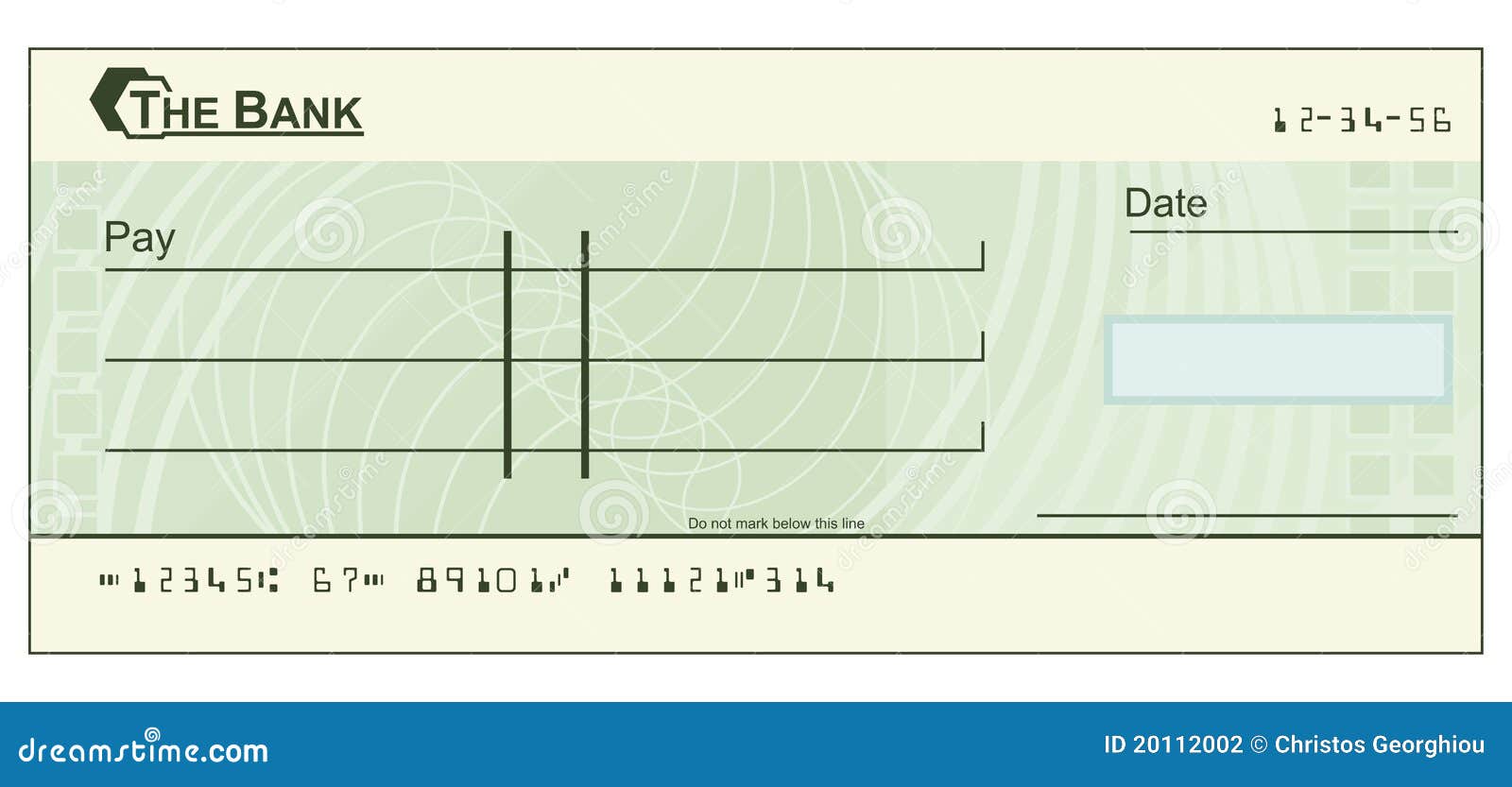
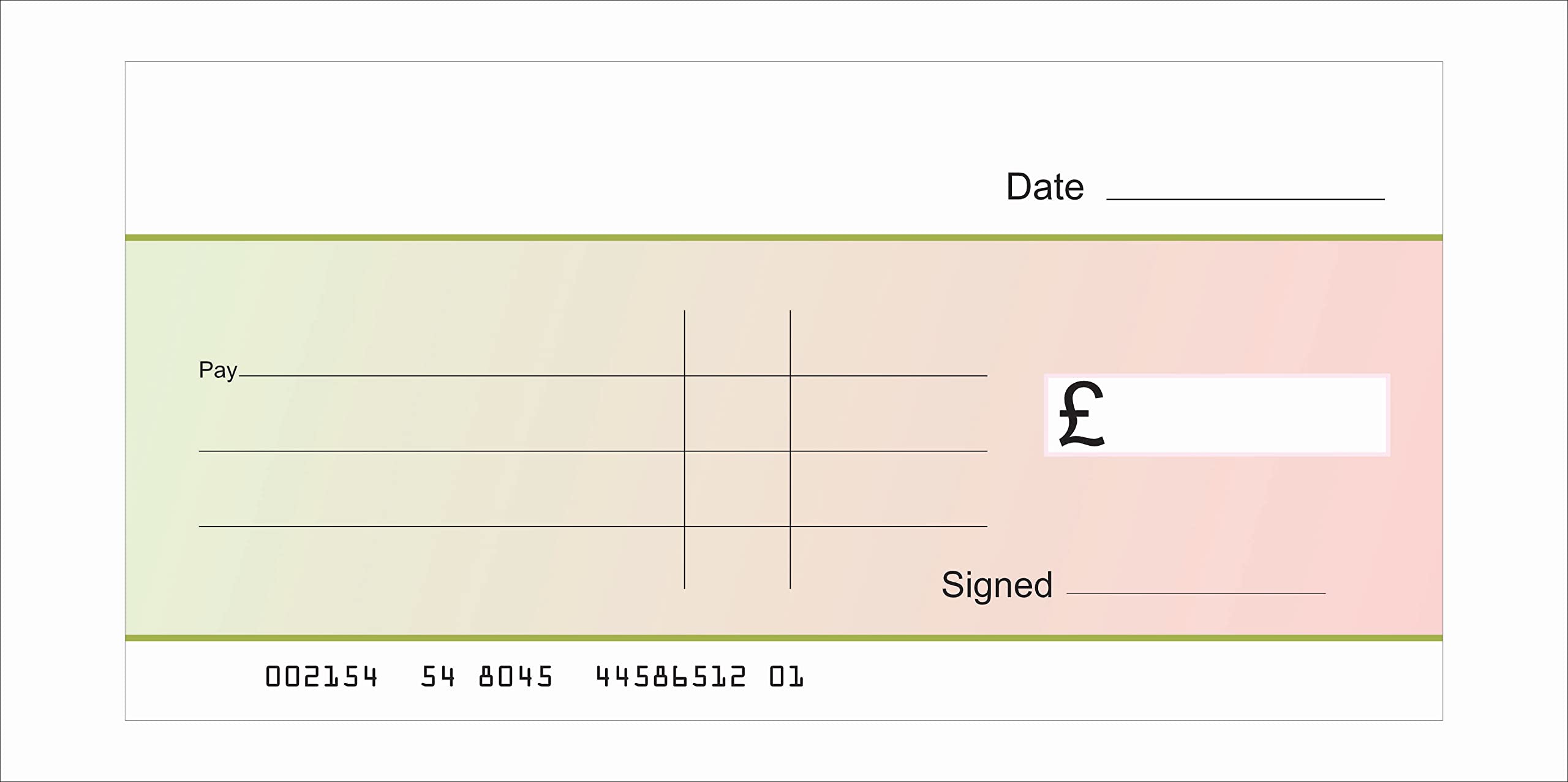
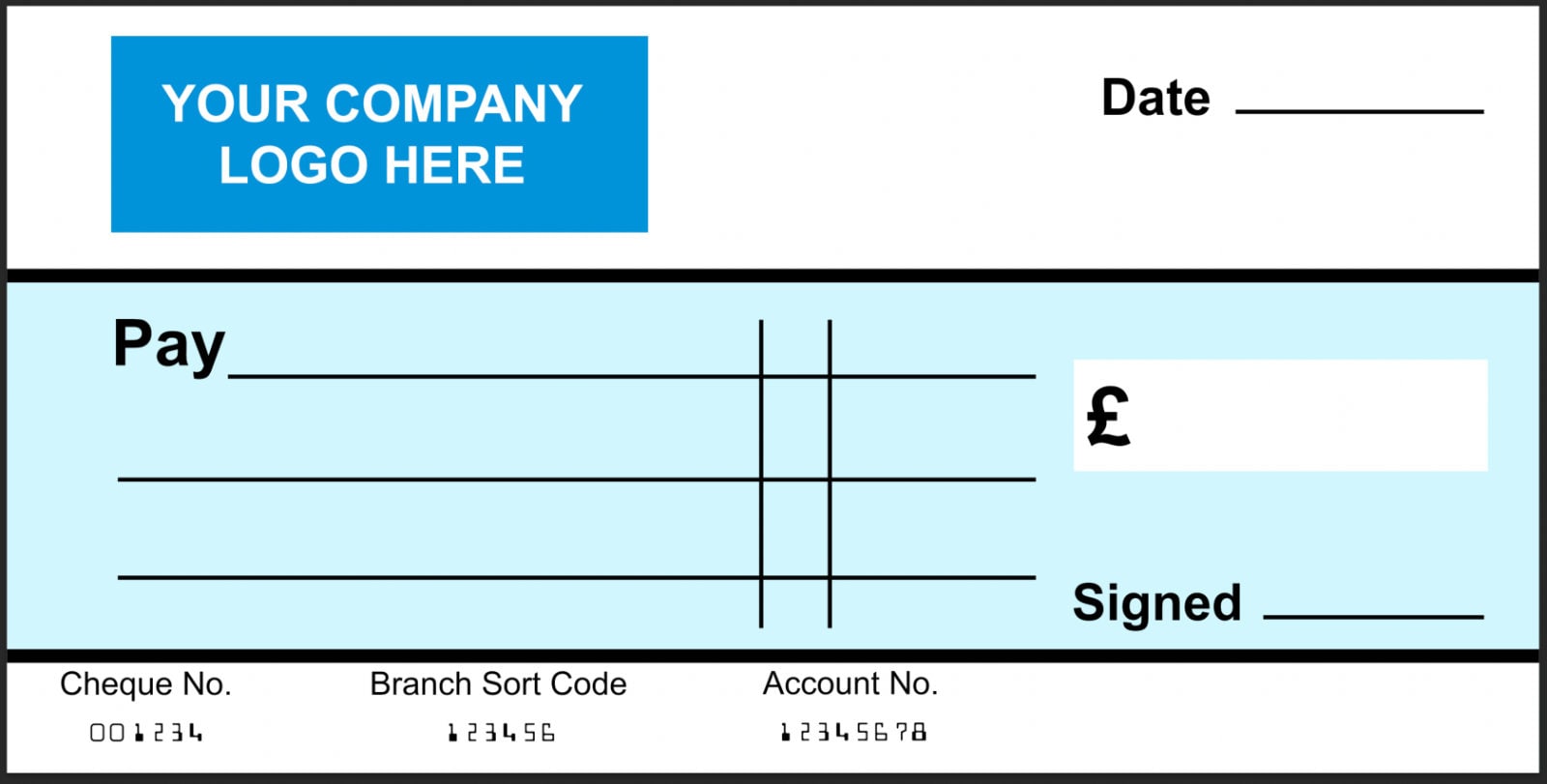
Blank Cheque Template Uk is a versatile tool that enables businesses and individuals to manage payments efficiently, while maintaining a professional appearance and adhering to regulatory standards. This template offers a ready‑made format that can be customized to fit the specific needs of a company, providing a quick and reliable way to process transactions, track expenses, and keep accurate records.
Understanding the Blank Cheque Template Uk

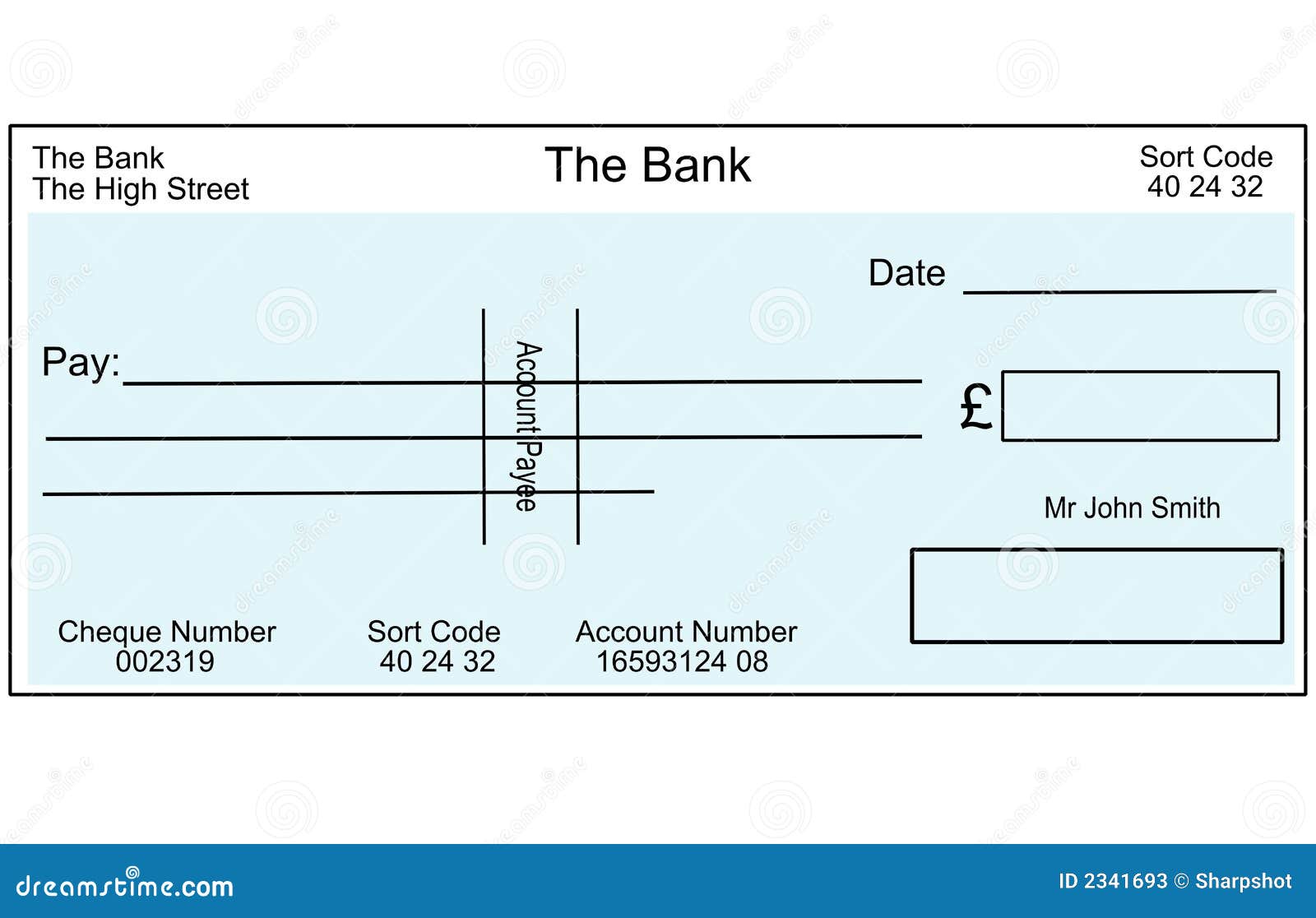
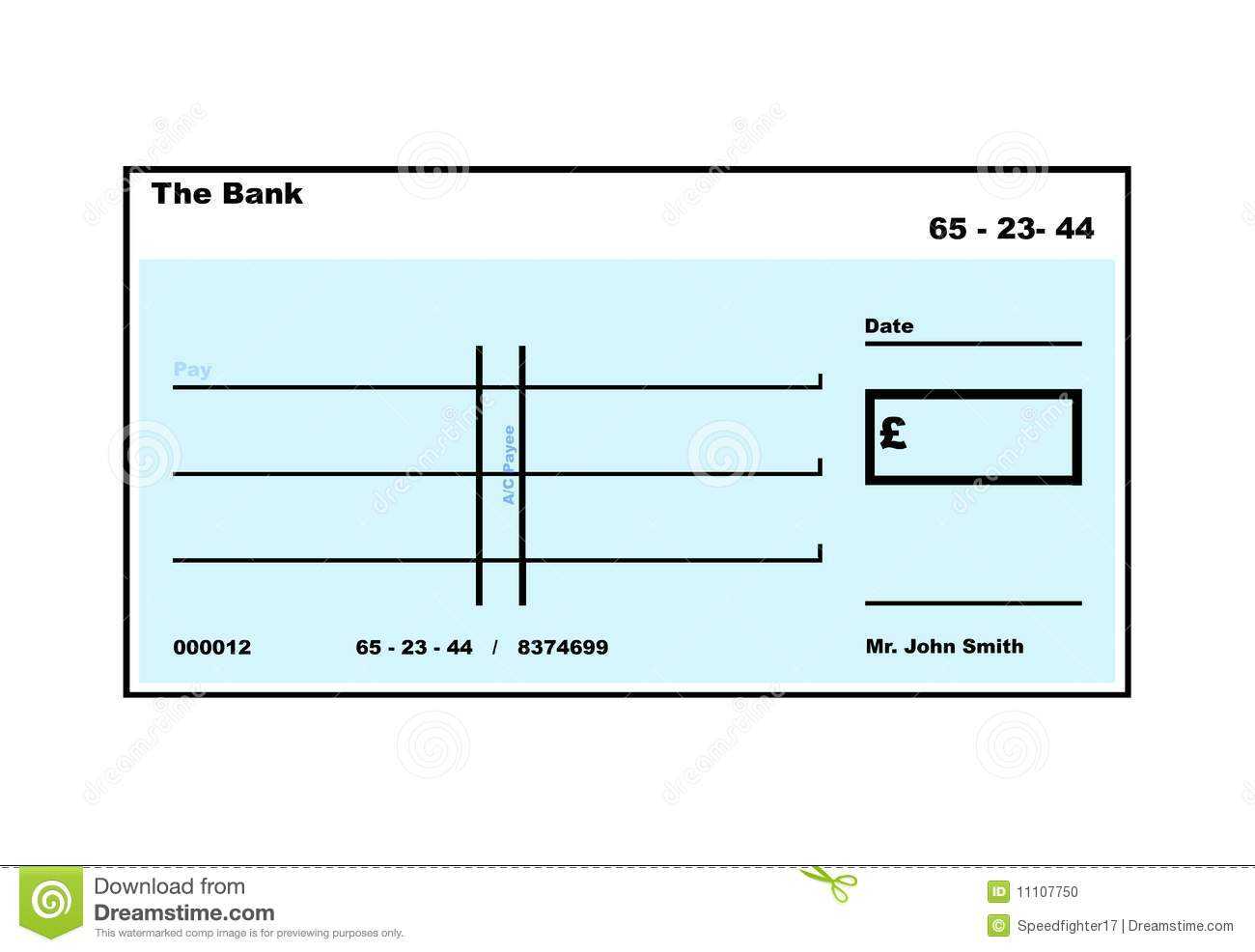
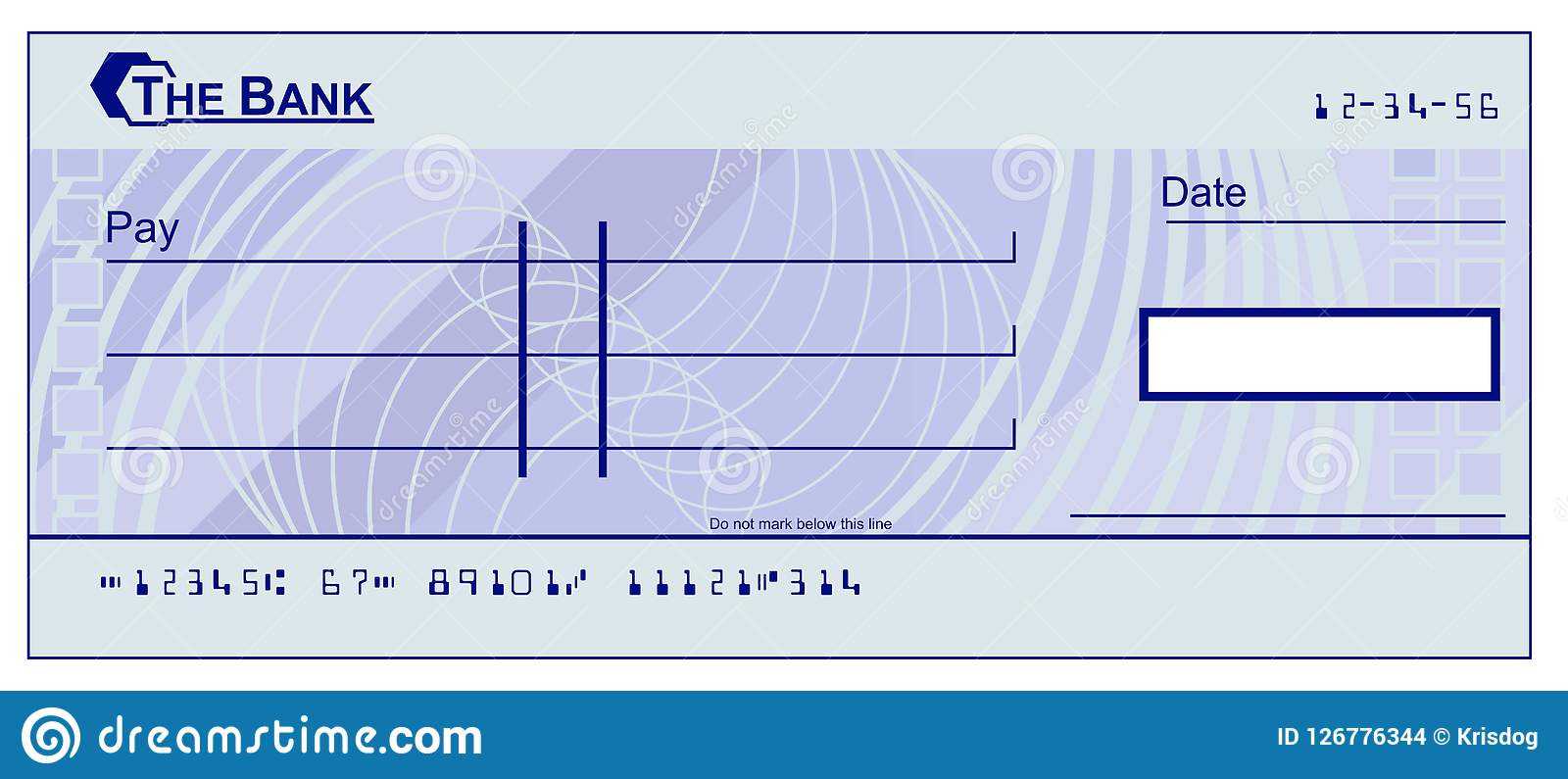
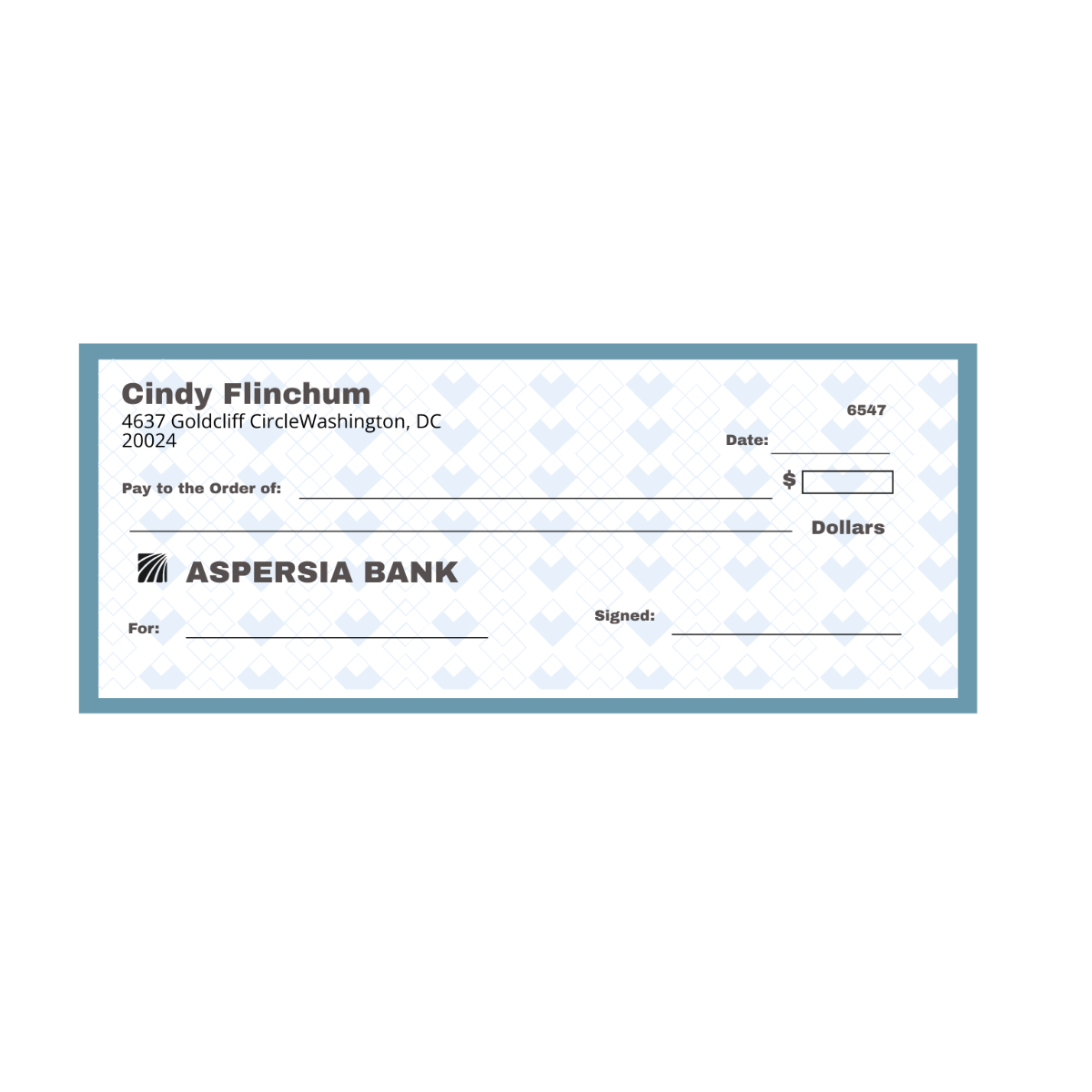
In the UK, cheques remain a widely accepted payment method, especially for large transactions or when a paper record is required. A blank cheque template is essentially a pre‑designed layout that includes all necessary fields—such as payee name, amount, date, and banking information—ready for the user to fill in. These templates are particularly valuable in environments where cheques are still common, such as accounting departments, freelance work, or small businesses that prefer to retain control over payment records.
Key Features of a Professional Template
- Standardized Fields: The template contains all essential data points that banks and accounting software expect, ensuring compatibility across systems.
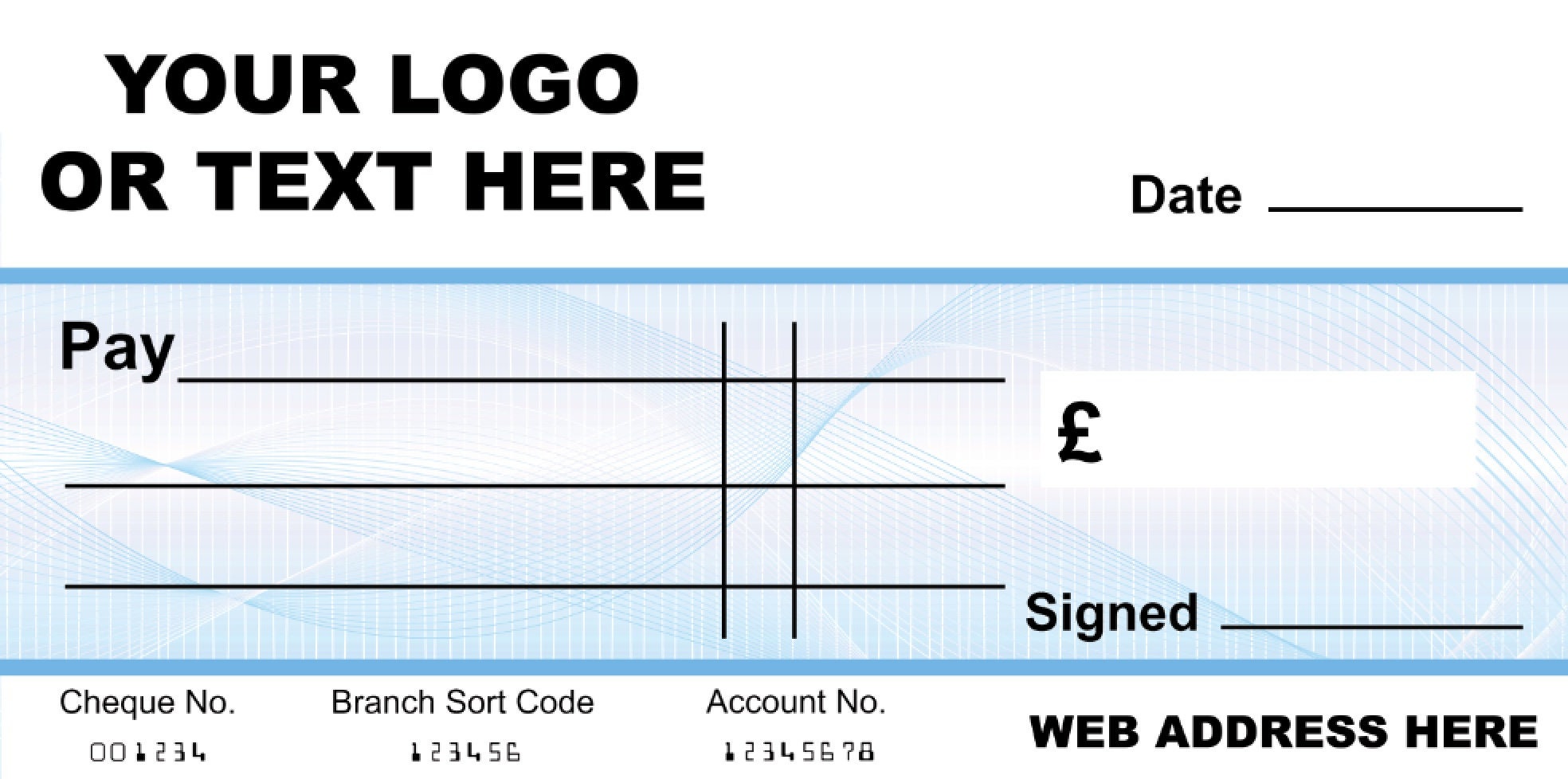
- Space for Custom Branding: Logos, company color schemes, and contact details can be incorporated for a cohesive look.
- Clear authorized signatory lines to prevent forgery or misuse.
- Secure watermarking options to deter counterfeit creation.
- Easy conversion to PDF for electronic distribution.
When to Use a Blank Cheque Template
Whether you’re issuing payments to vendors, reimbursing employees, or settling invoices, a blank cheque template offers a streamlined solution. It reduces errors that can occur from drafting cheques manually and ensures that every document meets the Bank of England’s formatting requirements.
Legal Considerations in the UK

Despite the rise of electronic payments, cheques in the UK are governed by strict rules. A correctly issued cheque must contain specific information: the bank account number, sort code, amount in words, date, and signature. Misplacing or omitting these elements can render a cheque void and trigger banking disputes.
Compliance with the Payment Services Regulations
Under the UK Payment Services Regulations 2017, businesses must ensure that all cheques are issued with the correct amount in both numbers and words, and that the payer’s details are clearly stated. Using a template helps maintain consistency and reduces the likelihood of regulatory breaches.
Security Practices to Avoid Fraud
- Signature Verification: Include a dedicated line for the authorized signer, and ensure the signatory’s name matches the account holder.
- Secure Printing: Use high‑resolution printing on thick, water‑resistant paper to avoid tampering.
- Document Control: Keep a digital log of all issued cheques, including the template version used and any modifications.
Choosing the Right Format: PDF, Word, or Excel?
The choice of file format largely depends on your workflow and the level of customization required. Each format has its advantages and can be chosen strategically to suit specific needs.
PDF for Static, Secure Distribution
A PDF template guarantees that the layout remains intact regardless of the device or software used. PDFs can be password‑protected and digitally signed, providing an extra layer of security. For businesses that need to send cheques electronically to banks or clients, a PDF is ideal.
Word for Editable, Text‑Based Templates
Word offers flexibility for users who want to adjust fonts, add additional text fields, or insert a company logo. It’s also user‑friendly for staff who might be less tech‑savvy but need to fill in cheque details quickly. However, it’s important to convert the final version to PDF before sending it to ensure that the format doesn’t shift.
Excel for Automatic Calculations
Excel templates can include formula fields that auto‑populate the numeric amount, reducing manual entry errors. For example, a formula can convert a typed number into its full word representation, ensuring that the amount in words matches the numeric value. This is especially useful in organizations that process multiple cheques daily.
Creating Your Own Blank Cheque Template Uk

Although many pre‑made templates are available online, crafting a bespoke template gives you full control over branding and layout. Below is a step‑by‑step guide to creating a template that is both functional and compliant.
Step 1 – Gather Required Information
Before you start, compile the following data points:
- Bank account number
- Sort code
- Payee name and address
- Signature lines
- Company logo and contact details
Step 2 – Select a Template Base
Choose a clean, minimalist base that matches the UK cheque standard. The layout typically features a header with the bank logo, a body with fields for the amount, and a footer with the bank’s contact information. This structure keeps the cheque easily recognizable by banking software.
Step 3 – Integrate Brand Elements
Add your company’s logo, color scheme, and contact details to the header or footer. Keep the visual design subtle to avoid conflicts with the official cheque layout. Using a muted color palette ensures that the cheque is still easily readable by scanners.
Step 4 – Insert Dynamic Fields
In Word or Excel, insert placeholders such as Payee, AmountNumber, and AmountWords. In Excel, link the amount word field to a formula that converts numbers into words. For example, if cell A2 holds the amount, cell B2 could contain a formula that outputs the word representation.
Step 5 – Add Security Features
Consider embedding a subtle watermark or a unique identifier that can help trace a cheque back to your company. A faint logo or a series of dashes can act as a deterrent against fraud.
Step 6 – Final Validation
Before using the template, cross‑check every field against the Bank of England’s cheque requirements. Print a test cheque to ensure that the layout is accurate and that no important information is omitted.
Optimizing the Template for Daily Use

To streamline your accounting processes, incorporate the template into your daily workflow. Here are best practices to keep everything running smoothly.
Centralized Template Repository
Store all template versions in a secure cloud folder with version control. This prevents accidental usage of outdated layouts and facilitates compliance audits.
Automated Printing and Filing
Integrate your template with a printer that supports automatic duplex printing. This reduces paper waste and speeds up the issuance process. Use a filing system that tags each cheque by date, payee, and amount for quick retrieval.
Digital Record-Keeping
Scan every issued cheque and store the image in your accounting software. Attach metadata such as the date, payee, and cheque number to each digital file. This creates a robust audit trail that is both searchable and secure.
Common Pitfalls and How to Avoid Them
Even with a well‑designed template, mistakes can happen. Being aware of these common issues helps maintain integrity and reduce administrative headaches.
Incorrect Amount Formatting
Always double‑check that the numeric amount and the written words match. A discrepancy can cause a cheque to be rejected or flagged during processing.
Missing Signature Lines
Without a clear space for signatures, cheques can be considered void. Place the signatory line at the bottom right, and add a field for the authorized signatory’s printed name.
Failure to Include Bank Details
Omitting the sort code or account number can lead to a bounced cheque. Keep these fields in a fixed location on the template, typically in the top left or bottom center.
Real-World Applications
Here are a few scenarios where a Blank Cheque Template Uk can make a difference:
Freelancers and Contractors
Freelancers who receive payments from multiple clients can maintain a consistent format for all invoices, ensuring that bank deposits are processed without delay.
Small Business Payouts
When a small business pays suppliers or employees, using a template guarantees that all payments are recorded accurately and that the company’s brand is represented consistently.
Nonprofit Organizations
Nonprofits often issue cheques for donations or grant disbursements. A template provides a professional appearance that can strengthen donor trust and simplify accounting for audits.
Integrating With Accounting Software

Many modern accounting systems allow for the import of cheque data. By aligning your template with the software’s data fields, you can reduce manual entry and minimize errors.
Exporting Data to CSV or Excel
After filling out a cheque, export the data to a CSV file that can be directly uploaded into your accounting platform. This keeps your ledger updated in real time.
Batch Printing Features
Accounting software often has batch printing capabilities. Prepare a list of all payees and amounts, and use the software’s batch processing to print multiple cheques in one go.
Future-Proofing Your Cheque System
While digital payments dominate, the UK’s banking infrastructure still supports cheque transactions. However, staying ahead requires adopting new technologies and best practices.
Digital Signatures
Using digital signature solutions can add authenticity and reduce the risk of forgery. Many platforms integrate with PDFs, allowing the signer to approve the cheque electronically.
Blockchain Verification
Emerging blockchain solutions can help verify the authenticity of cheques by linking each document to a tamper‑evident record. Though not yet widespread, this technology may become a standard in the next decade.
Hybrid Payment Models
Combining cheques with digital payment methods allows businesses to cater to a wider client base. For instance, offering a cheque option for clients who prefer paper records while supporting instant bank transfers for others.
Conclusion
A well‑designed Blank Cheque Template Uk is more than a paper form; it’s a tool that embodies professionalism, compliance, and operational efficiency. By understanding the legal requirements, selecting the appropriate file format, and incorporating robust security features, businesses can streamline payments while protecting themselves against fraud. Whether you’re a small business, a freelancer, or an established enterprise, mastering the art of cheque template creation and usage will enhance your accounting practices and safeguard your financial transactions. With these insights and practical steps, you’re now equipped to create, customize, and deploy a cheque template that meets the highest standards of accuracy, security, and brand consistency.



Related posts of "Blank Cheque Template Uk"
